接口服务模块
本文说明接口服务功能的使用场景、操作流程和配置项,帮助用户规范完成平台操作。
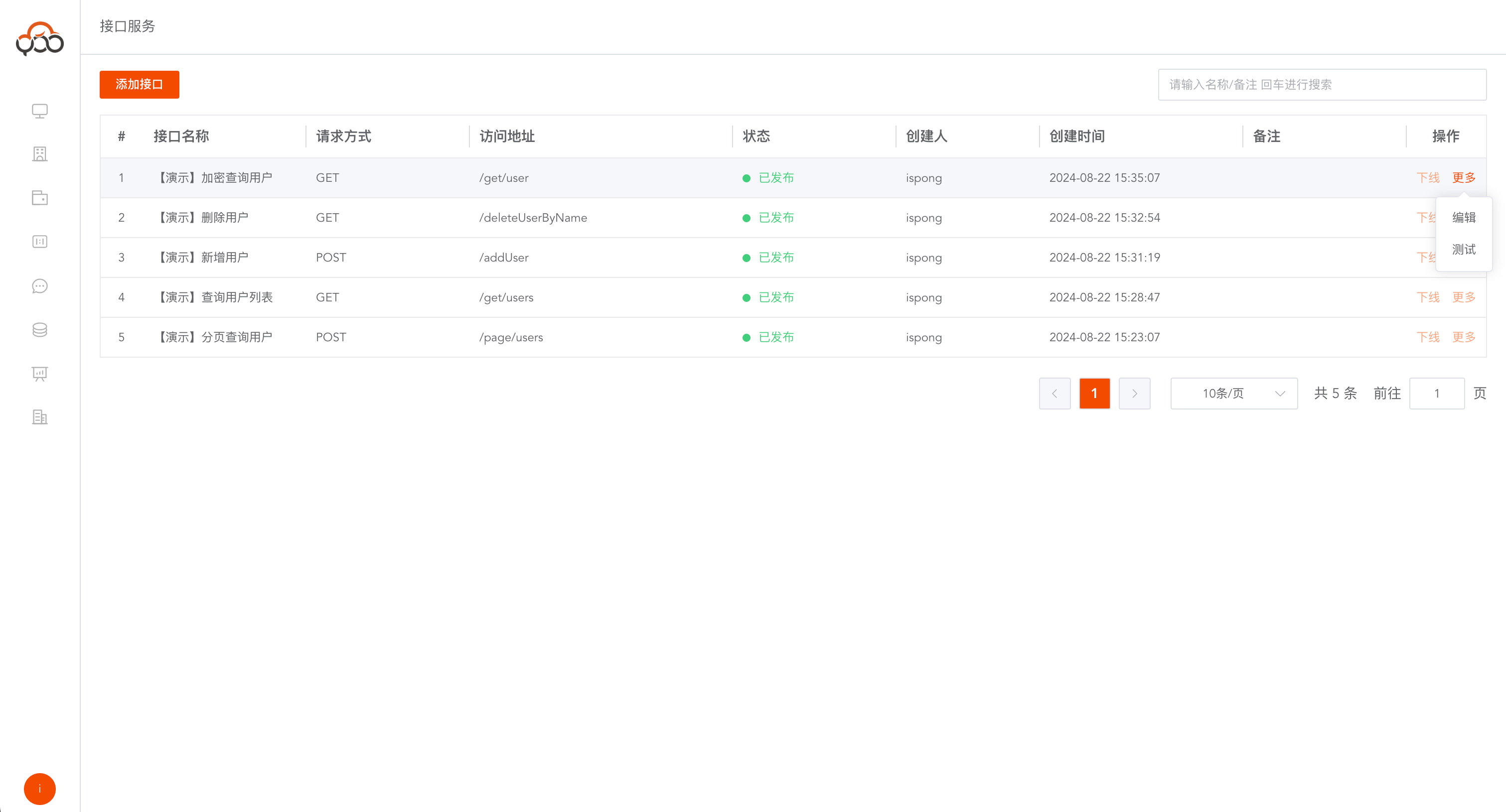
将数据源中的数据,通过自定义接口的方式,把数据开放出来
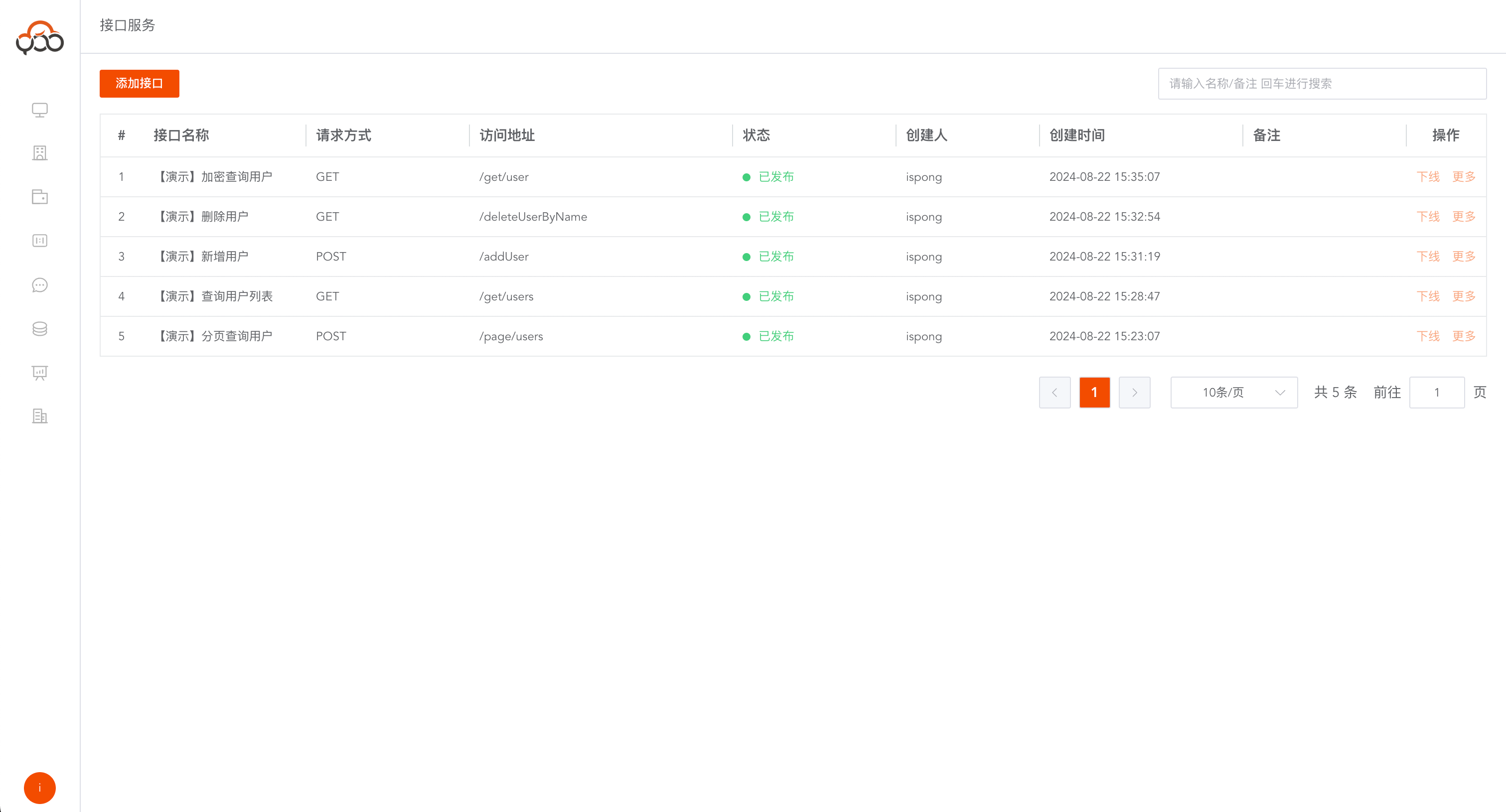
接口查询列表
支持名称、备注搜索
新建接口
点击
添加接口按钮 第一步,填写接口基础信息
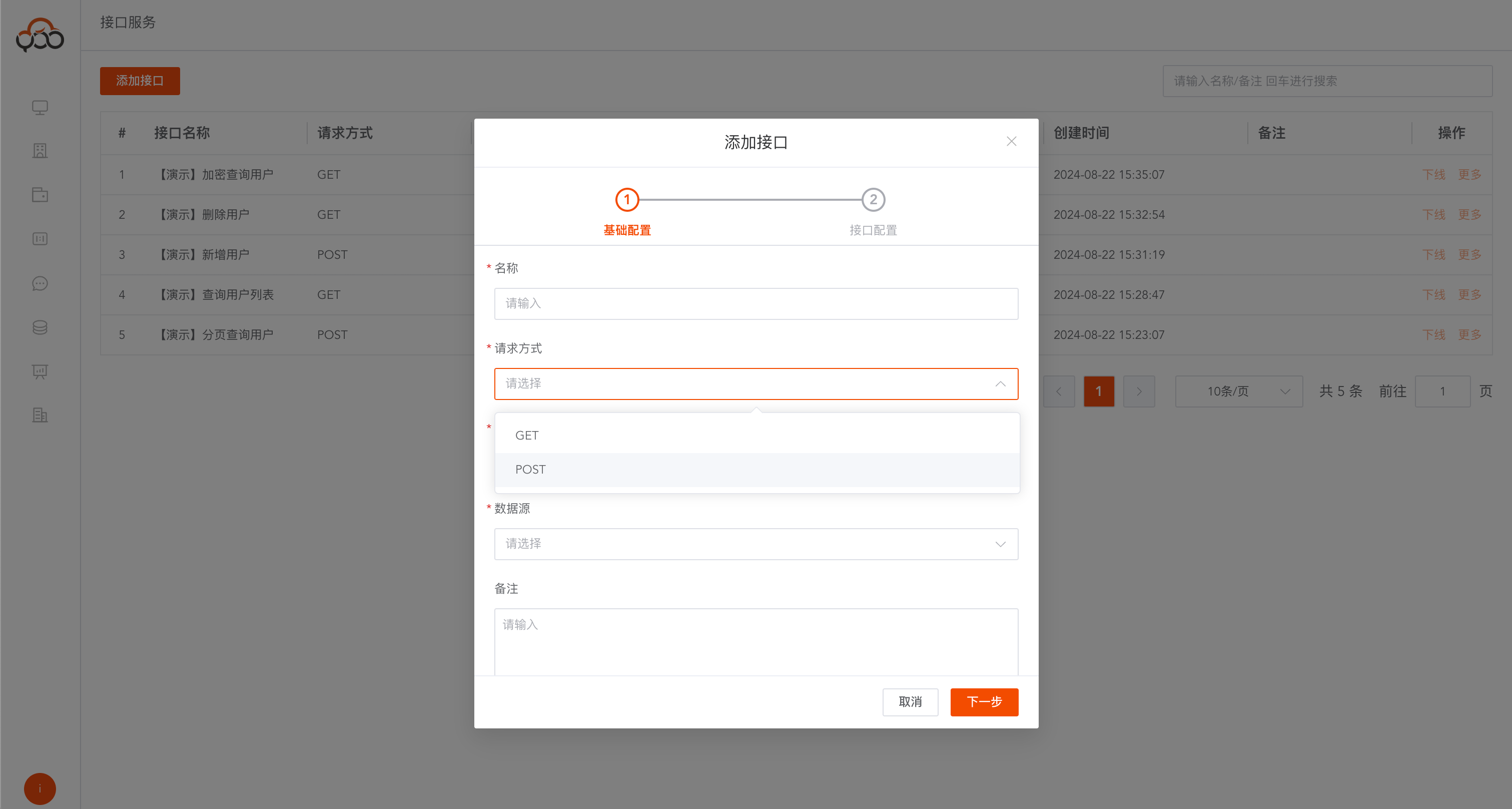
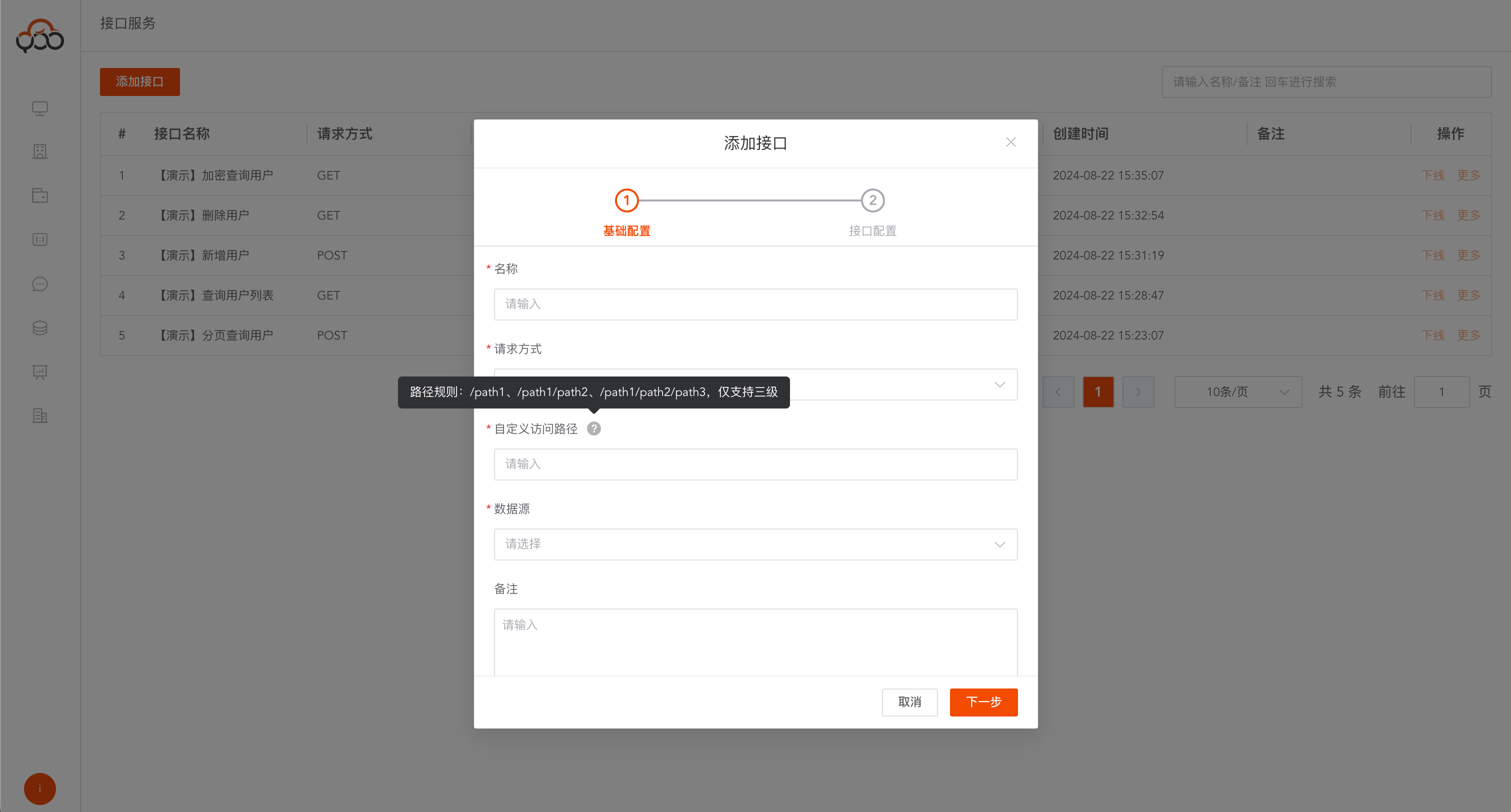
- 名称:接口的名称
- 请求方式:接口的请求方式,支持GET、POST方式
- 自定义访问路径:接口请求地址,支持三级路径定义
- 数据源:指定需要开放接口的数据来源
- 备注:非必填
第二步,配置接口逻辑
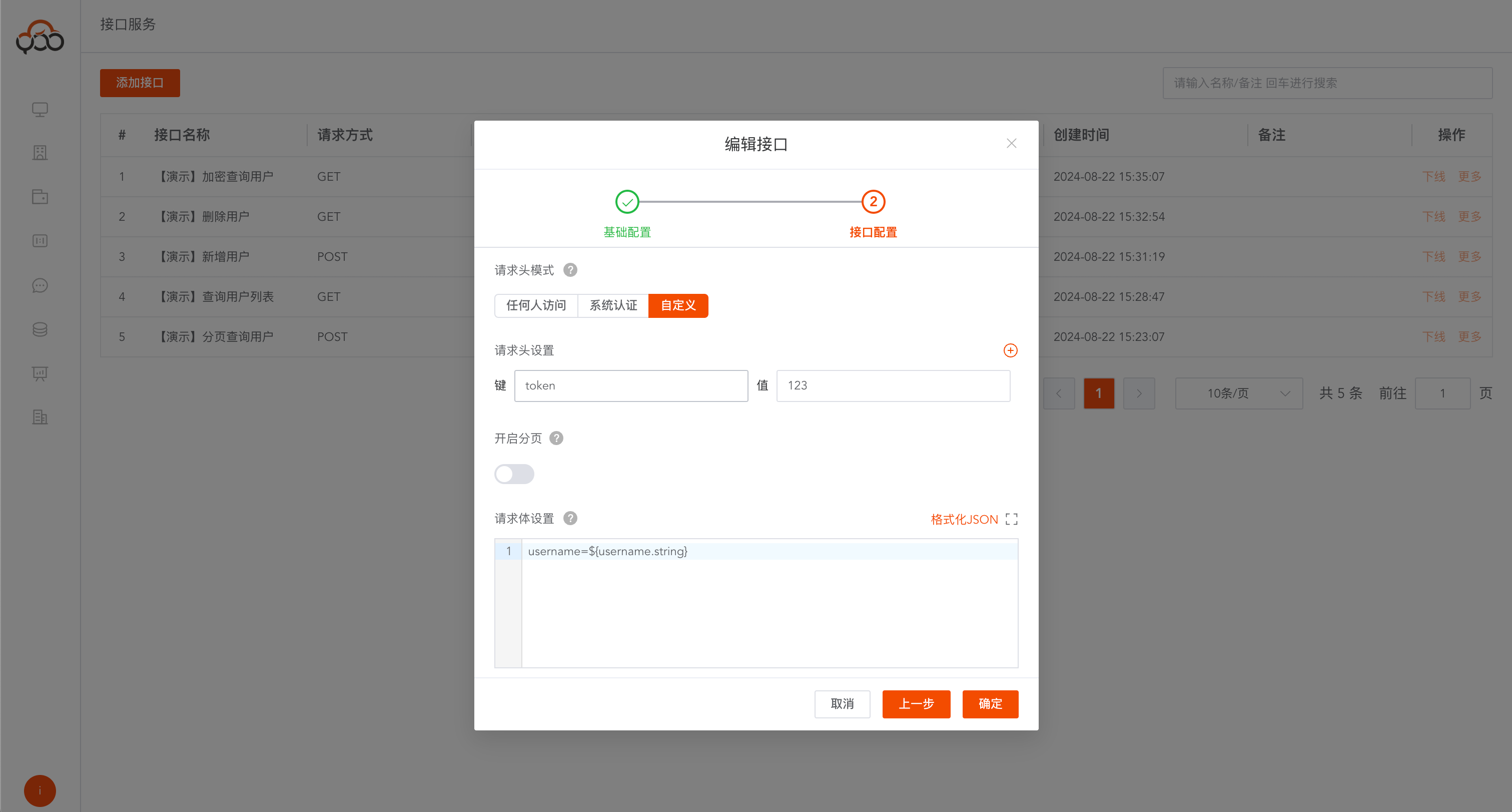
- 请求头模式:有三种模式
任何人访问:所有人都可以调用这个接口系统认证:基于至轻云平台的token,认证该接口自定义:通过配置自定义的token值和请求头的参数,认证该接口 - 请求头设置:当自定义认证,需要用户指定键值对
- 开启分页:如果接口需要分页查询数据,开启后,在返回结构中,自动赋值
${count.long} - 请求体设置:设置请求体结构
GET请求体参考
param=${param_name.type}&xxx
custom_a=${a.date}&custom_b=${b.datetime}&custom_c=${c.timestamp}&custom_d=${d.string}&custom_e=
${e.boolean}&custom_f=${f.double}&custom_g=${g.int}&custom_page=${page.int}&custom_pageSize=${pageSize.int}
POST请求体参考
JSON请求体格式 "param":"${param_name.type}"
{
  "req":{
    "custom_a":"${a.date}",
    "custom_b":"${b.datetime}",
    "custom_c":"${c.timestamp}",
    "custom_d":"${d.string}",
    "custom_e":"${e.boolean}",
    "custom_f":"${f.double}",
    "custom_g":"${g.int}"
  },
  "custom_page":"${page.int}",
  "custom_pageSize":"${pageSize.int}"
}
类型支持
date        日期
datetime    时间
timestamp   秒
string      字符串
boolean     布尔类型
double      浮点数
int         整数
- SQL设置:编写接口的逻辑sql,支持多条sql执行。
添加数据
insert into table values('${param_name}')
insert into zqy_users_api (username,age) values ('${username}','${age}')
删除数据
delete from table where xxx = '${param_name}'
delete from zqy_users_api where username = '${username}'
修改数据
update table set xxx = '${param_name}' where xxx = '${param_name}'
update zqy_users_api set username = '${username}' where age = '${age}'
查询数据
select xxx from table where xxx = '${param_name}'
select username ,age from zqy_users_api where age = '${age}'
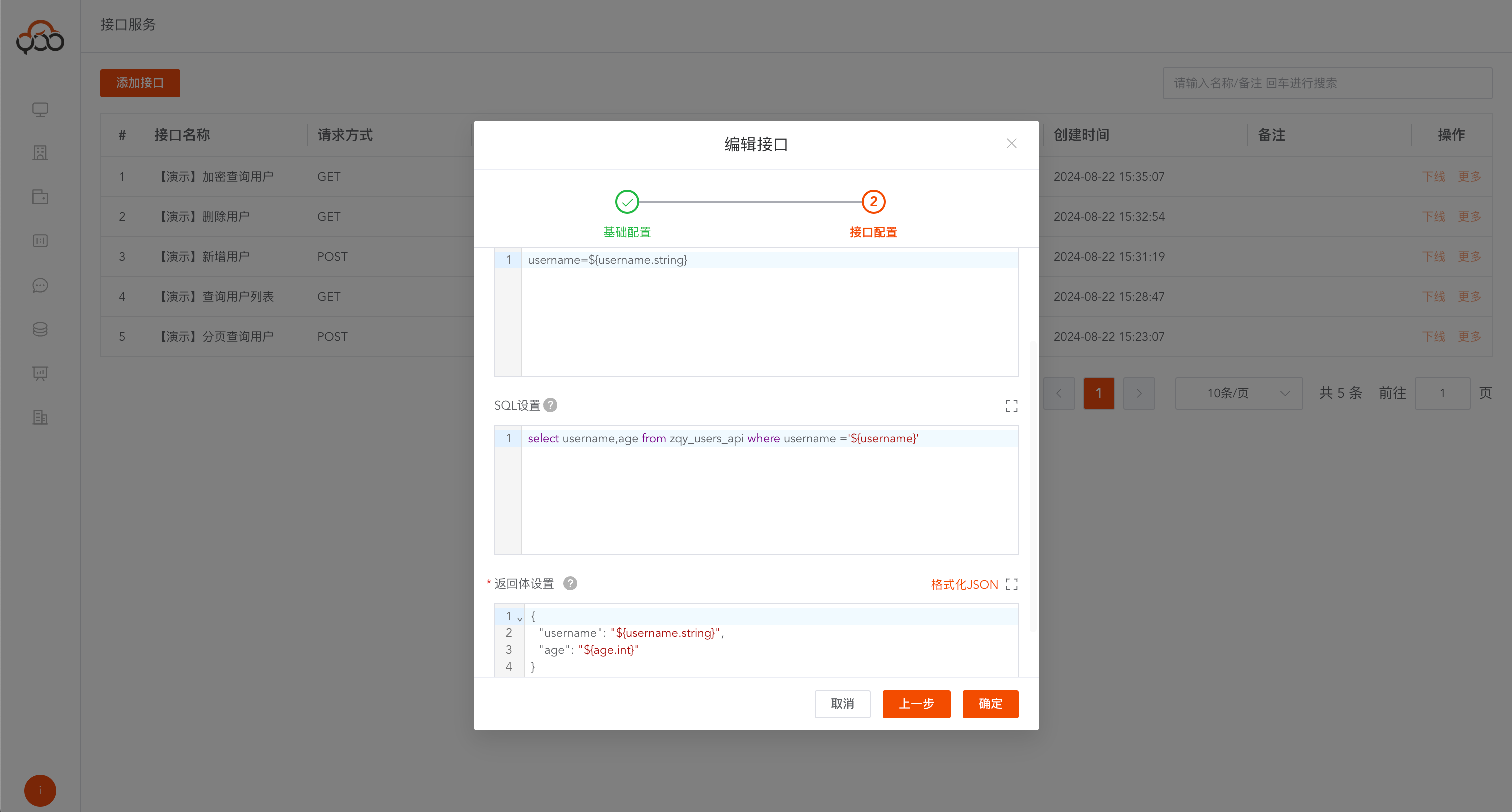
- 返回体设置:接口的响应体
单对象返回
select col1, col2, col3, col4, col5, col6, col7 from table;
{
    "a": "${col1.date}",
    "b": "${col2.datetime}",
    "c": "${col3.timestamp}",
    "d": "${col4.string}",
    "e": "${col5.boolean}",
    "f": "${col6.double}",
    "g": "${col7.int}"
}
数组对象返回
select col1, col2, col3, col4, col5, col6, col7 from table;
[
    {
        "a": "${col1.date}",
        "b": "${col2.datetime}",
        "c": "${col3.timestamp}",
        "d": "${col4.string}",
        "e": "${col5.boolean}",
        "f": "${col6.double}",
        "g": "${col7.int}"
  }
]
分页对象返回
注意:分页对象,一定要开启分页功能,使用
${count.long}值
select col1, col2, col3, col4, col5, col6, col7 from table;
{
  "$data": [
    {
      "a": "${col1.date}",
      "b": "${col2.datetime}",
      "c": "${col3.timestamp}",
      "d": "${col4.string}",
      "e": "${col5.boolean}",
      "f": "${col6.double}",
      "g": "${col7.int}"
    }
  ],
  "count": "${count.long}"
}
类型支持
date        日期(yyyy-MM-dd)
datetime    时间(yyyy-MM-dd HH:mm:ss)
timestamp   秒
string      字符串
boolean     布尔类型(true/false)
double      浮点数
int         整数
long        长整型
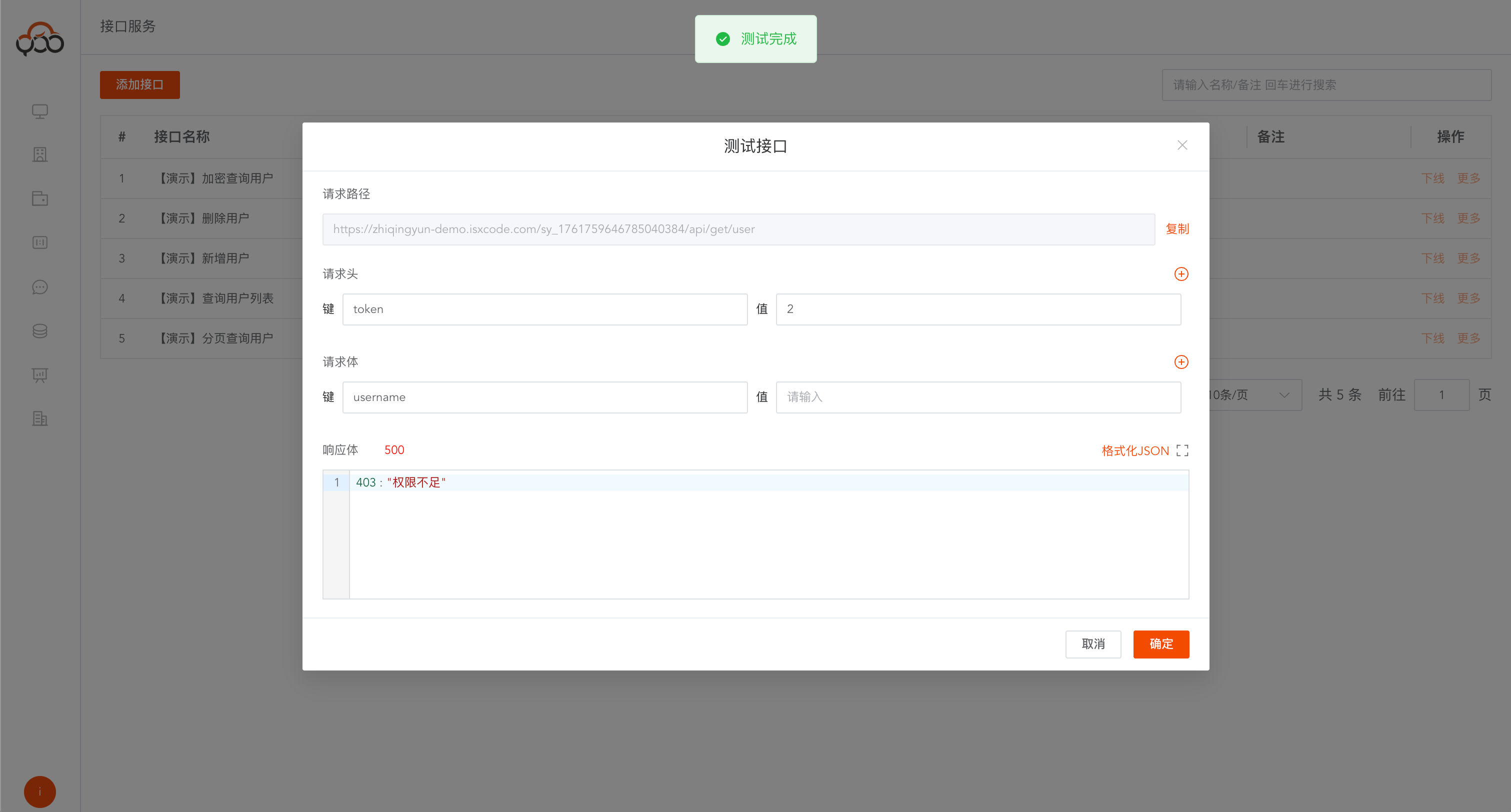
接口测试
点击
更多中的测试按钮 配置完接口后,可以本地测试接口