Platform related link description
This document links to descriptions of relevant development, debugging, and maintenance requirements that apply to the project development and delivery process.
Zhiqingyun platform access
Administrator password configuration:
isx-app.admin-passwdinapplication-local.ymlfile
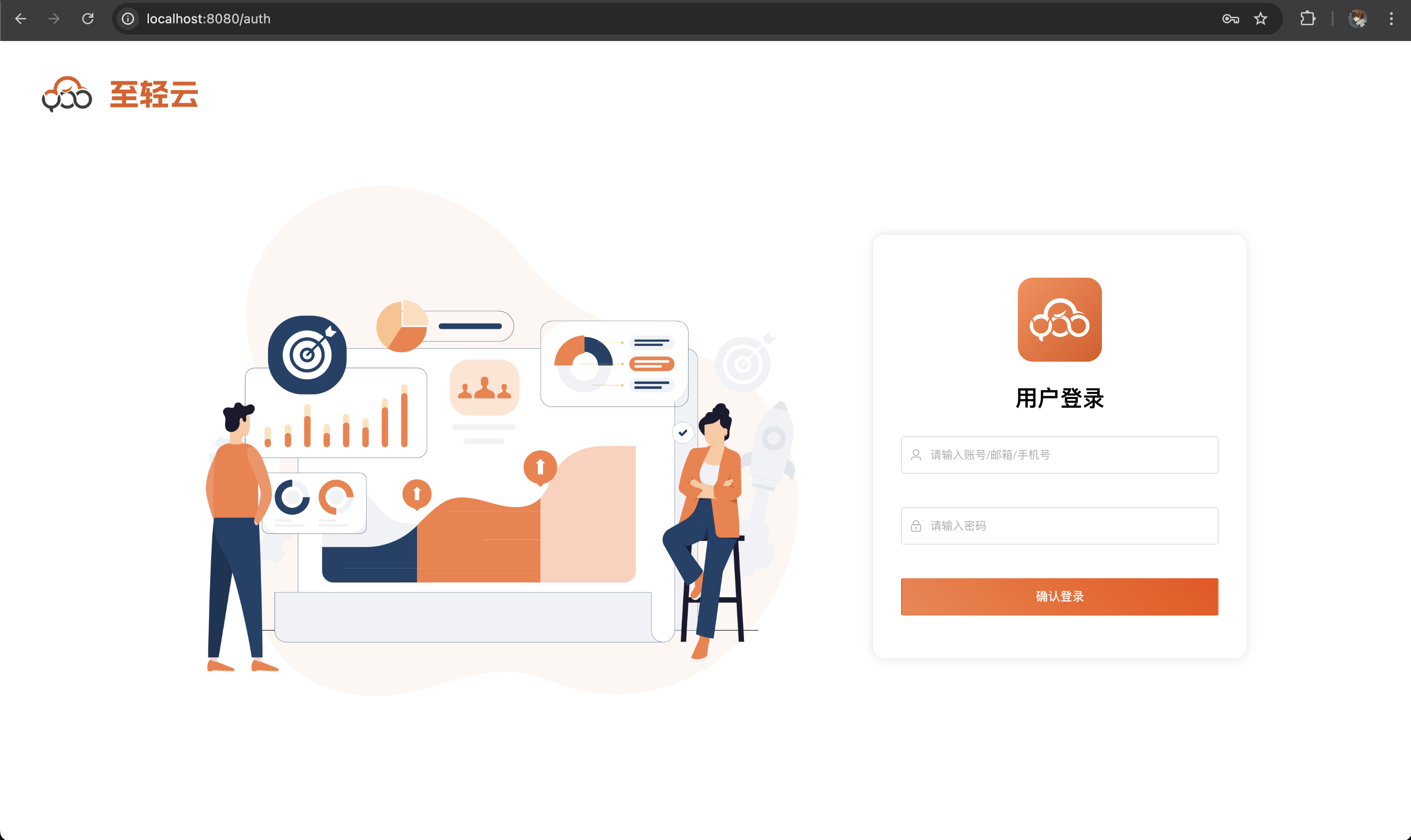
- Access address: http://localhost:8080/
- Demo: https://zhiqingyun-saas.isxcode.com/
- Administrator account: admin
- Default password: admin123
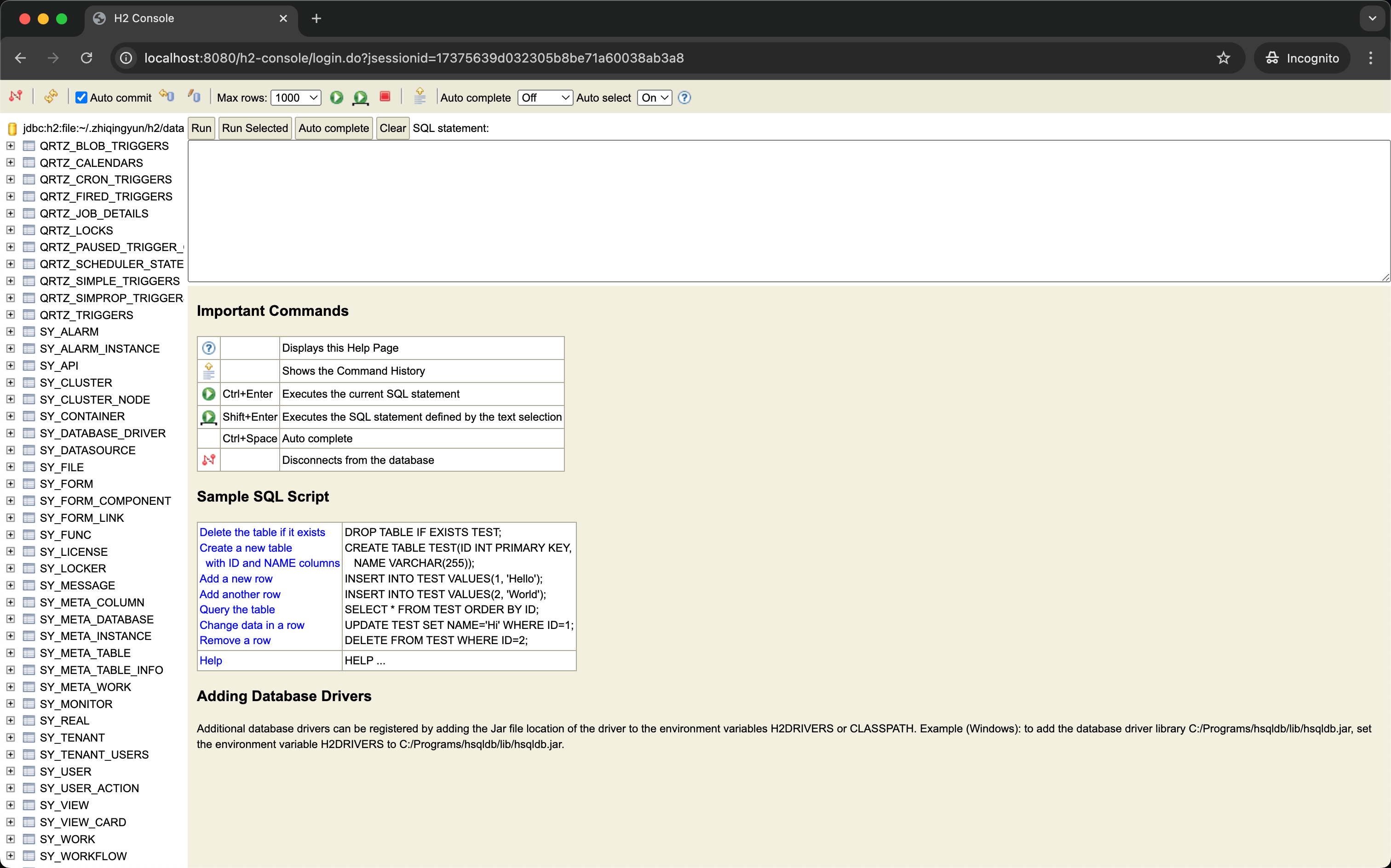
Built-in H2 database access
Note: Please use your browser in incognito mode to access Administrator password configuration:
spring.security.user.passwordinapplication-local.ymlfile
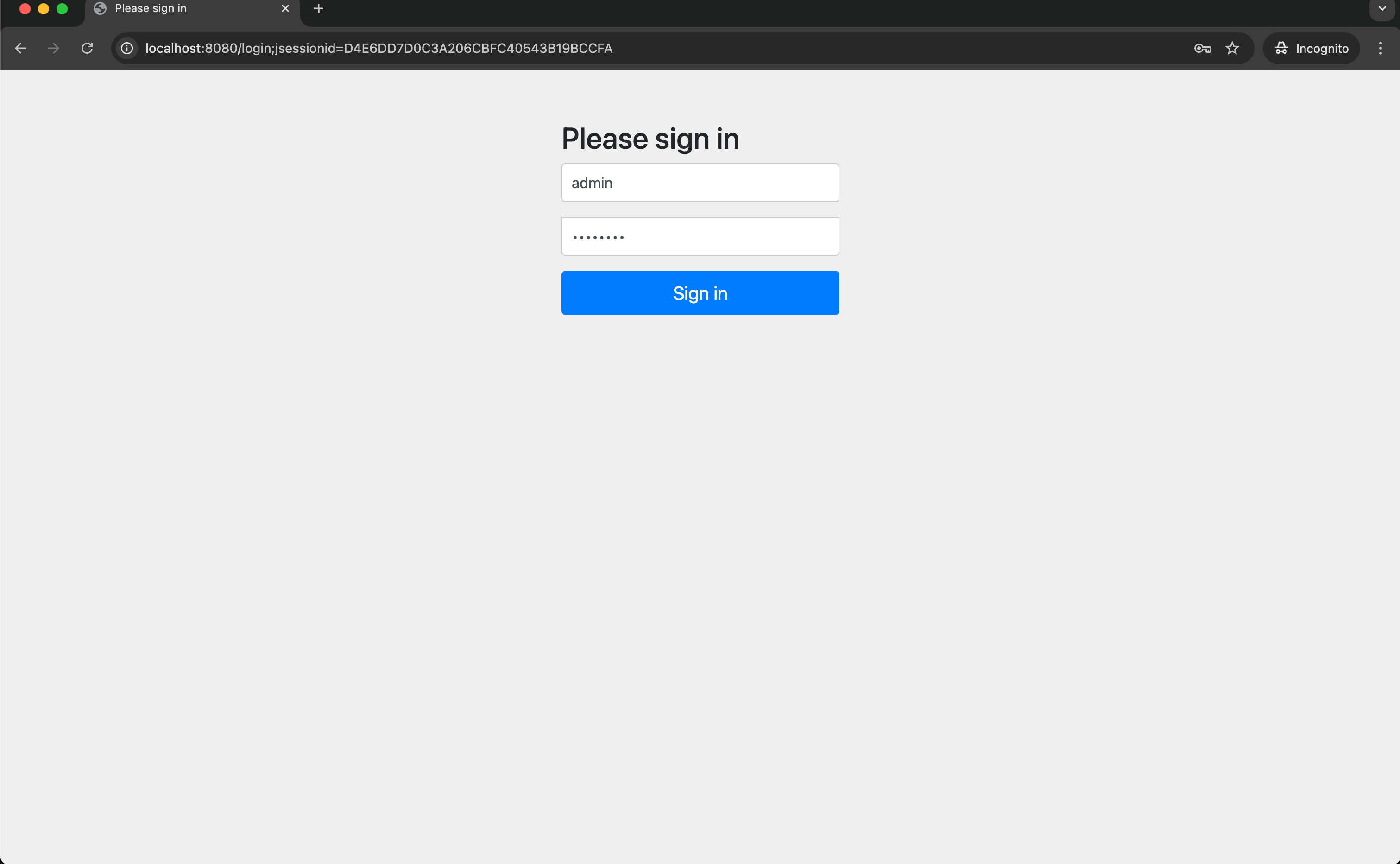
- Address: http://localhost:8080/h2-console
- Demo: https://zhiqingyun-saas.isxcode.com/h2-console
- Account: admin
- Password: admin123
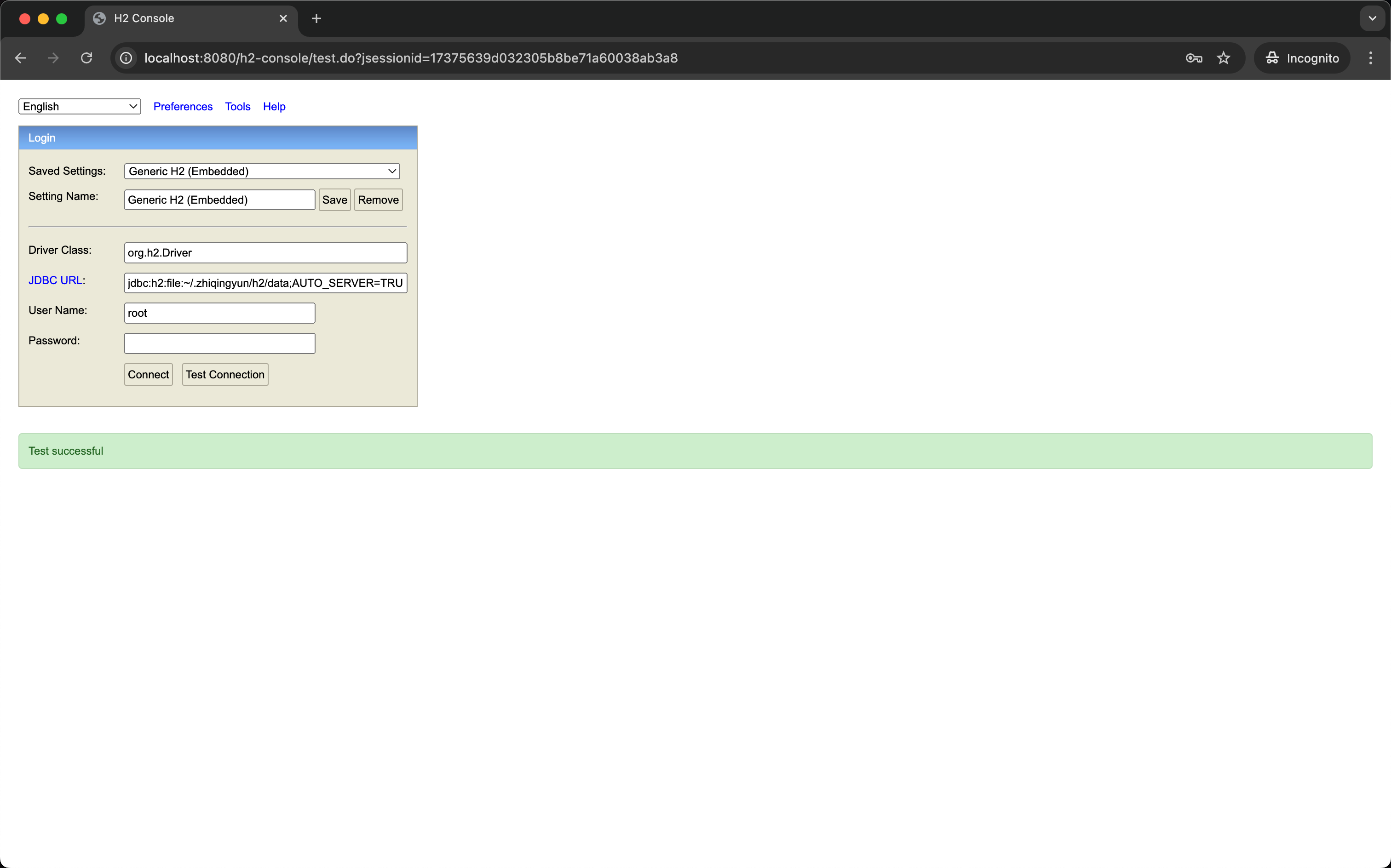
- url:jdbc:h2:file:~/.zhiqingyun/h2/data;AUTO_SERVER=TRUE
- Demo: jdbc:h2:file:/opt/zhiqingyun/resources/h2/data;AUTO_SERVER=TRUE
- username:root
- password:root123
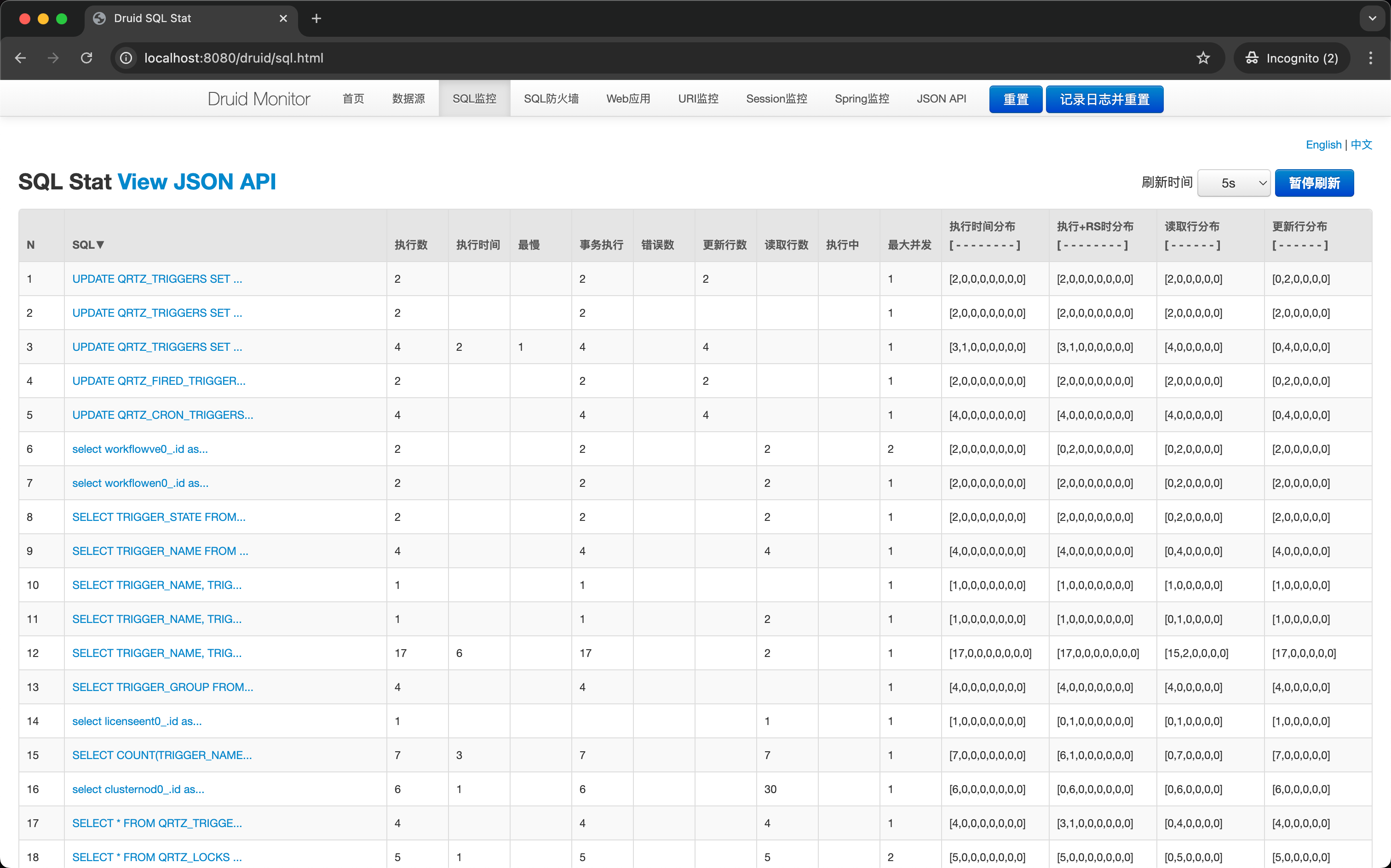
Druid data source monitoring access
Note: Please use your browser in incognito mode to access Administrator password configuration:
spring.security.user.passwordinapplication-local.ymlfile
- Address: http://localhost:8080/druid/index.html
- Demo: https://zhiqingyun-saas.isxcode.com/druid/index.html
- Account: admin
- Password: admin123
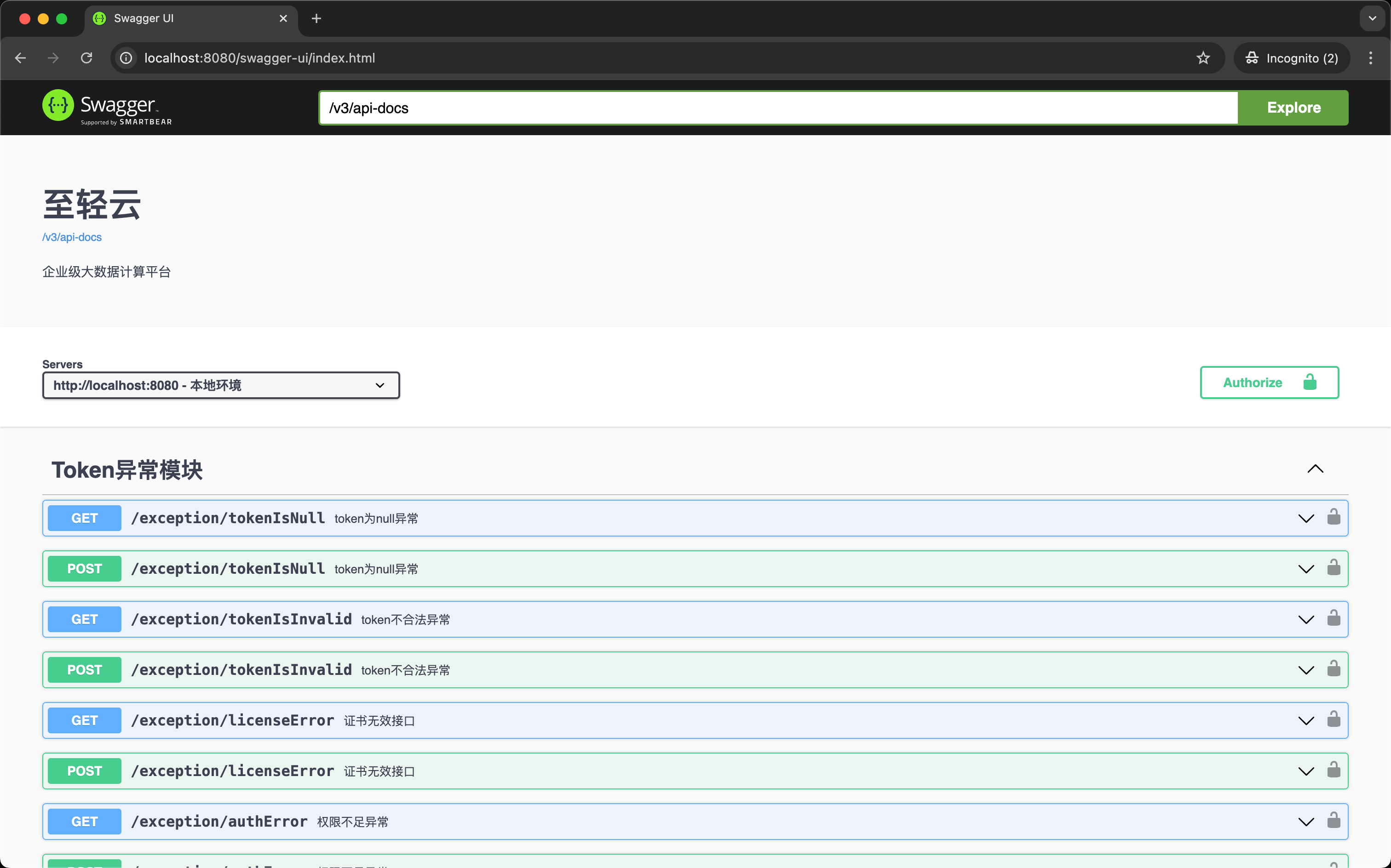
Swagger interface document access
Note: Please use your browser in incognito mode to access Administrator password configuration:
spring.security.user.passwordinapplication-local.ymlfile
- Address: http://localhost:8080/swagger-ui/index.html
- Demo: https://zhiqingyun-saas.isxcode.com/swagger-ui/index.html
- Account: admin
- Password: admin123
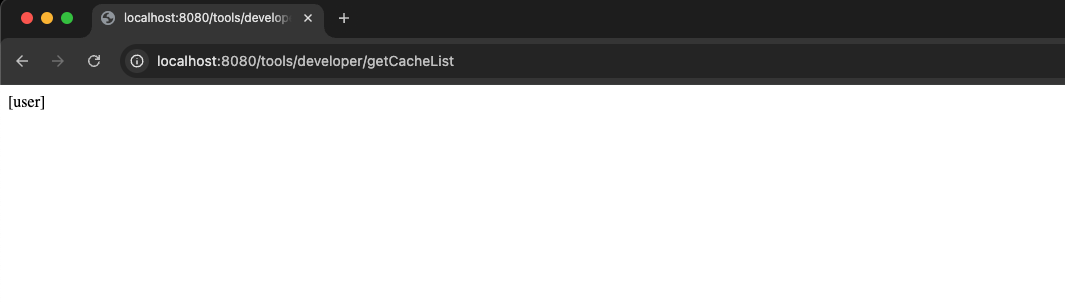
Get the system internal cache data address
Note: Please use your browser in incognito mode to access Administrator password configuration:
spring.security.user.passwordinapplication-local.ymlfile
- http://localhost:8080/tools/developer/getCacheList
- Demo: https://zhiqingyun-saas.isxcode.com/tools/developer/getCacheList
Obtain the specified Key cache data within the system
Note: Please use your browser in incognito mode to access Administrator password configuration:
spring.security.user.passwordinapplication-local.ymlfile
- http://localhost:8080/tools/developer/getCache?name=user
- Demo: https://zhiqingyun-saas.isxcode.com/tools/developer/getCache?name=user

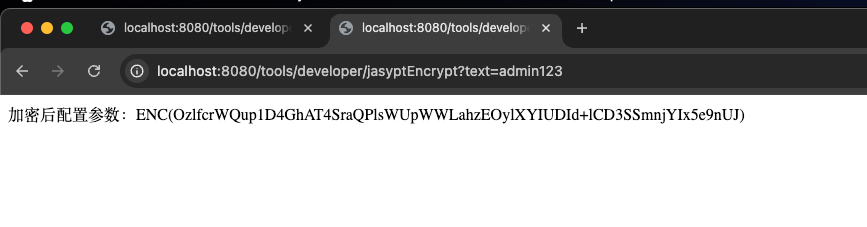
jasypt encryption tool
Note: Please use your browser in incognito mode to access Administrator password configuration:
spring.security.user.passwordinapplication-local.ymlfile
- http://localhost:8080/tools/developer/jasyptEncrypt?text=admin123
- Demo: https://zhiqingyun-saas.isxcode.com/tools/developer/jasyptEncrypt?text=admin123
Configure system log level
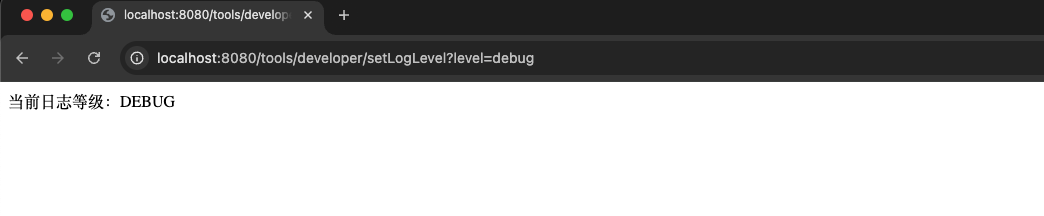
Dynamically adjust log levels Note: Please use your browser in incognito mode to access Administrator password configuration:
spring.security.user.passwordinapplication-local.ymlfile Level parameter description:trace,debug,info,warn,error,fatal,off
- http://localhost:8080/tools/developer/setLogLevel?level=debug
- Demo: https://zhiqingyun-saas.isxcode.com/tools/developer/setLogLevel?level=info
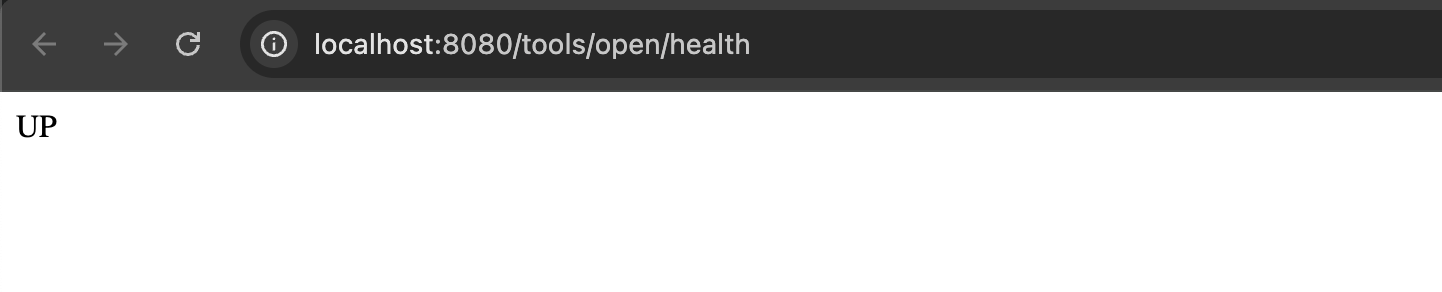
health check
Determine whether the service starts normally
Get the current version number
Reference version address: https://github.com/isxcode/spark-yun/commits/main/ Determine which stage your version is in
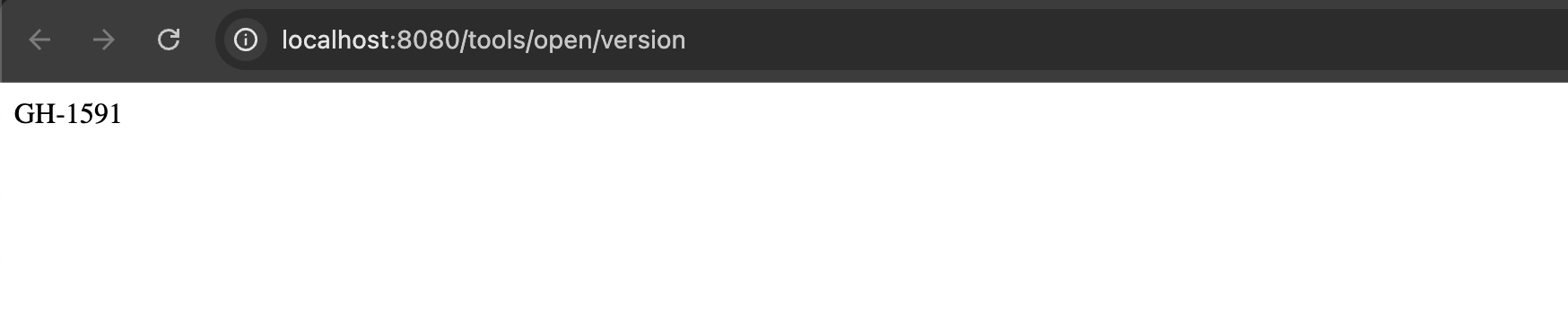
- http://localhost:8080/tools/open/version
- Demo: https://zhiqingyun-saas.isxcode.com/tools/open/version