custom job
This article provides implementation ideas, configuration examples, and verification methods for customizing Flink job scenarios, which can be used as a reference for actual project configuration.
Customize Flink calculation logic by writing Java code
Reference address
https://github.com/isxcode/flink-job-template
Example local compilation
git clone https://github.com/isxcode/flink-job-template.git
cd flink-job-template
./gradlew clean build
cp ./build/libs/flink-custom-job.jar ~/Downloads
core code
Logic: Get the first parameter in the incoming parameter args, which is a SQL statement. Execute sql to process the data in my_source and synchronize it to print_sink and print it.
package com.isxcode.acorn.job;

import org.apache.flink.streaming.api.environment.StreamExecutionEnvironment;
import org.apache.flink.table.api.EnvironmentSettings;
import org.apache.flink.table.api.bridge.java.StreamTableEnvironment;

public class Job {

    public static void main(String[] args) {

        // 从args中获取参数
        String sql = args[0];

        StreamExecutionEnvironment env = StreamExecutionEnvironment.getExecutionEnvironment();
        EnvironmentSettings settings = EnvironmentSettings.newInstance().inStreamingMode().build();
        StreamTableEnvironment streamTableEnvironment = StreamTableEnvironment.create(env, settings);

        String flinkSql = "CREATE TABLE my_source (\n" +
                "    id INT,\n" +
                "    name STRING\n" +
                ") WITH (\n" +
                "    'connector' = 'datagen',  -- 指定连接器为 datagen\n" +
                "    'rows-per-second' = '10',  -- 每秒生成的行数\n" +
                "    'fields.id.kind' = 'sequence',  -- id 字段的生成方式为递增\n" +
                "    'fields.id.start' = '1',  -- id 的起始值\n" +
                "    'fields.id.end' = '100',  -- id 的最大值\n" +
                "    'fields.name.kind' = 'random',  -- name 字段生成随机字符串\n" +
                "    'fields.name.length' = '10'  -- name 字符串的长度\n" +
                ");\n" +
                "\n" +
                "CREATE TABLE print_sink ( \n" +
                "    count_number bigint \n" +
                ") WITH ( \n" +
                "    'connector' = 'print' \n" +
                ");\n" +
                "\n" + sql;

        for (String s : flinkSql.split(";")) {
            streamTableEnvironment.executeSql(s);
        }
    }
}
Use templates
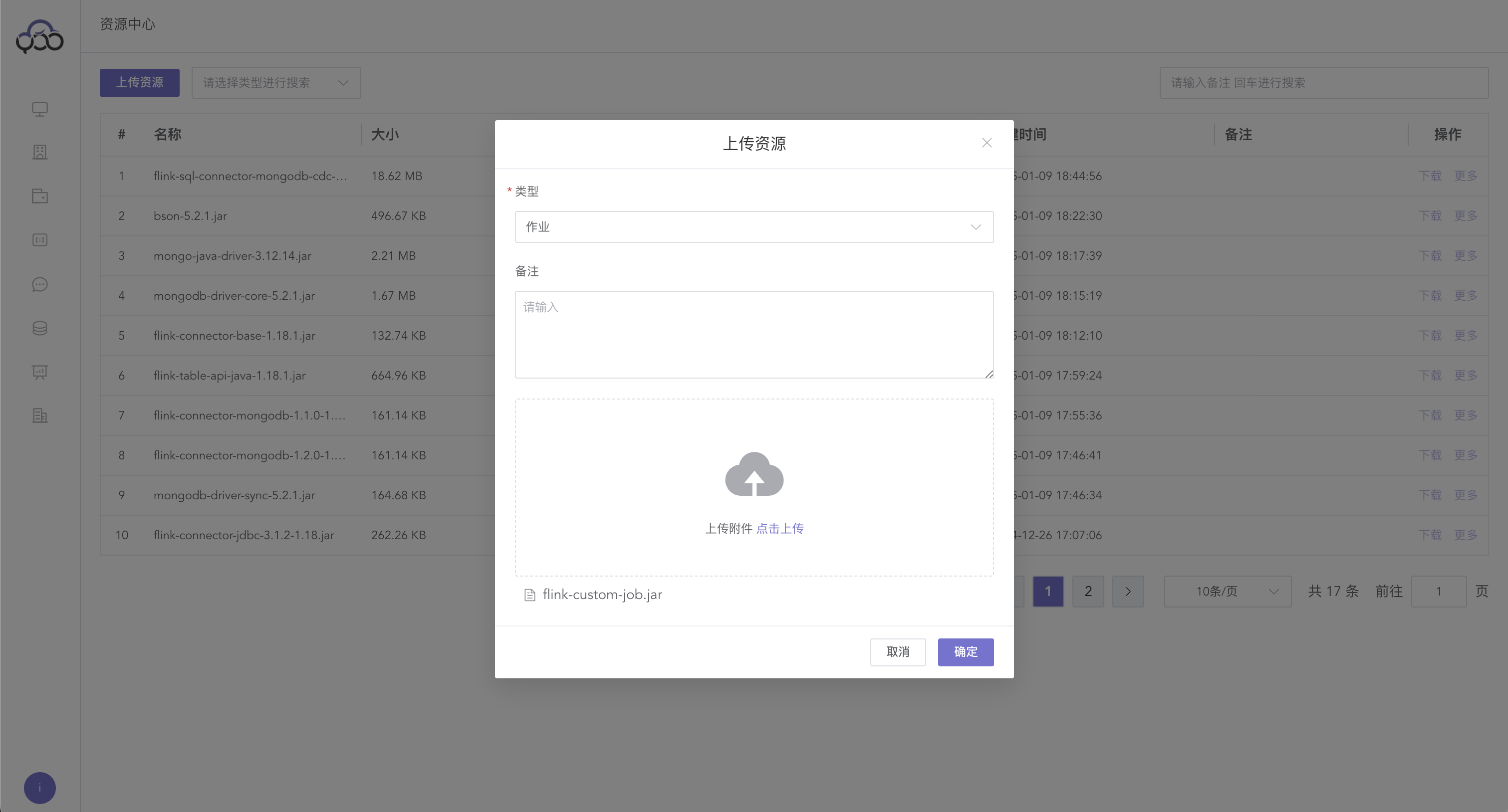
Upload the custom Jar package and select the
jobtype
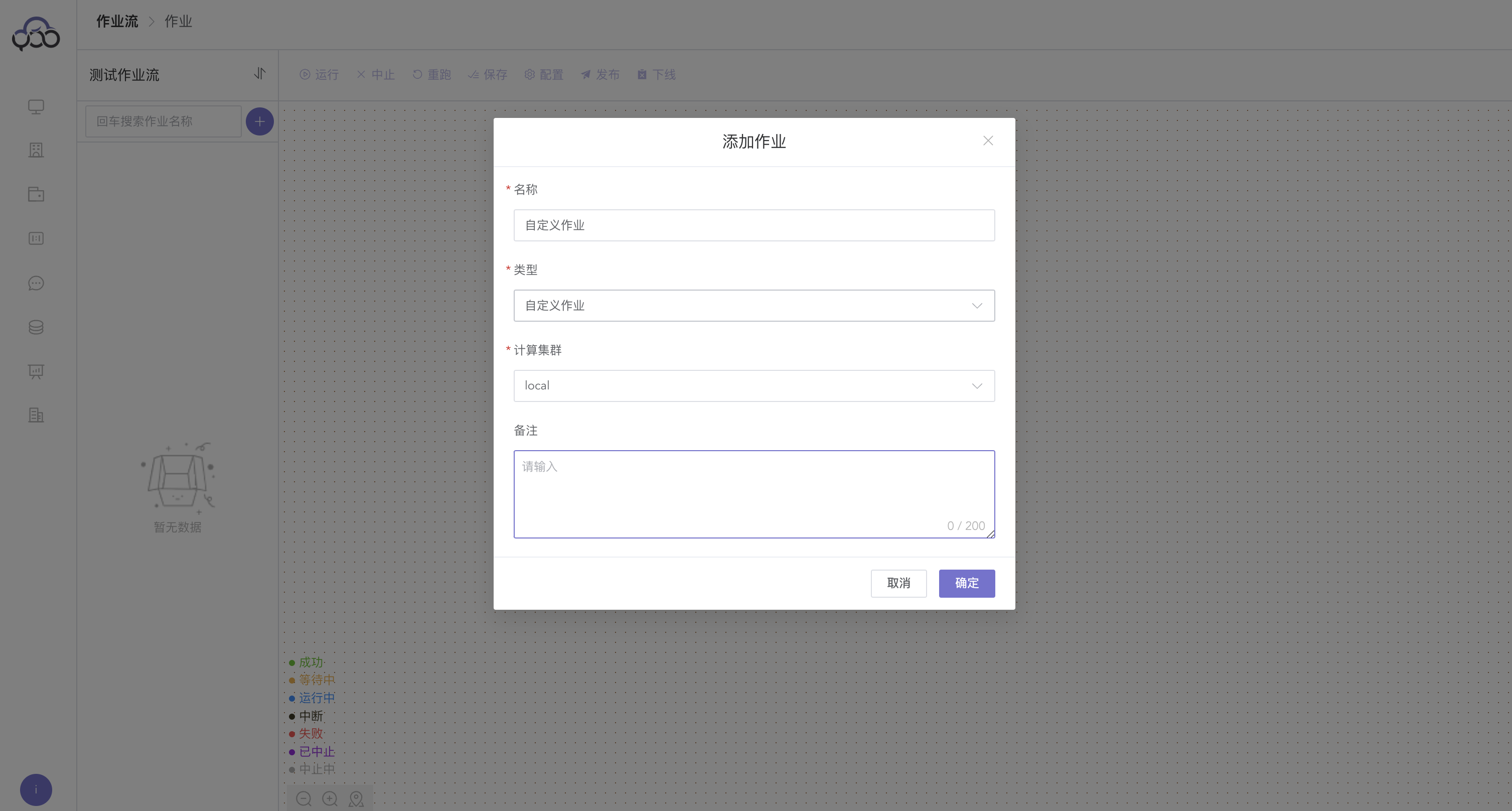
Create a new
custom job
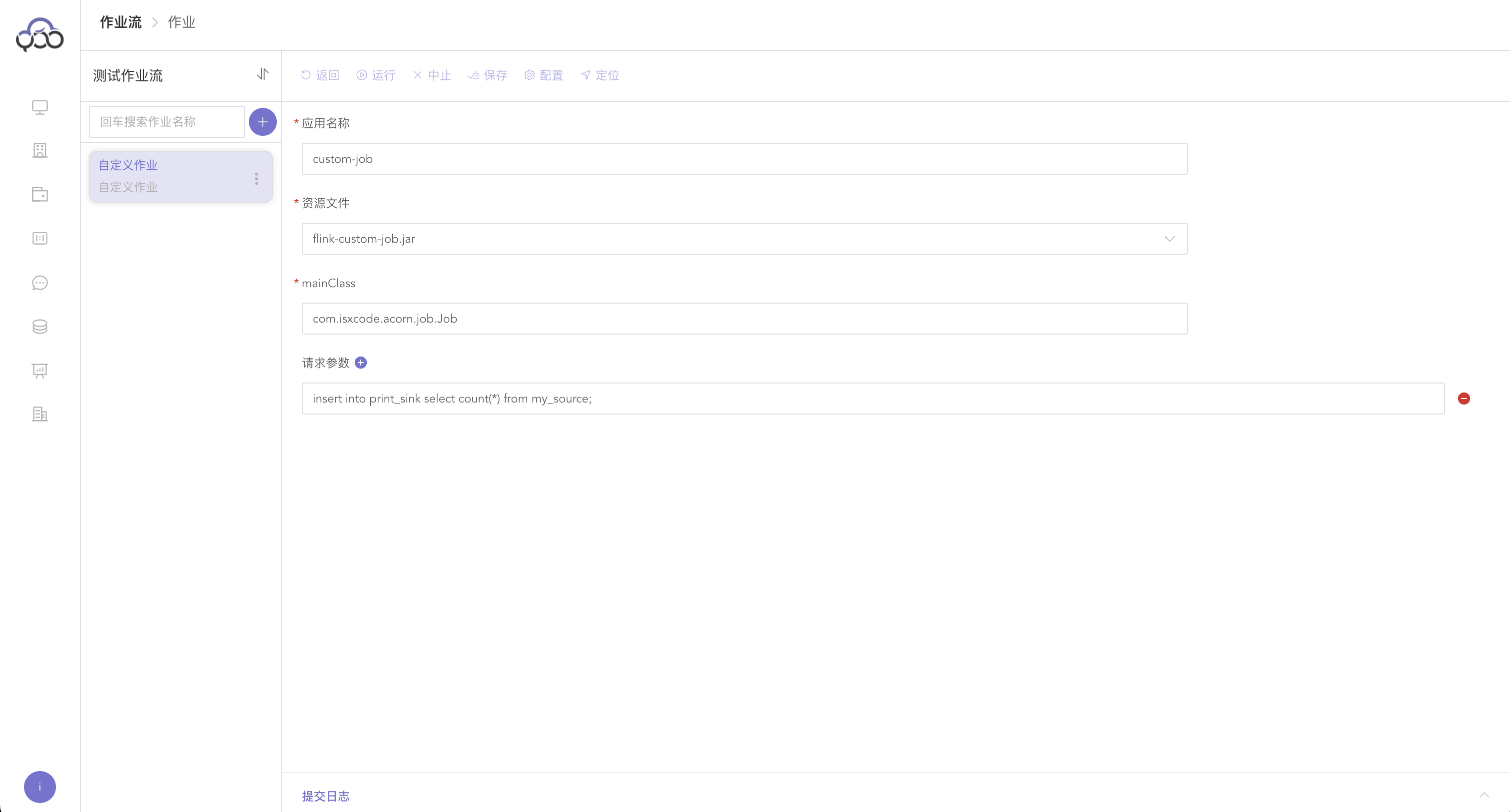
Application name: custom-job mainClass:com.isxcode.acorn.job.Job Request parameters: insert into print_sink select count(*) from my_source;
View results
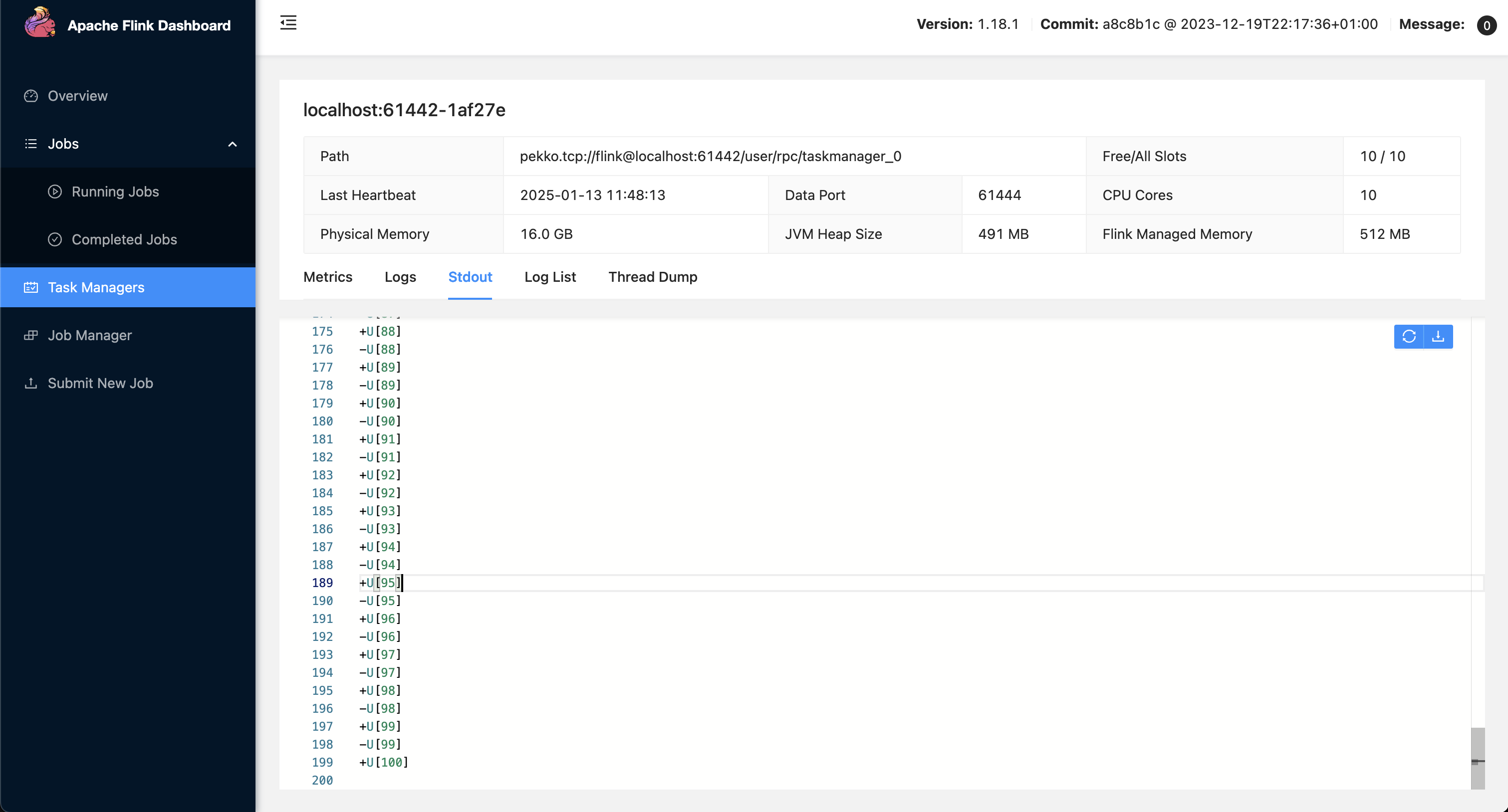
Since 'connector' = 'print' is the official flink connector, Zhiqingyun cannot obtain the data and needs to view the data on the ui interface.