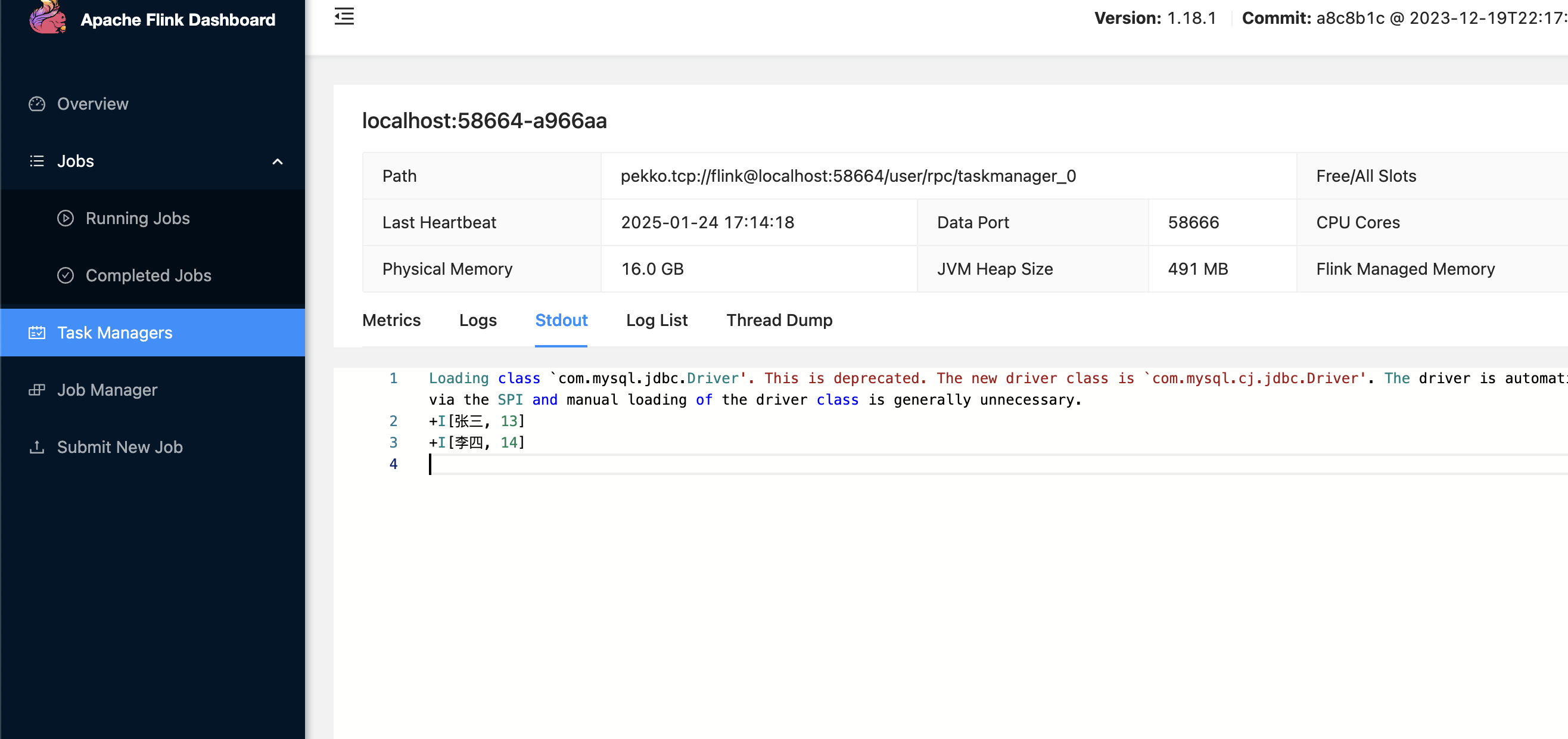
Paimon integration
This article provides implementation ideas, configuration examples, and verification methods for Paimon integration scenarios, which can be used as a reference for actual project configuration.
Case
Paimon creates tables locally, inserts data, and queries data
solution
Create a Flink SQL job type and add the following dependencies
- paimon-flink-1.18-1.1-20250124.002530-34.jar download
- flink-shaded-hadoop-2-uber-2.8.3-10.0.jar download
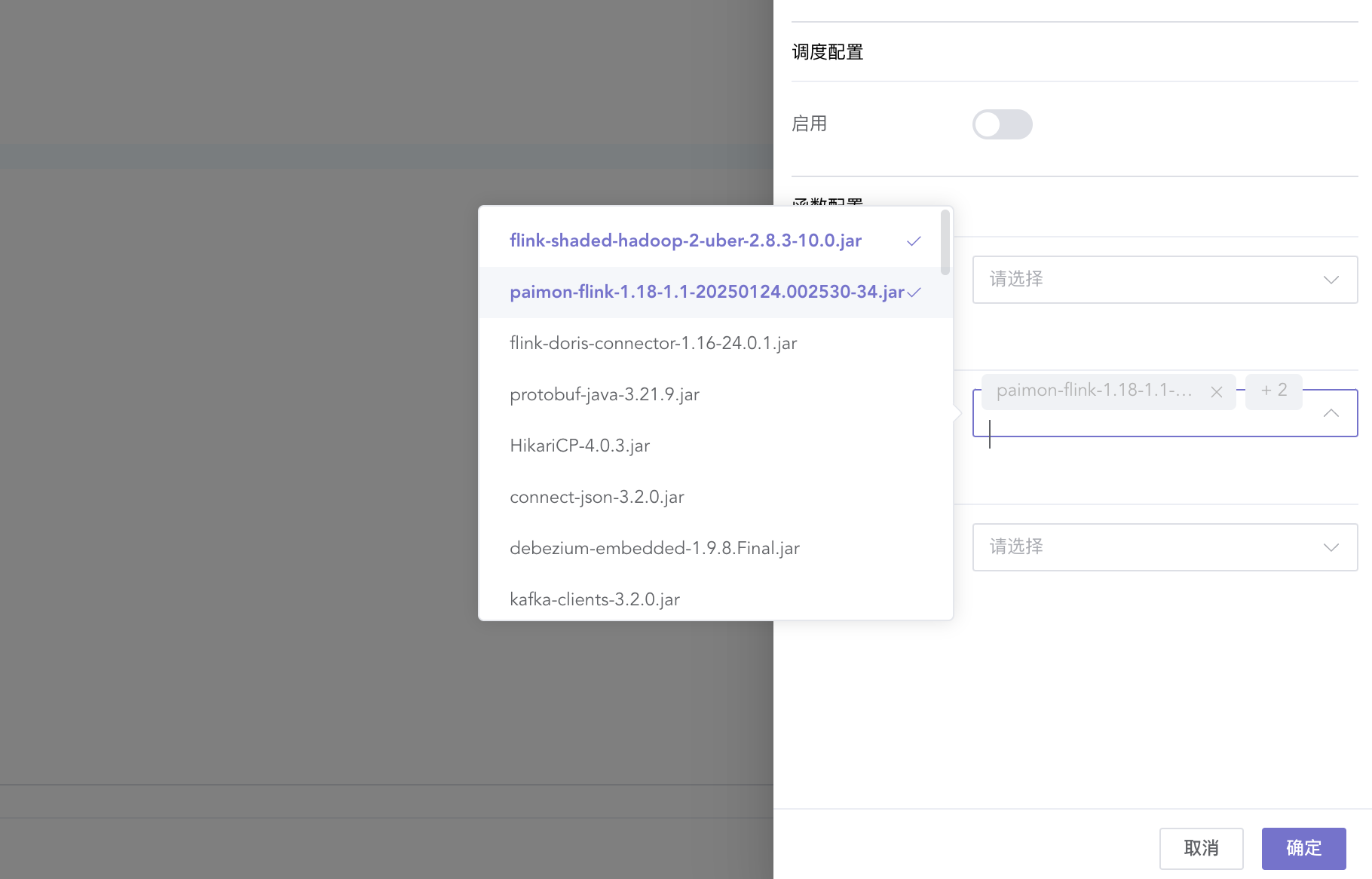
Create a table and insert data
CREATE CATALOG my_catalog WITH (
    'type'='paimon',
    'warehouse'='file:/Users/ispong/Downloads/paimon'
);

USE CATALOG my_catalog;

CREATE TABLE word_count (
    word STRING PRIMARY KEY NOT ENFORCED,
    cnt BIGINT
) WITH (
    'file.format' = 'csv'
);

INSERT INTO word_count
values ('张三', 13);
Query data
CREATE CATALOG my_catalog WITH (
    'type'='paimon',
    'warehouse'='file:/Users/ispong/Downloads/paimon'
);

USE CATALOG my_catalog;

CREATE TEMPORARY TABLE print_sink (
    username string not null,
    age bigint
) WITH (
    'connector' = 'print'
);

insert into print_sink select * from word_count ;