
Doris offline synchronization
This article provides implementation ideas, configuration examples and verification methods for Doris offline synchronization scenarios, which can be used as a reference for actual project configuration.
Implement offline synchronization of data from the result table to the target table in Doris
Case
Synchronize the data in t_source to t_target offline in Doris
Note
The relevant port number of doris needs to be open, otherwise the synchronization will fail.
| Instance name | port name | Default port | communication direction | Description |
|---|---|---|---|---|
| FE | http_port | 8030 | Client <-> FE, FE <-> FE | HTTP server port, used to submit tasks, obtain metadata, etc. CDC tasks primarily rely on this port. |
query_port | 9030 | Client <-> FE | MySQL server port, used to connect to FE through the MySQL protocol to execute SQL commands (such as creating tables and queries). | |
rpc_port | 9020 | BE -> FE, FE <-> FE | Thrift server port, used for internal communication between FE and BE. | |
edit_log_port | 9010 | FE <-> FE | FE cluster internal communication port (bdbje). | |
| BE | webserver_port | 8040 | Client <-> BE, BE <-> BE | HTTP server port, used for data import and Tablet reporting, etc. The CDC task relies on this port to write data. |
be_port | 9060 | FE -> BE | Thrift server port used to receive requests from FE. | |
brpc_port | 8060 | FE <-> BE, BE <-> BE | BRPC communication port, used for internal communication between BEs. | |
heartbeat_service_port | 9050 | FE -> BE | Heartbeat service port. |
solution
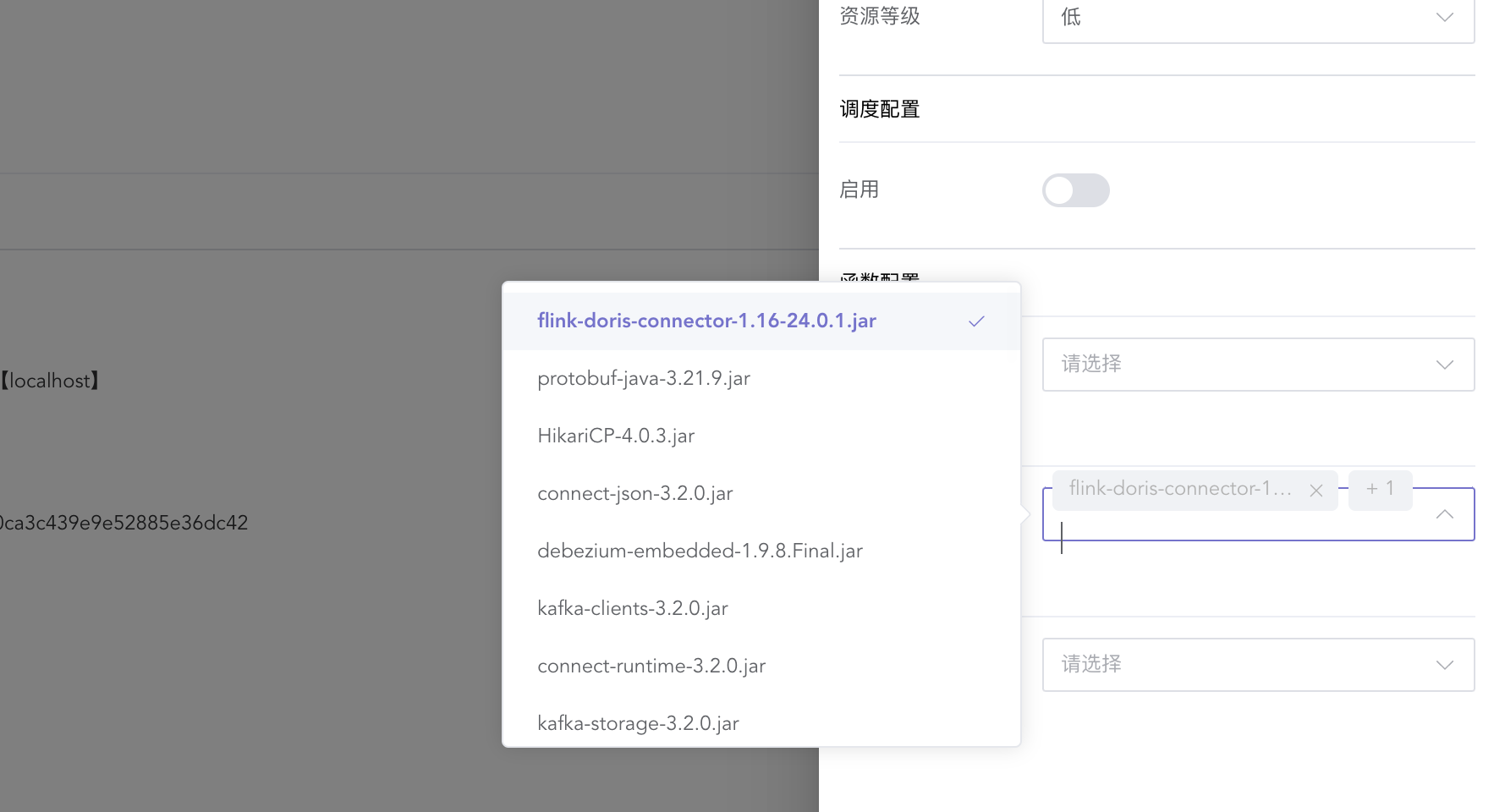
Create a Flink SQL job type and add the following dependencies
CREATE TABLE from_table
(
    username STRING,
    age      INT
) WITH (
      'connector' = 'doris',
      'fenodes' = '127.0.0.1:8030',
      'table.identifier' = 'ispong_db.t_source',
      'username' = 'root',
      'password' = 'root123'
      );

CREATE TABLE target_table
(
    username STRING,
    age      INT
) WITH (
      'connector' = 'doris',
      'fenodes' = '127.0.0.1:8030',
      'table.identifier' = 'ispong_db.t_target',
      'username' = 'root',
      'password' = 'root123'
      );

INSERT INTO target_table
select *
from from_table;
| Configuration items | illustrate |
|---|---|
| connector | Connection method |
| fenodes | Doris's fe connection, default port 8030 |
| table.identifier | Library name.Table name |
| username | Data source account |
| password | Account password |