data source
This article introduces the usage scenarios, operation processes and key configurations of the data source function to help users complete daily management and business operations.
View data source
Click the
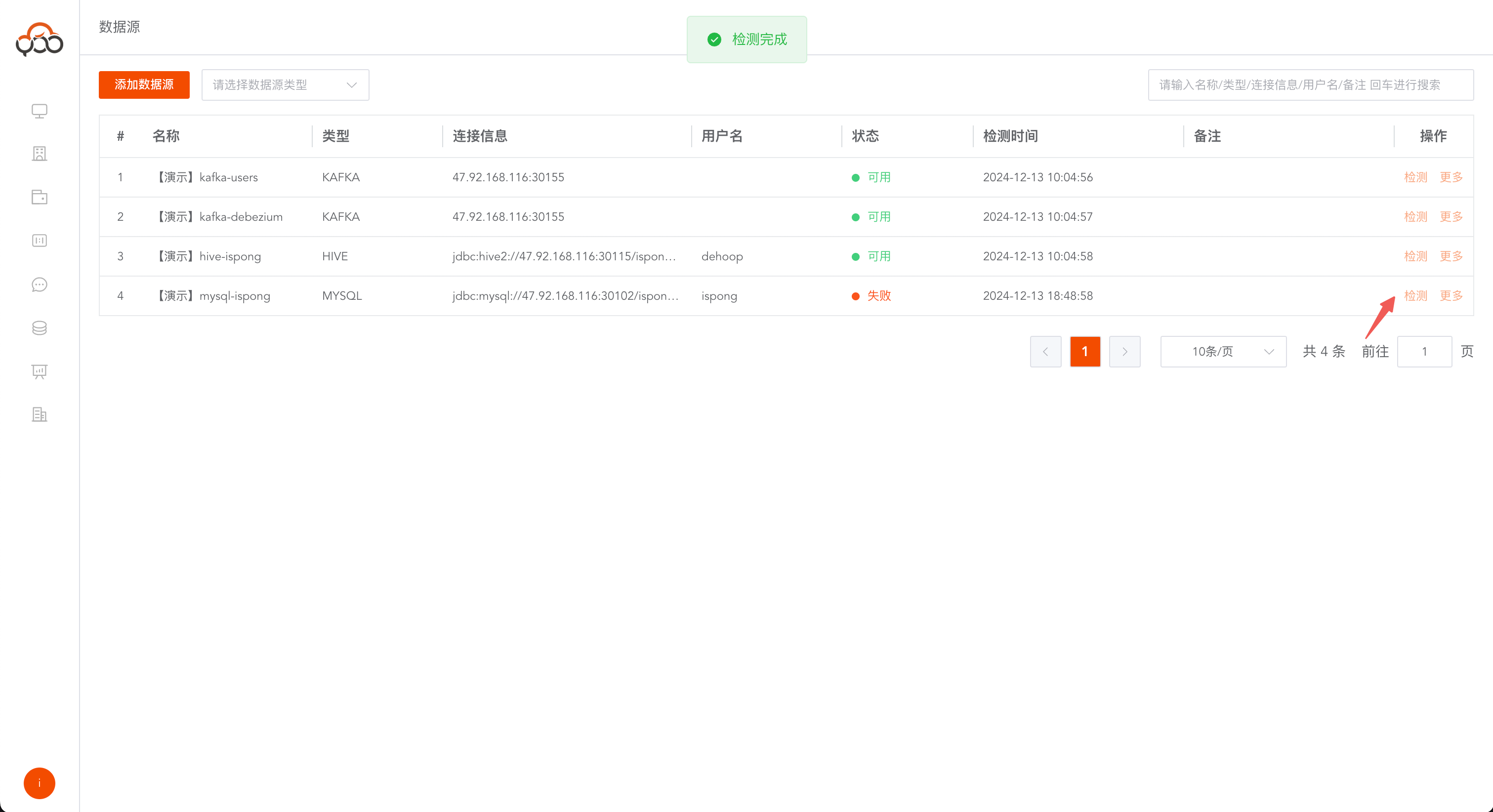
Data Sourcemenu to view the data sources created by the current tenant Support name, type, connection information, user name, remarks search, support drop-downdata source typesearch
Add data source
Click the Add Data Source button
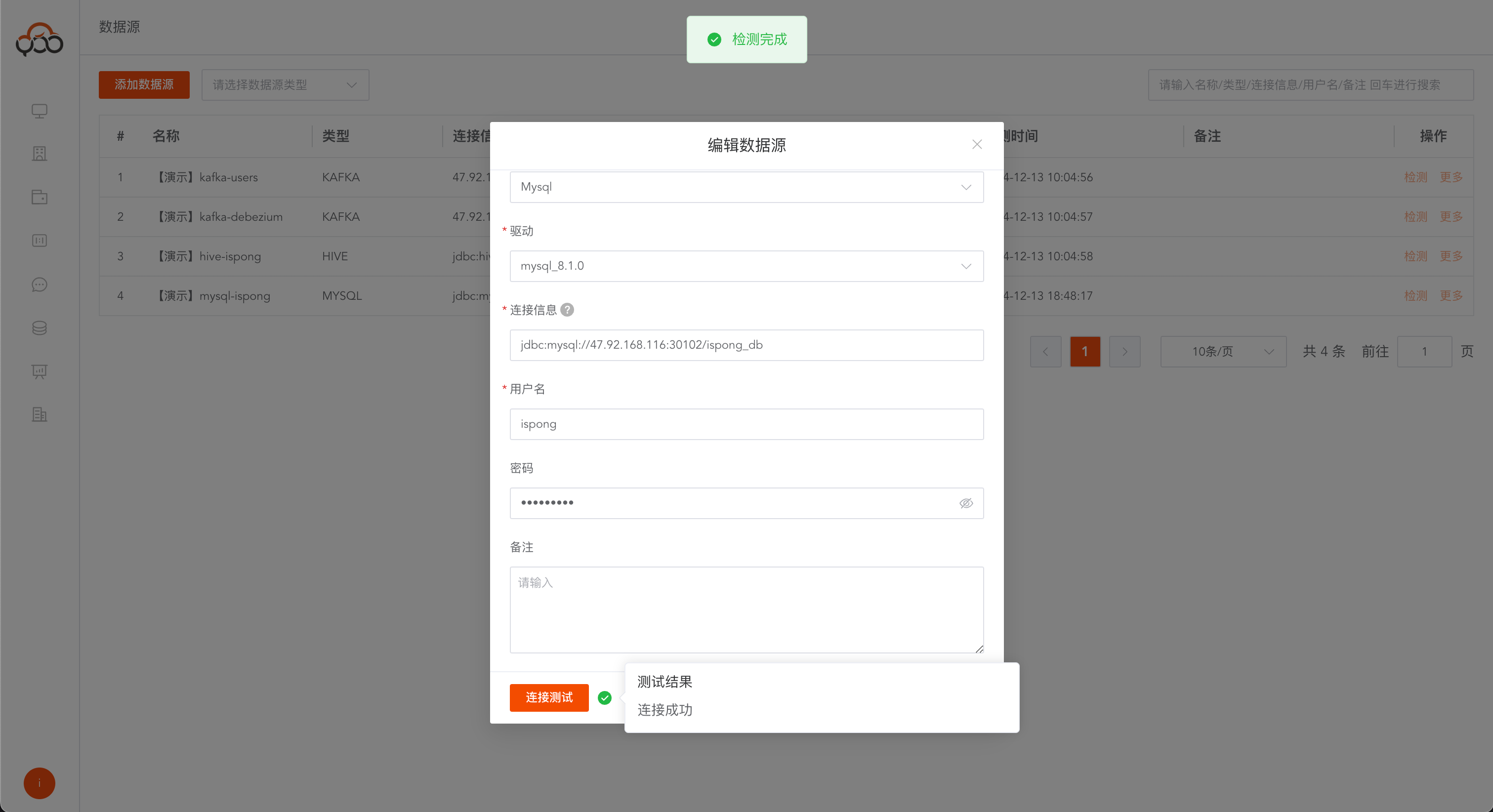
The following data source types are supported
Note: The connection information must carry the db name or schema name of the database. It is recommended to use the intranet IP connection first.
| data source | Connection information template |
|---|---|
| MySQL | jdbc:mysql://127.0.0.1:3306/test_db |
| Doris | jdbc:mysql://127.0.0.1:9030/test_db |
| SQL Server | jdbc:sqlserver://127.0.0.1:1433;trustServerCertificate=true |
| Oracle | jdbc:oracle:thin:@127.0.0.1:1521/zhiqingyun |
| Hive | jdbc:hive2://127.0.0.1:10000/test_db |
| Postgres | jdbc:postgresql://127.0.0.1:5432/test_db |
| Clickhouse | jdbc:clickhouse://127.0.0.1:8123/test_db |
| Hana | jdbc:sap://127.0.0.1:30015/test_db |
| Dameng | jdbc:dm://127.0.0.1:5236/test_db |
| OceanBase | jdbc:oceanbase://127.0.0.1:2881/test_db |
| Tidb | jdbc:mysql://127.0.0.1:4000/test_db |
| StarRocks | jdbc:mysql://127.0.0.1:9030/test_db |
| Kafka | 127.0.0.1:9092 |
Connection information description
- Name: required, data source name, unique within the tenant
- Type: required, drop-down data source type selection
- Data source driver: required, the driver provided by the system is used by default, you can select the driver in
Driver Management - Connection information: Required, database connection information, connection information reference template, please note the db library name or schema name at the end It is recommended to use intranet IP connection first.
- User: optional, data source account
- Password: Optional, data source password
- Remarks: Optional
- hive.metastore.uris: Only the hive data source has this option. It is recommended to use the intranet IP. The default port number is
9083 - topic: Only the kafka data source has this option. It is recommended to use the intranet IP. The default port number is
9092
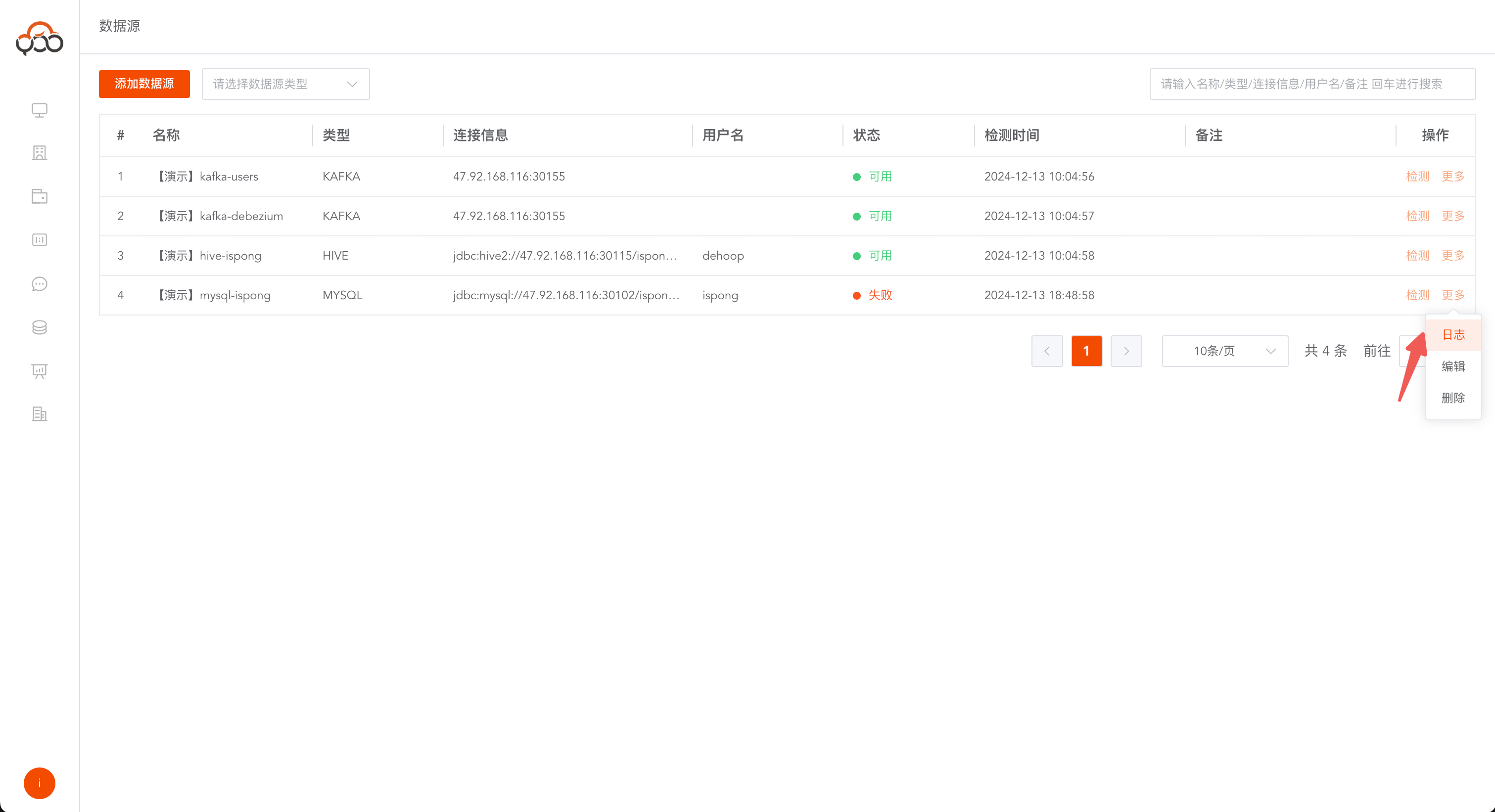
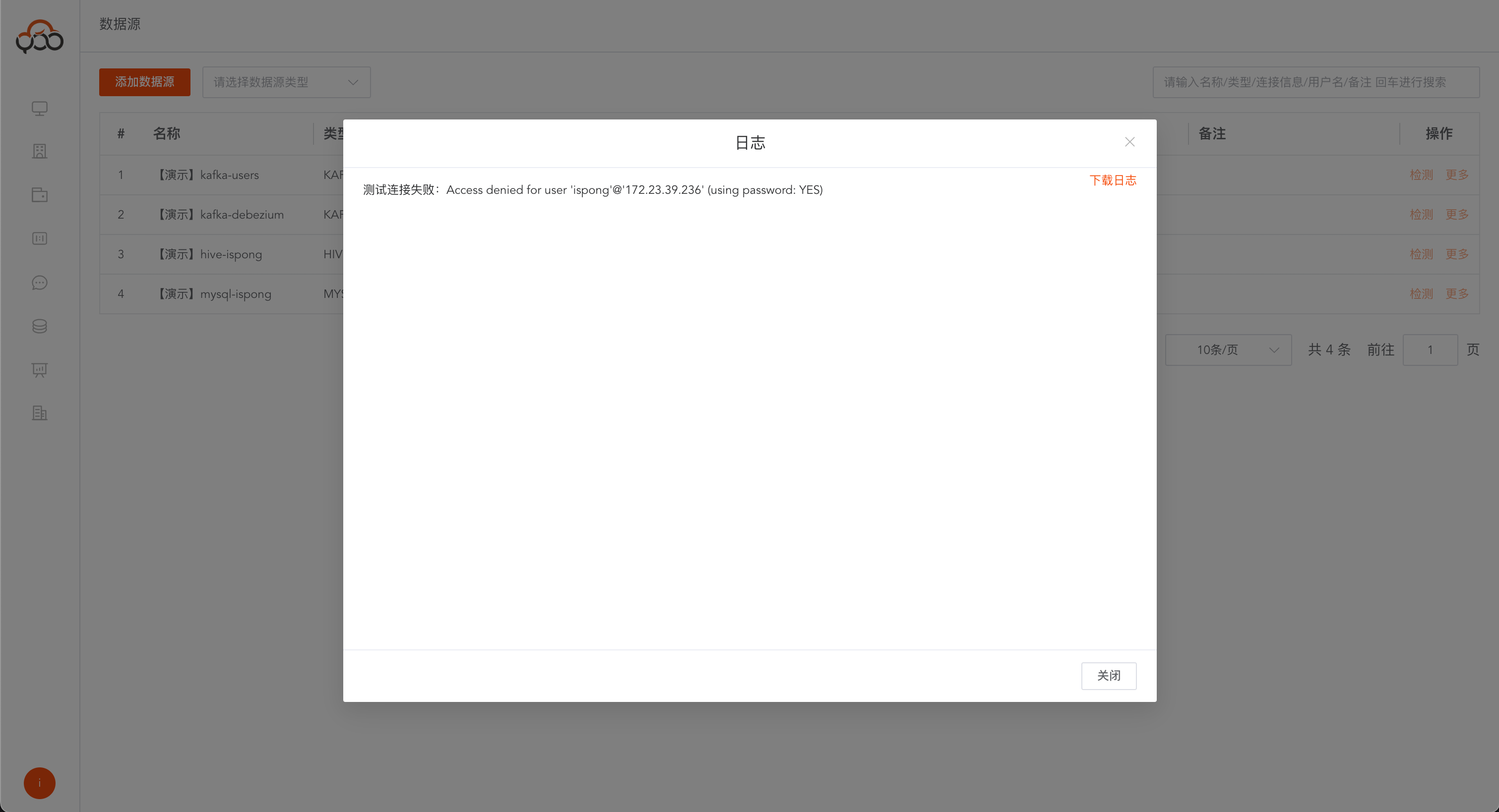
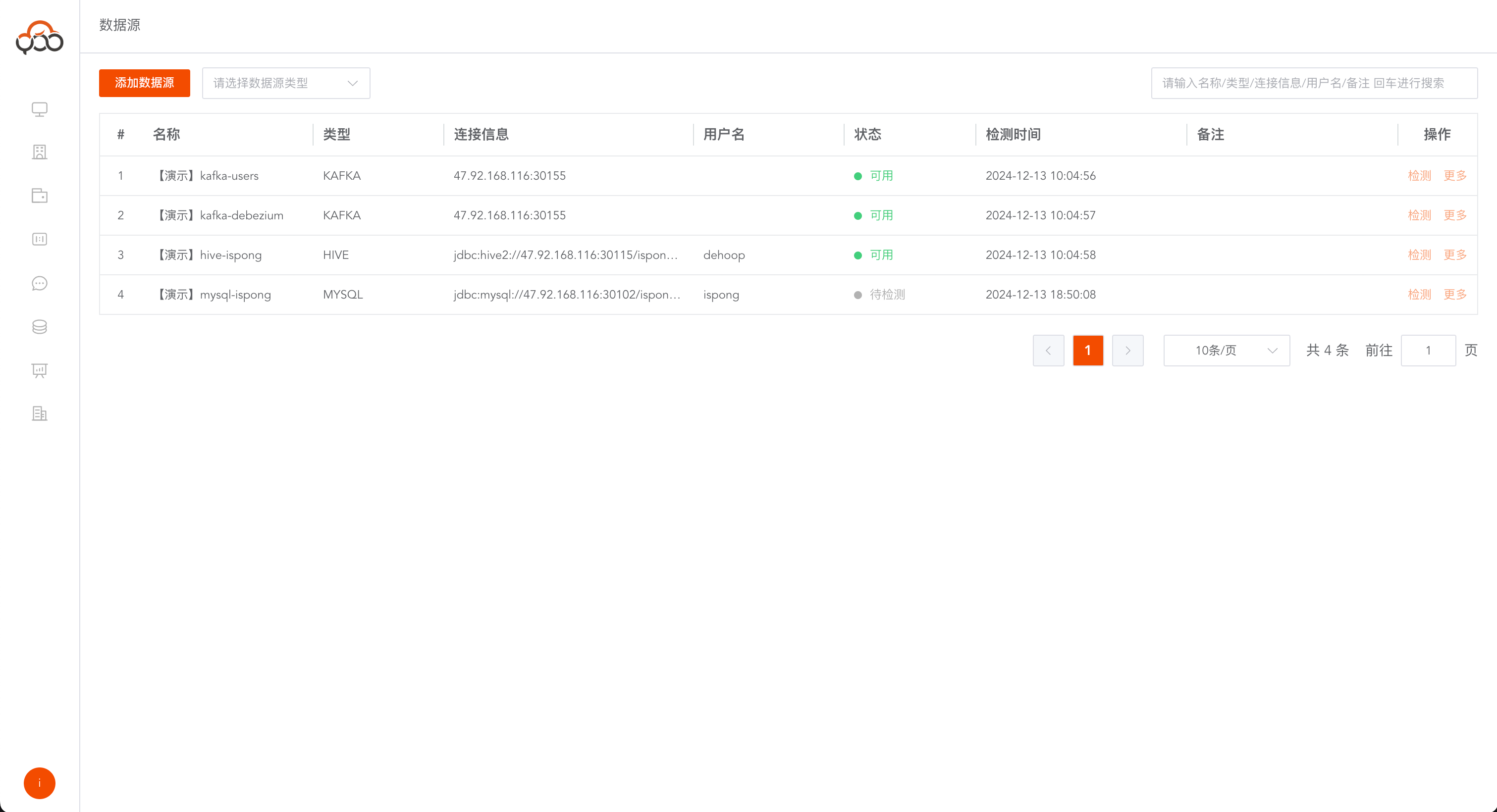
Data source detection
Detectthe data source and troubleshoot data source connection problems Example: The following error message is an incorrect password