Computing cluster
This article explains the usage scenarios, operating procedures, and configuration items of the computing cluster function to help users standardize platform operations.
Computing clusters are the core of the platform's computing capabilities. Similar to AI training that requires graphics cards, big data computing requires computing clusters. Click the
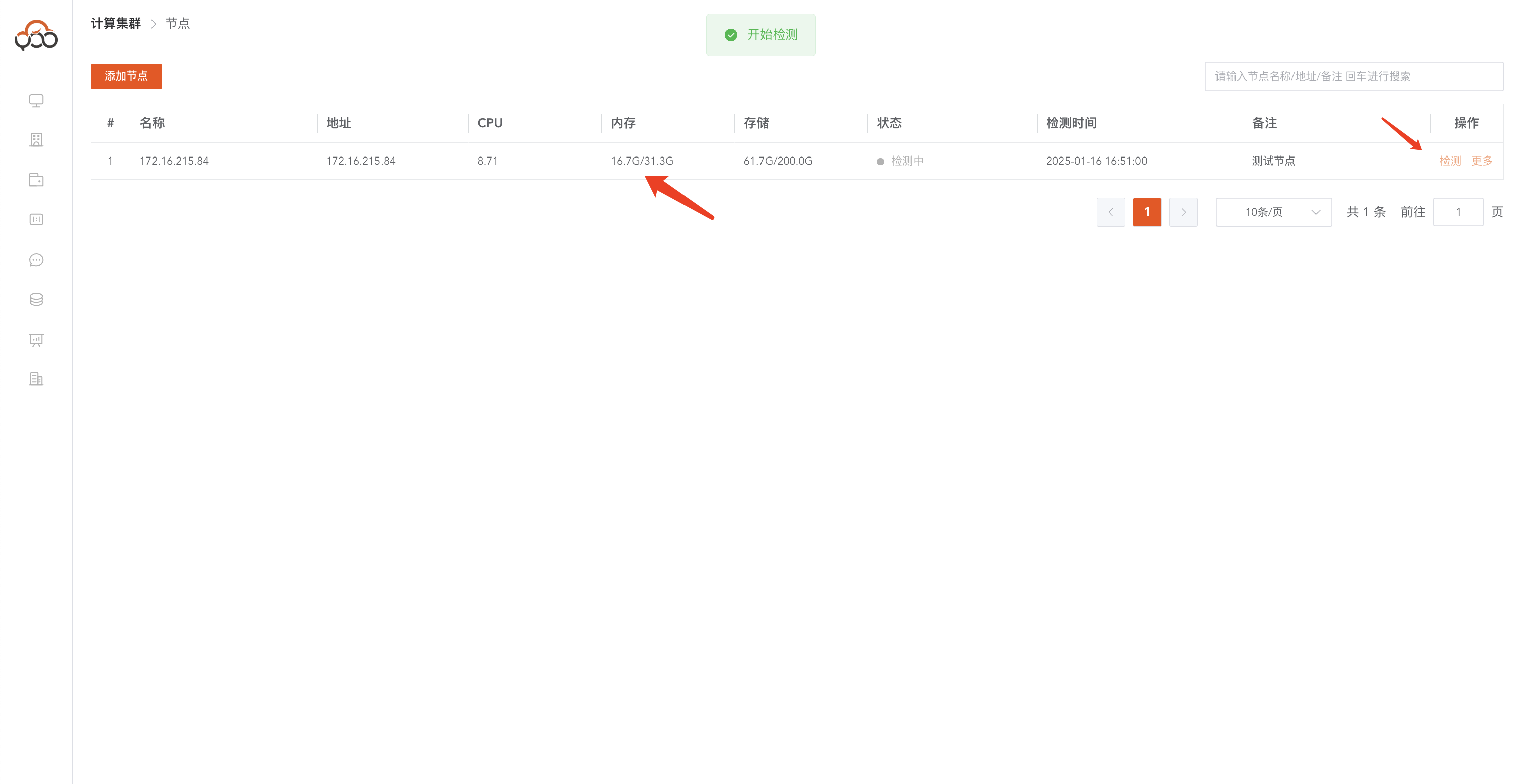
Compute Clustermenu to view the clusters created in the current tenant. Support name and remark search
Add a computing cluster
Click the
Add Clusterbutton to create a cluster
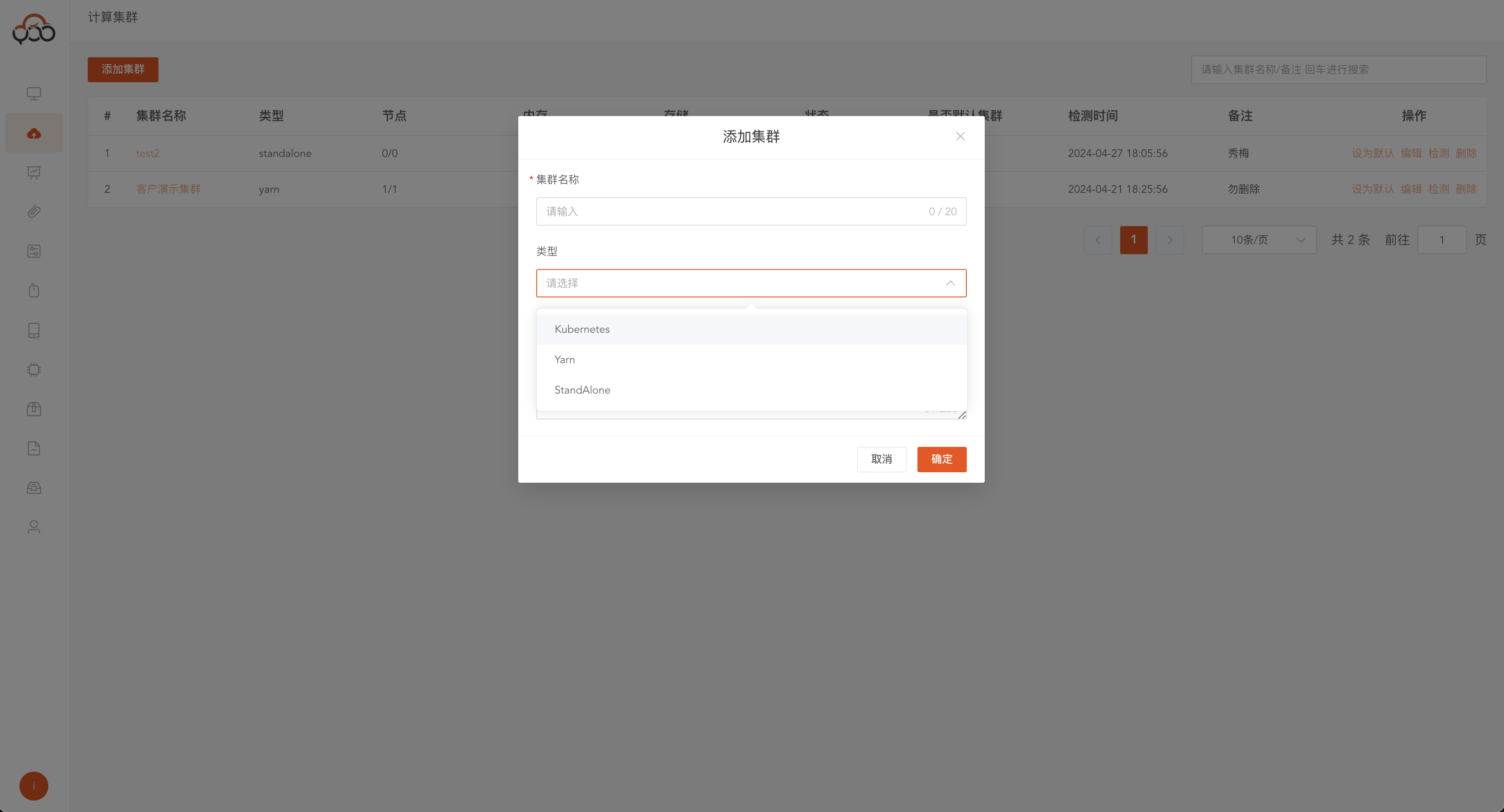
- Cluster Name: Required, the cluster name displayed in the platform
- Type: required, supports three cluster types including Kubernetes, Yarn, and Standalone
- Remarks: Optional
Kubernetes
The full name is Kubernetes. Based on Kubernetes cluster scheduling, jobs will be submitted to Kubernetes for calculation. The server needs to provide Kubernetes service and kubectl command execution permissions
Yarn
Cluster scheduling based on Yarn under Hadoop will submit jobs to YARN for calculation. The server needs to provide YARN scheduling service and YARN command execution permissions
Standalone
Supports spark stand-alone mode operation. You only need to install the Java environment on the server. Java 17 version is recommended.
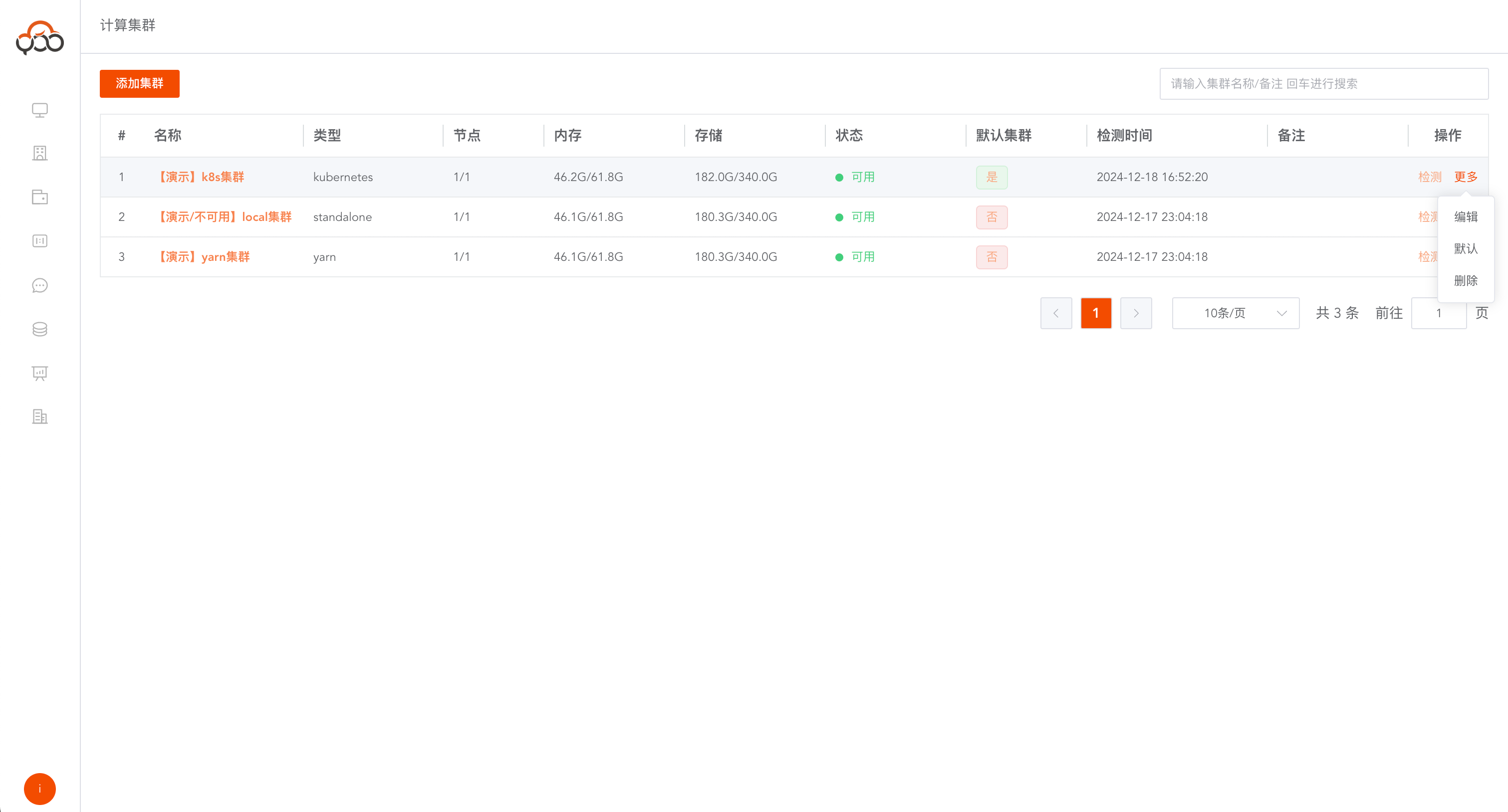
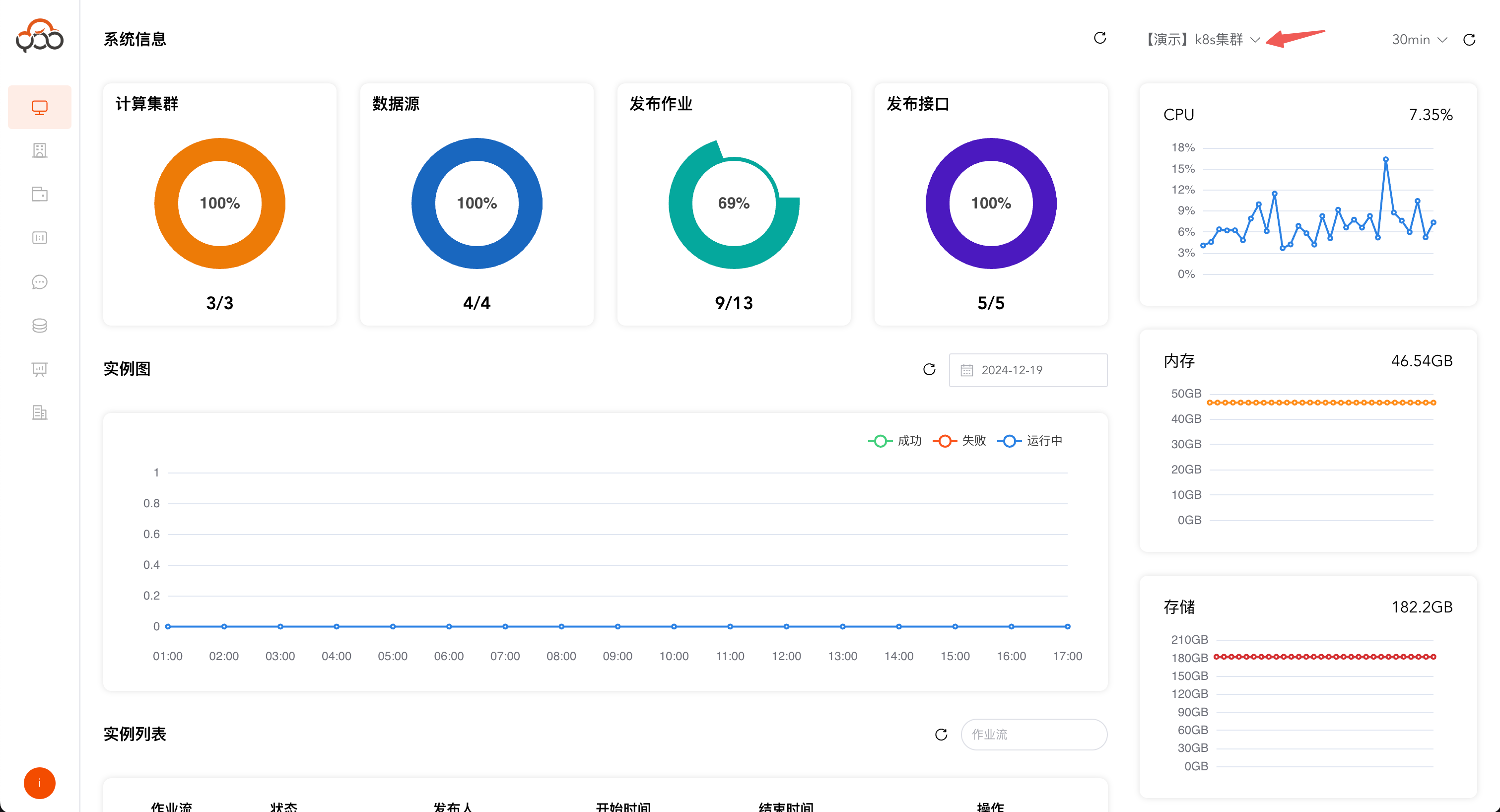
Set default cluster
Set a default cluster and the monitoring information of this cluster will be displayed first on the home page.
Add cluster node
Click
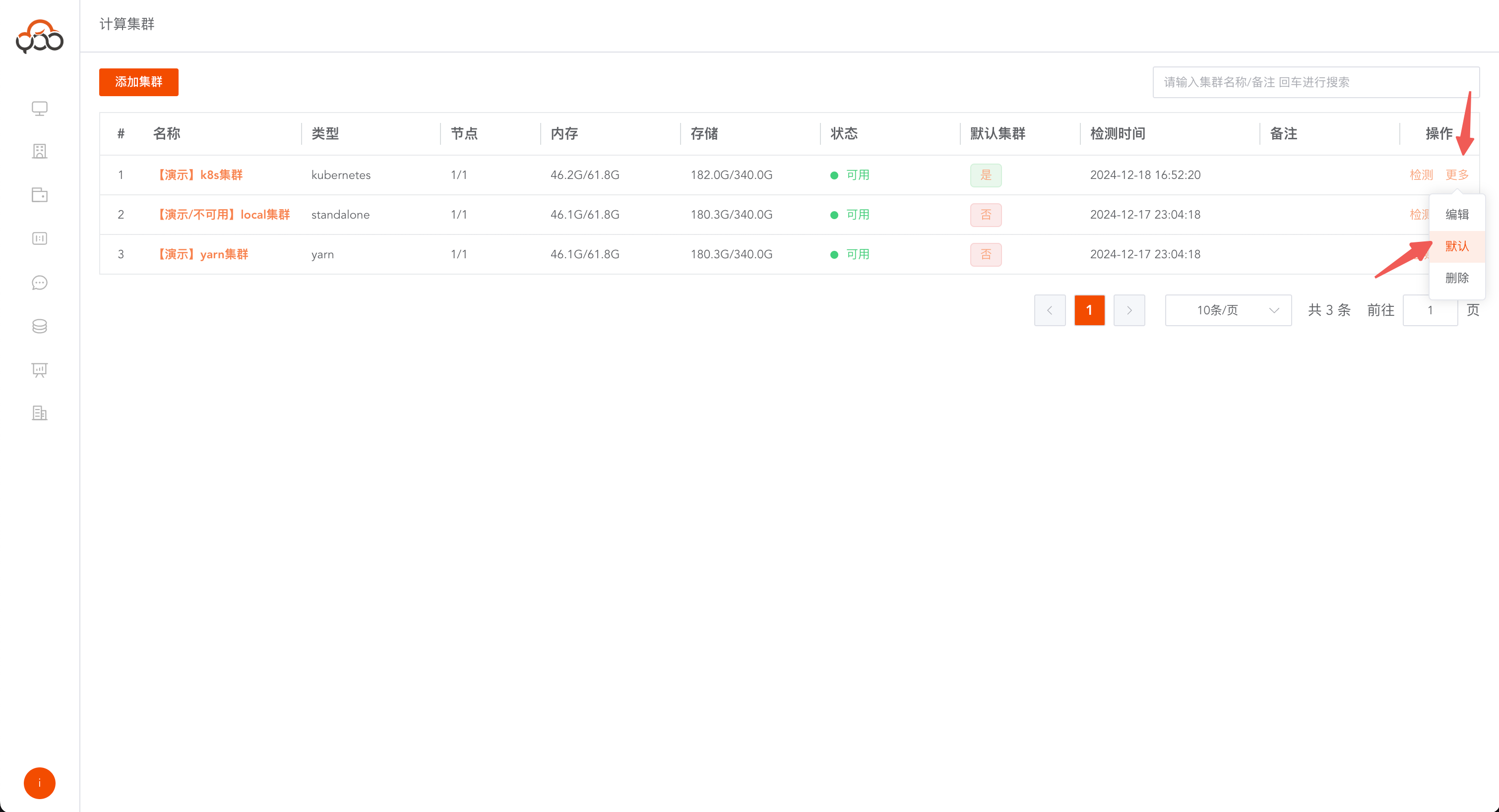
cluster nameto enter the node management interface of the cluster Click theAdd Nodebutton to add server nodes Multiple server nodes can be added to a cluster
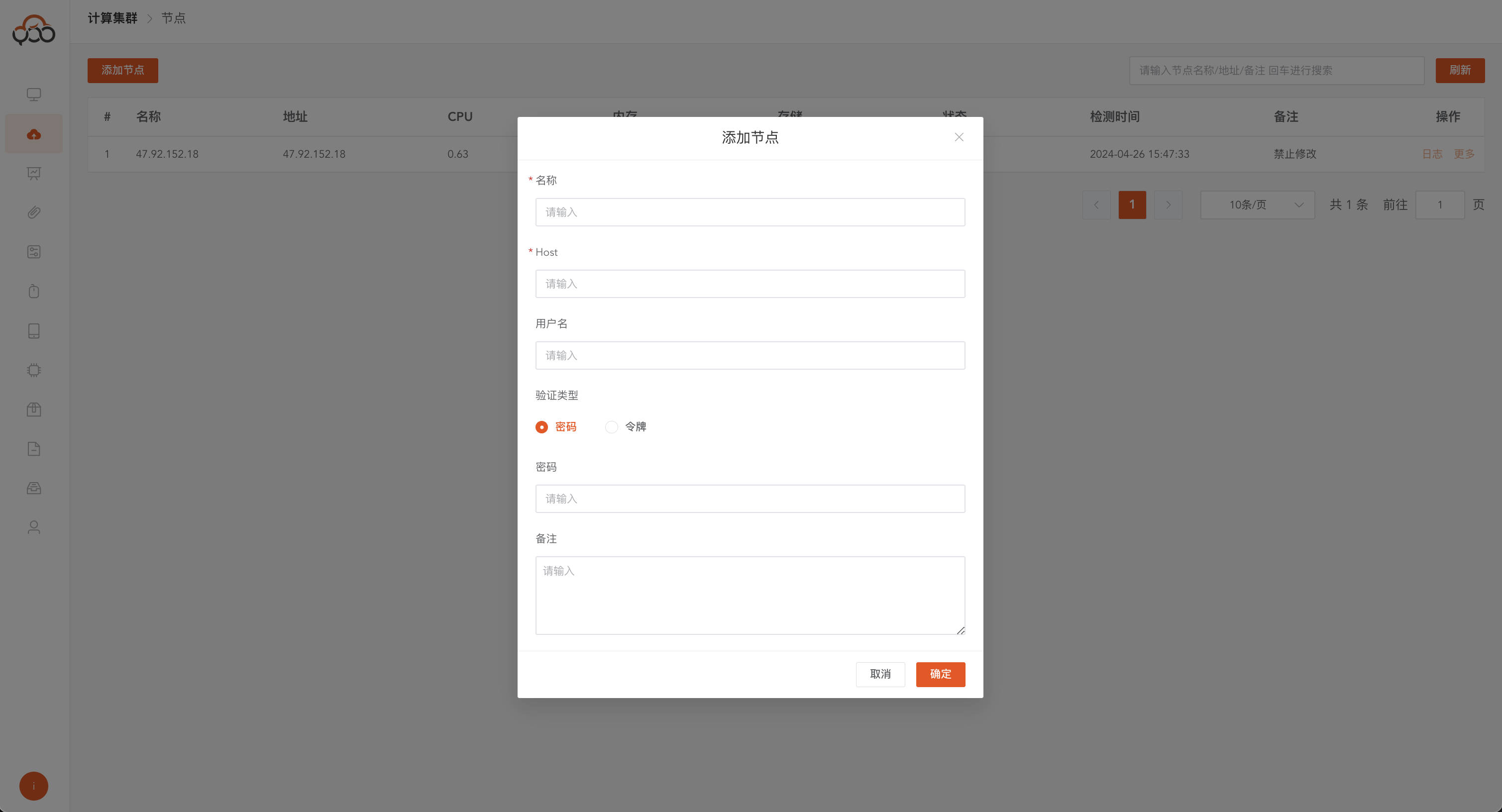
- Name: required, the name of the node
- Host: Required, server IP, it is recommended to use the server’s intranet IP address
- Username: Required, username in the server
- Verification Type: Required, server verification method, including password and token Token: private key verification for ssh Password: User password corresponding to the server
- Install Spark by default: This option is only available under the
Standalonetype cluster, and thesparkservice will be installed in the server by default. - Remarks: Optional
Cluster node operations
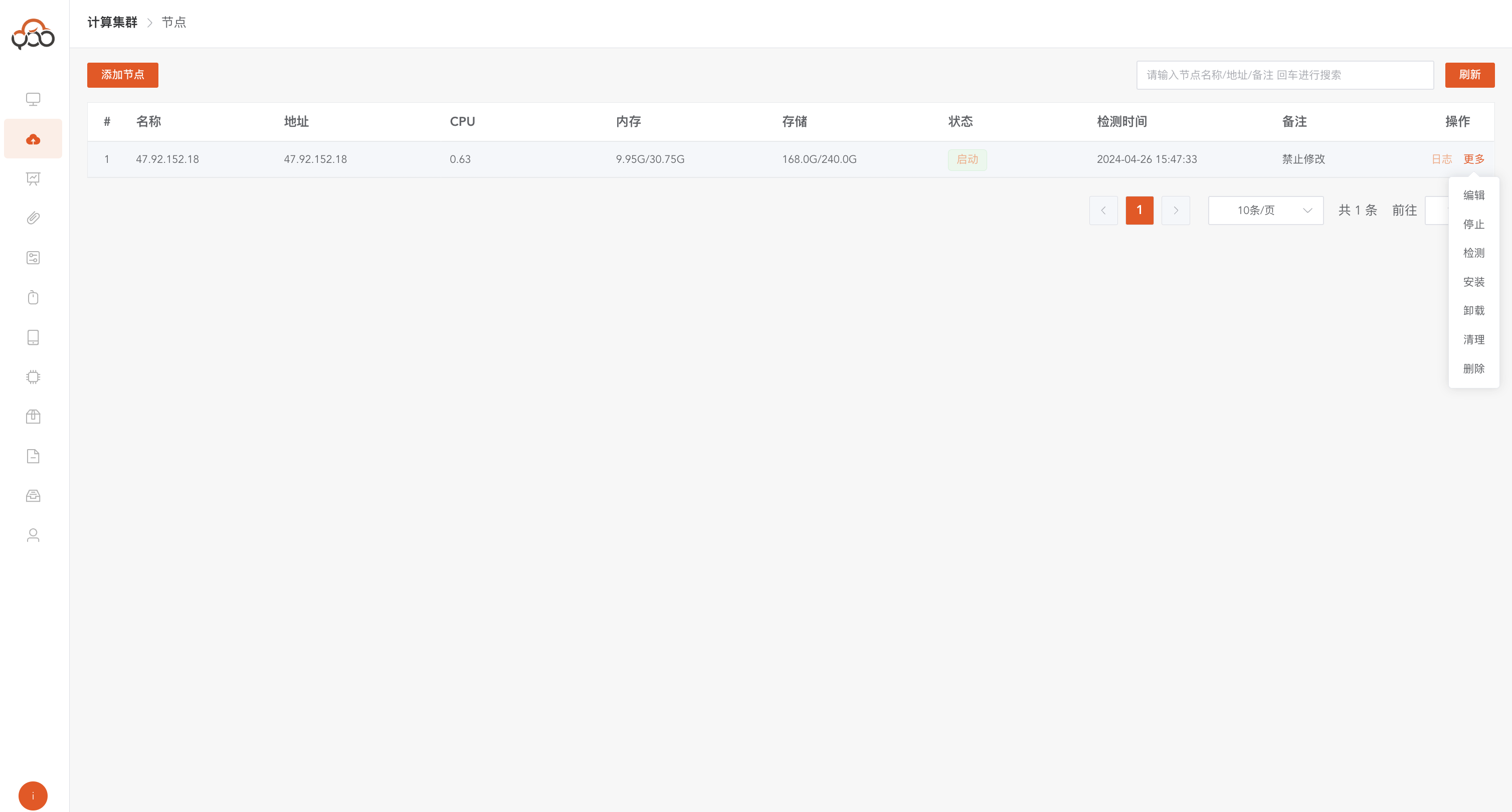
Click the More button to support the following operations
Edit: Modify node informationStop: Stop listening on the nodeDetection: detect the current node statusInstallation: Server installation listening serviceUninstall: The server uninstalls the listening serviceClean: Clean cache files generated by the listening serverDelete: Delete the cluster node, including uninstalling the node and clearing the cache.
View installation progress
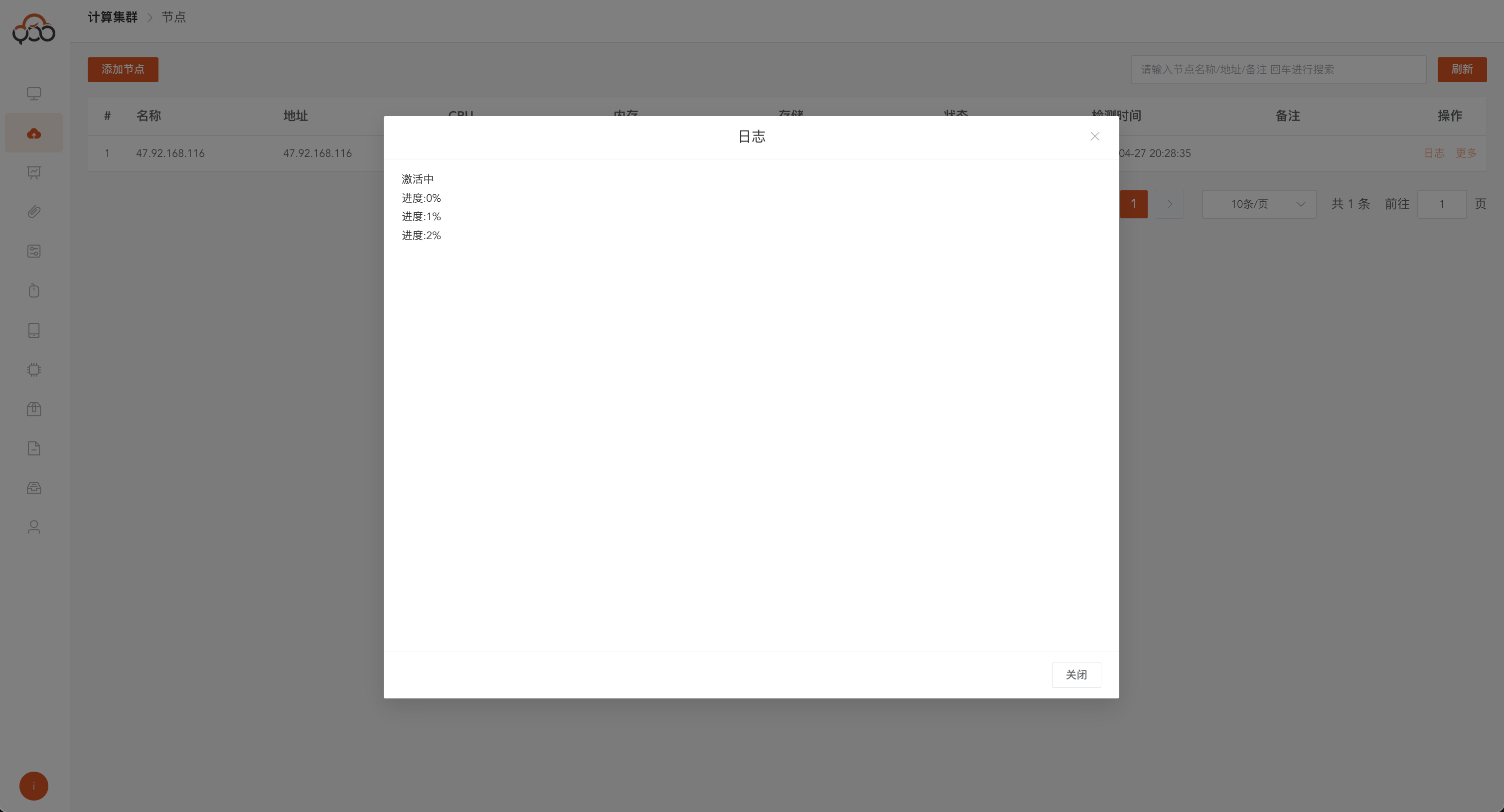
Click the
Logbutton to view the installation progress of the monitoring service After the installation is successful, the node status will be updated to theRunning' state, and the cluster status will be updated to theAvailable' state. Note: During the installation process, it cannot be aborted. Please wait patiently for the installation results before performing other operations.
Refresh current server node usage
Click the
Refreshbutton to refresh the real-time information of the server node