front page
This article introduces the usage scenarios, operation procedures and key configurations of the homepage function to help users complete daily management and business operations.
Home login
Log in with a
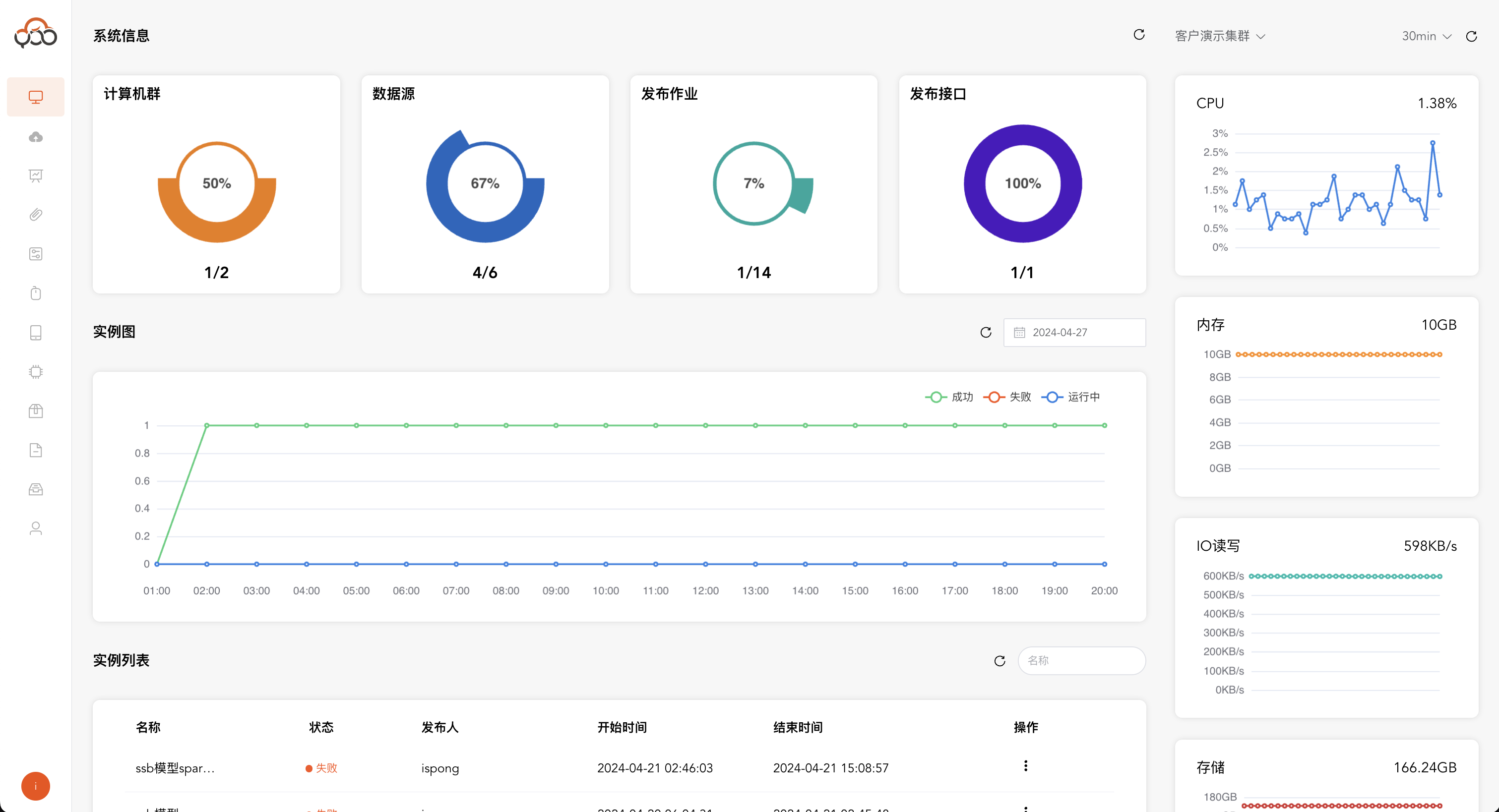
ordinary useraccount and enter the home page. The home page includes: four modules:System Information,Cluster Monitoring,Instance Map, andInstance List
System information
Monitor various resources in the platform Click the
Refreshbutton in the upper right corner to refresh the system information in real time.
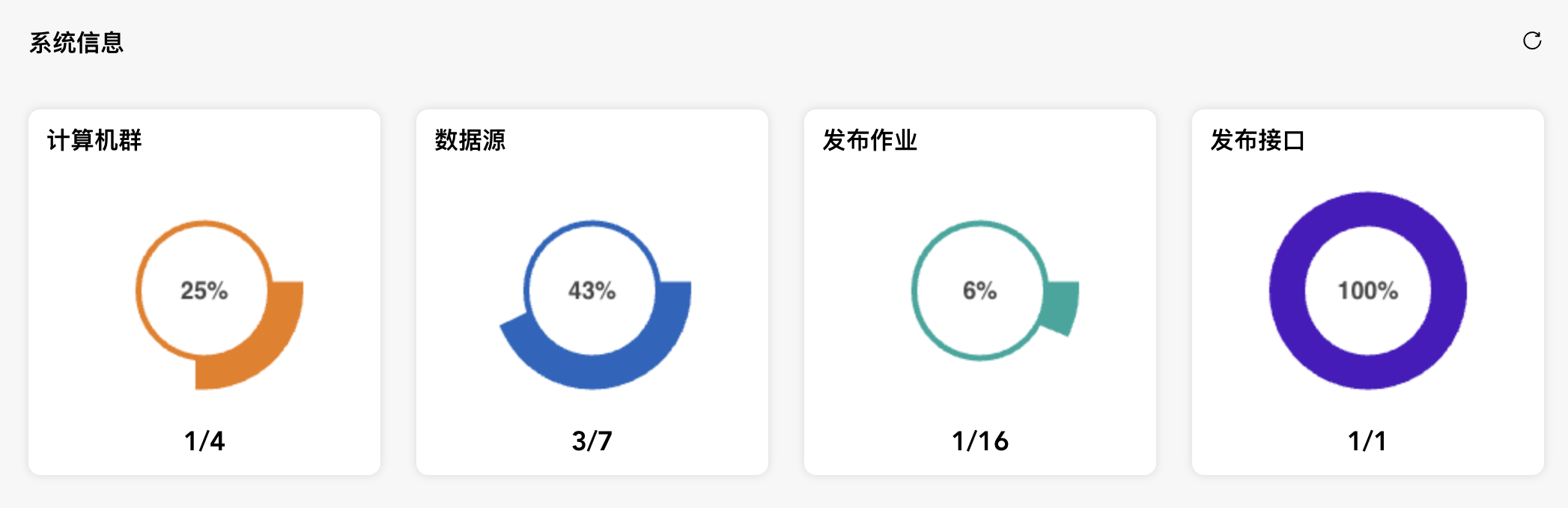
- Computing Cluster: available cluster/created cluster
- Data source: available data source/created data source
- Publish job: Published job flow/Created job flow
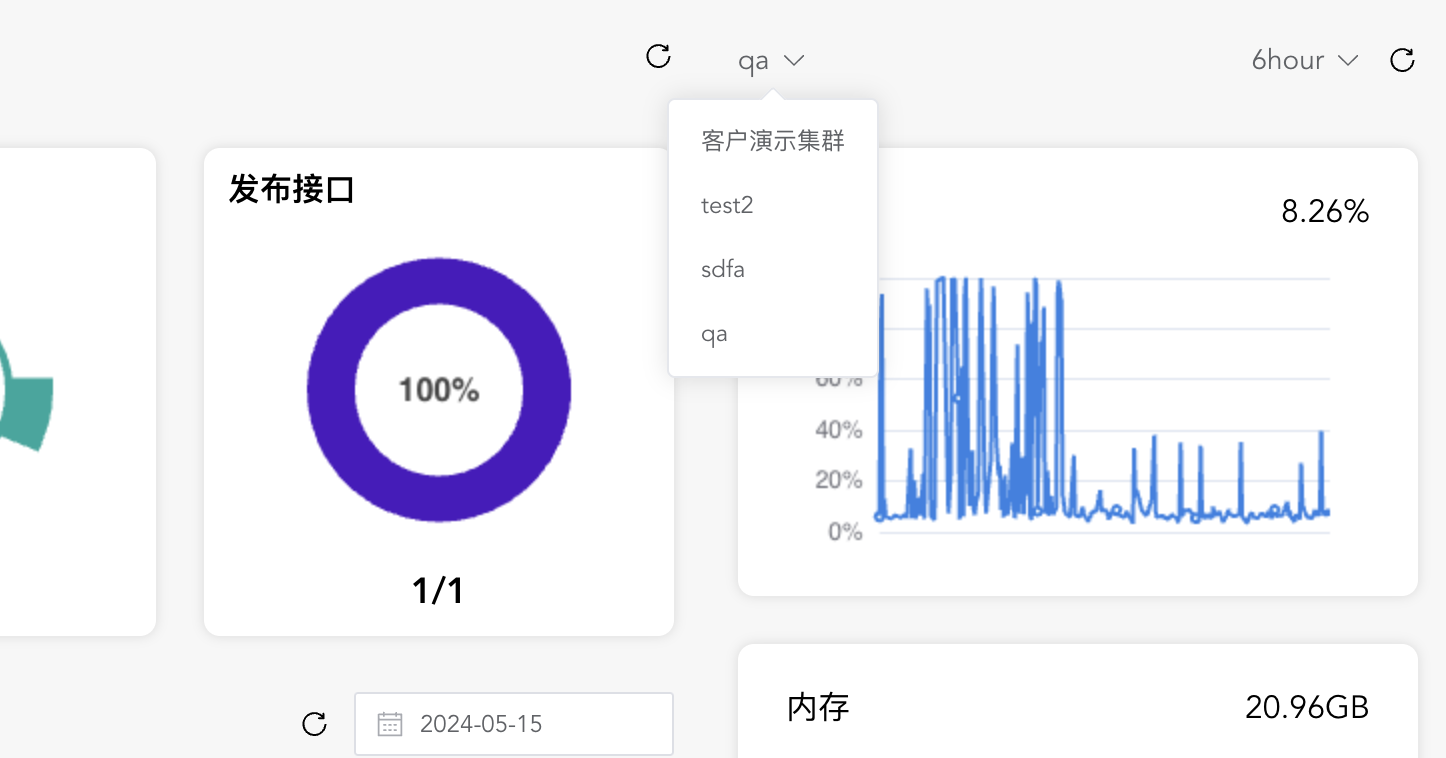
- Publish interface: published interface/created interface
Cluster monitoring
Monitor resource usage trends of servers in computing clusters and support pull-down switching of clusters Monitoring content includes: cpu, memory, storage, io read and write speed, etc.
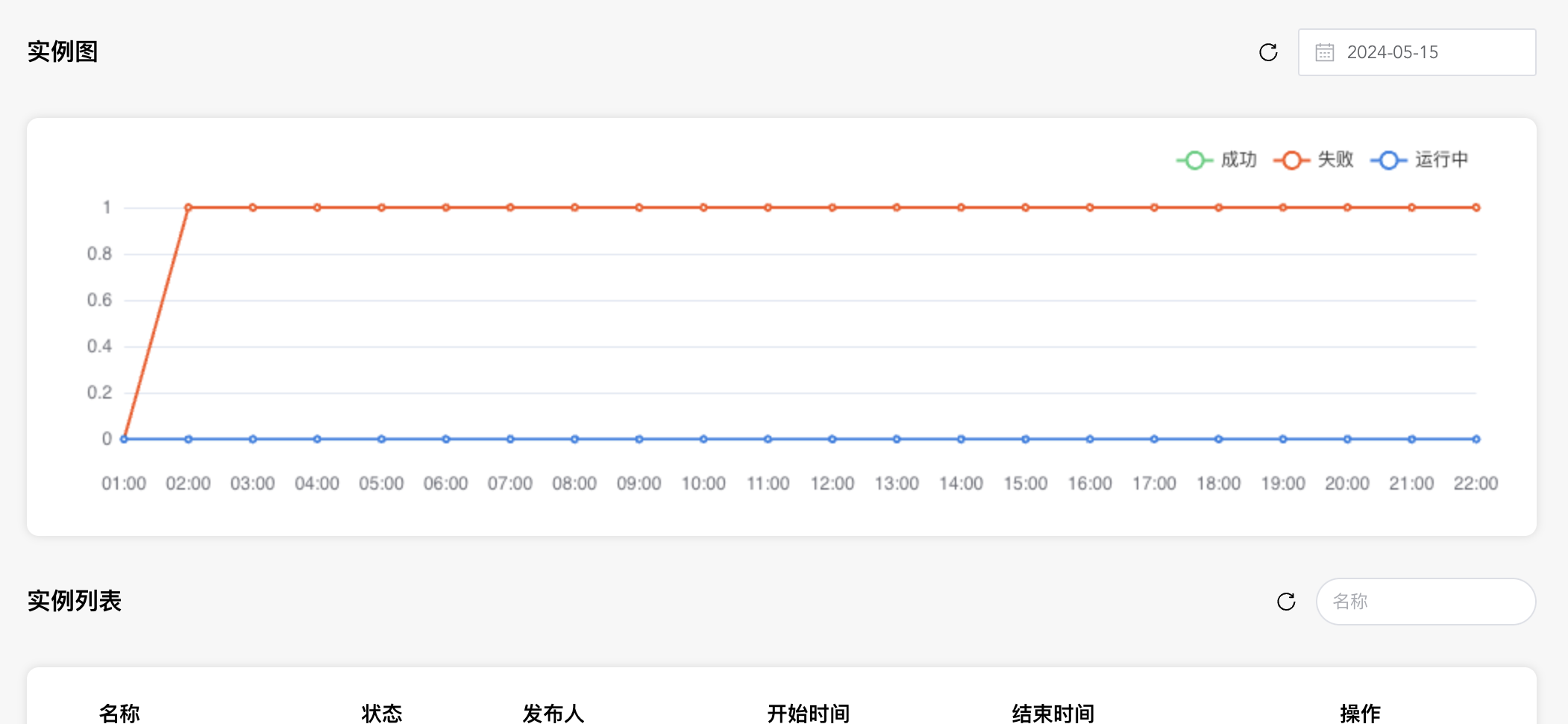
Example diagram
Monitor the running status statistics of the job flow on a certain day, including
successful,failed, andrunningSupports data click refresh and specified date query
Instance list
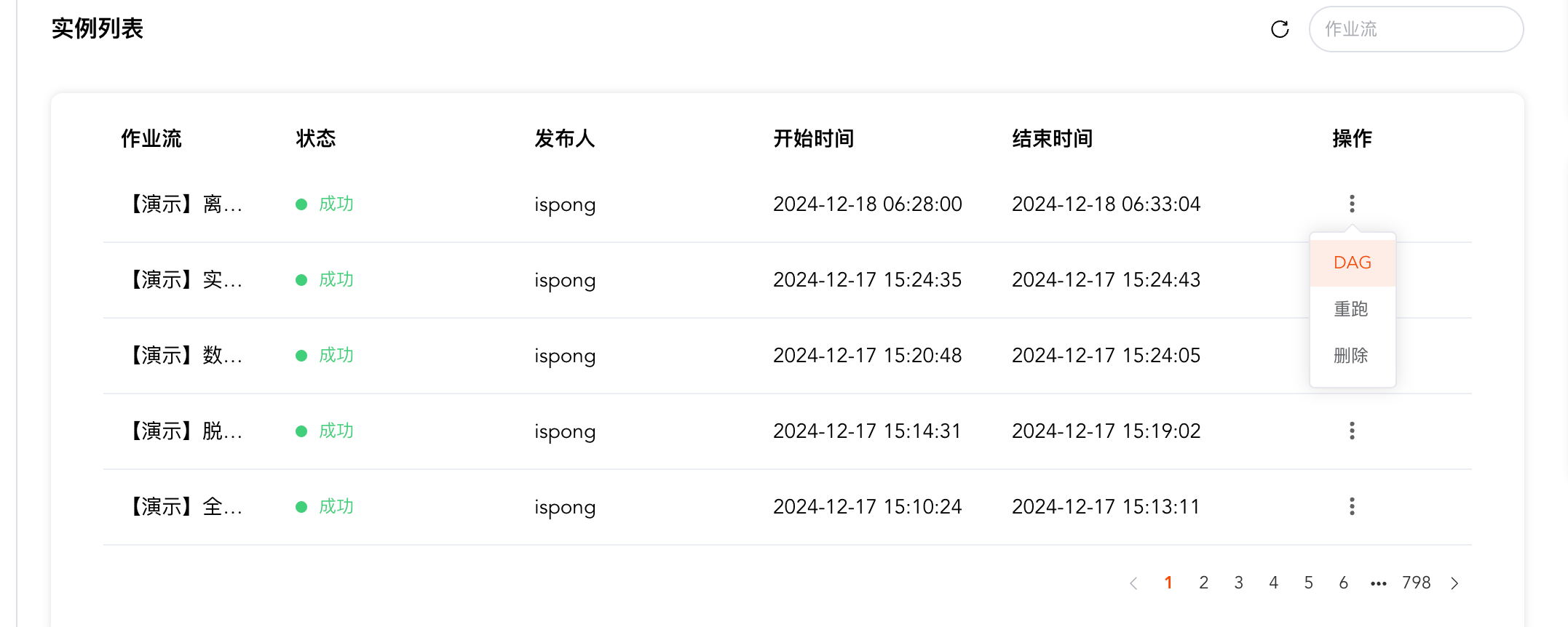
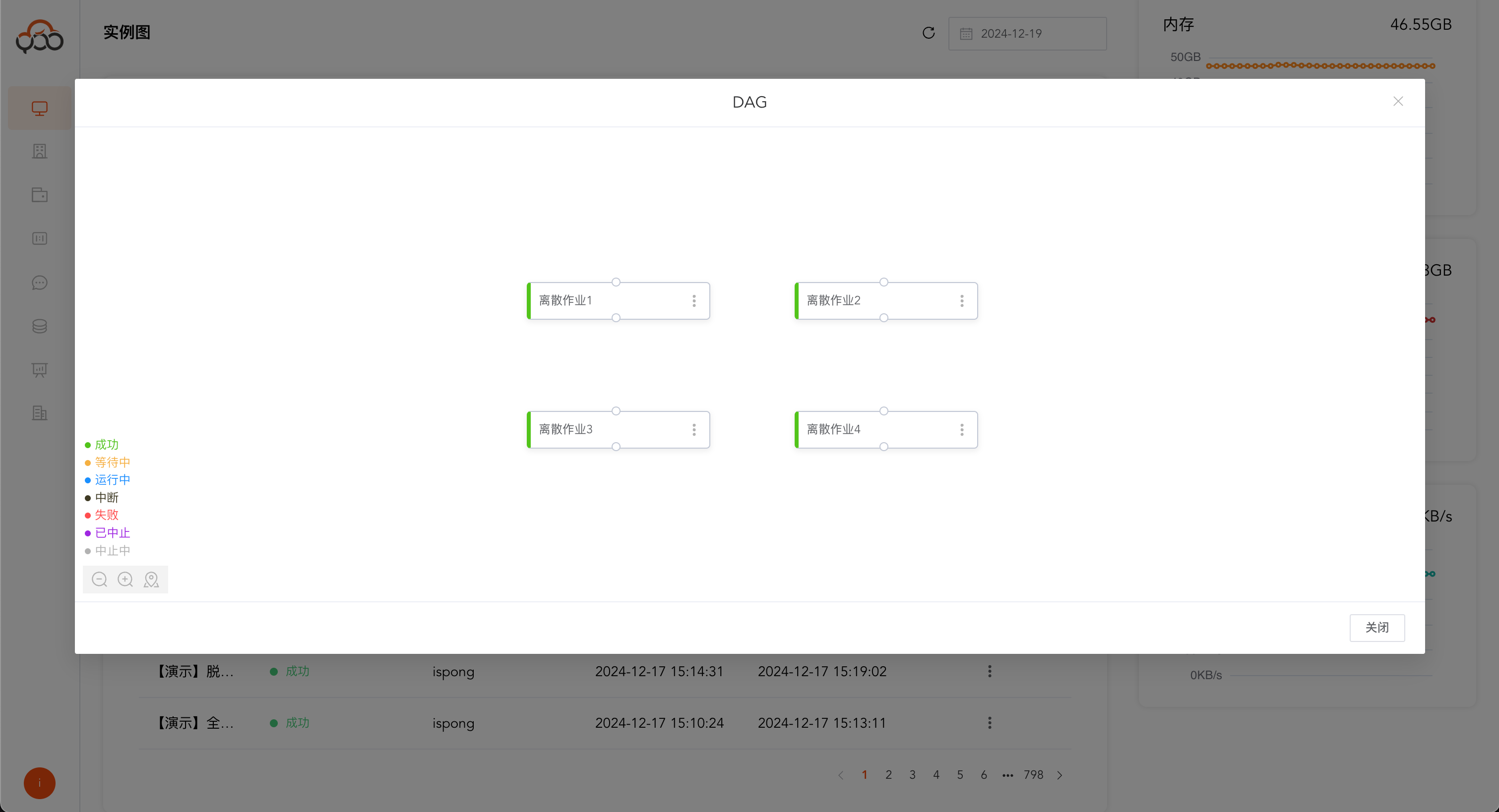
Facilitates users to quickly rerun, search, and handle abnormal job flows Support job stream name search