Tenant member
This article introduces the usage scenarios, operation processes and key configurations of the tenant member function to help users complete daily management and business operations.
Add tenant members
Backstage administratorlogin Click theAdd Memberbutton and drop down the user list inUser Center
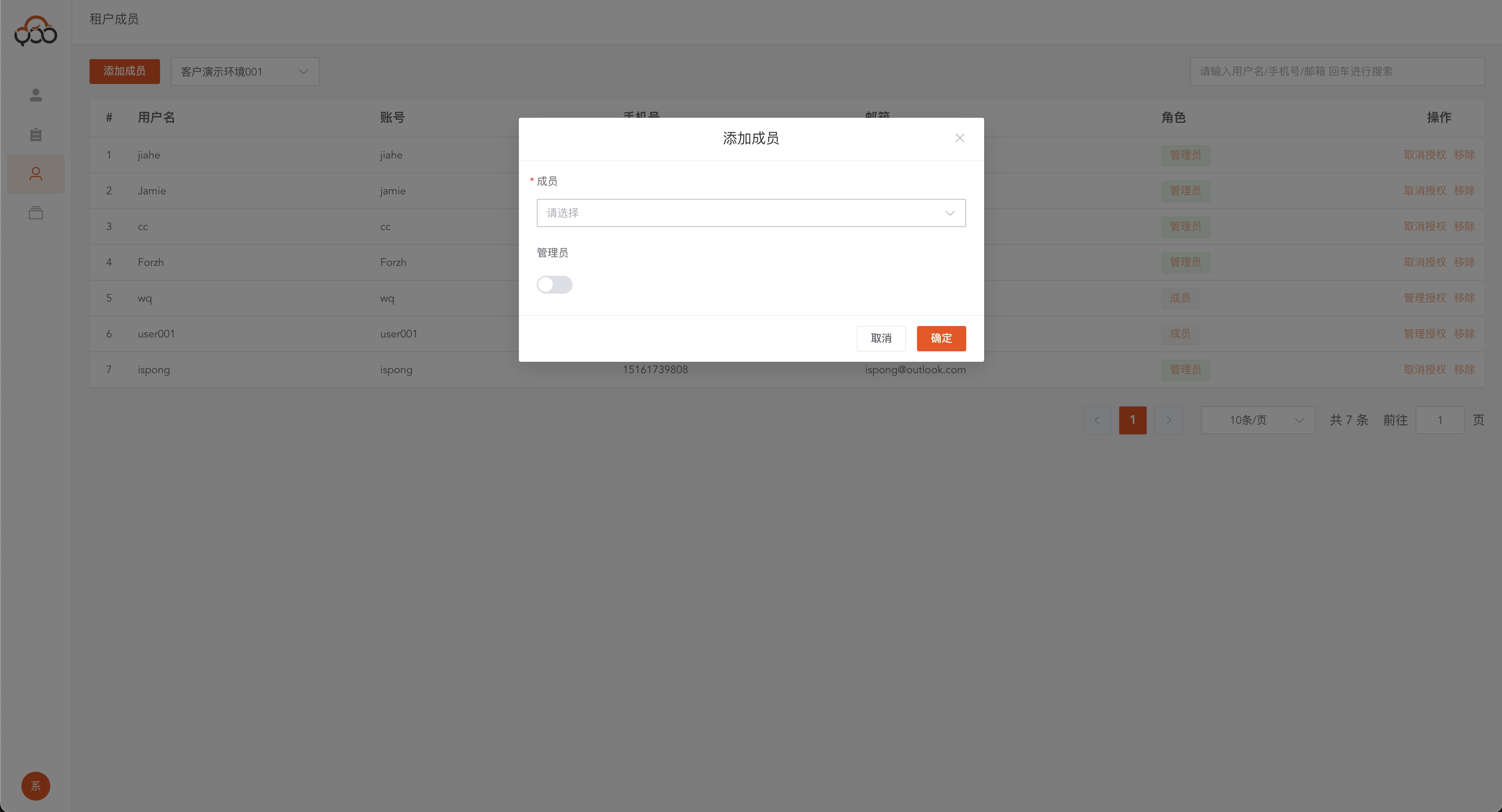
- Member: required, users in the user center
- Administrator:
Tenant Administratorhas permissions such asResource Delete,Member Management, etc.
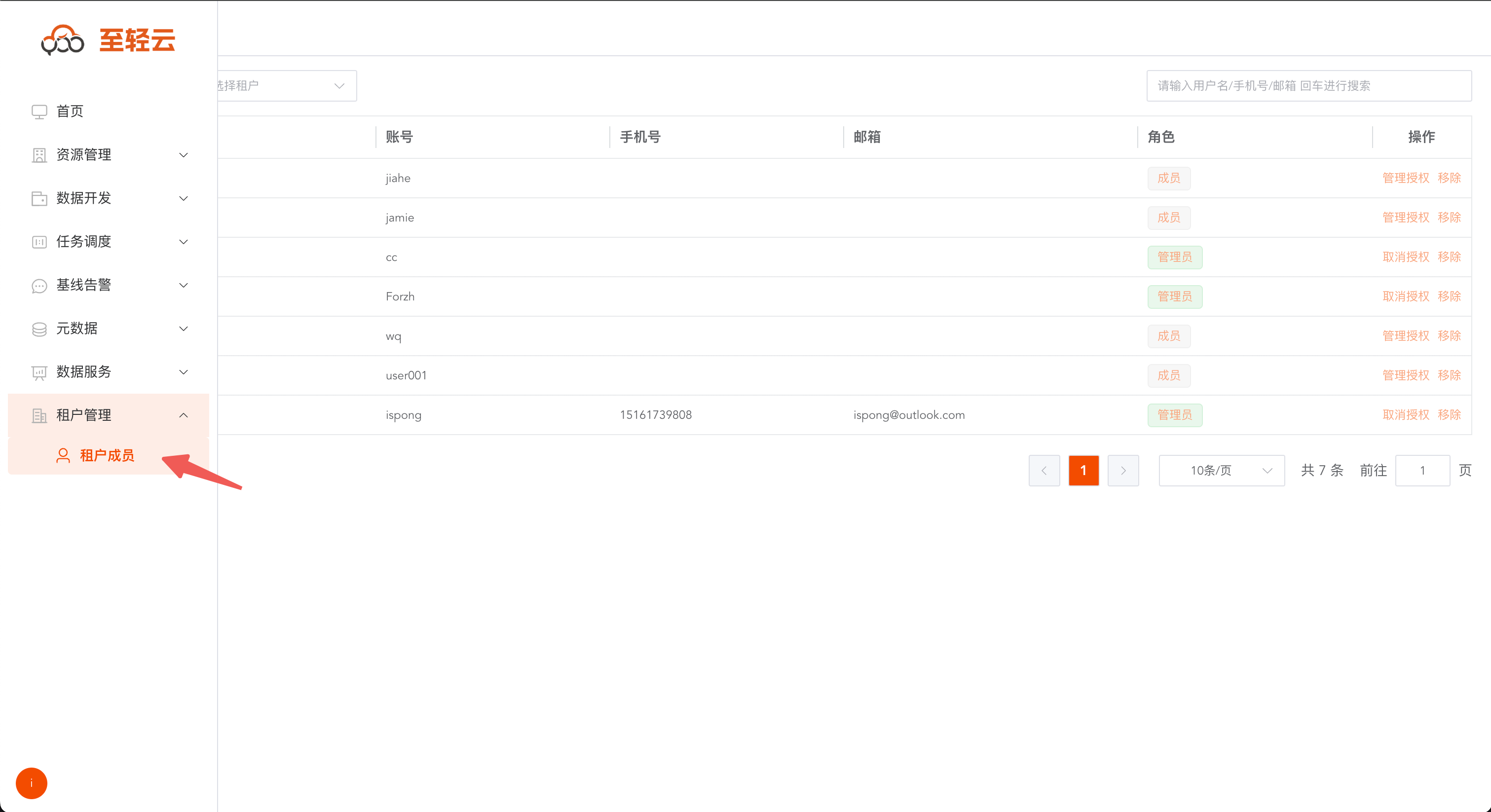
Query tenant members
Click the
Tenant Membersmenu and select a tenant from the drop-down menu to query the member information of the selected tenant.
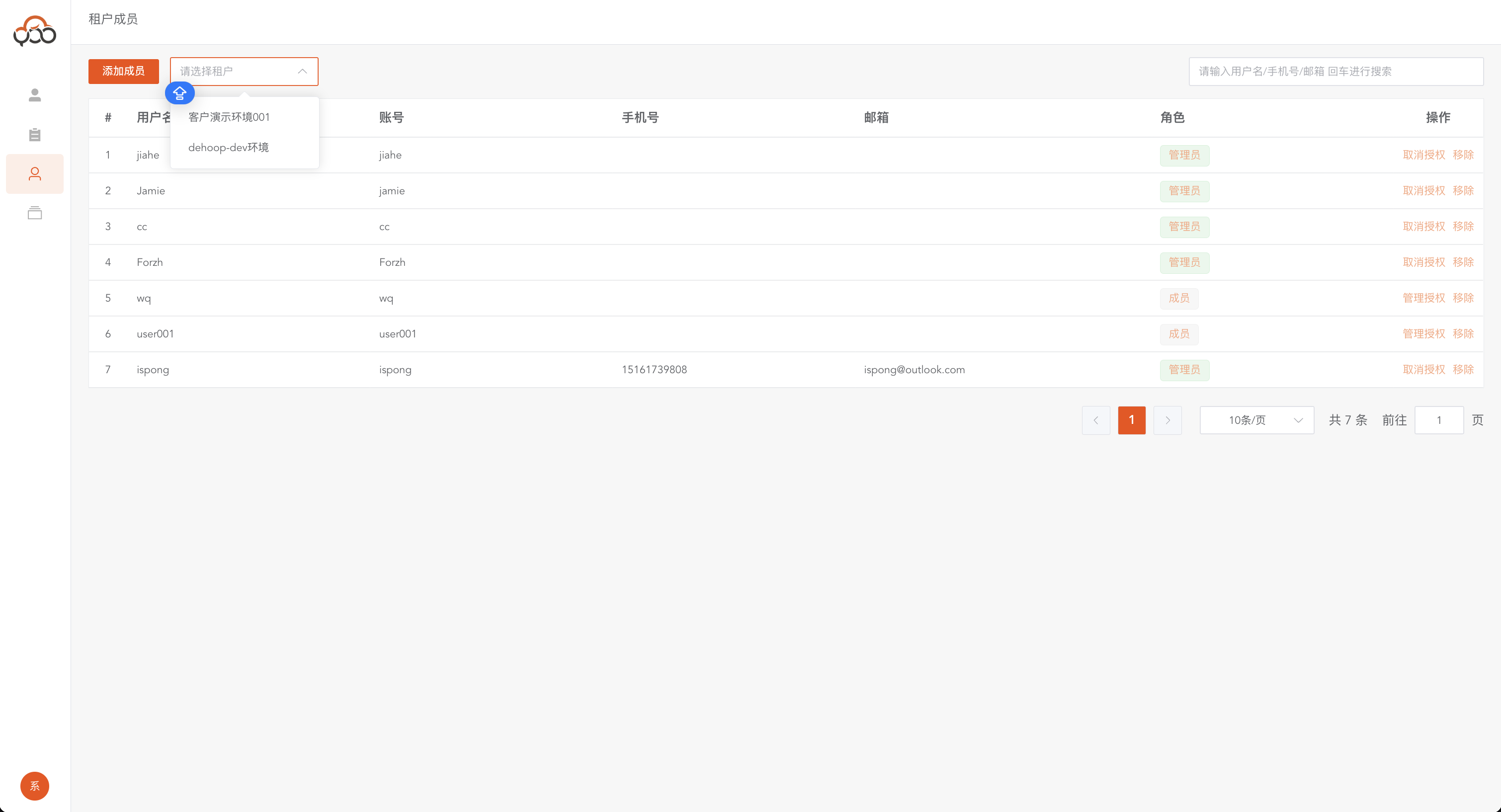
Enter the
Tenant Managementmenu throughTenant Administratorto operate members of the current tenant.
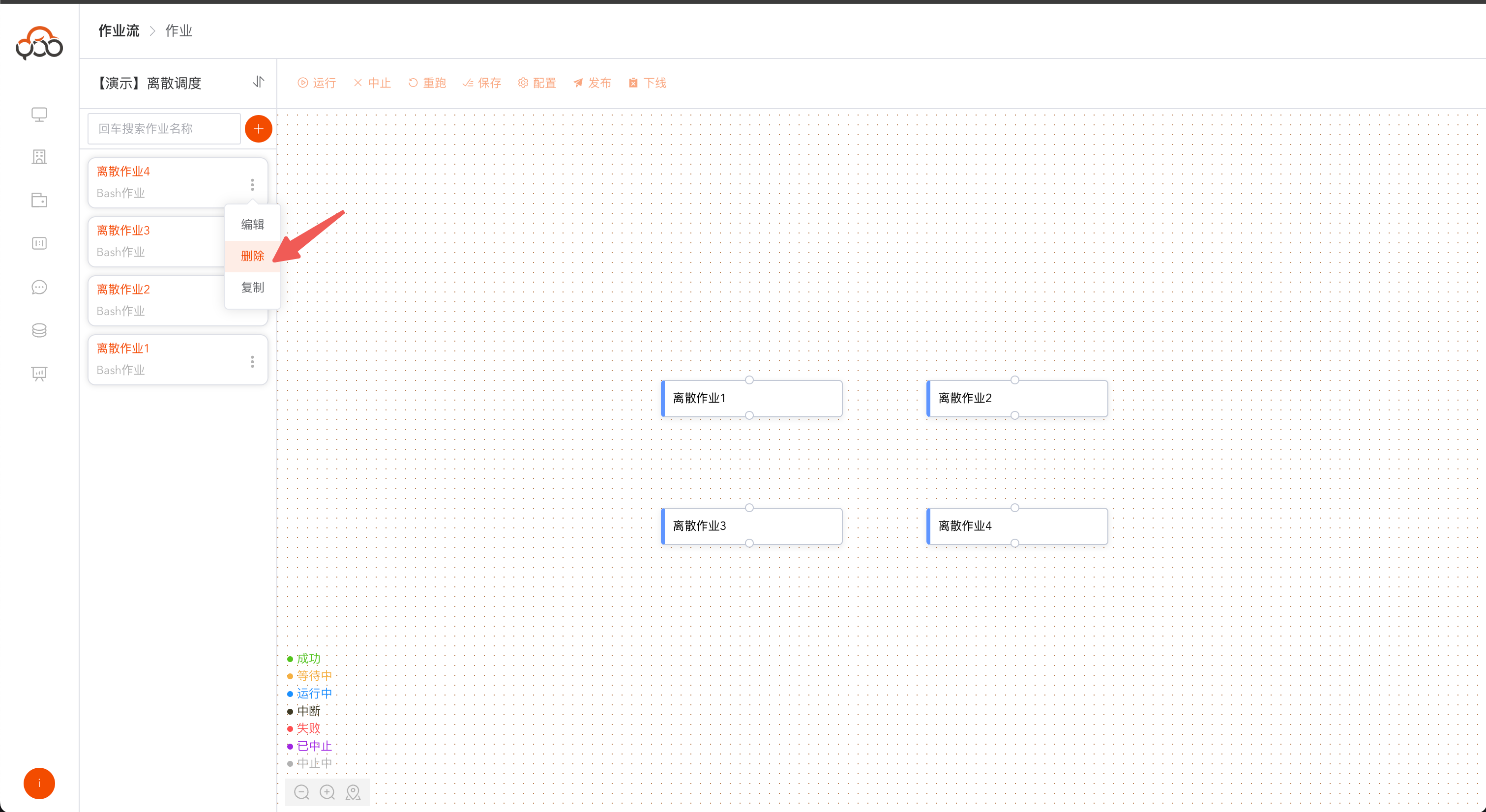
ordinary member
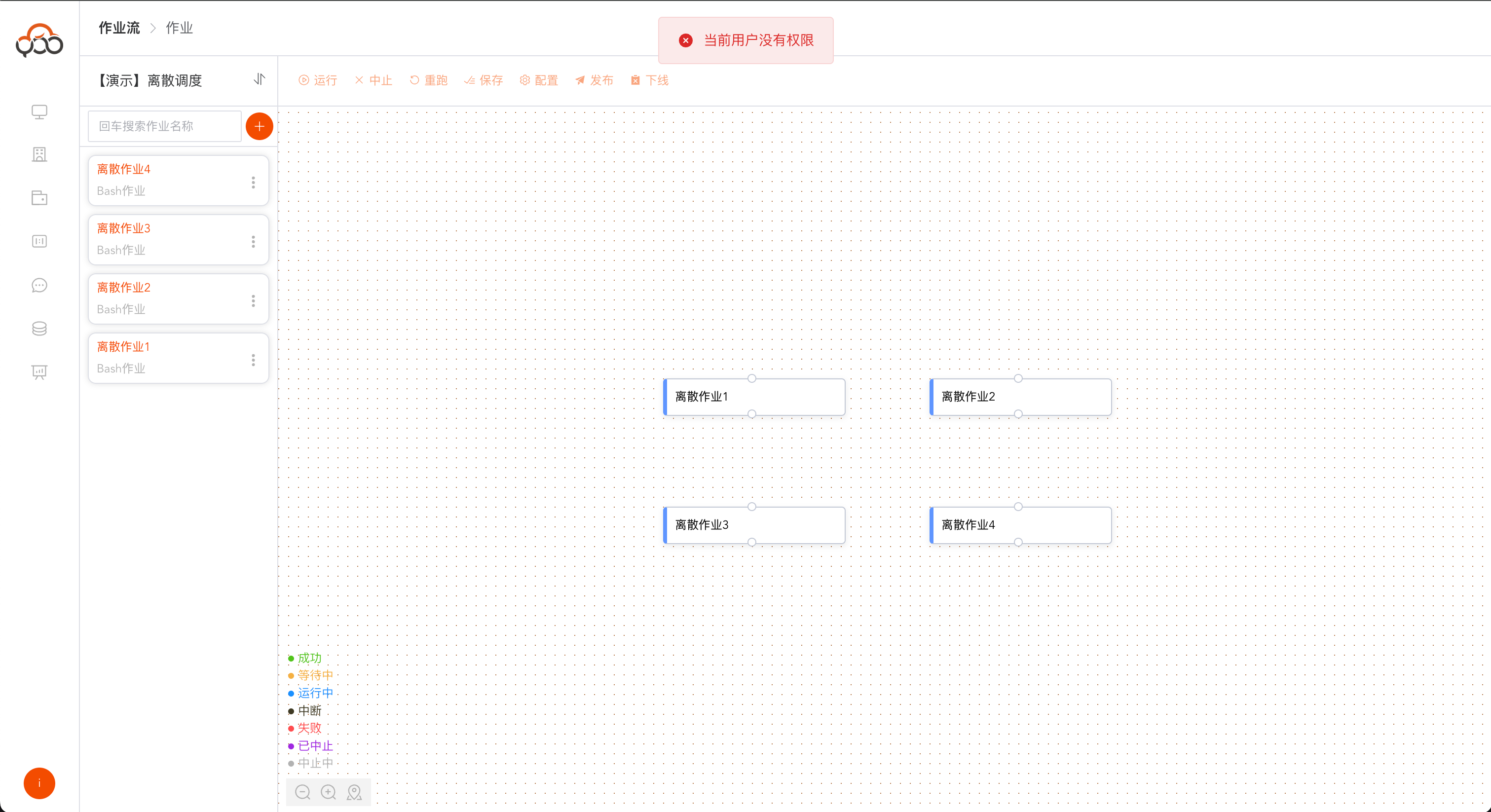
Ordinary membersdo not have permission to delete resources etc.