Interface service module
This article explains the usage scenarios, operation processes and configuration items of the interface service function to help users standardize platform operations.
Open the data in the data source through a custom interface
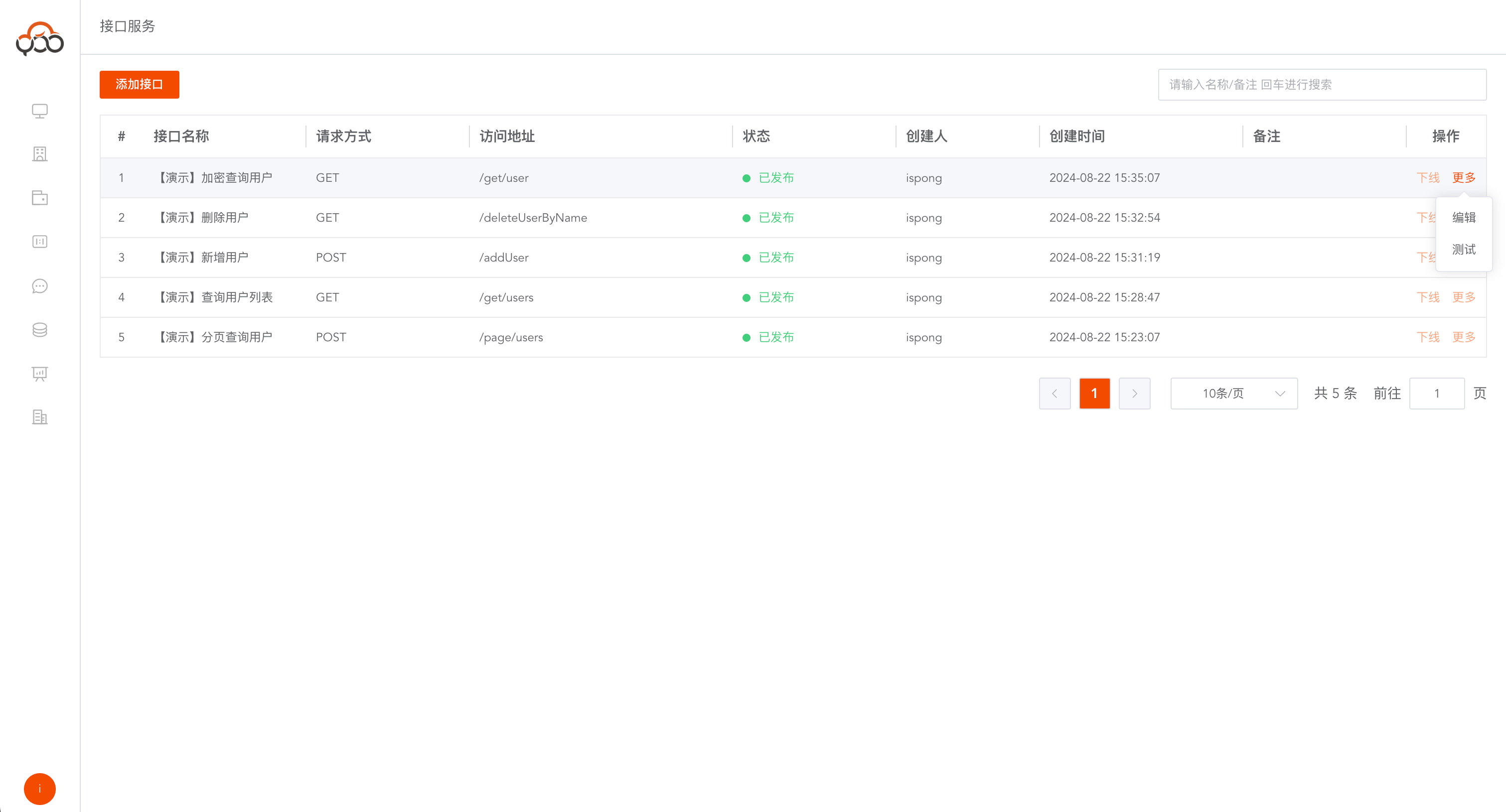
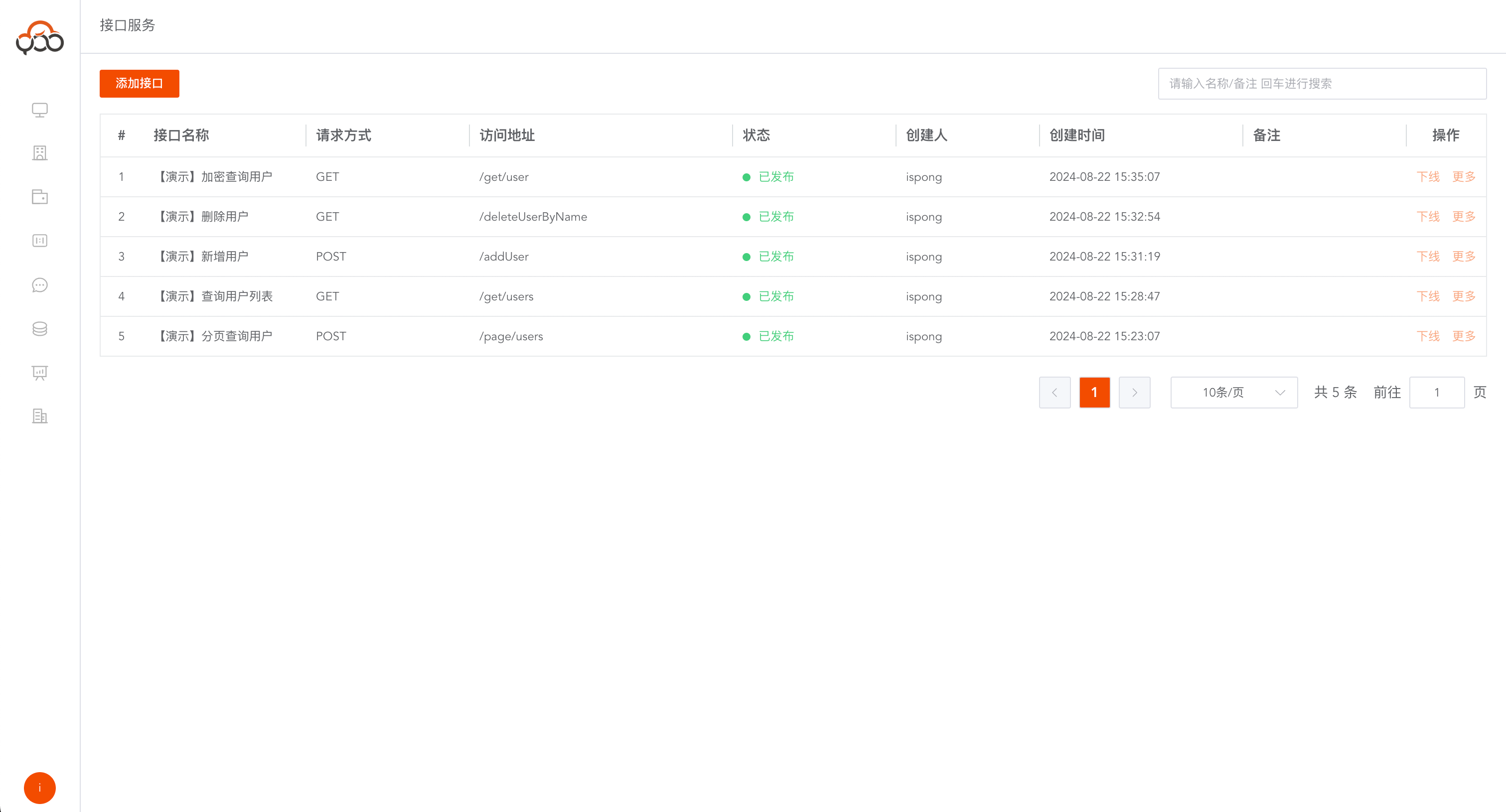
Interface query list
Support name and remark search
Create new interface
Click the
Add Interfacebutton The first step is to fill in the basic information of the interface
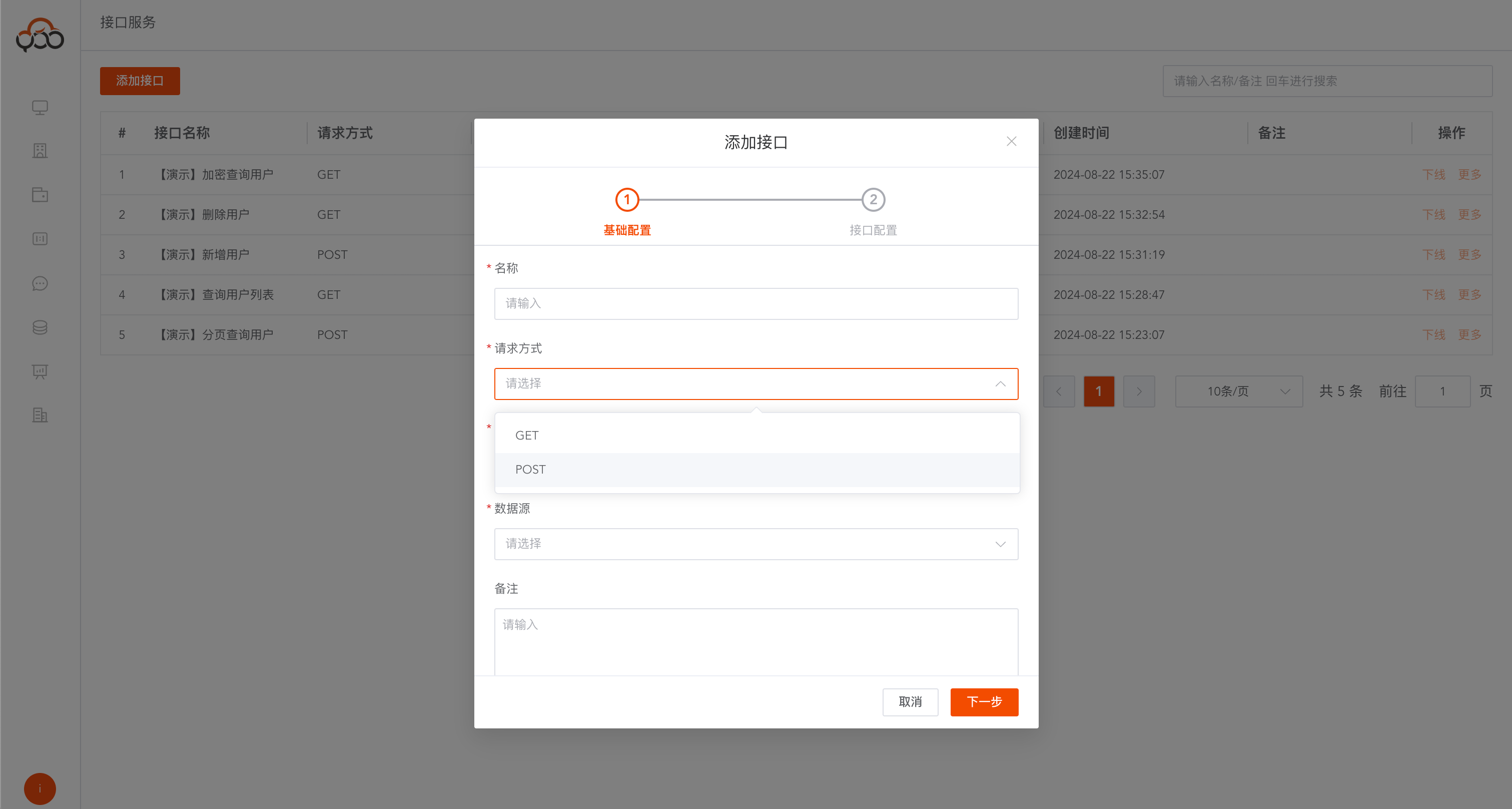
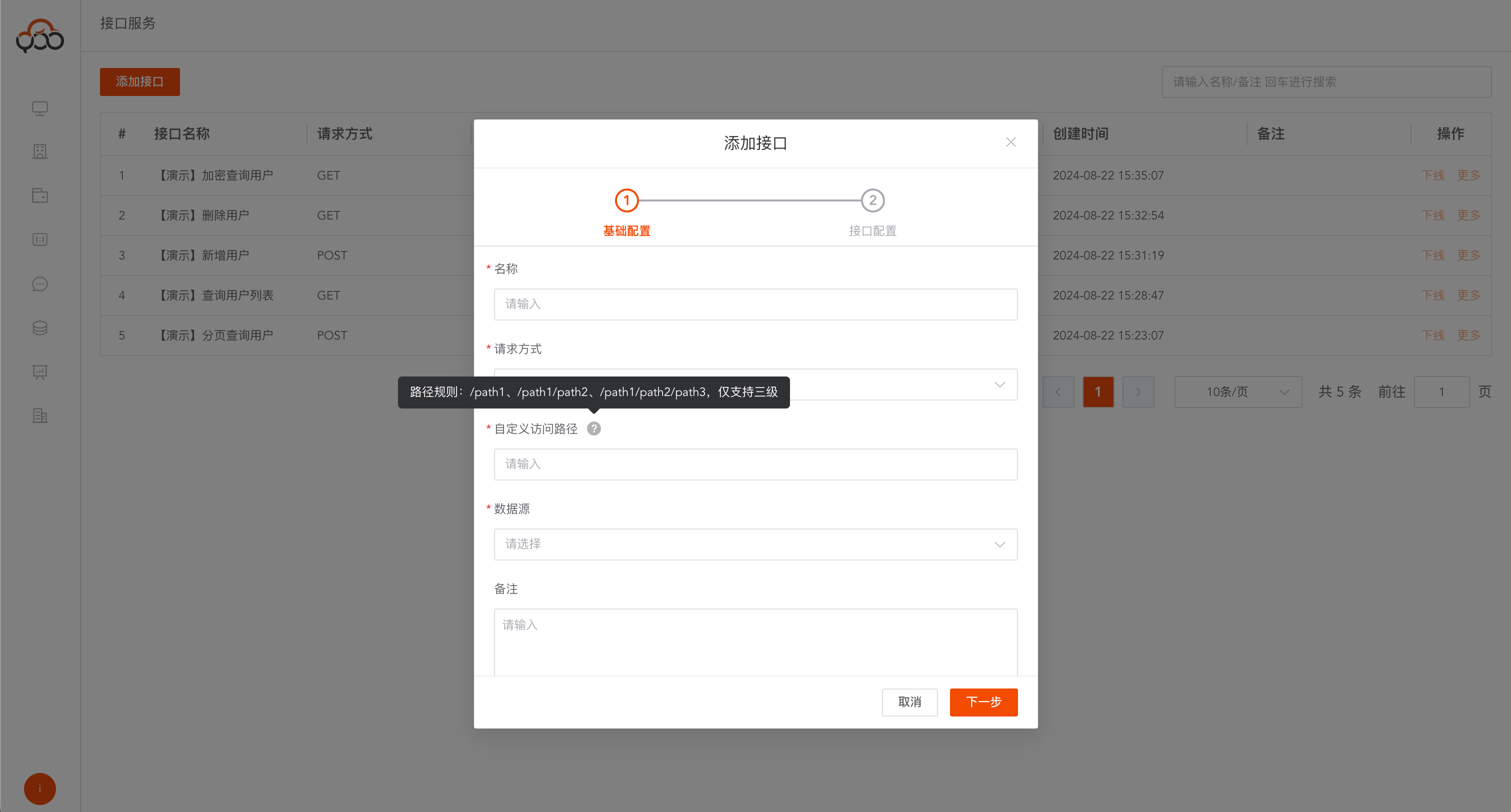
- name: the name of the interface
- Request method: The request method of the interface, supports GET and POST methods
- Customized access path: interface request address, supports three-level path definition
- Data Source: Specify the data source that requires an open interface
- Remarks: Optional
The second step is to configure the interface logic
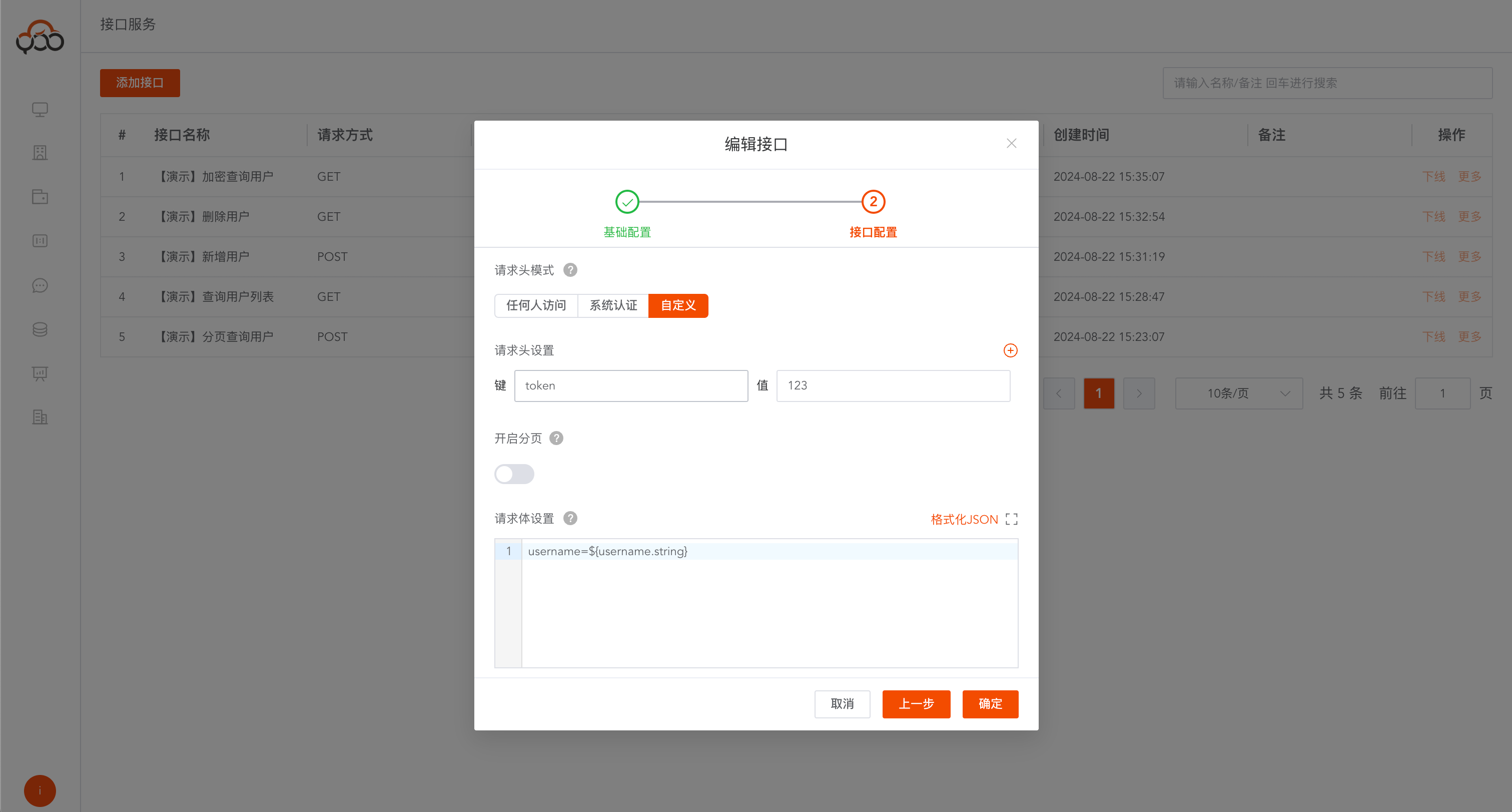
- Request header mode: There are three modes
Access to anyone: Anyone can call this interfaceSystem Authentication: Based on the token of Zhiqingyun platform, authenticate this interfaceCustom: authenticate the interface by configuring a custom token value and request header parameters - Request header settings: When customizing authentication, the user needs to specify the key-value pair
- Enable paging: If the interface needs to query data in paging, after it is enabled,
${count.long}will be automatically assigned in the return structure. - Request body setting: Set the request body structure
GET request body reference
param=${param_name.type}&xxx
custom_a=${a.date}&custom_b=${b.datetime}&custom_c=${c.timestamp}&custom_d=${d.string}&custom_e=
${e.boolean}&custom_f=${f.double}&custom_g=${g.int}&custom_page=${page.int}&custom_pageSize=${pageSize.int}
POST request body reference
JSON request body format "param":"${param_name.type}"
{
  "req":{
    "custom_a":"${a.date}",
    "custom_b":"${b.datetime}",
    "custom_c":"${c.timestamp}",
    "custom_d":"${d.string}",
    "custom_e":"${e.boolean}",
    "custom_f":"${f.double}",
    "custom_g":"${g.int}"
  },
  "custom_page":"${page.int}",
  "custom_pageSize":"${pageSize.int}"
}
Type support
date        日期
datetime    时间
timestamp   秒
string      字符串
boolean     布尔类型
double      浮点数
int         整数
- SQL Settings: Write the logical sql of the interface and support the execution of multiple sql.
Add data
insert into table values('${param_name}')
insert into zqy_users_api (username,age) values ('${username}','${age}')
Delete data
delete from table where xxx = '${param_name}'
delete from zqy_users_api where username = '${username}'
Modify data
update table set xxx = '${param_name}' where xxx = '${param_name}'
update zqy_users_api set username = '${username}' where age = '${age}'
Query data
select xxx from table where xxx = '${param_name}'
select username ,age from zqy_users_api where age = '${age}'
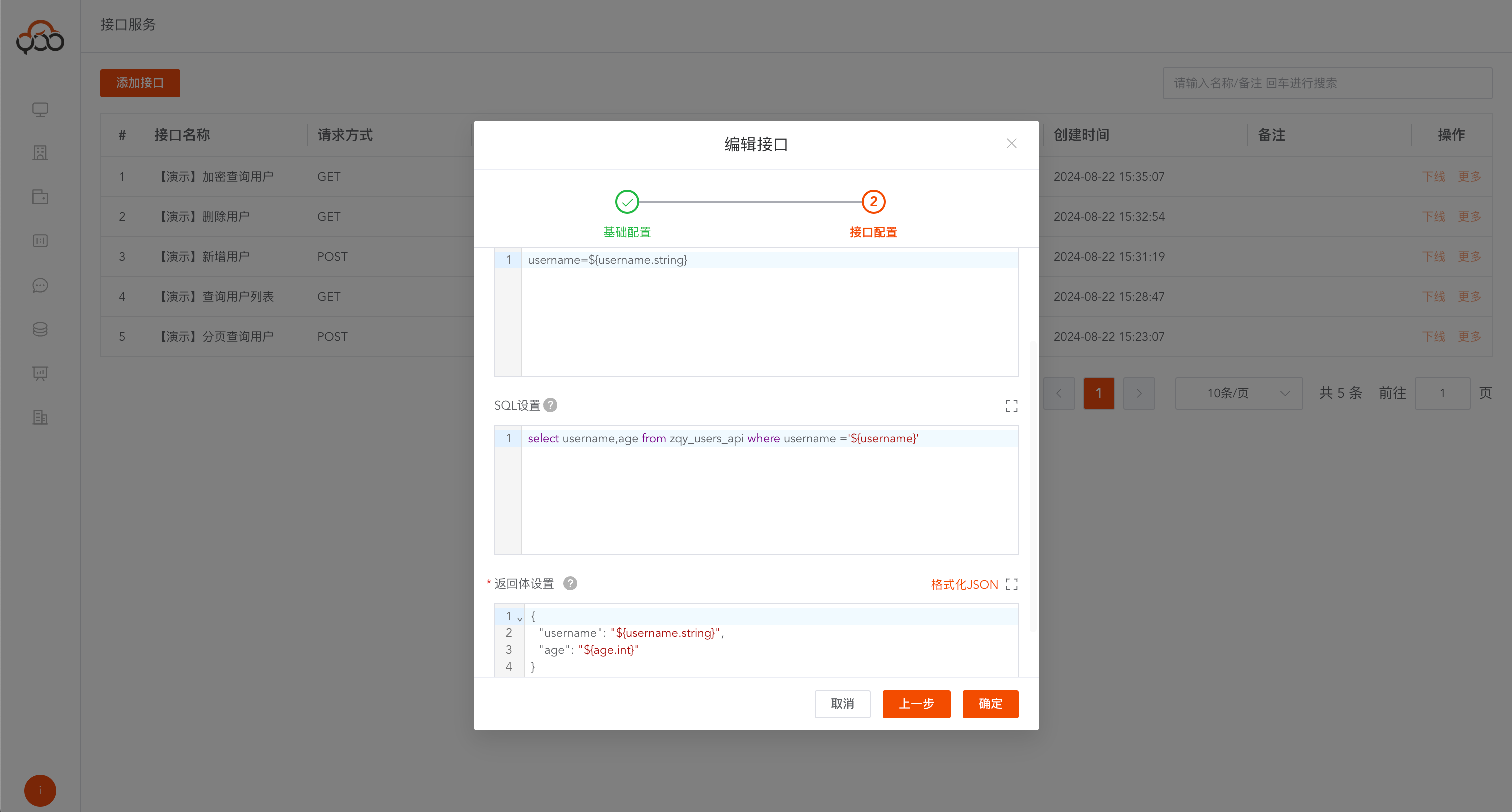
- Return body setting: Response body of the interface
single object return
select col1, col2, col3, col4, col5, col6, col7 from table;
{
    "a": "${col1.date}",
    "b": "${col2.datetime}",
    "c": "${col3.timestamp}",
    "d": "${col4.string}",
    "e": "${col5.boolean}",
    "f": "${col6.double}",
    "g": "${col7.int}"
}
Array object returns
select col1, col2, col3, col4, col5, col6, col7 from table;
[
    {
        "a": "${col1.date}",
        "b": "${col2.datetime}",
        "c": "${col3.timestamp}",
        "d": "${col4.string}",
        "e": "${col5.boolean}",
        "f": "${col6.double}",
        "g": "${col7.int}"
  }
]
Pagination object returns
Note: For paging objects, you must enable the paging function and use the
${count.long}value
select col1, col2, col3, col4, col5, col6, col7 from table;
{
  "$data": [
    {
      "a": "${col1.date}",
      "b": "${col2.datetime}",
      "c": "${col3.timestamp}",
      "d": "${col4.string}",
      "e": "${col5.boolean}",
      "f": "${col6.double}",
      "g": "${col7.int}"
    }
  ],
  "count": "${count.long}"
}
Type support
date        日期(yyyy-MM-dd)
datetime    时间(yyyy-MM-dd HH:mm:ss)
timestamp   秒
string      字符串
boolean     布尔类型(true/false)
double      浮点数
int         整数
long        长整型
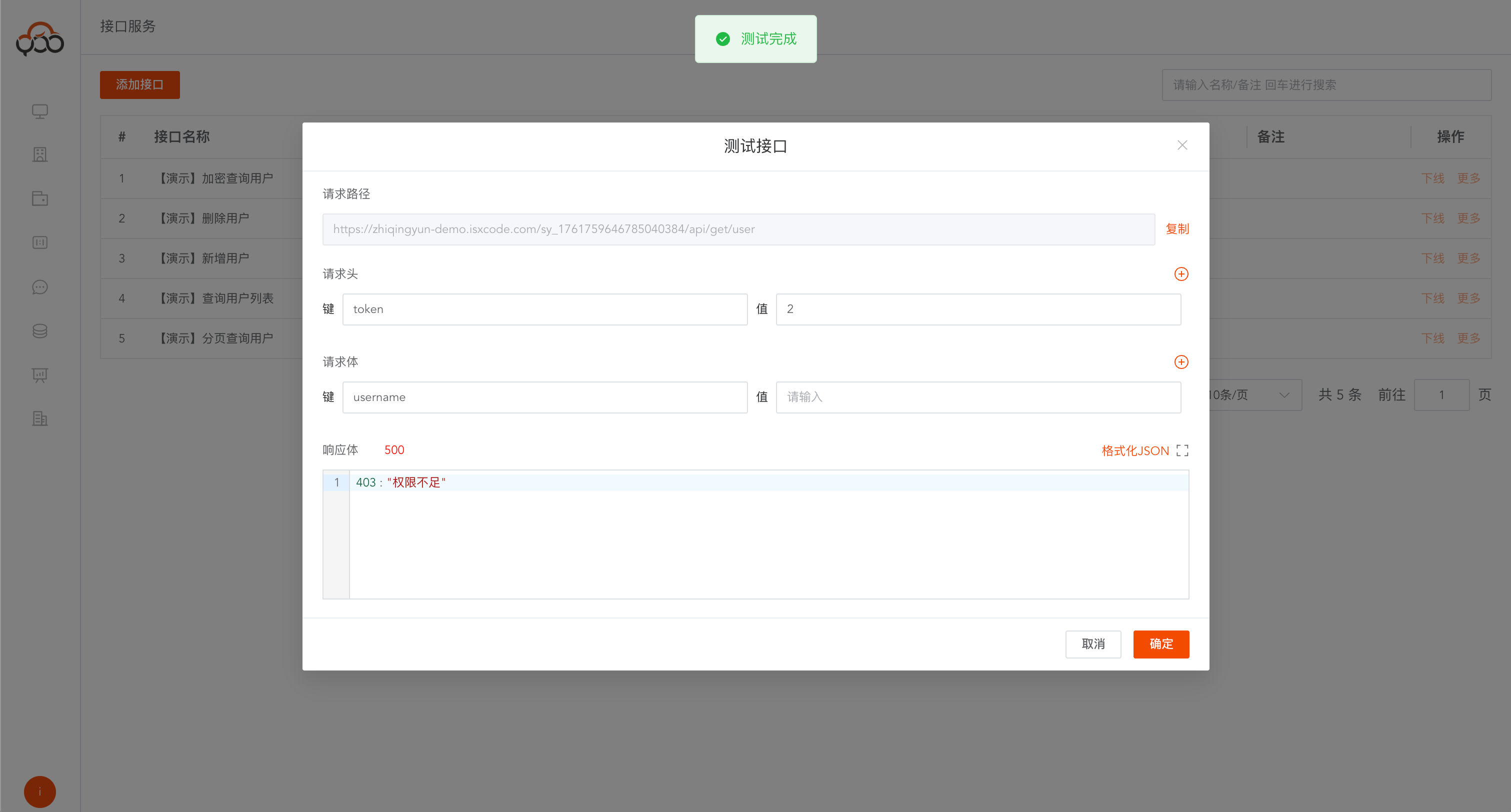
Interface testing
Click the
Testbutton inMoreAfter configuring the interface, you can test the interface locally