Big data screen
This article explains the usage scenarios, operation procedures and configuration items of the big data screen function to help users standardize platform operations.
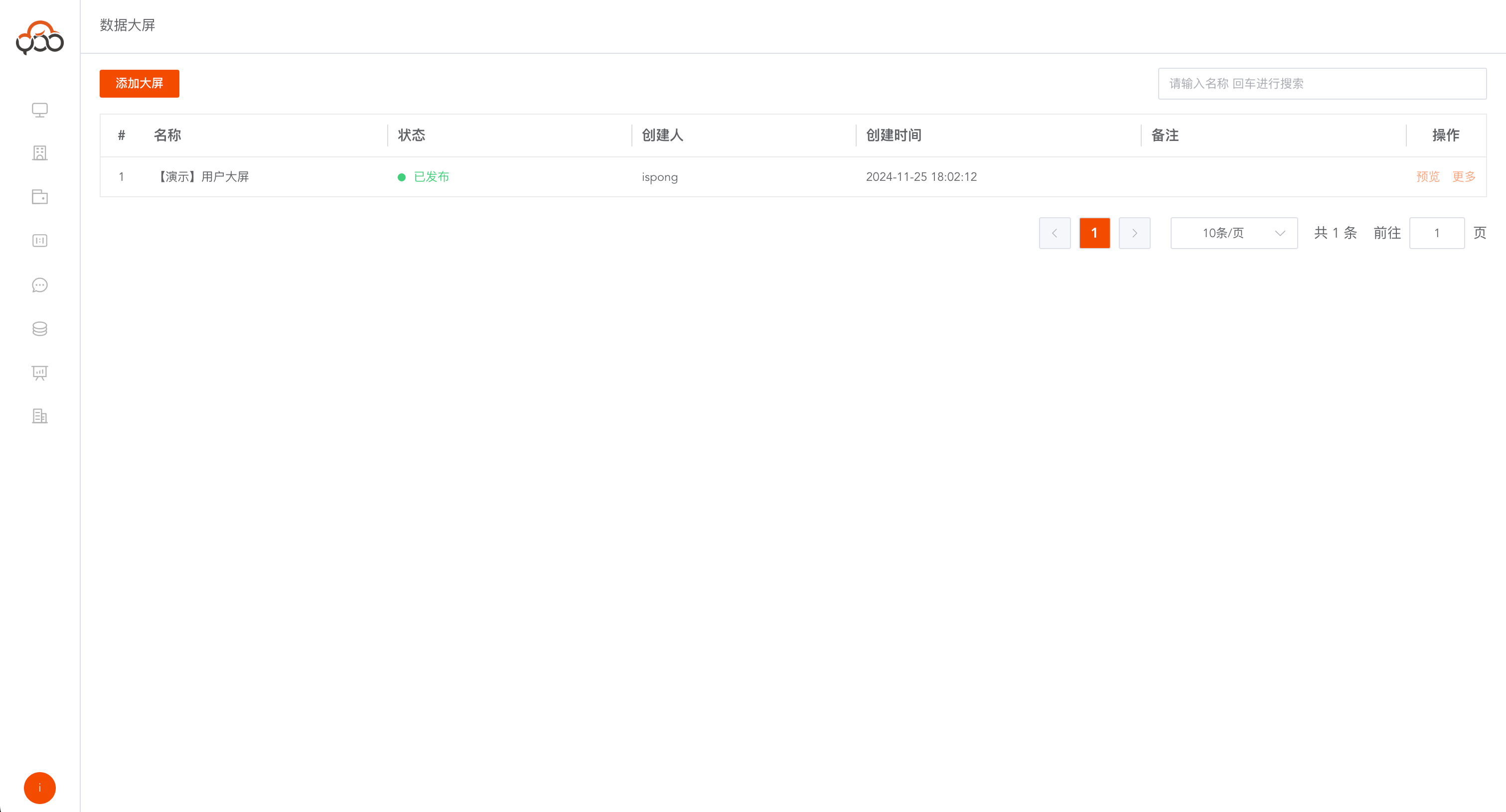
View data list on large screen
View the list of created data screens Support name search
Create a new data screen
Click the
Add Large Screenbutton
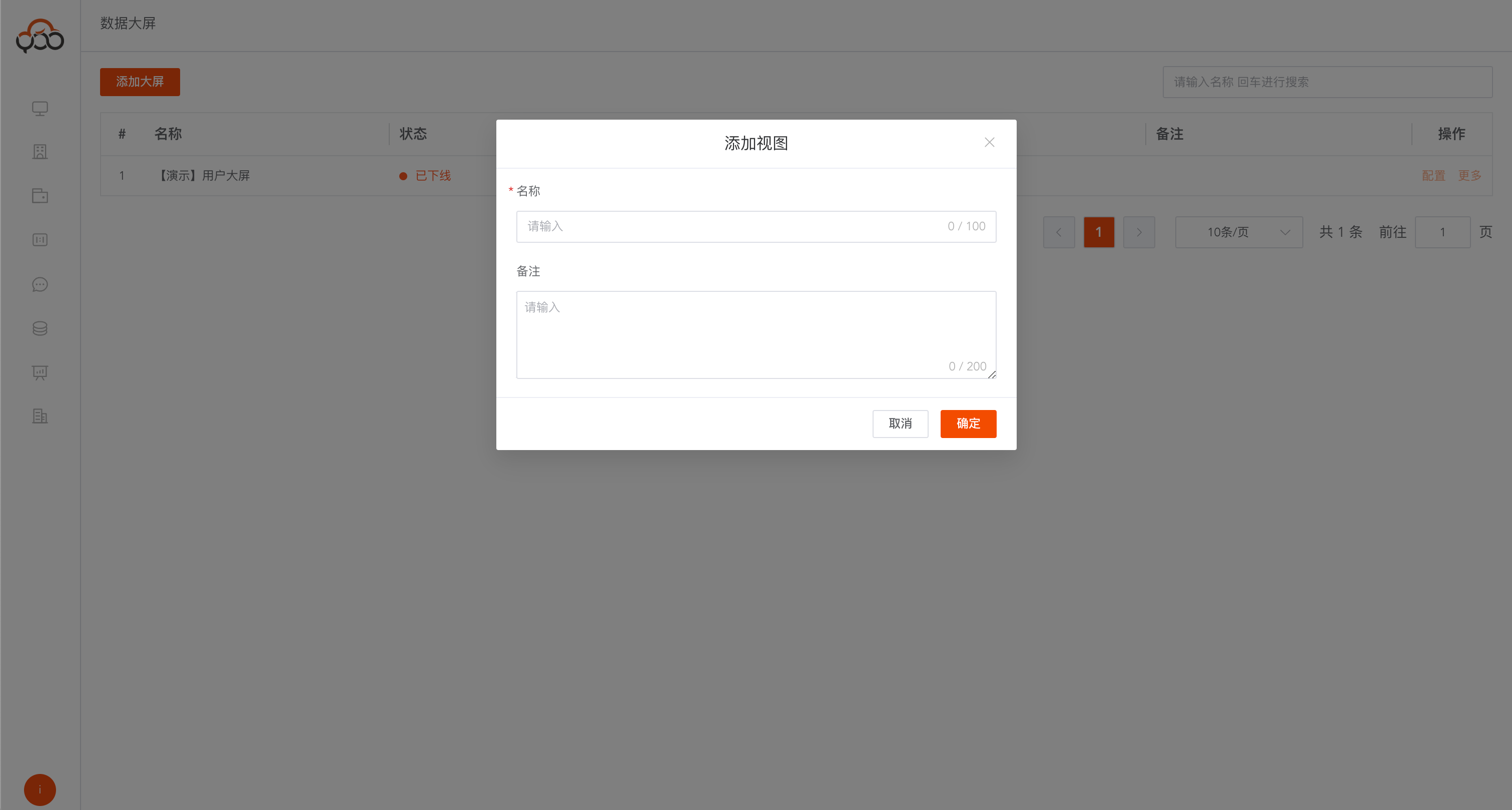
- Name: Data screen name
- Remarks: Optional
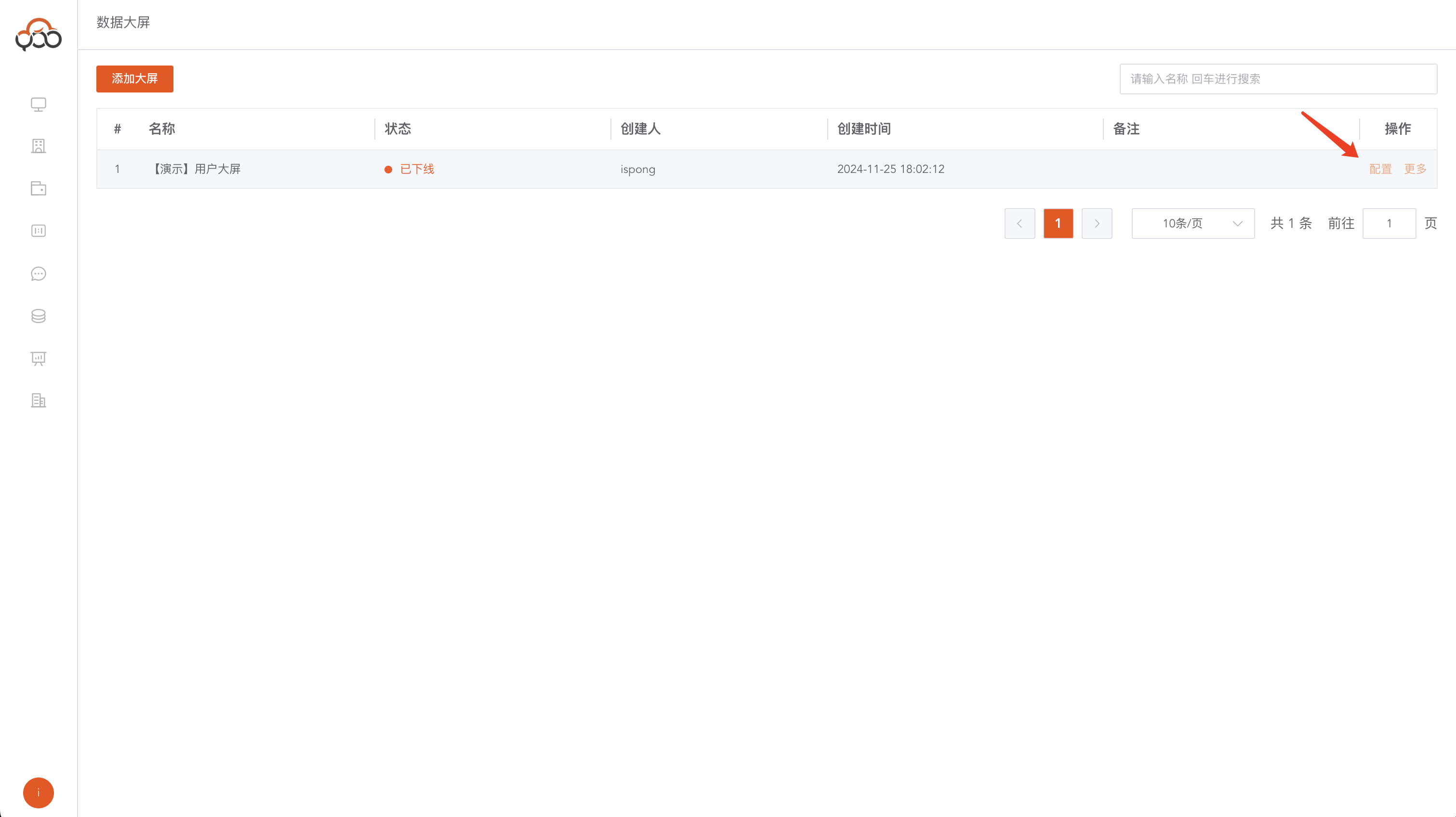
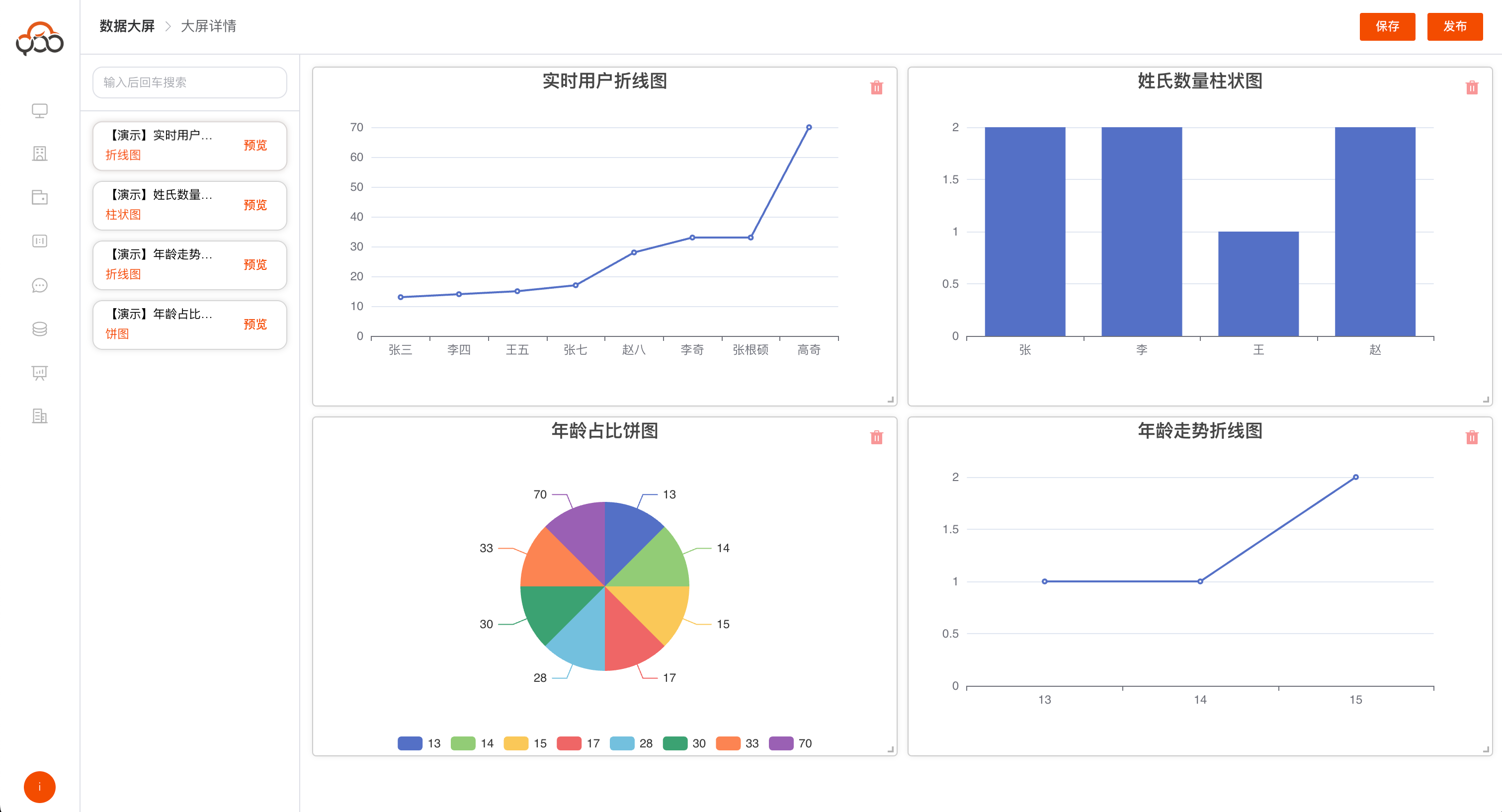
Data large screen configuration
Click the
Configurebutton
Published data cards can be dragged into the canvas by dragging Click the delete button to delete the dragged data card Supports repeated dragging of data cards
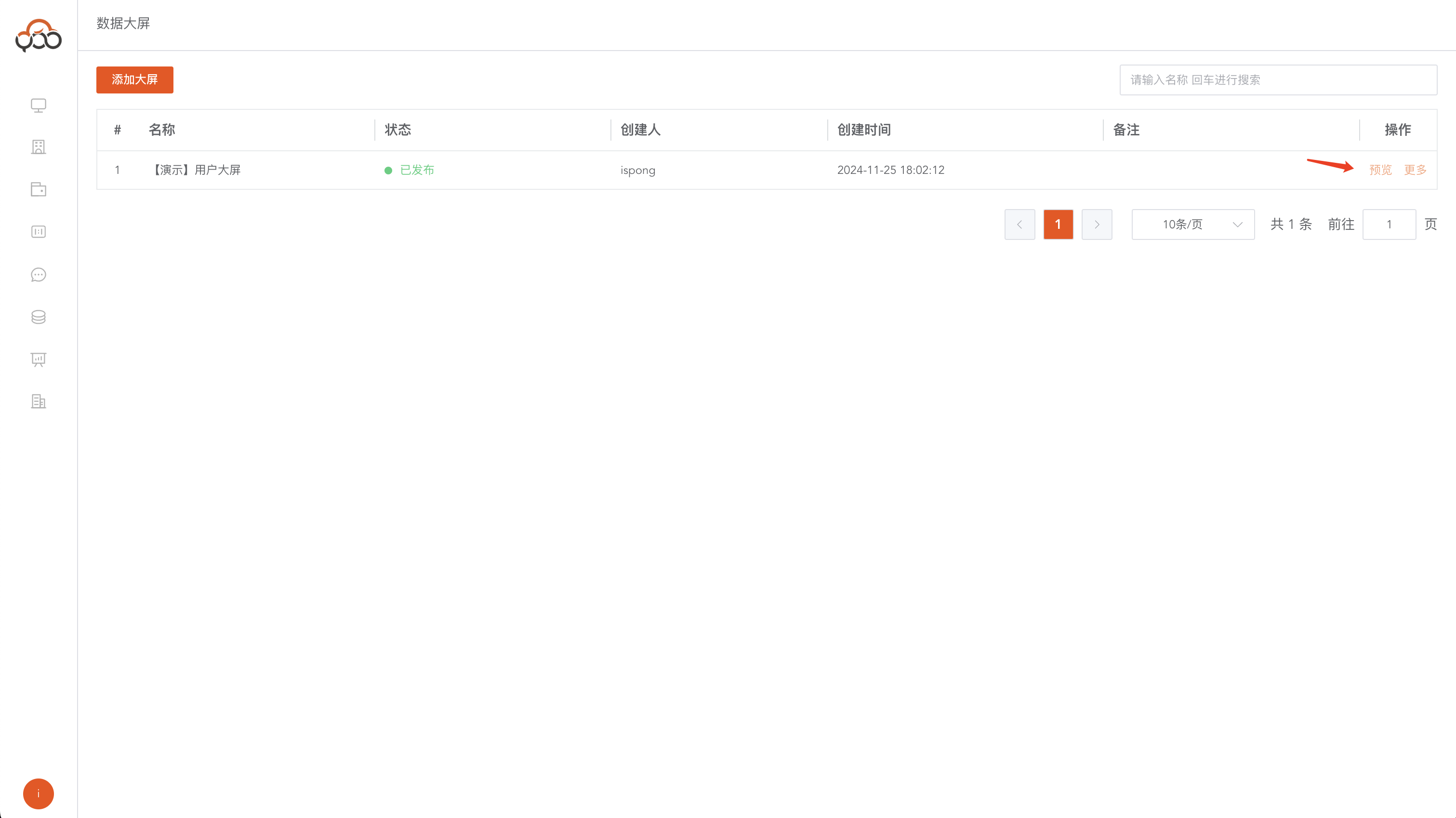
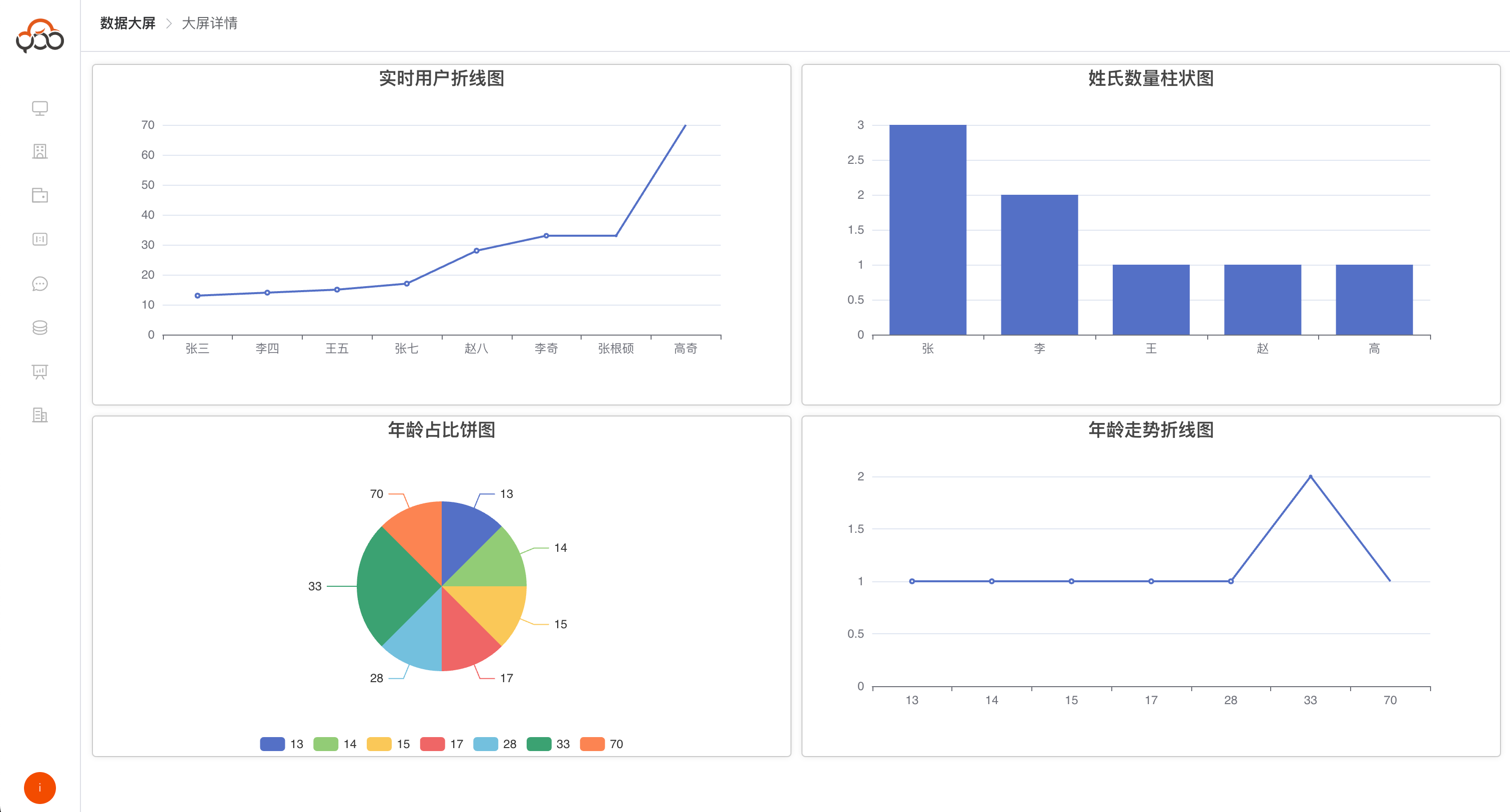
Data large screen preview
Click the
Previewbutton Data in the big data screen supports real-time refresh
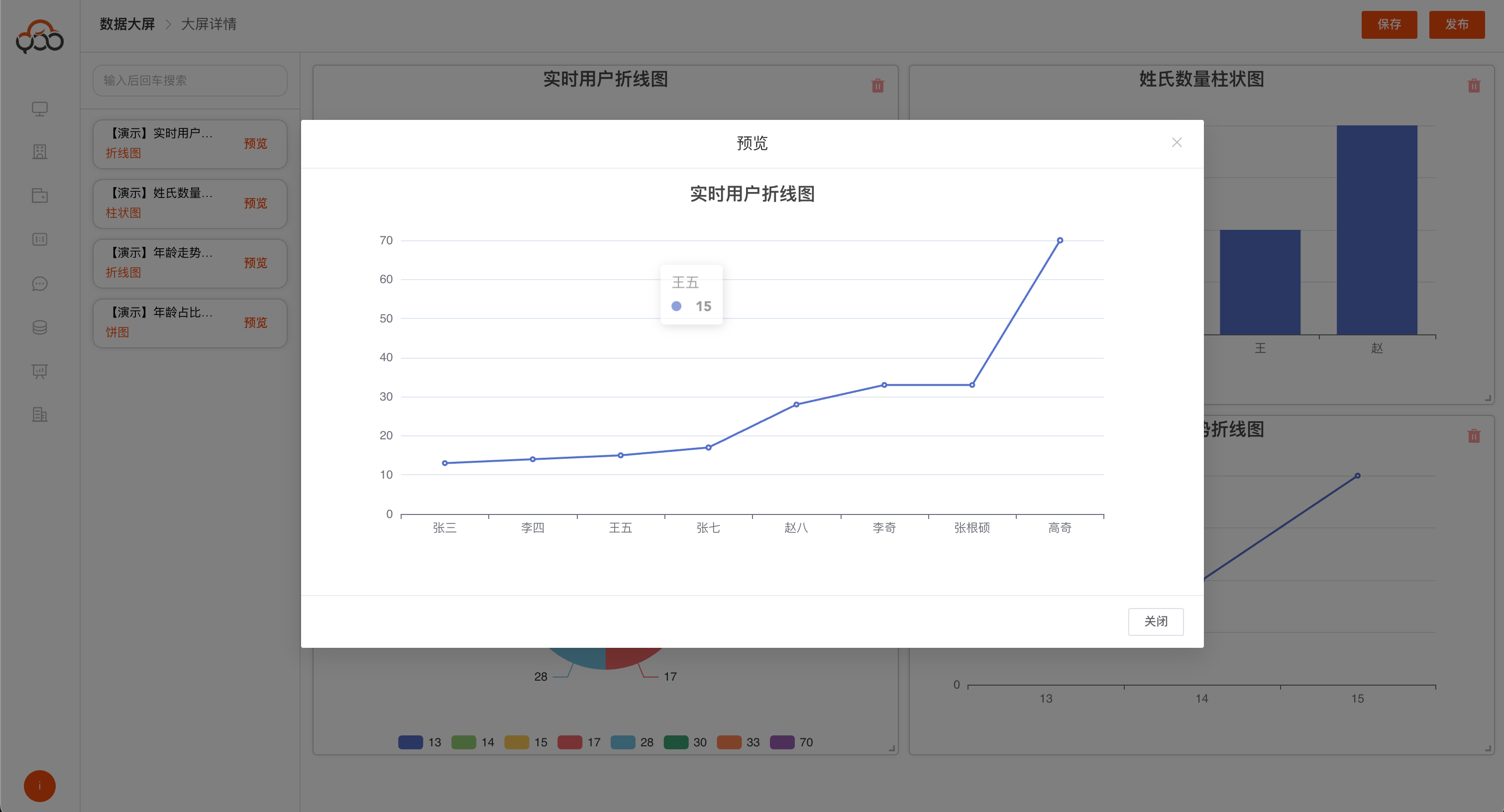
Data card preview
You can preview the current card style by clicking the preview button