metadata module
This article explains the usage scenarios, operation processes, and configuration items of the metadata function to help users standardize and complete platform operations.
Based on the list of data sources in the
Data Sourcesmenu of theResource Managementmodule Parse and save the table structure in the data source to facilitate user query and search operations
The data map is divided into three dimensions:
- Data Source: Search all created data source lists
- Table: Search table information in all data sources
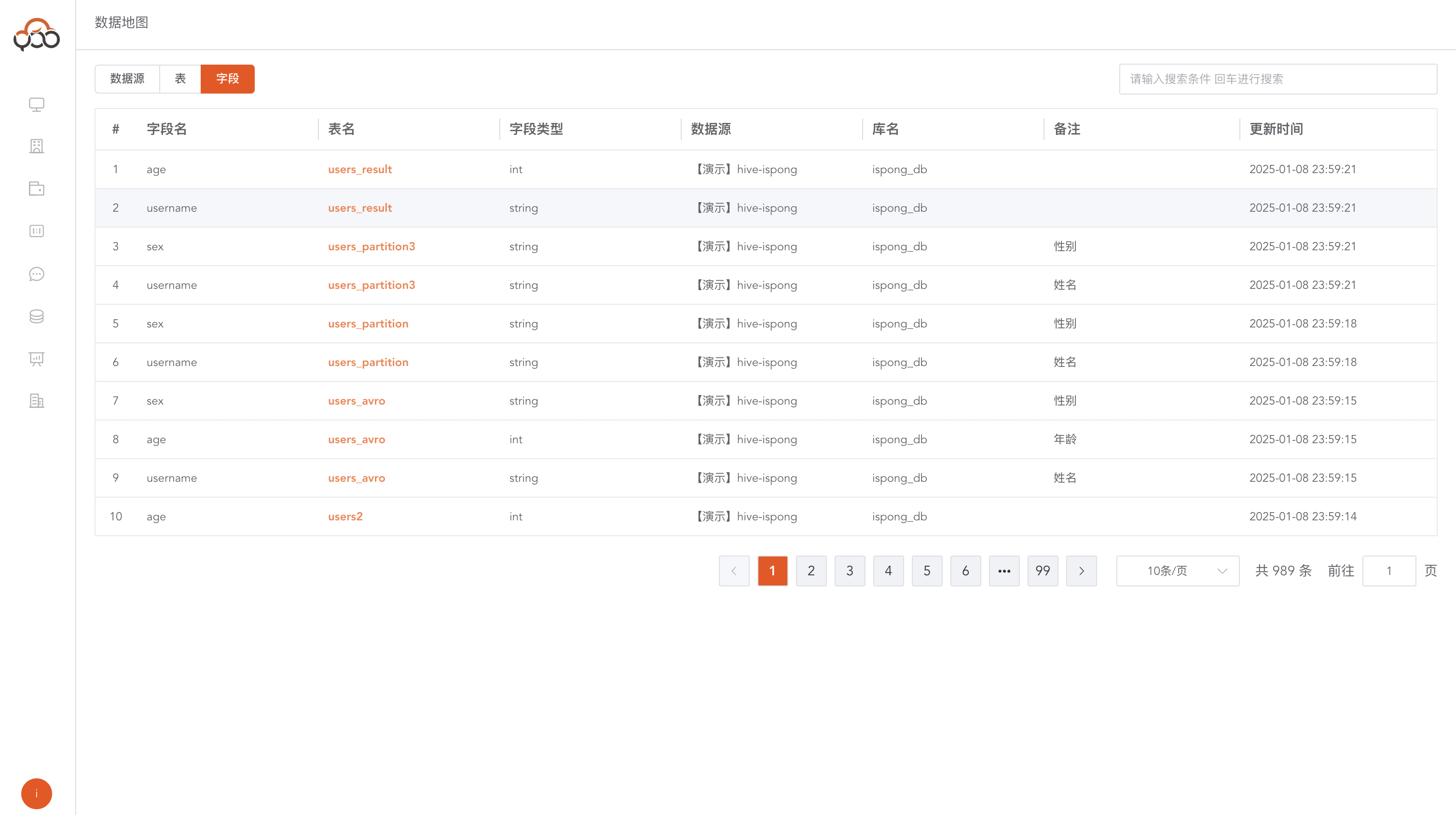
- Field: Search field information in all tables
Data source view
Support data source and library name search
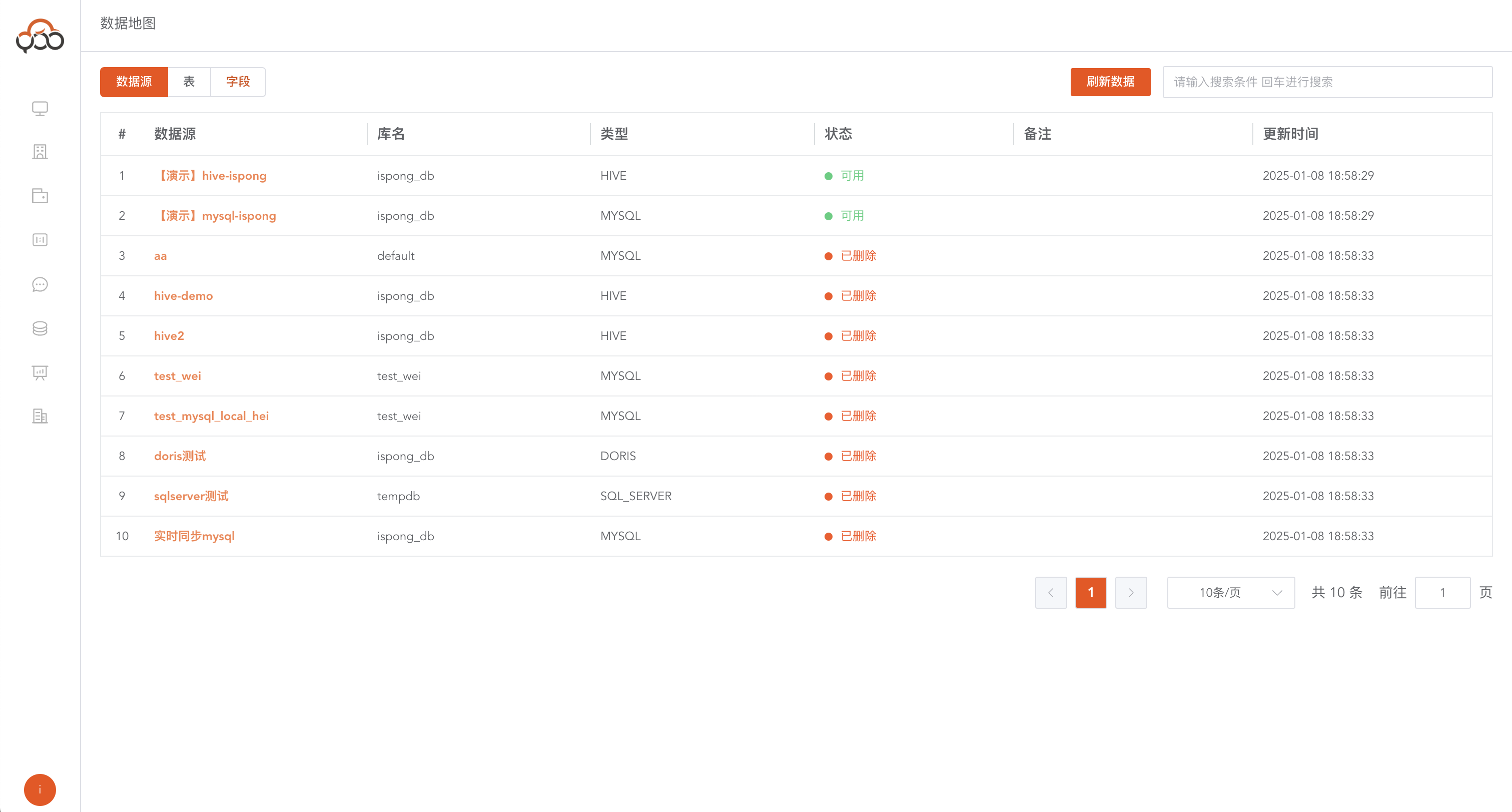
- Data source: Maintain one-to-one correspondence with the name in the data source
- Library name: The db library connected in the data source connection
- Type: Data source type
- Status:
Availablemeans the data source has not been deleted,Deletedmeans the data source has been deleted. - Remarks: Editable, customizable remarks
- Update Time: Update time to refresh the data source
Refresh data source
Click the
Refresh Databutton Users are required to manually perform a refresh operation to update the data source information in the data map.
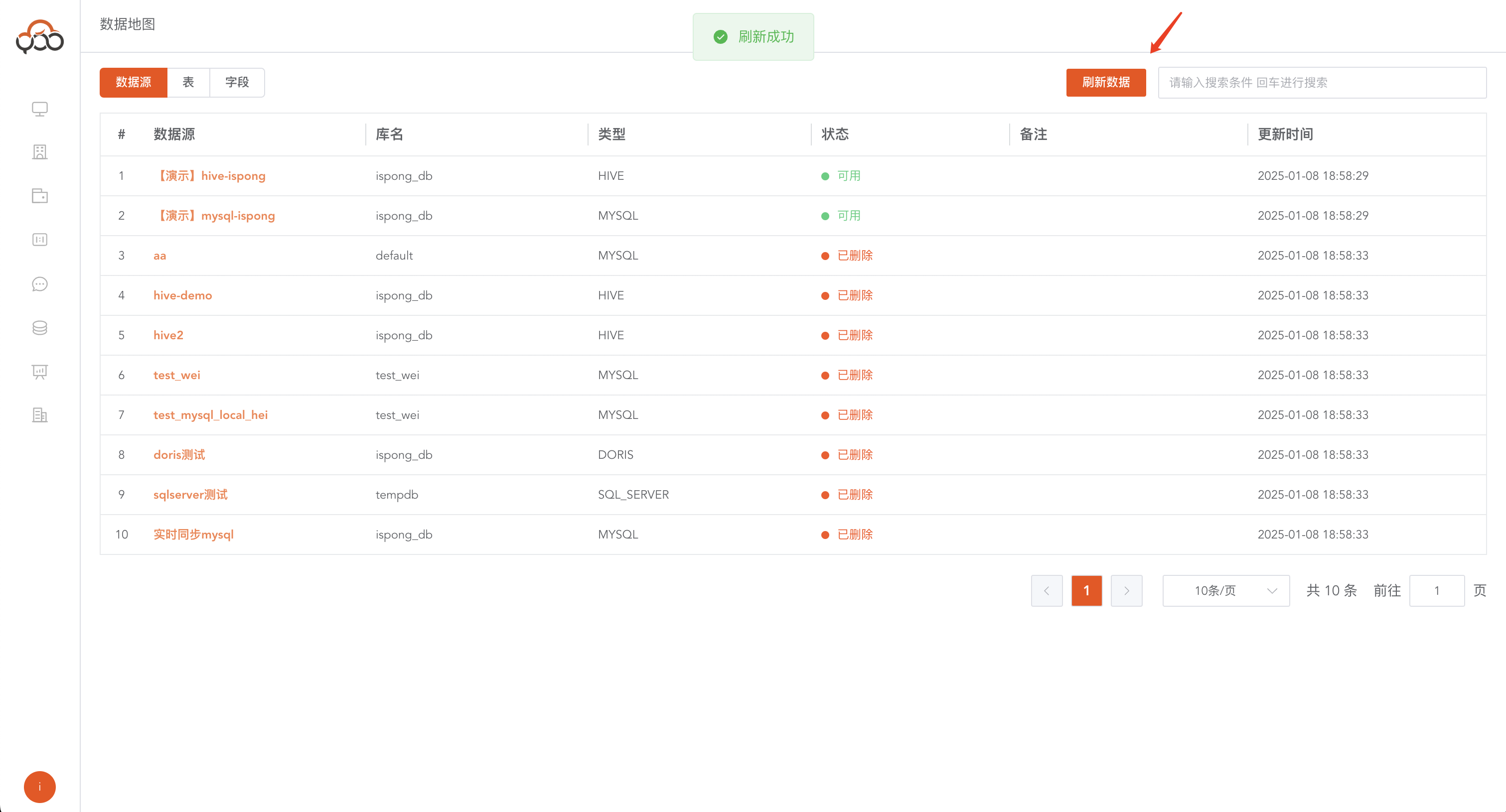
table view
There are two ways to jump to the table view
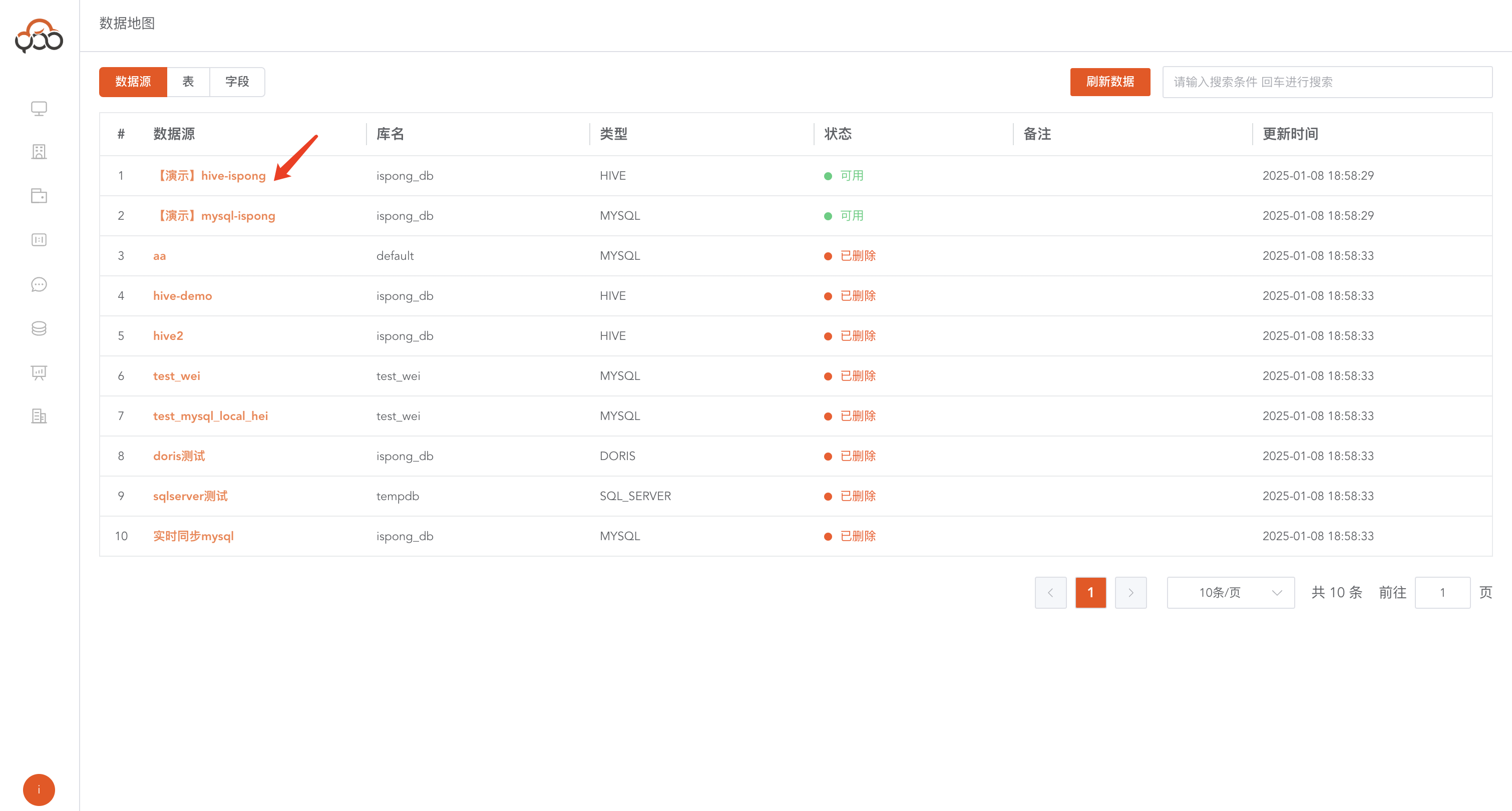
By clicking on data source name
By clicking
data source name, you can view the tables contained in the current data source
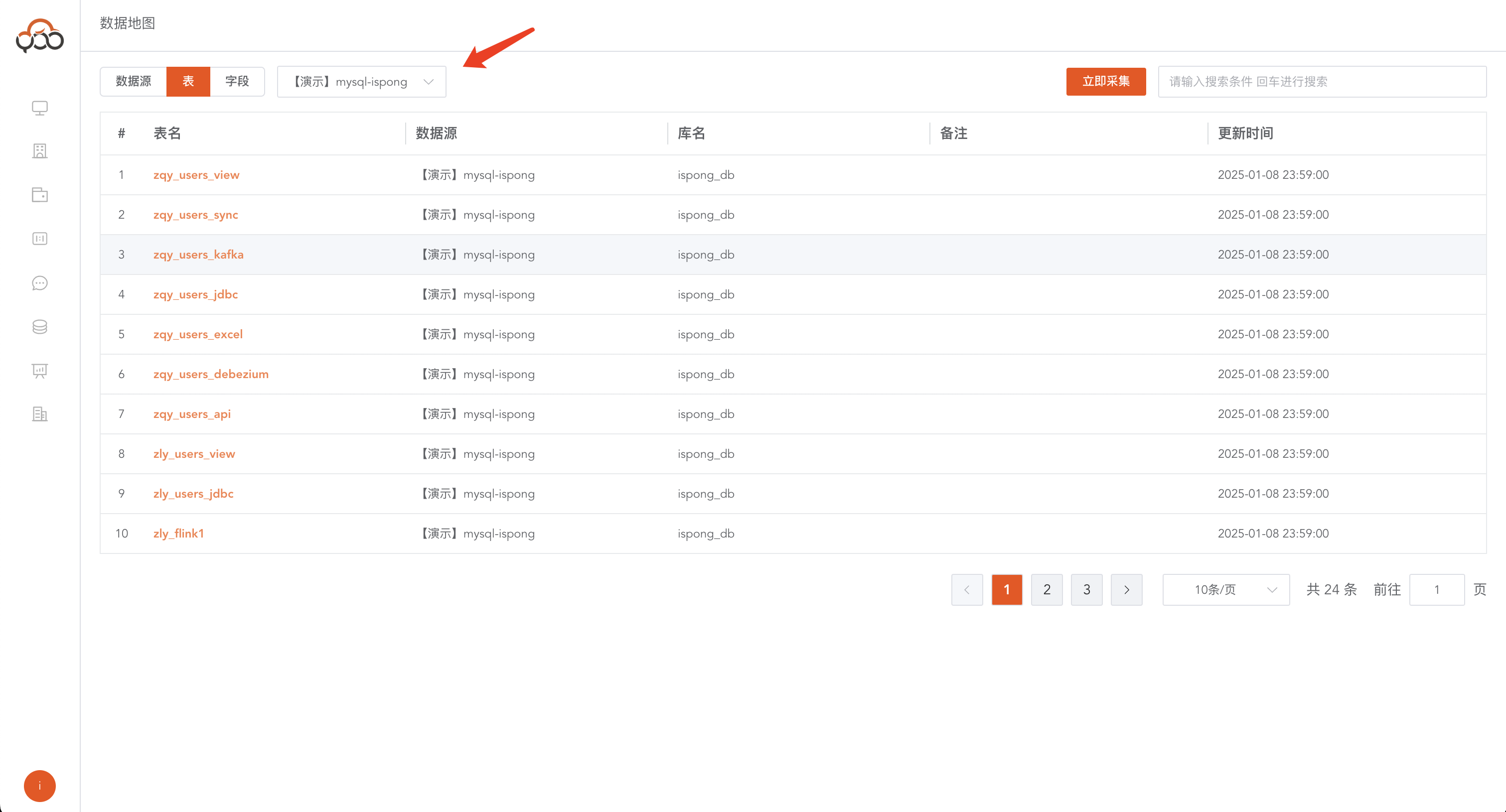
Click the Table filter button
By clicking the
Tablefilter button, you can view the tables in all data sources
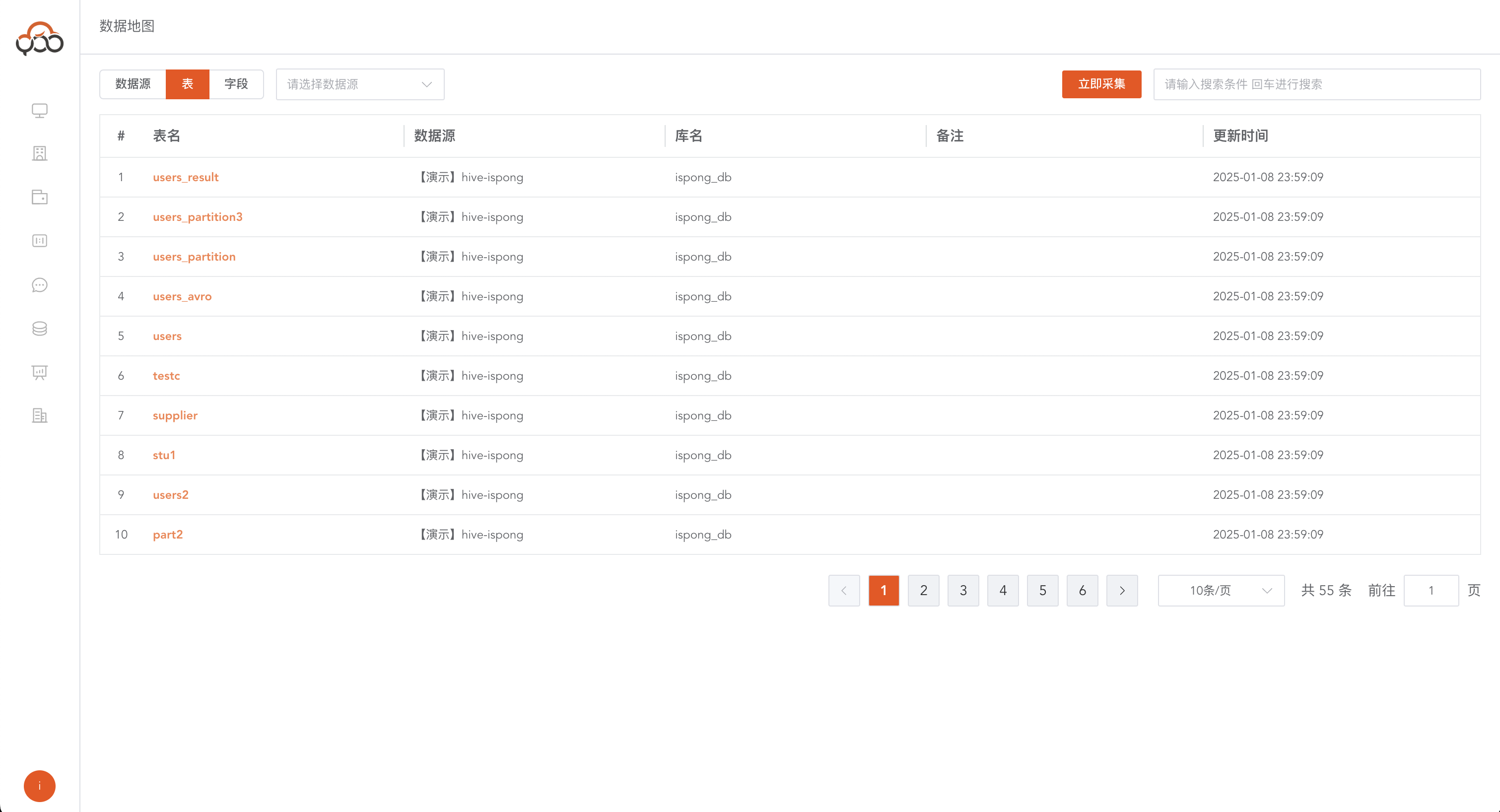
Collect table data
When the user adds a new table, but the table information in the data map has not been refreshed At this time, it is necessary to collect the table information in the data source Click
Collect Now
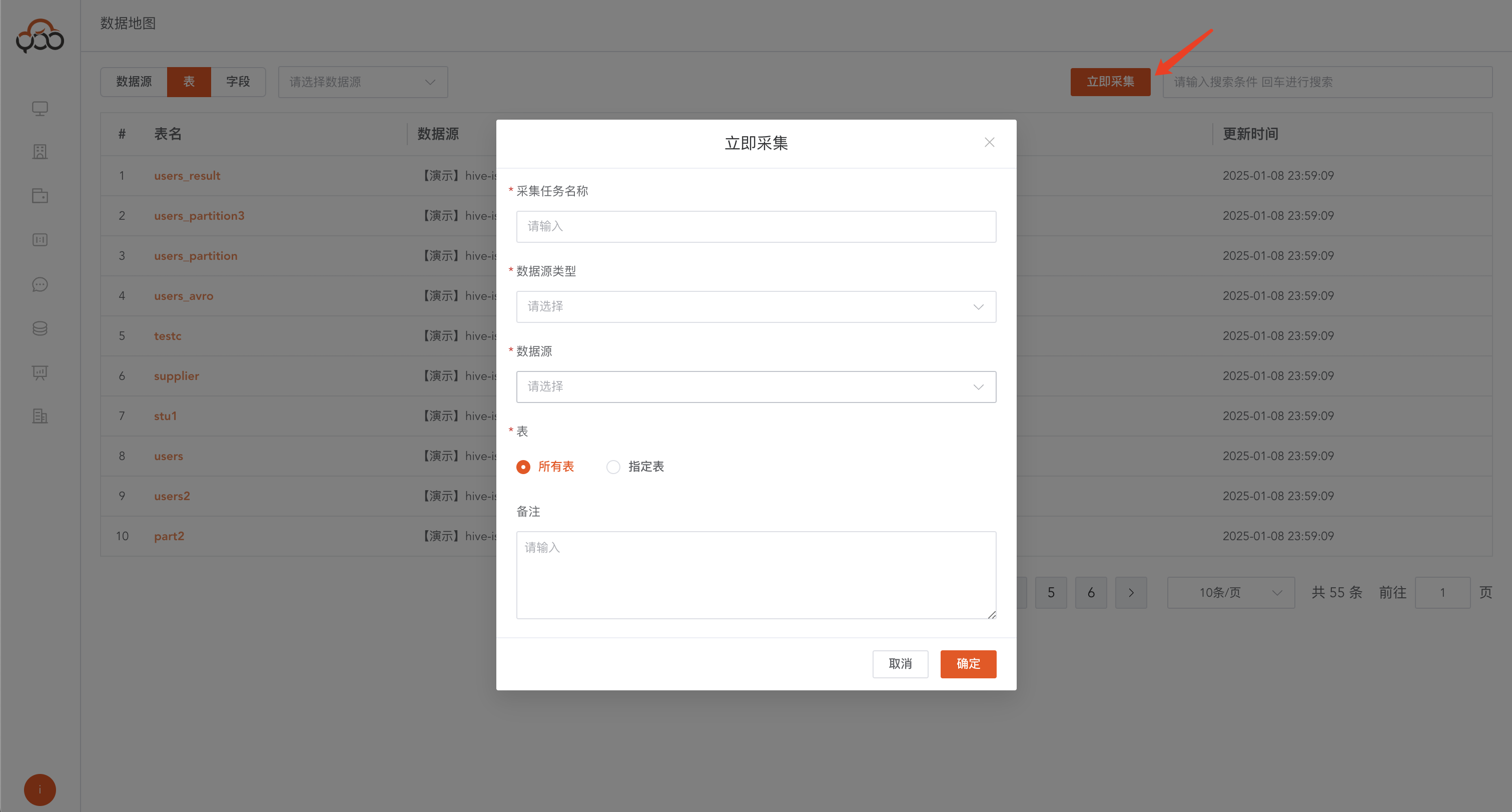
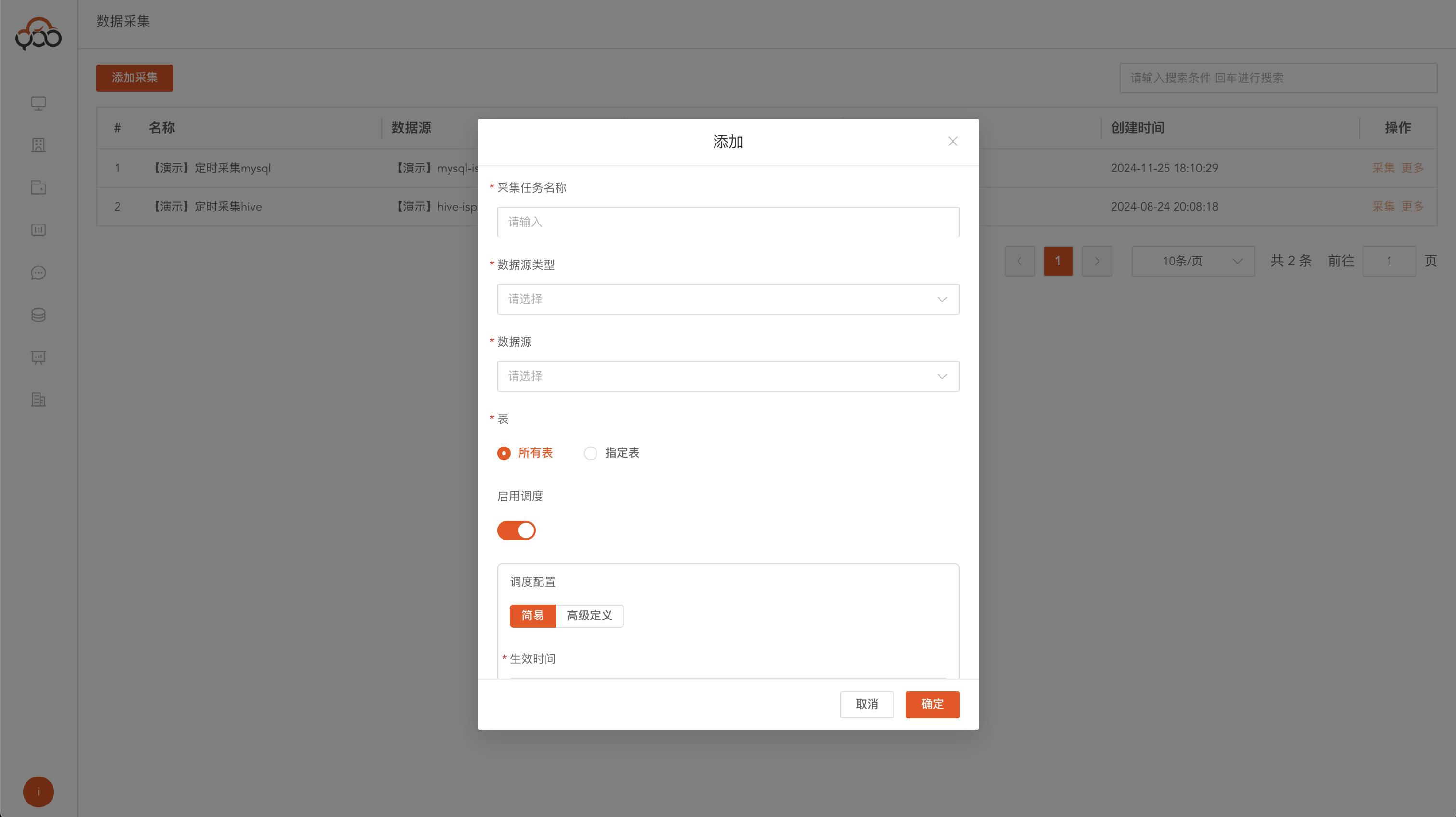
- Collection task name: The name of the collection task
- Data source type: The type of data source that needs to be collected
- Data Source: Specify the data source to be collected
- Table: table name rules,
all tablesrefers to collecting all tables in the current data source,specified tablespecifies the tables that need to be collected through regular expressions Example: users_*, collect all table information starting withusers_ - Remarks: Optional
View table details
Click
table nameto view the specific details of the table
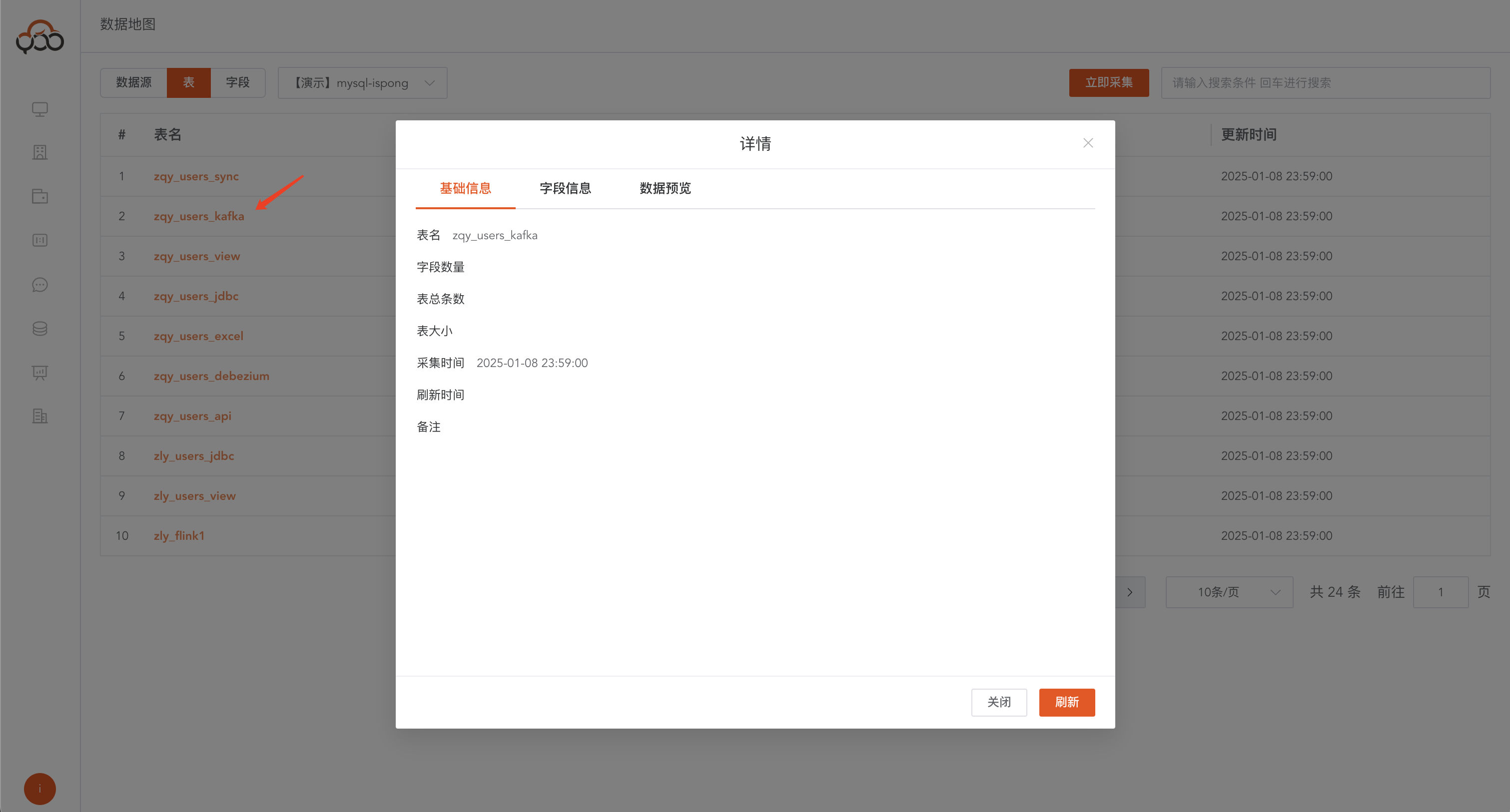
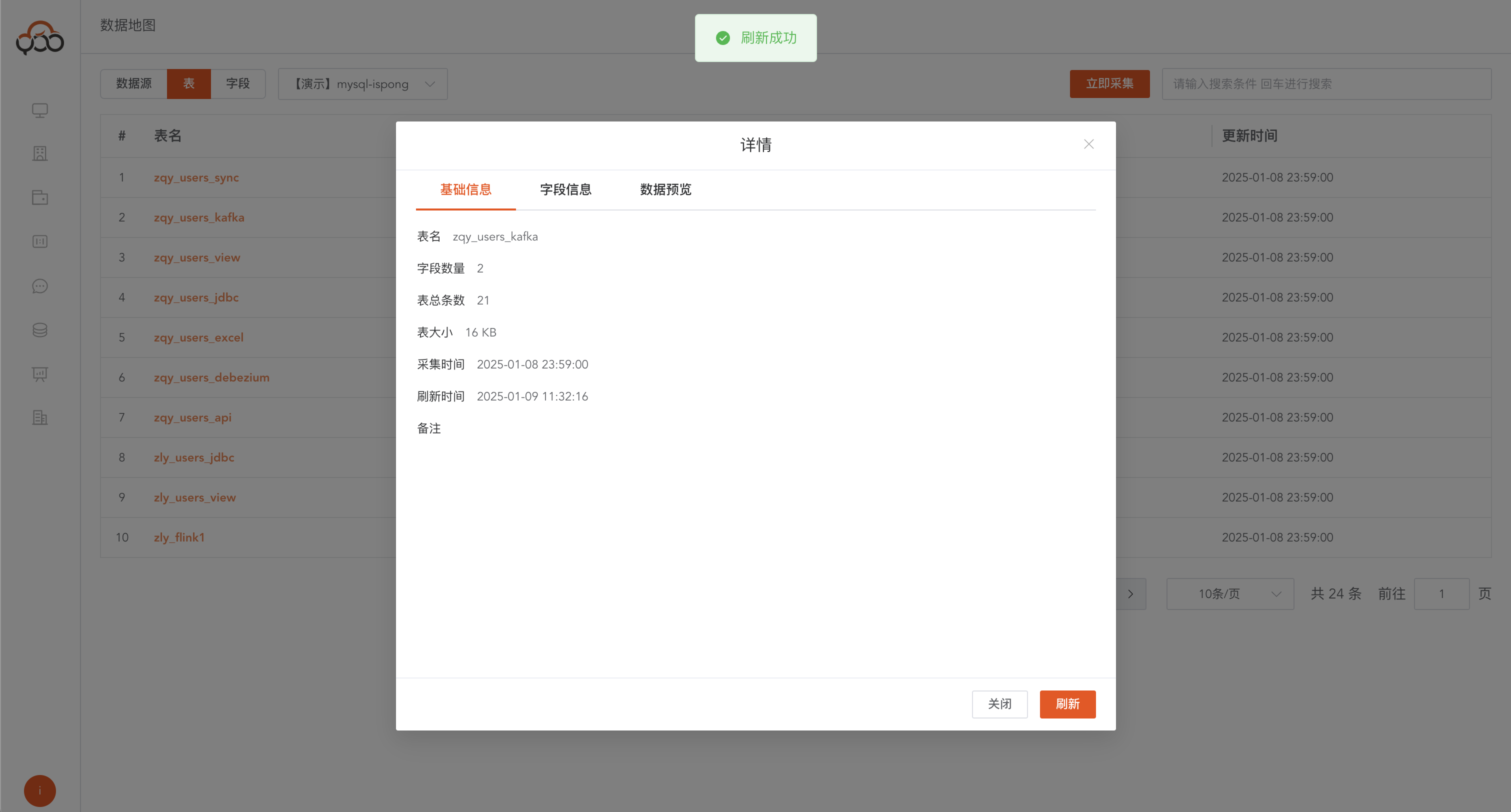
Table basic information
Table name: table nameField data volume: the number of fields contained in the tableTotal number of items in the table: the number of data items contained in the tableTable size: table physical storage sizeCollection time: the collection time of the tableRefresh time: The basic information refresh time of the tableRemarks: Remarks for the table
Refresh table information
Click refresh button Get the latest data of the current table by clicking the refresh button
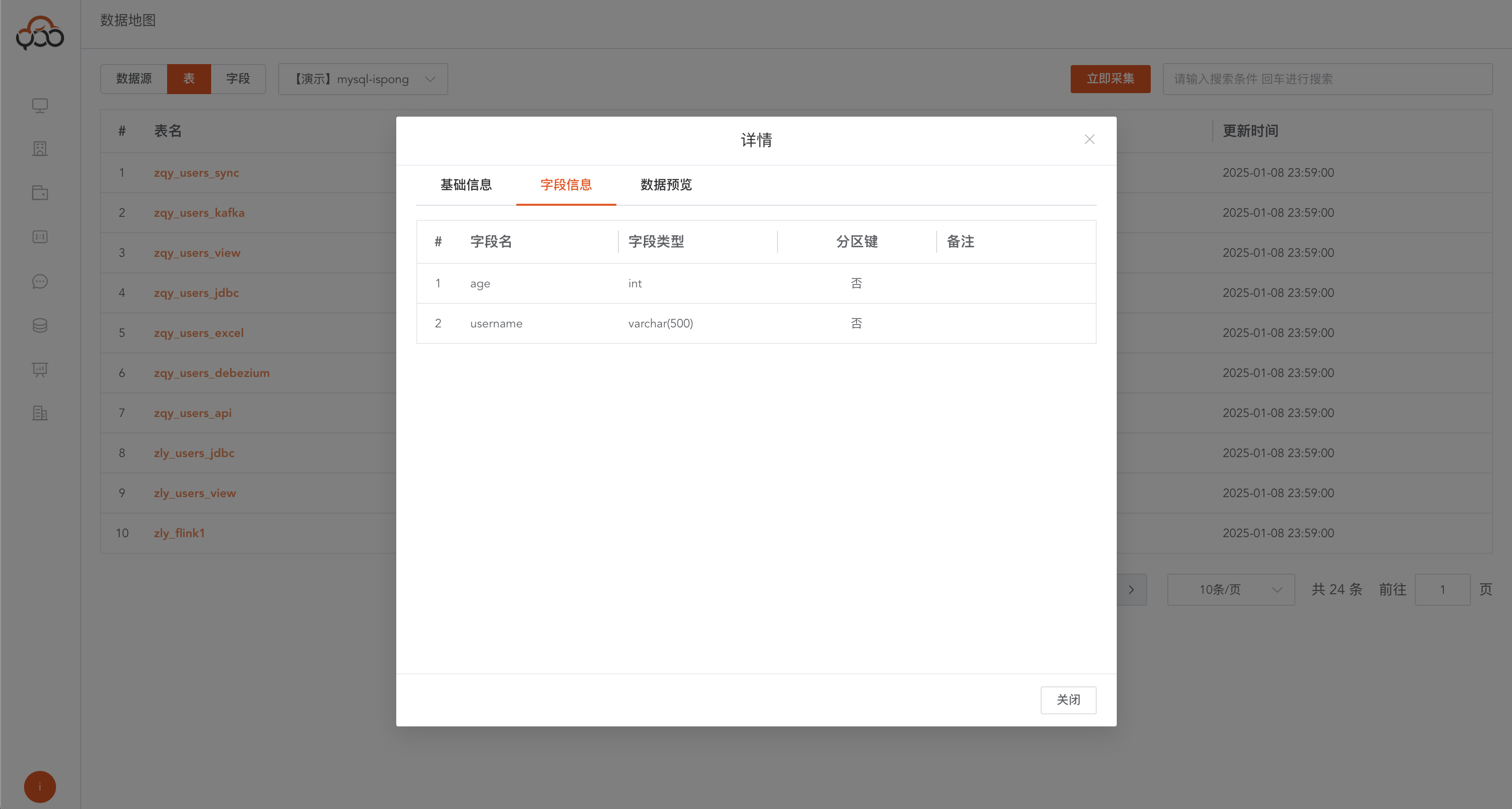
Field information
View field information in the current table Including field name, field type, whether it is partitioned, and remarks
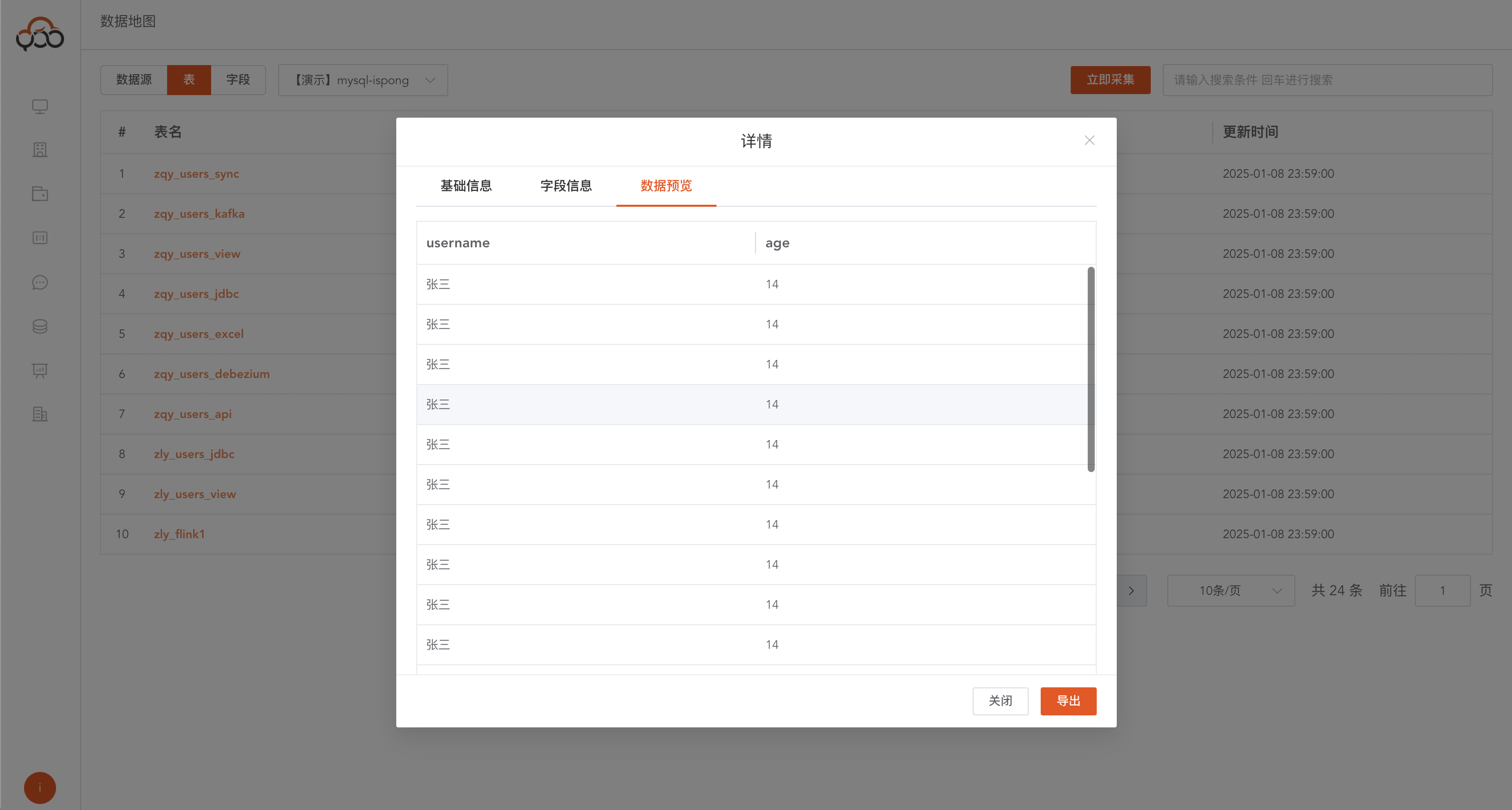
Data preview
Preview the data in the table, up to 200 items
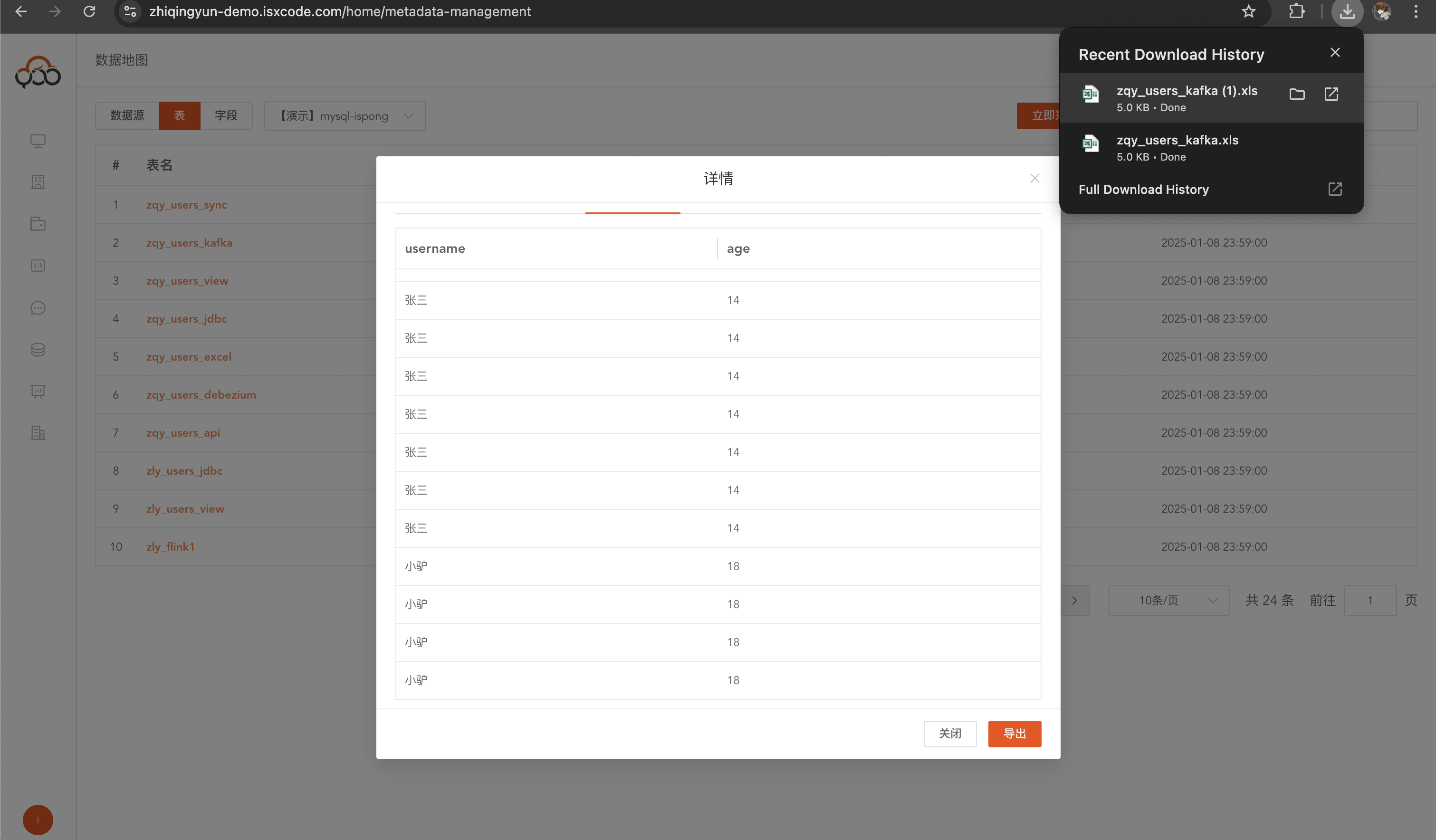
Data export
Export the data in the table to Excel format, the maximum number of entries is 10,000
View field list
Supports global search of library name, table name, and remarks
Metadata collection
Create a scheduled task and regularly schedule the collection of metadata in the data map Reference table collected immediately Can be configured to enable scheduling and specify the scheduling time, supporting cron expressions
Scheduled collection tasks can also be collected immediately
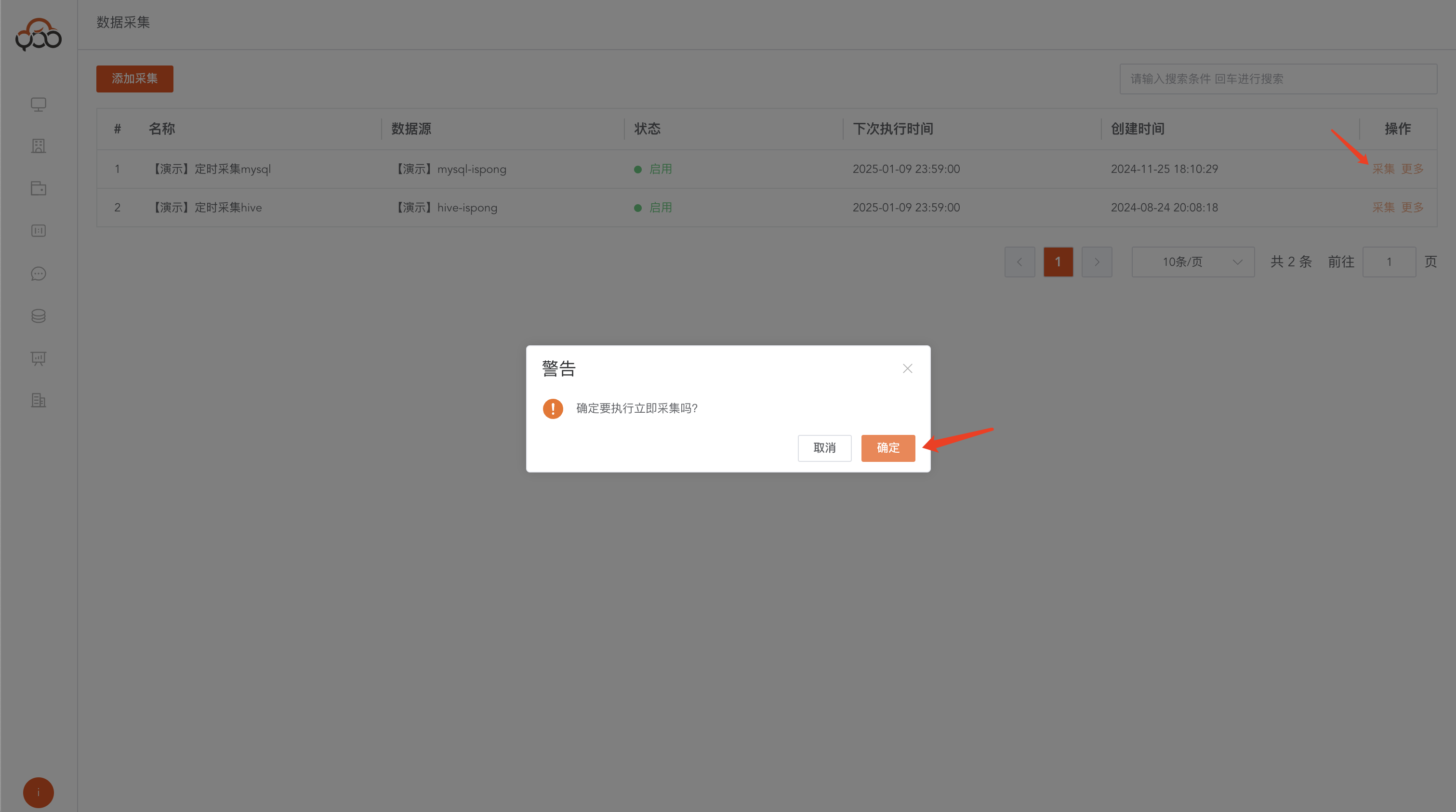
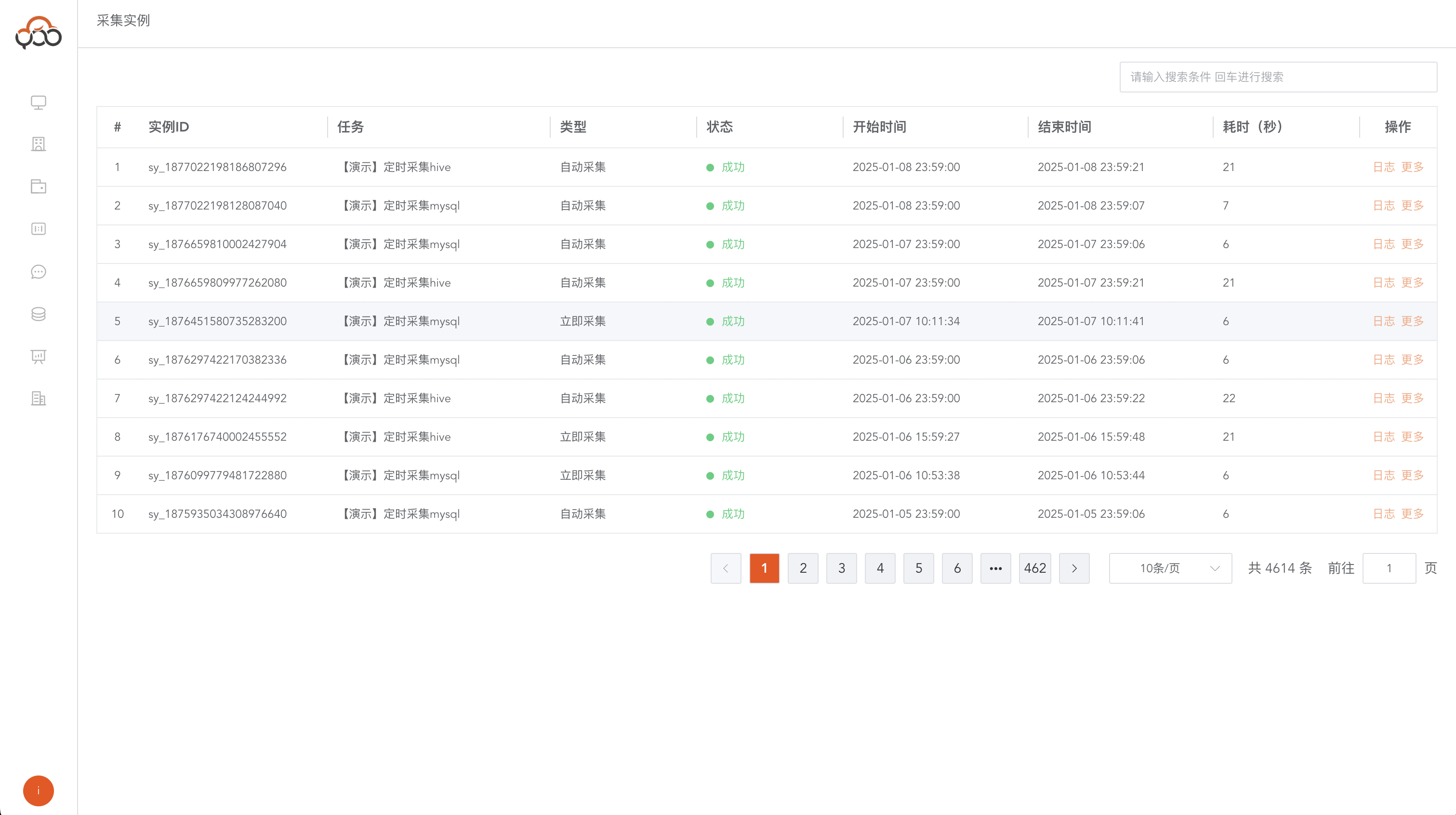
Collection examples
View metadata collection tasks, whether they are successful, and failure logs