Scheduling history
This article introduces the usage scenarios, operation processes and key configurations of the scheduling history function to help users complete daily management and business operations.
View scheduling history
Used to view job instances run by users and job instances generated by scheduling Support status filtering and job flow filtering Support job and example coding search
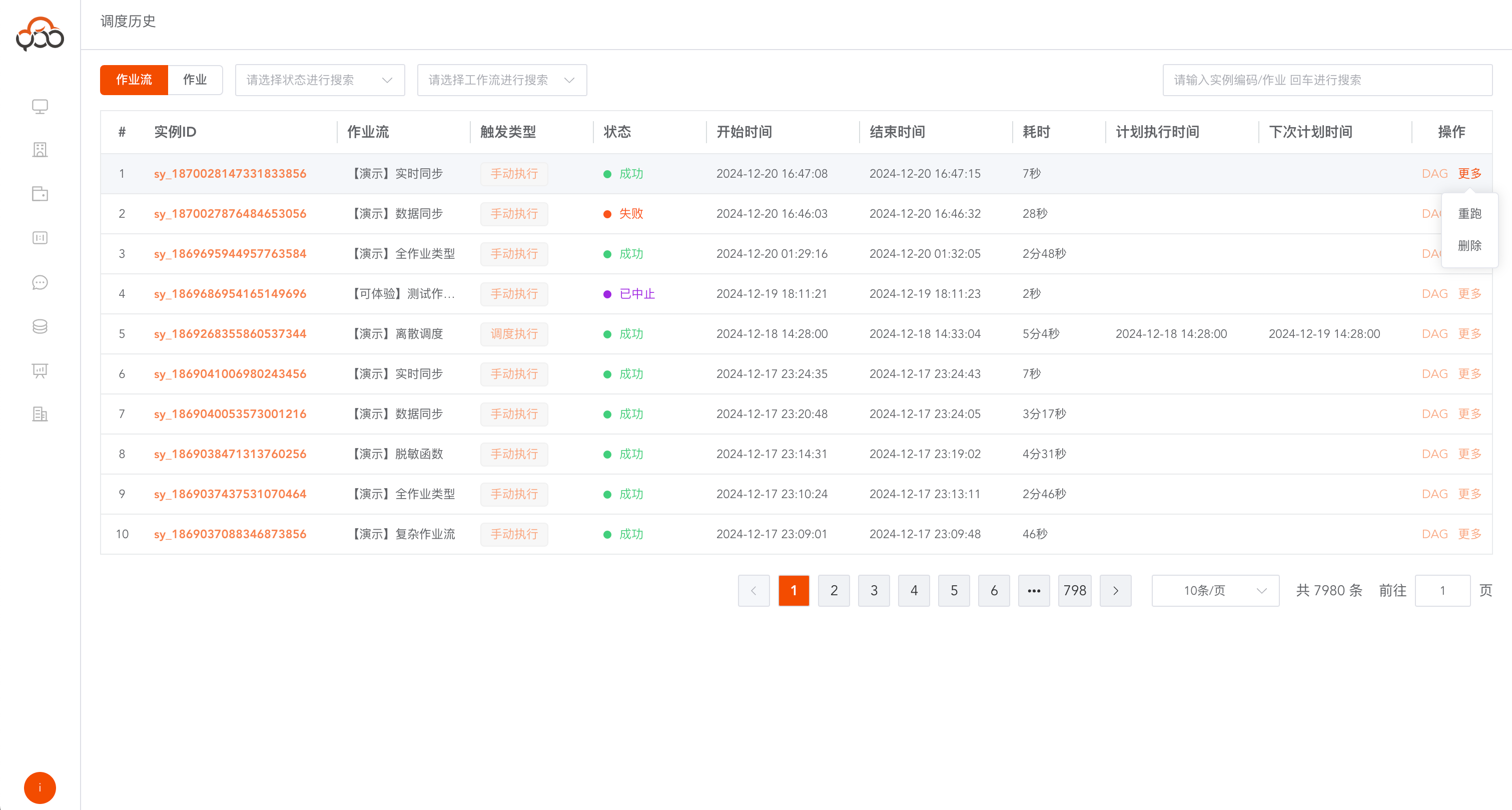
View job instances in a job stream
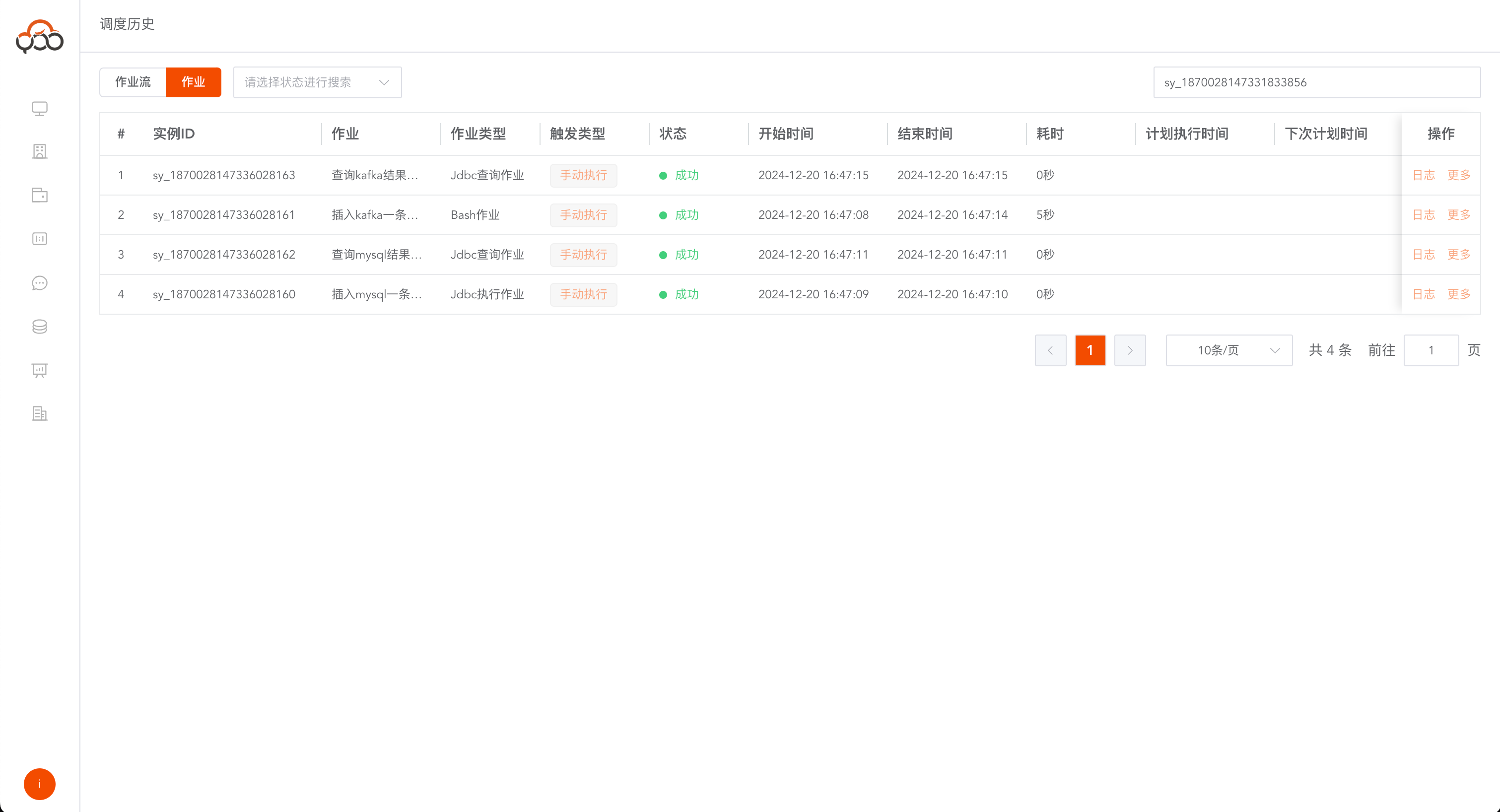
Click the instance ID of the job stream to jump to the job instance list within the job stream.
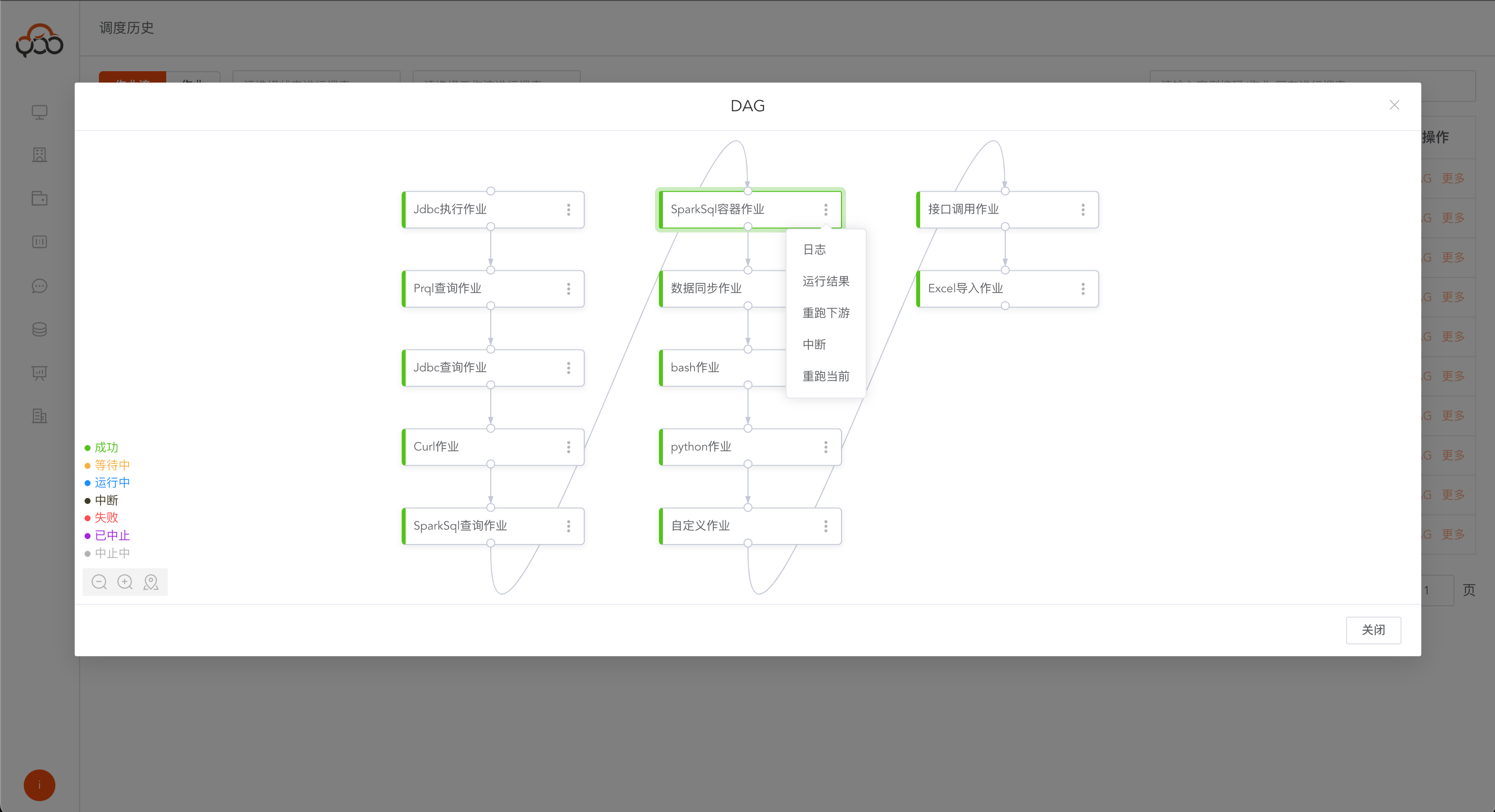
View the DAG diagram of the job flow
Click the
DAGbutton to view the DAG graph in the job flow instance And in the DAG diagram, it supports log viewing, running results, re-running downstream, interruption, and re-running the current operation.
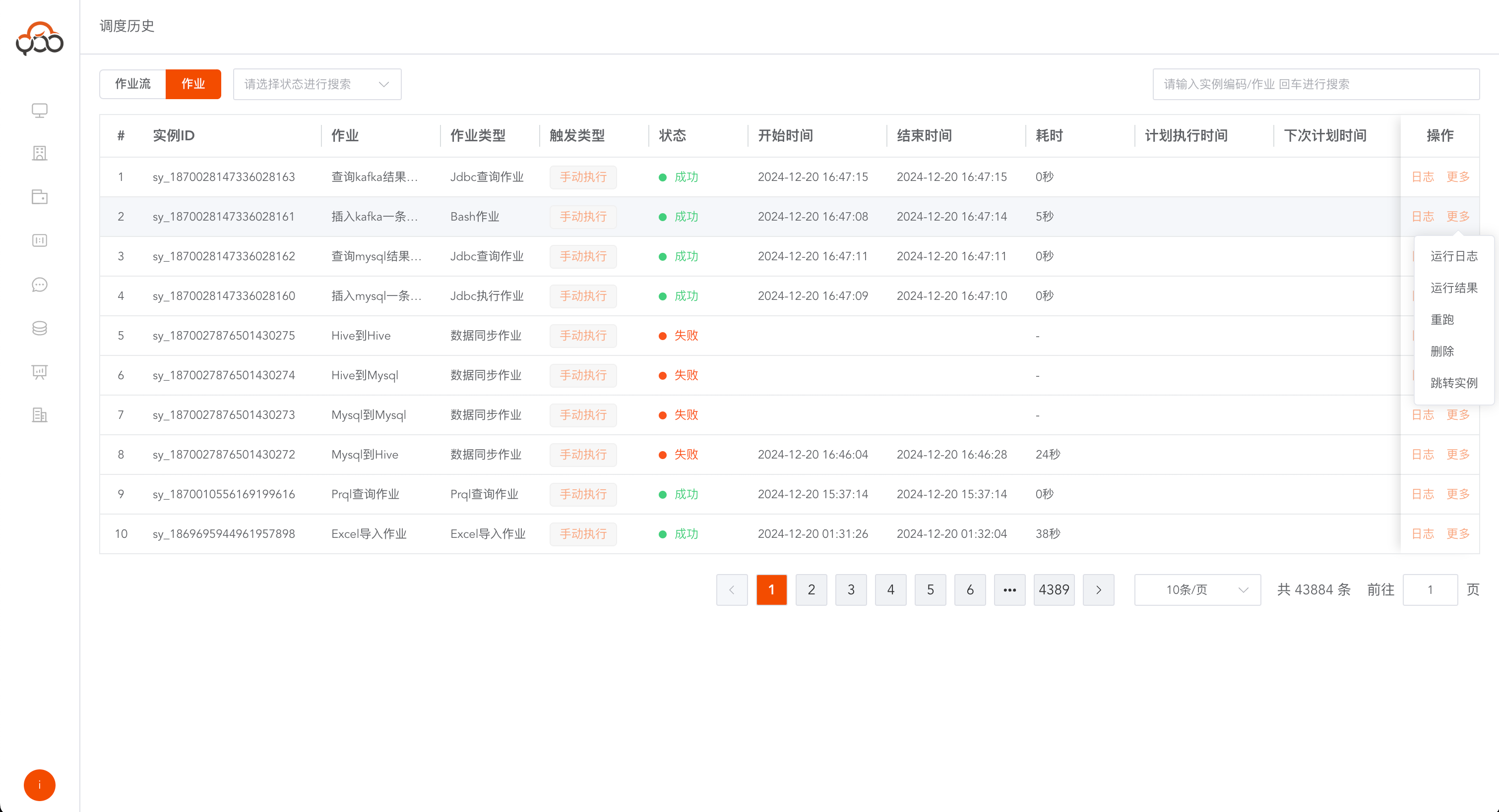
View all job instances
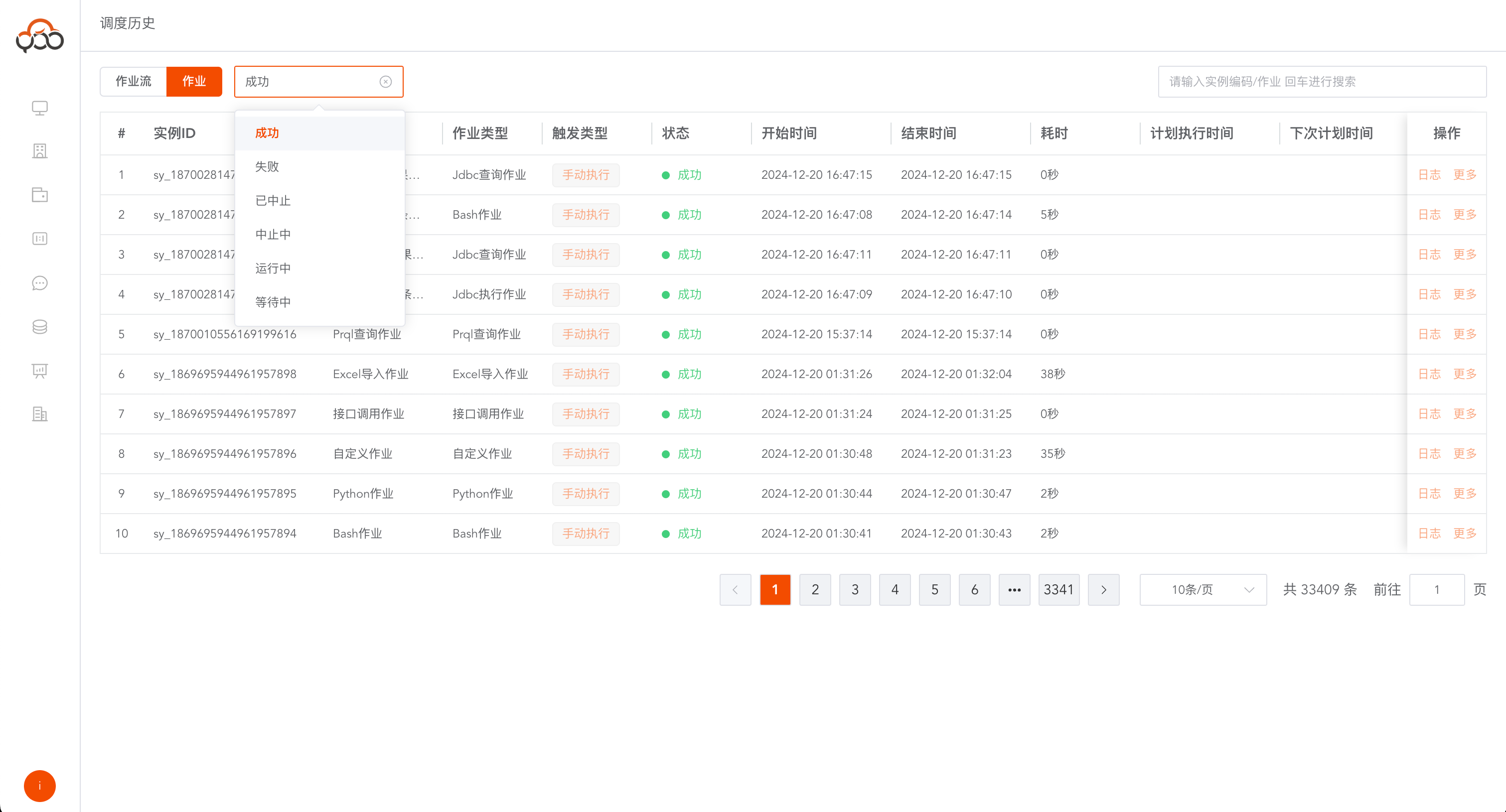
Support job status filtering Support job name search Supports job re-running, deletion, jumping to job flow instances, viewing job running logs, and running results