function warehouse
This article introduces the usage scenarios, operation processes and key configurations of the function warehouse function to help users complete daily management and business operations.
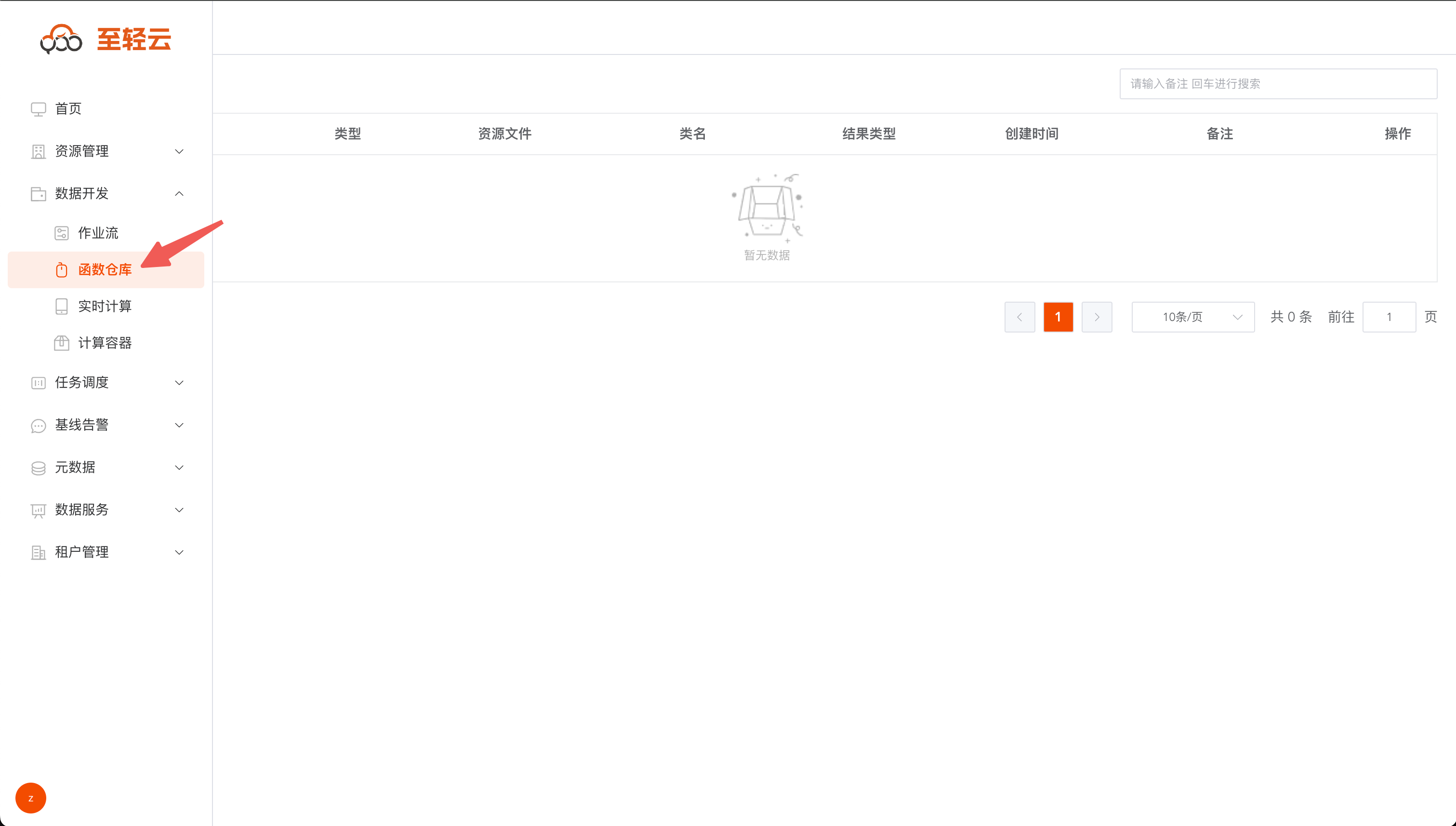
Query function warehouse
Custom function reference: https://github.com/ispong/spark-function-template
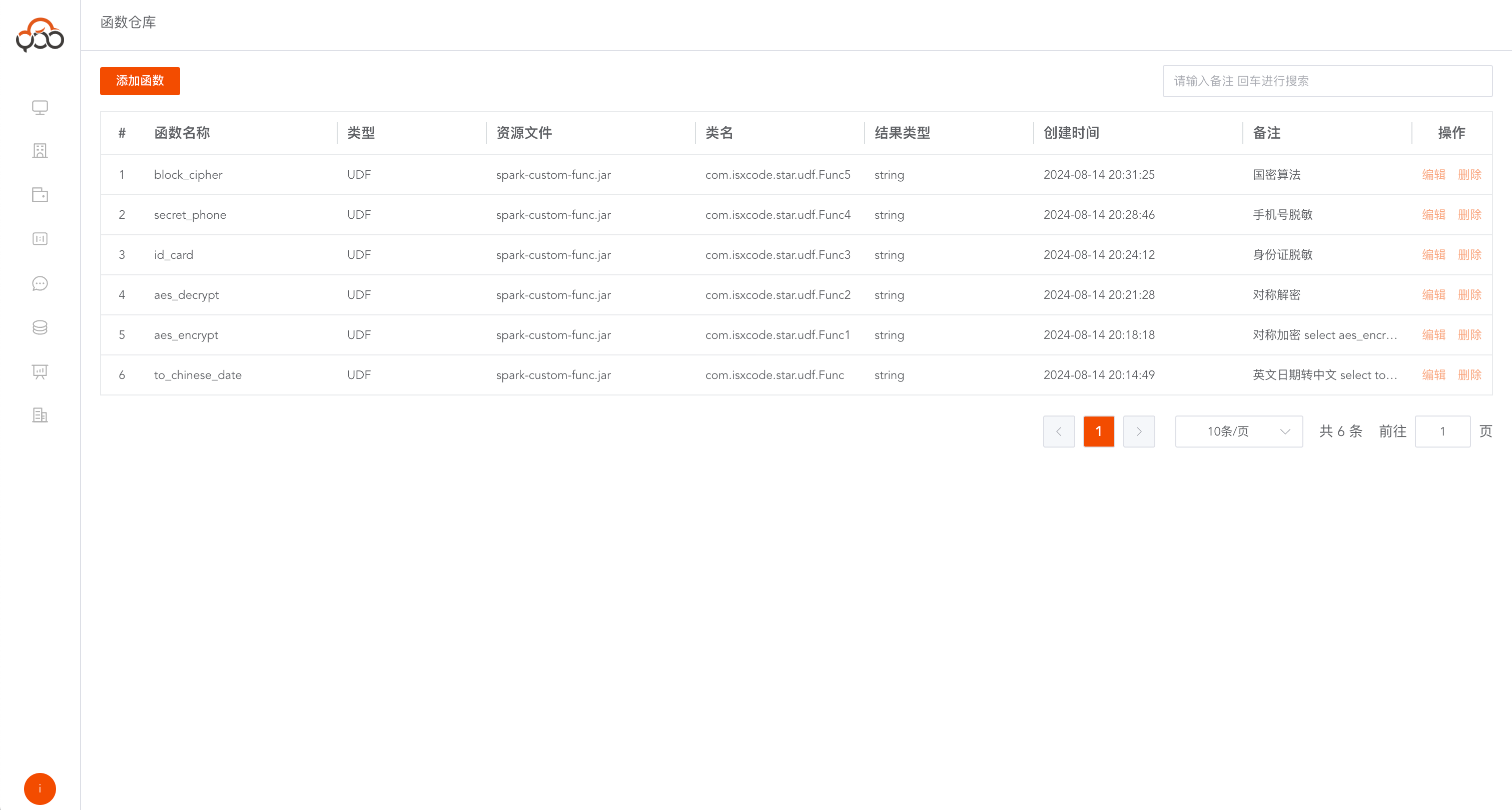
Add function
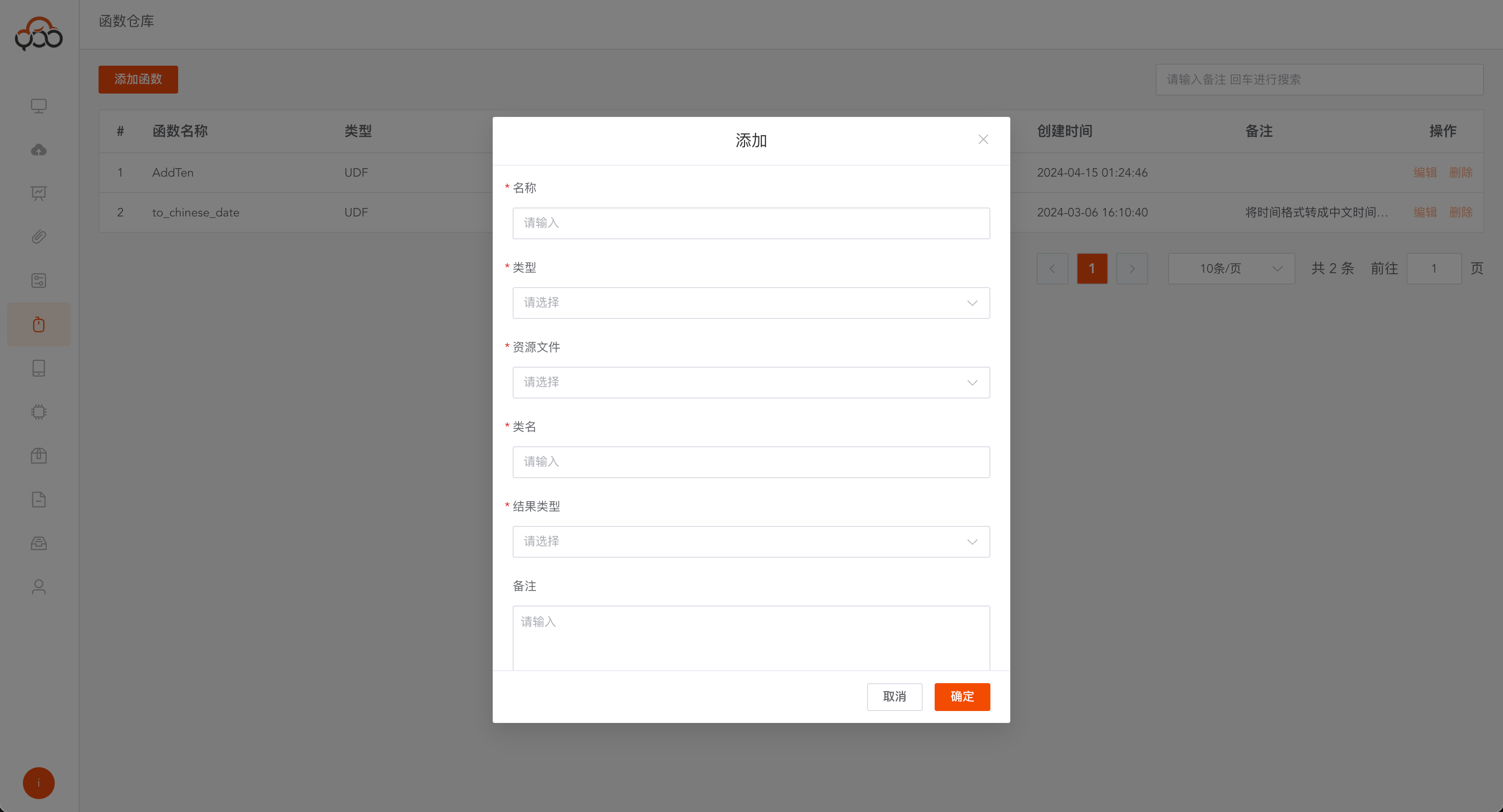
Click the
Add Functionbutton
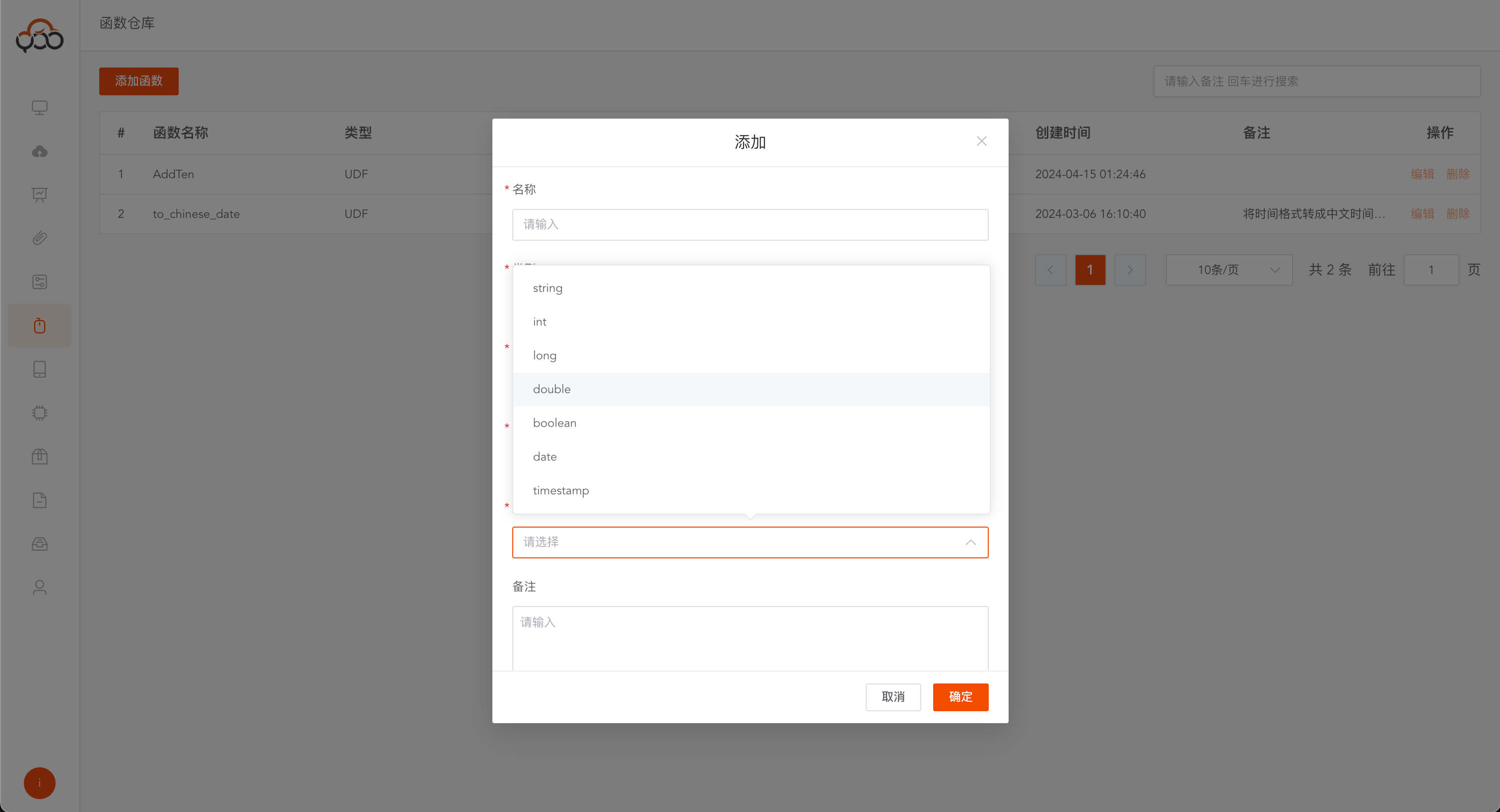
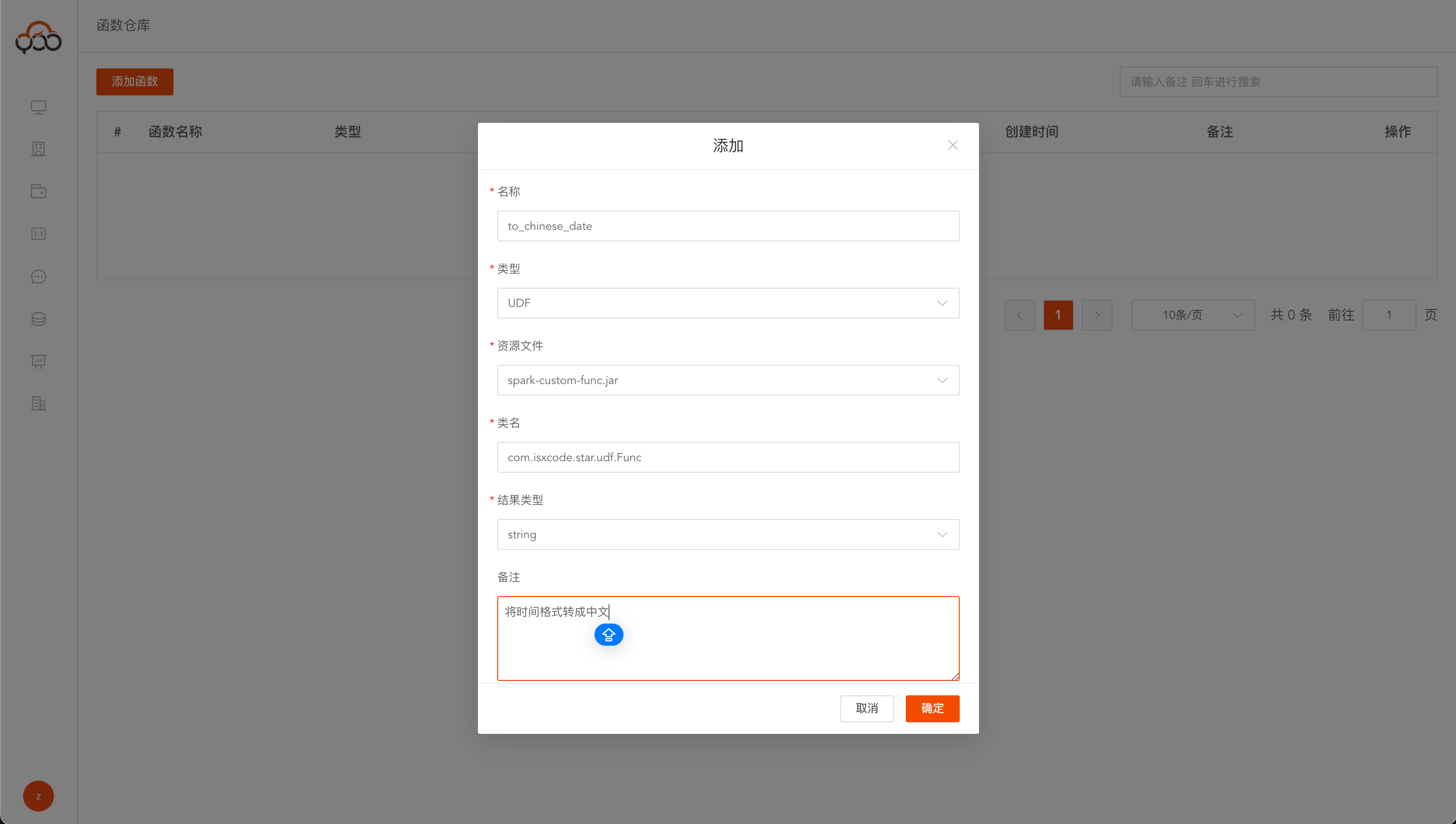
- Name: Required. This name will be used as the function name in SQL. The name is unique within the tenant. It is recommended to use all lowercase letters.
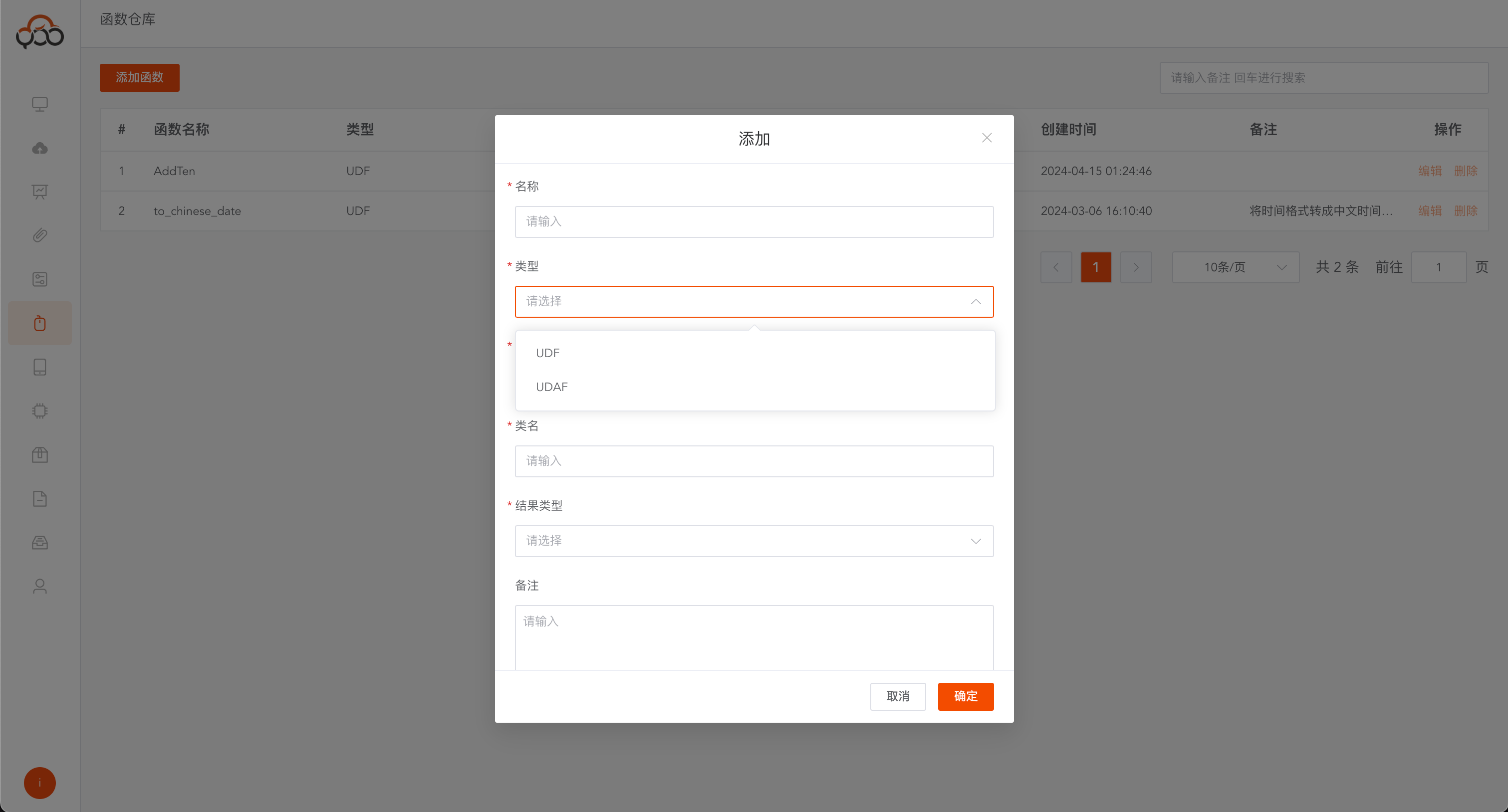
- Type: required, supports Scalar User-Defined Functions (UDF), User-Defined Aggregate Functions (UDAF)
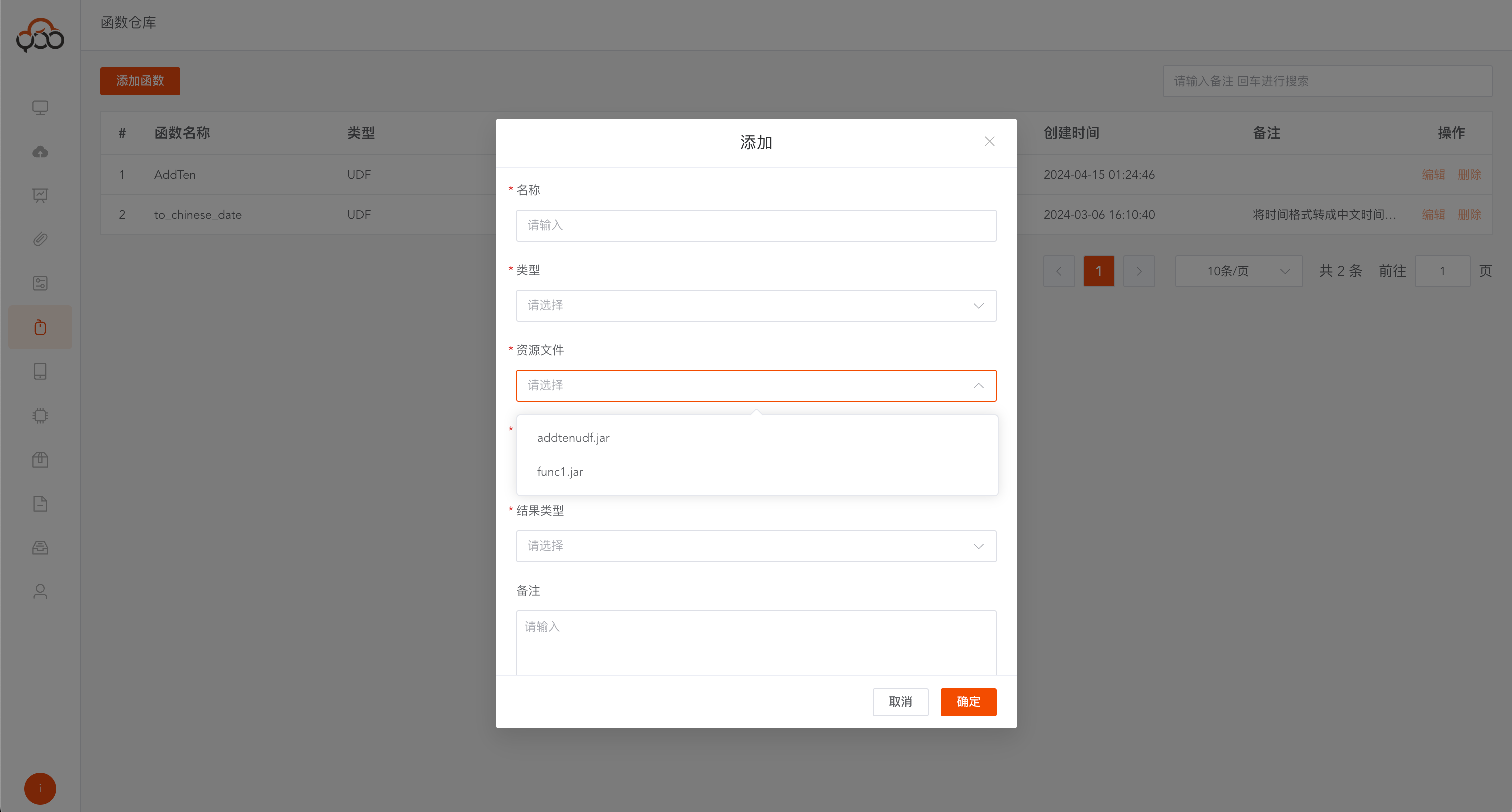
- Resource File: Required,
Functiontype file inResource Center - Class name: required, the entry point of the custom function, for example: com.isxcode.zhiqingyun.udf.Func
- Result type: required, including string, int, long, double, boolean, date, timestamp
- Remarks: Optional
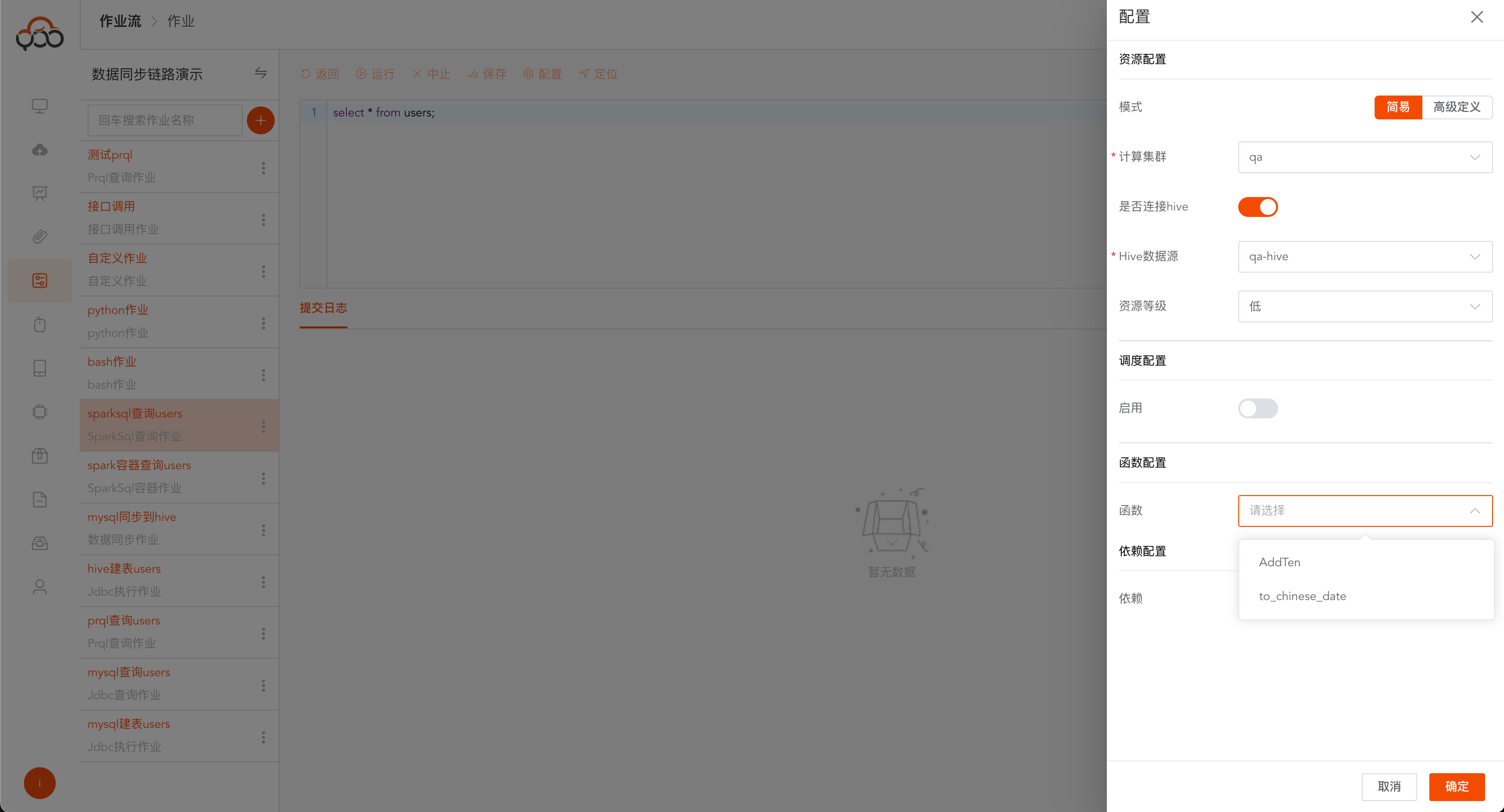
Supports use in
Spark SQL query jobsNote: If the custom function requires dependencies, you need to manually adddependency configurationduring use.
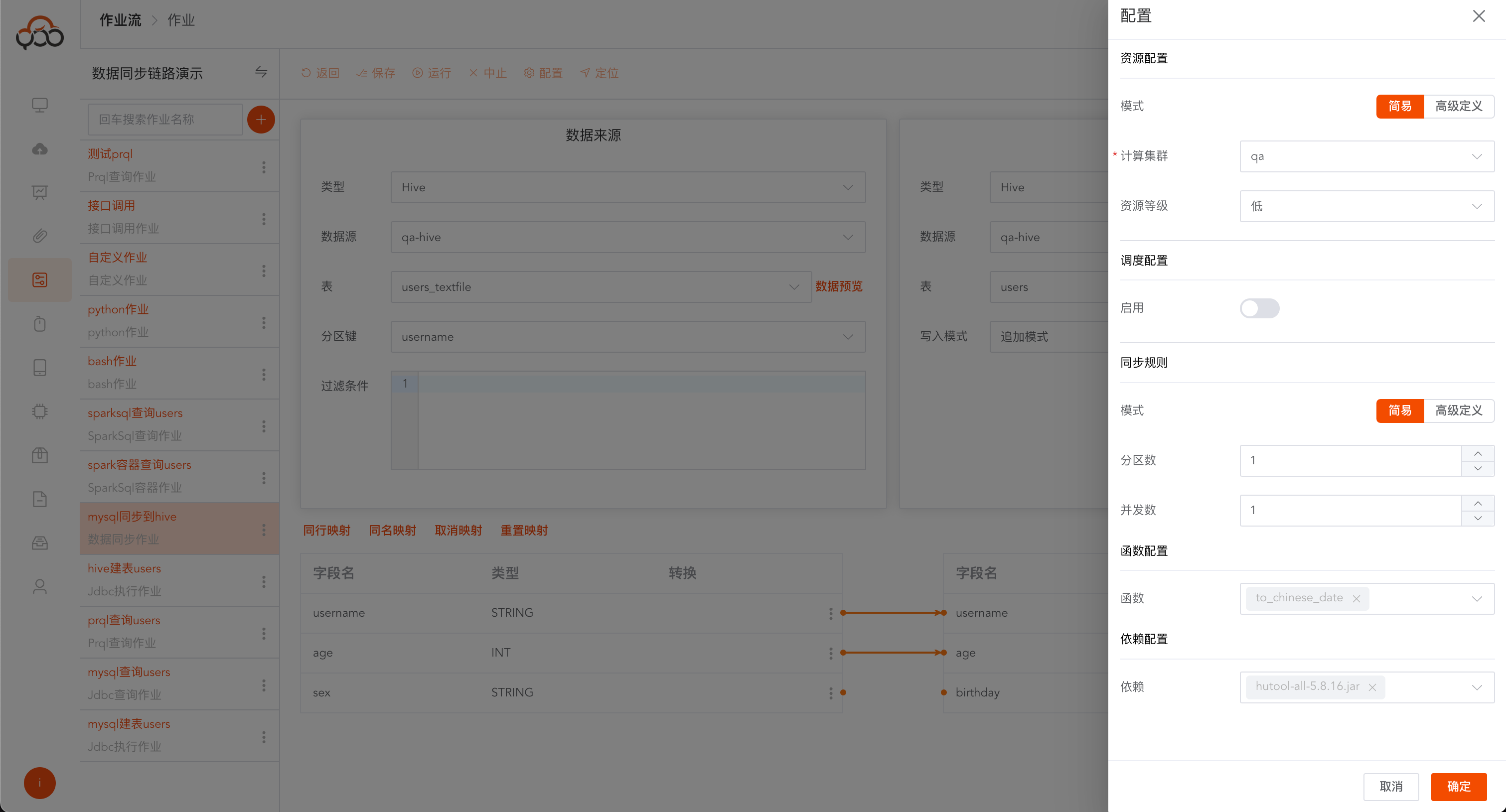
Supports use in
data synchronizationfield transformation
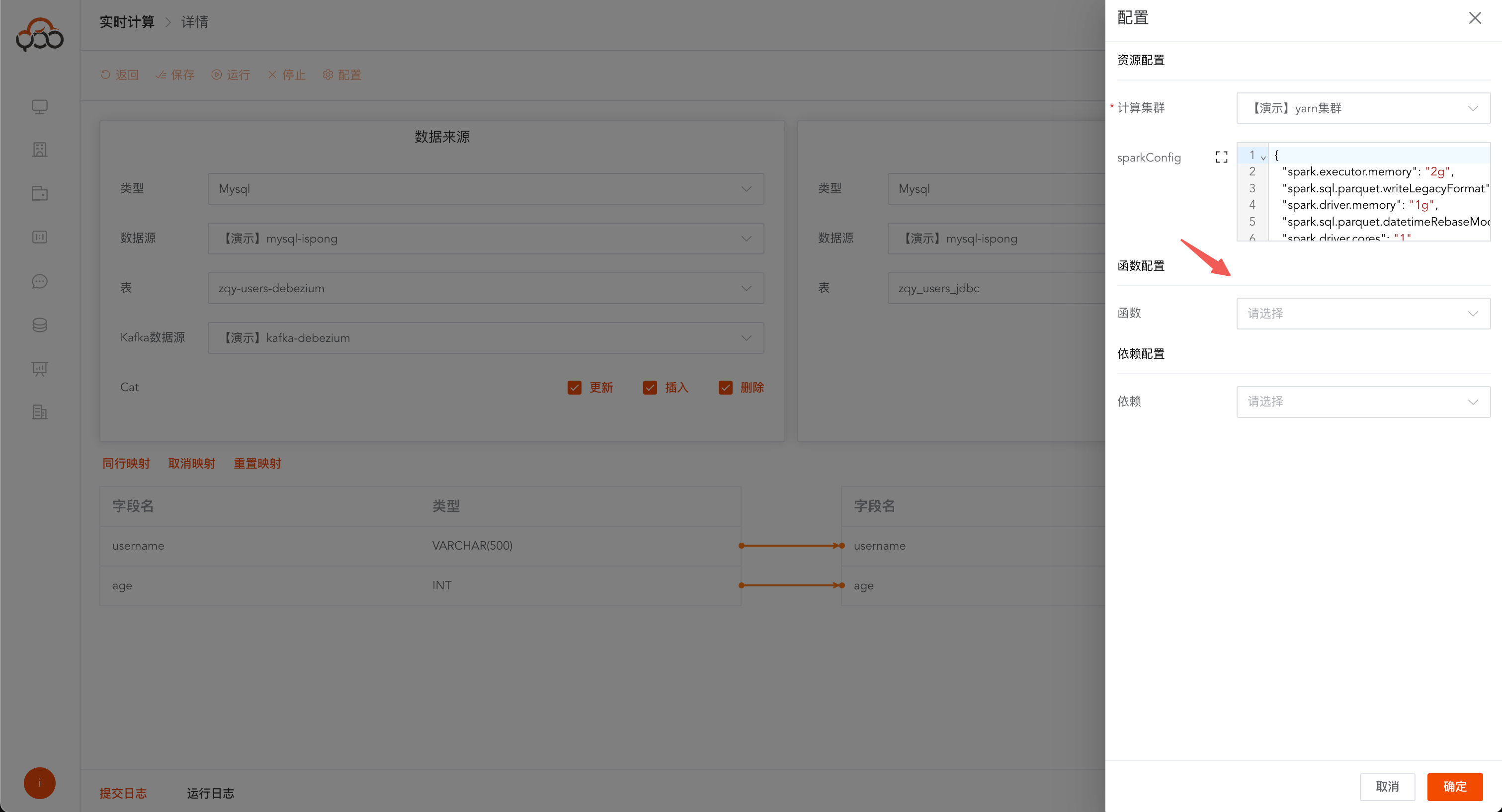
Supports use in
real-time calculationfield transformation
Supports use in
Excel import jobfield conversion
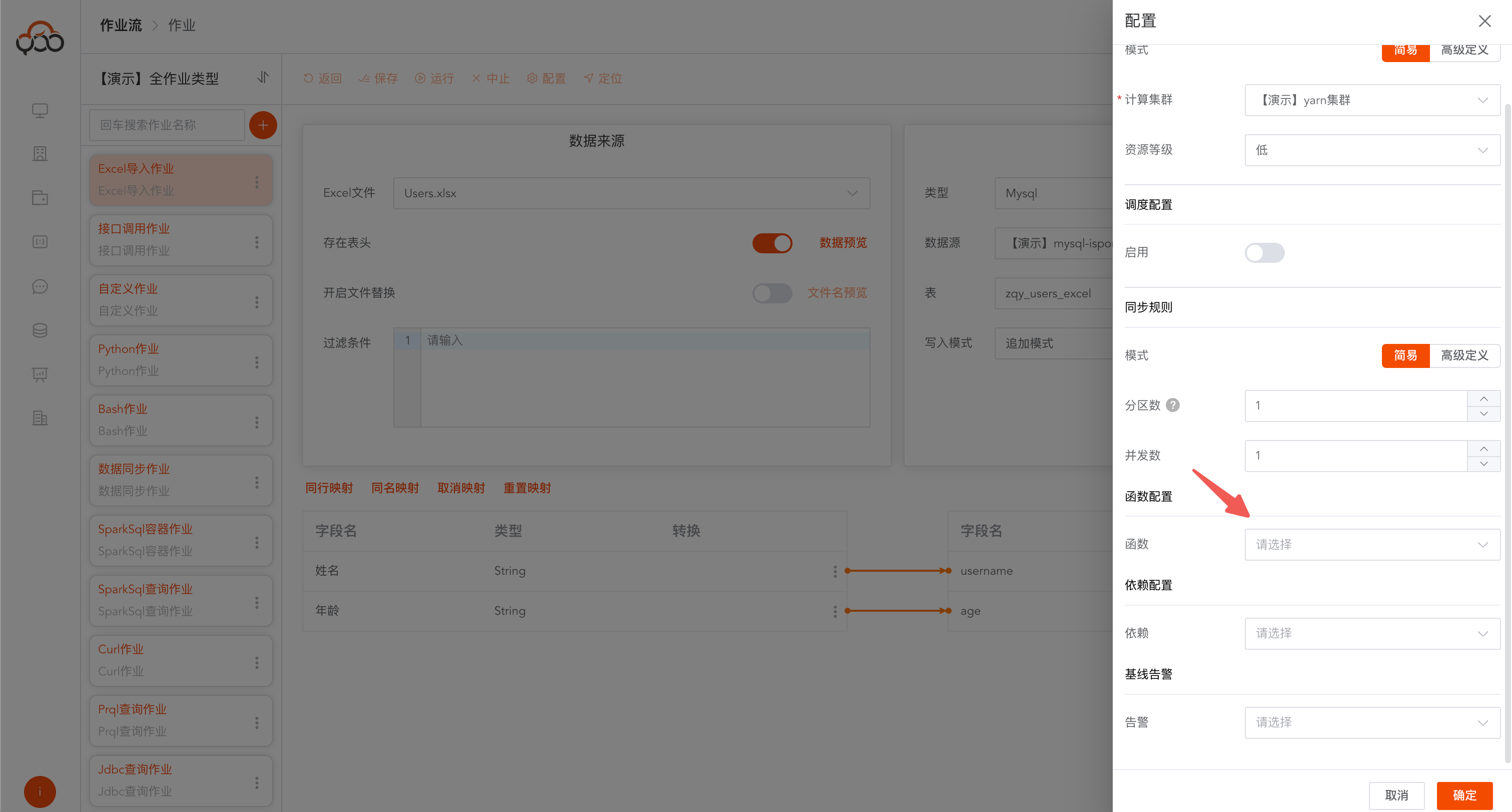
Create a new custom function
Name: to_chinese_date Type: UDF Class name: com.isxcode.zhiqingyun.udf.Func Return type: string Note: Convert English time format to Chinese time
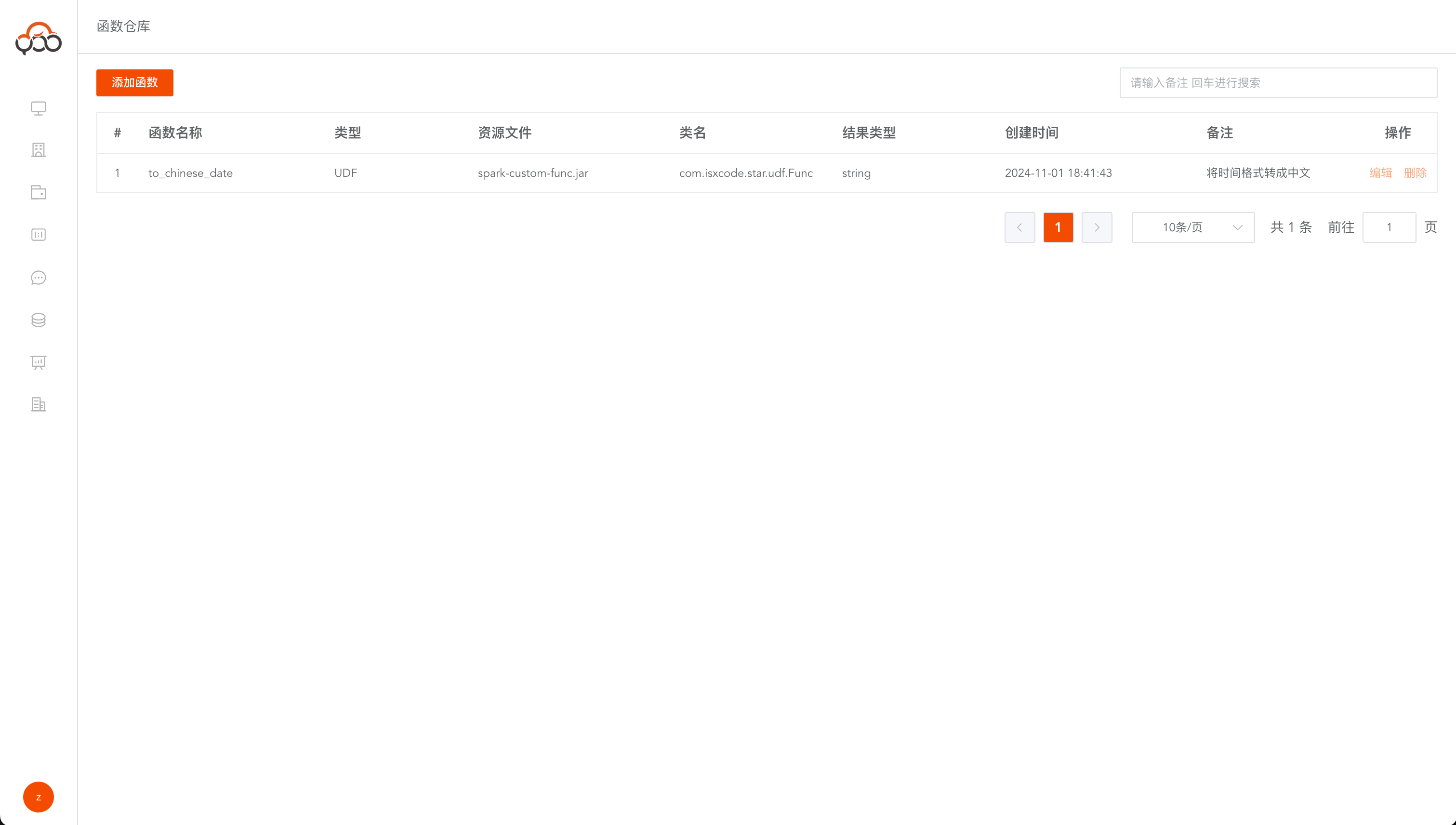
Use custom functions
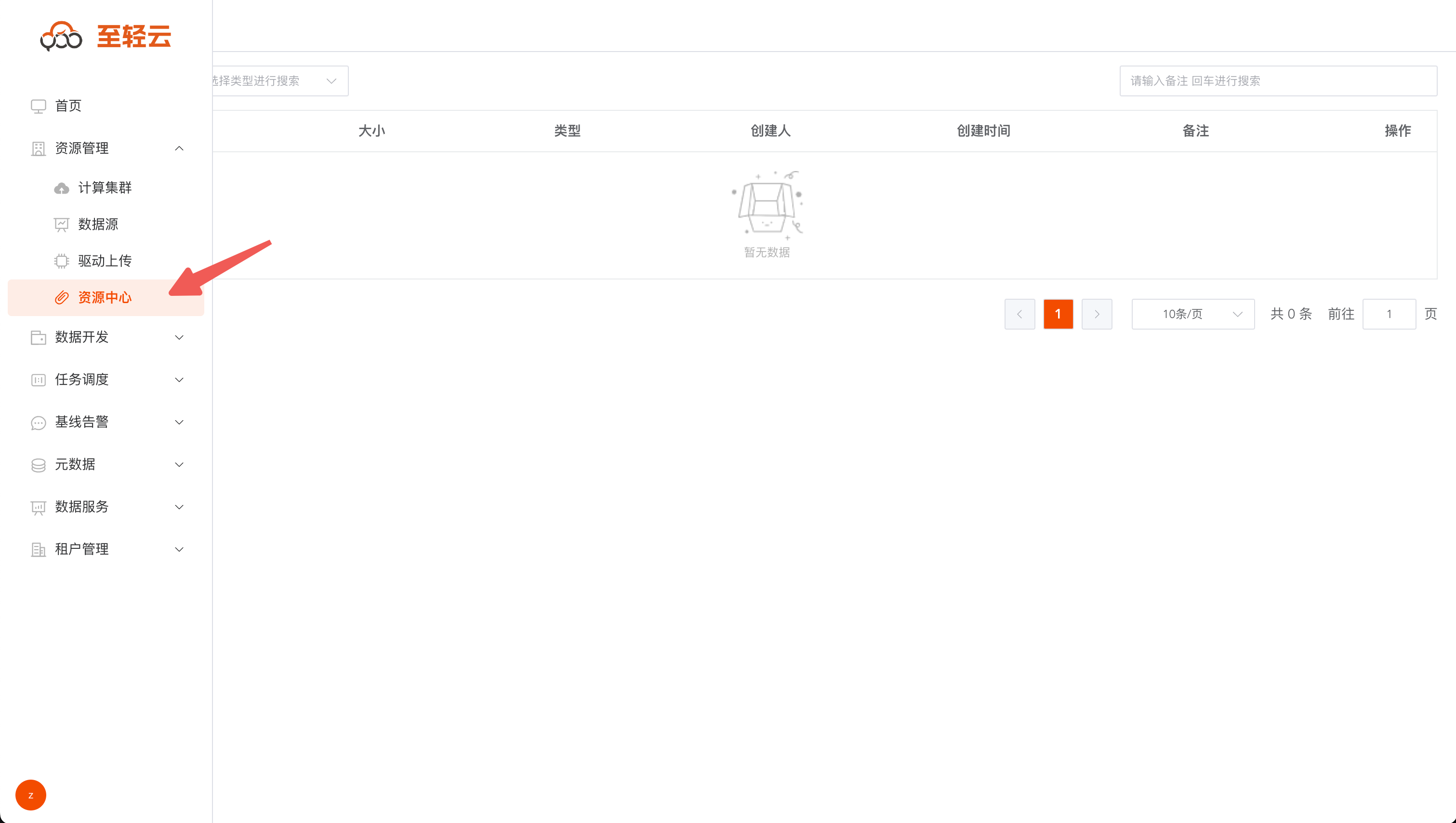
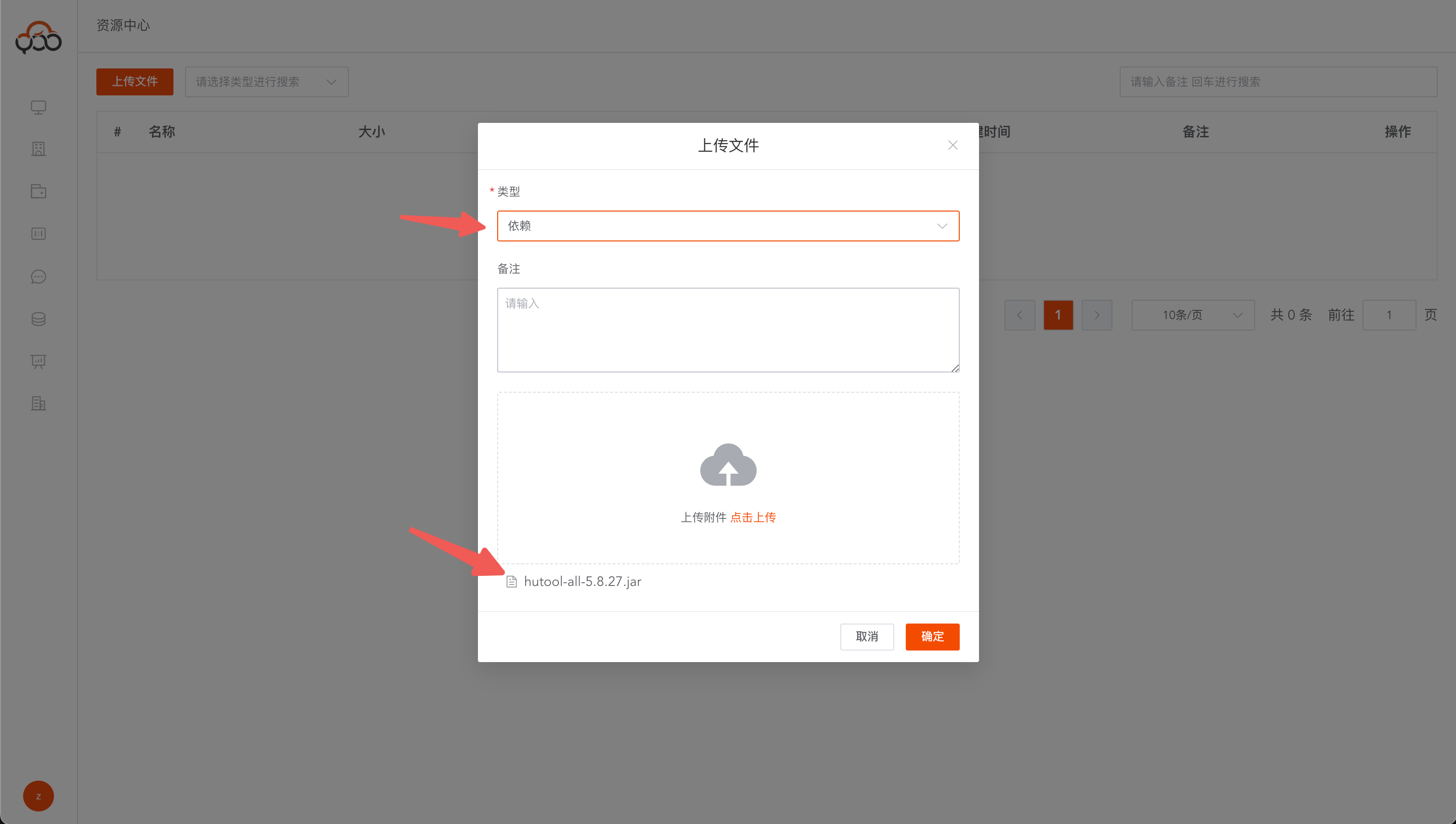
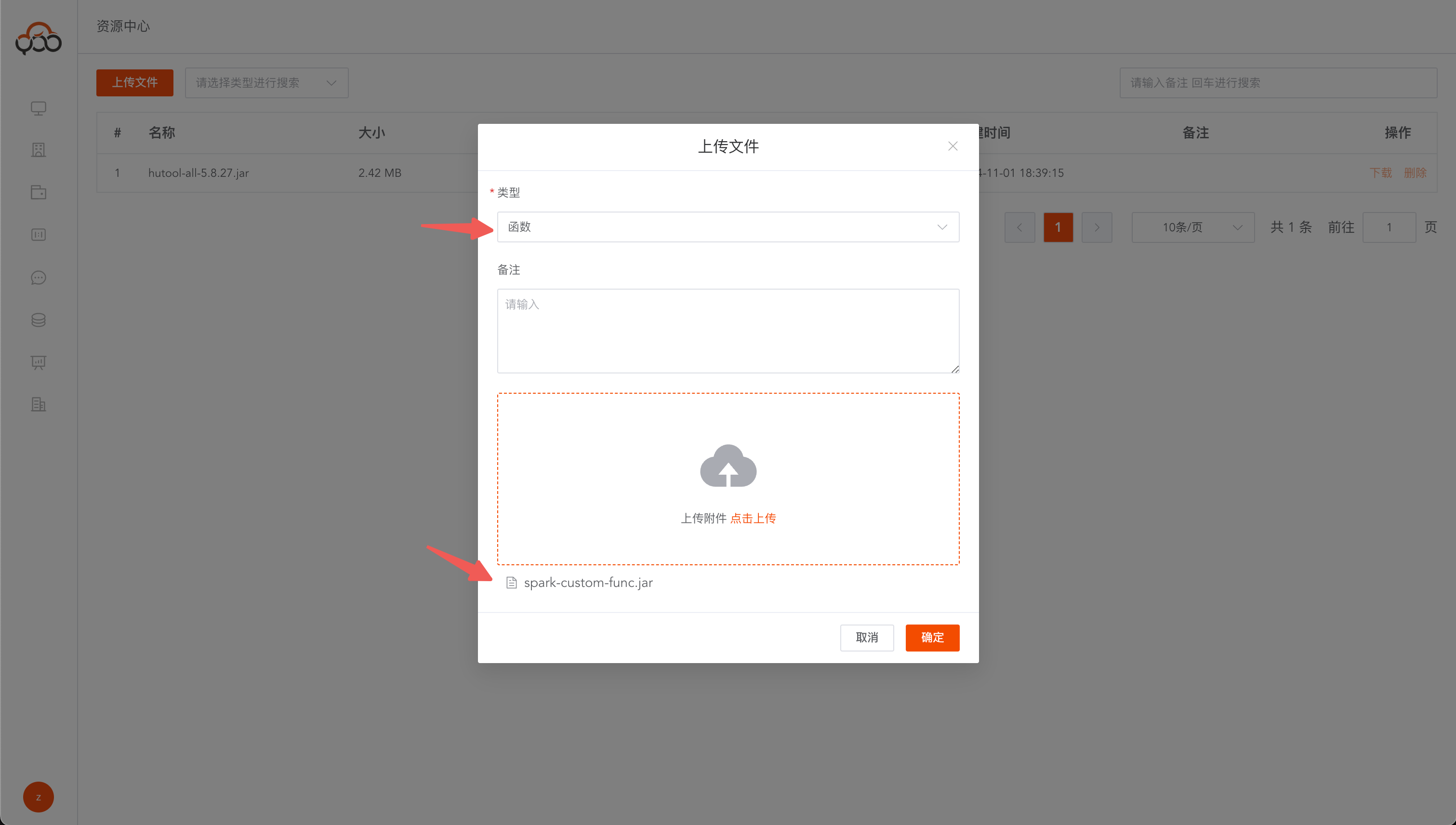
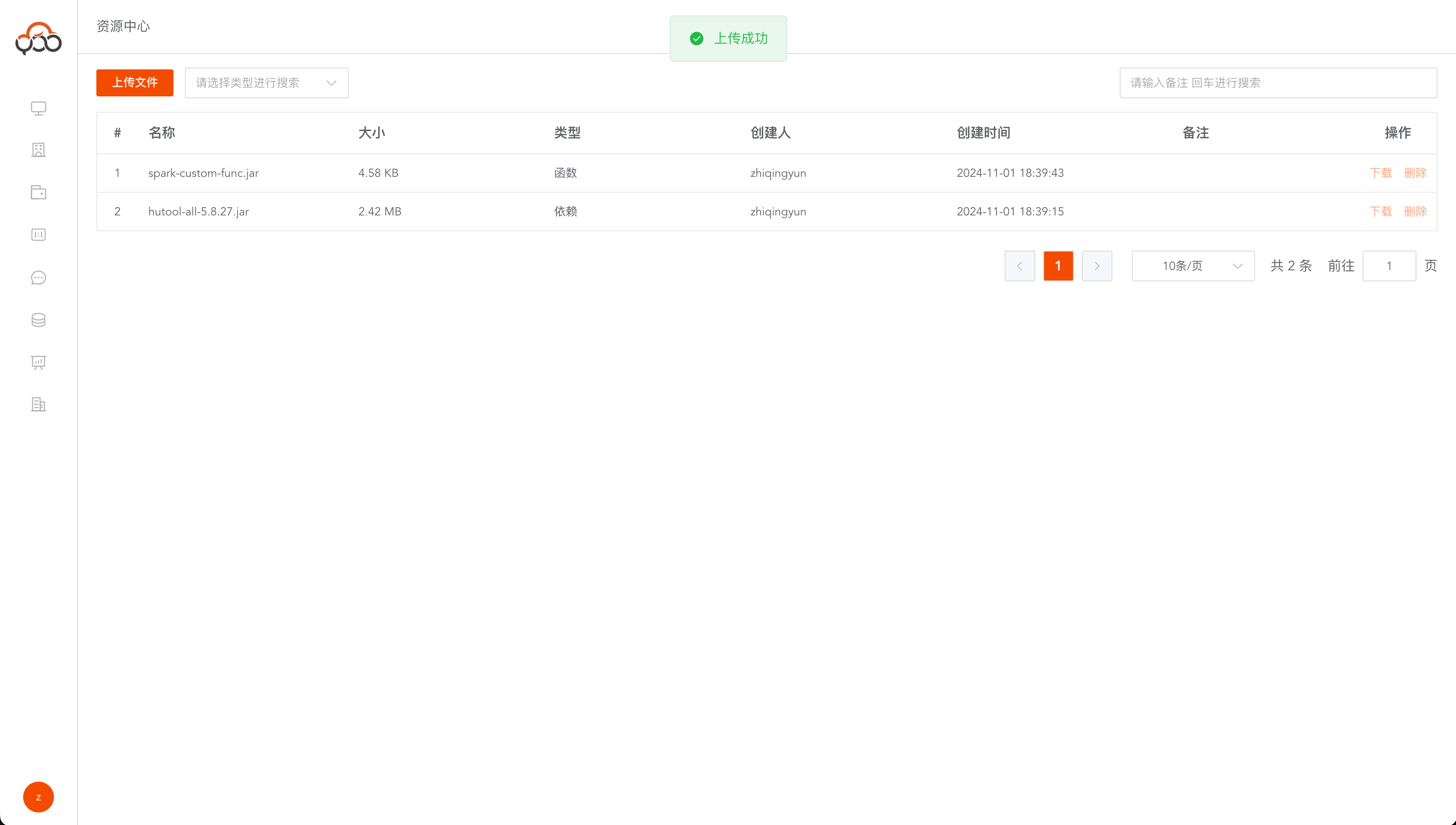
Custom functions need to first upload the compiled Jar package to the
Resource CenterOfficial custom function template: https://github.com/ispong/spark-function-template
- Demo function file download: https://zhiqingyun-saas.isxcode.com/tools/open/file/spark-custom-func.jar
- Demo dependency file download: https://zhiqingyun-saas.isxcode.com/tools/open/file/hutool-all-5.8.27.jar