Job type
This article introduces the usage scenarios, operating procedures, and key configurations of the job type function to help users complete daily management and business operations.
View job list
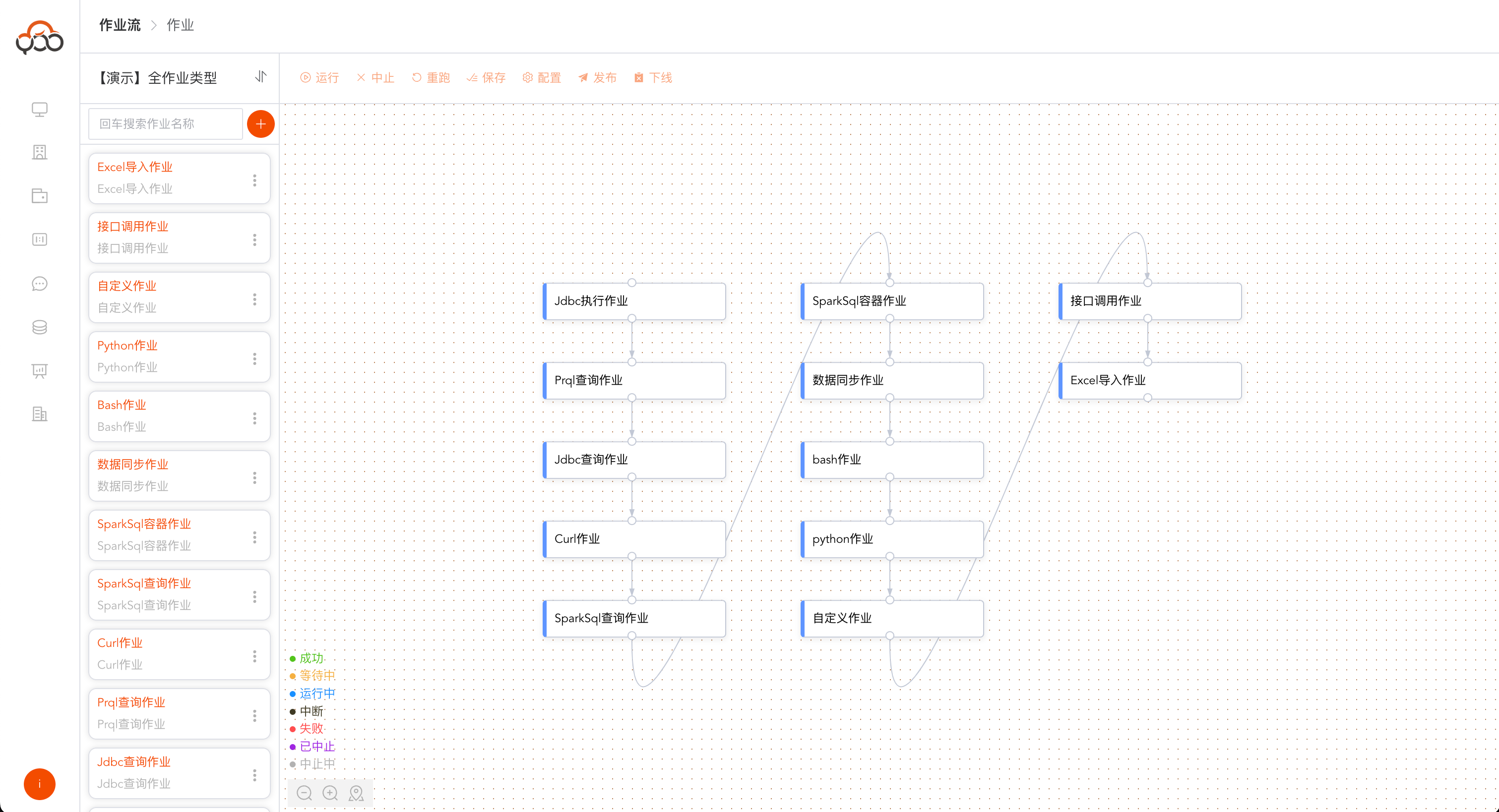
Click on the name of the job stream to enter the job editing list
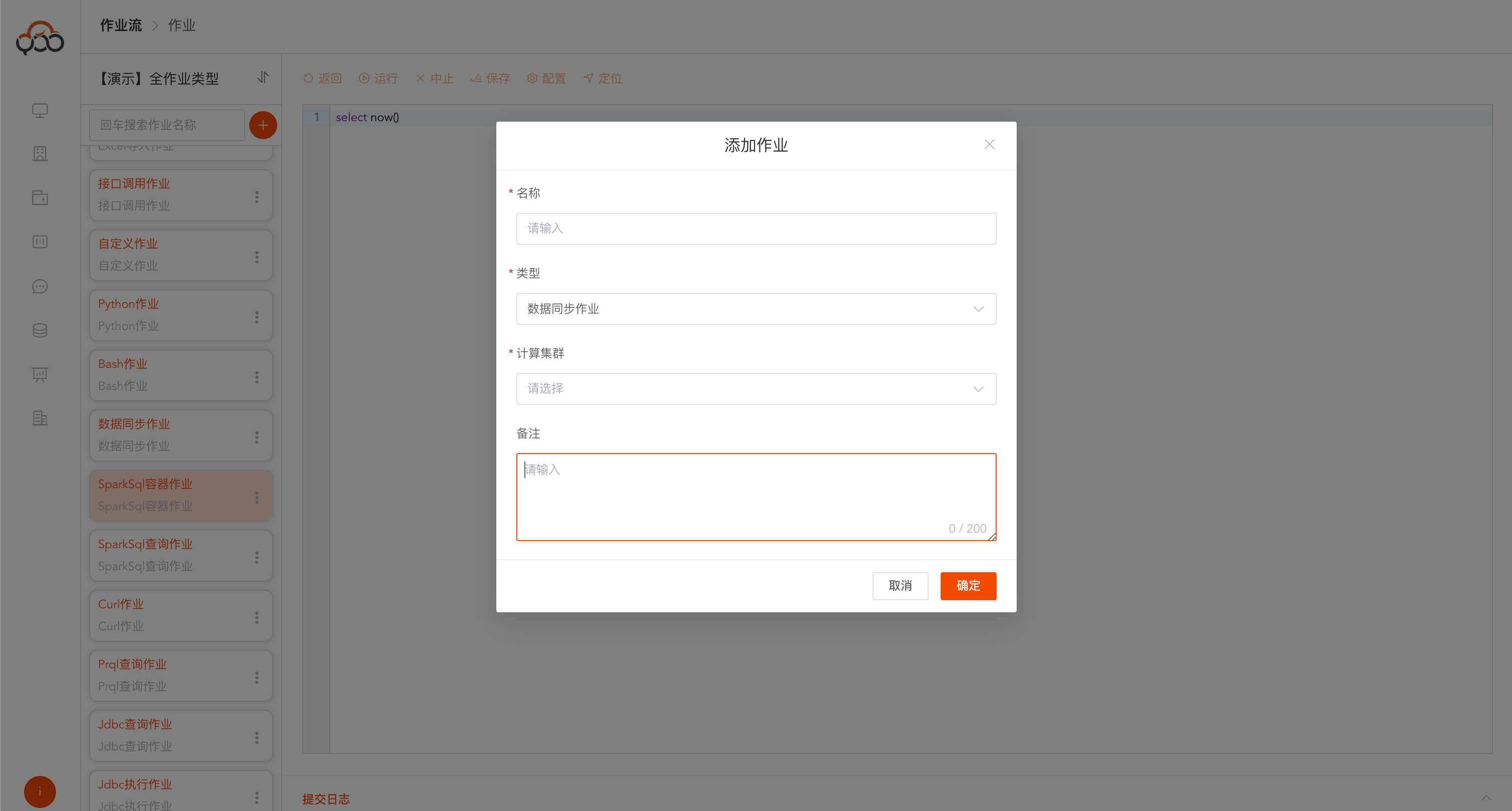
New job
Click the
circle plus signto create a new job Job names are unique within the job stream
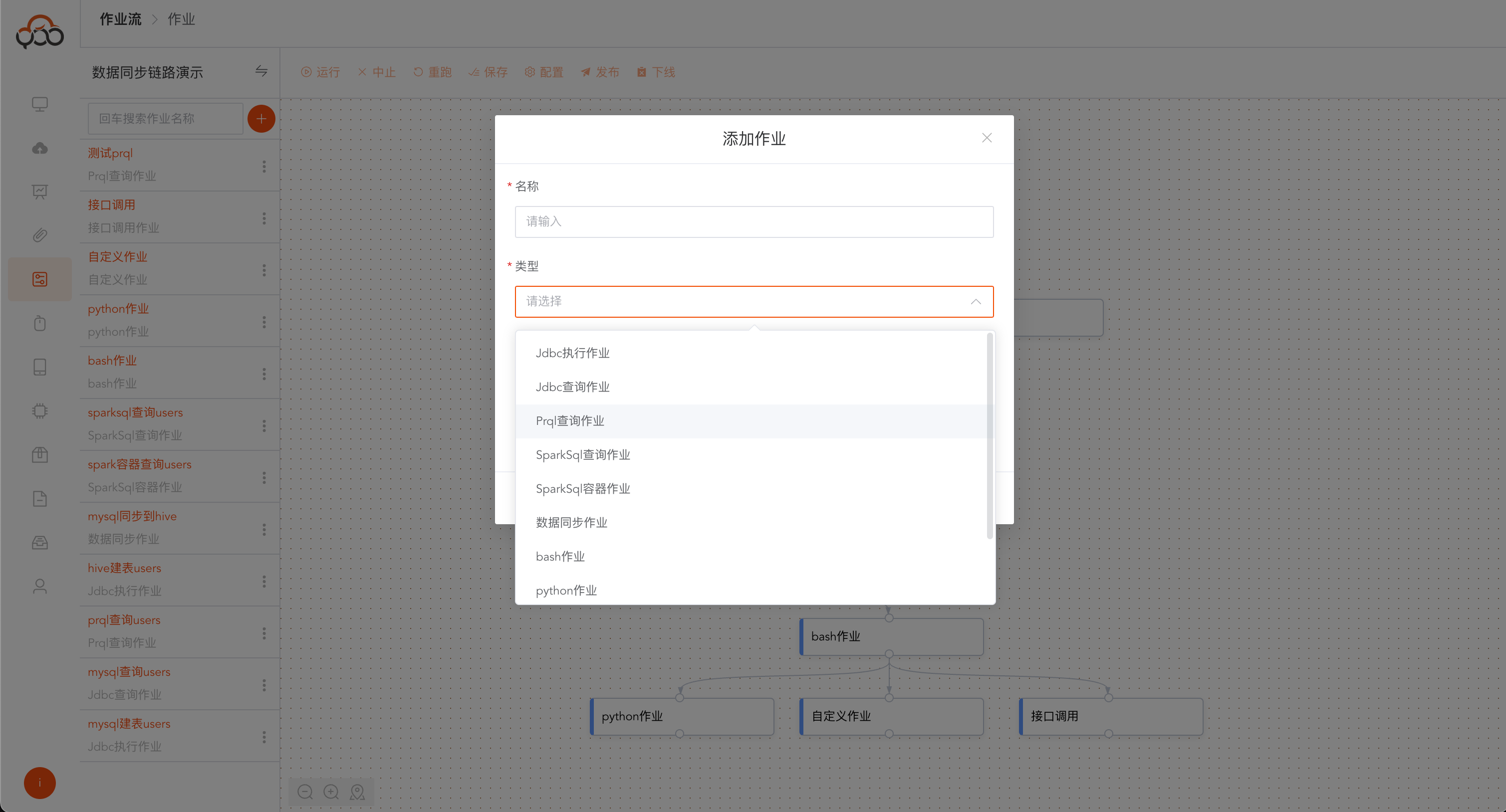
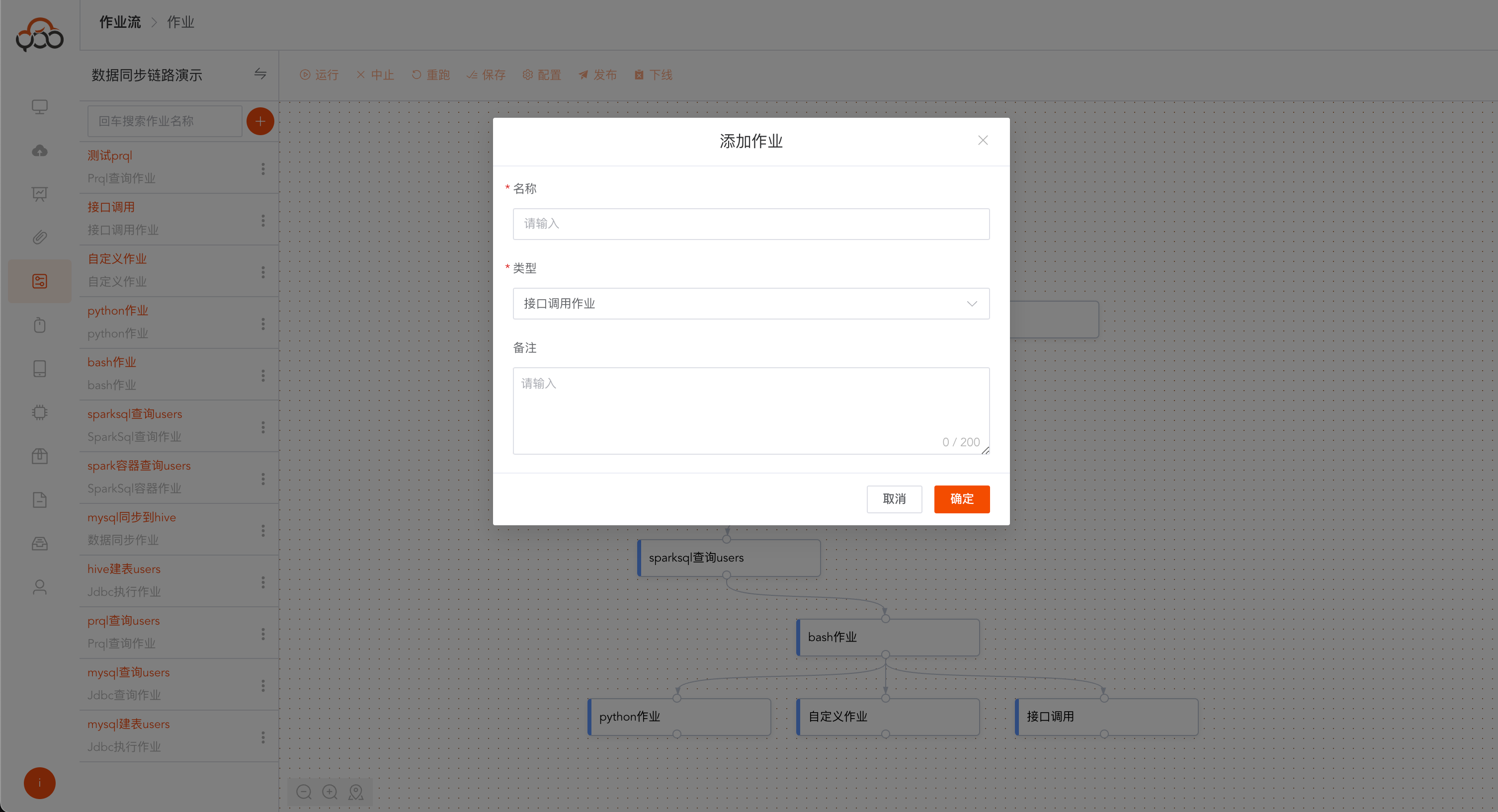
Job types include:
- JDBC execution job: Select the data source, execute sql and return
submit log - JDBC Query Job: Select the data source, execute sql to return
submit log,data return - Prql Query Job: Select the data source, execute prql to return
submit log,running results, prql URL: https://prql-lang.org/ - Spark SQL Query Job: Select the computing cluster and execute sparksql to return
submit log,running result, andrunning log - Spark SQL container job: Select the computing container and execute sparksql to return
submit logandrunning results - Data synchronization job: Select a computing cluster to synchronize table A data to table B
- bash job: Select a node in the computing cluster and execute the bash script
- python job: Select a node in the computing cluster and execute the python script
- Custom job: Select the computing cluster, submit the jar file of the job type of
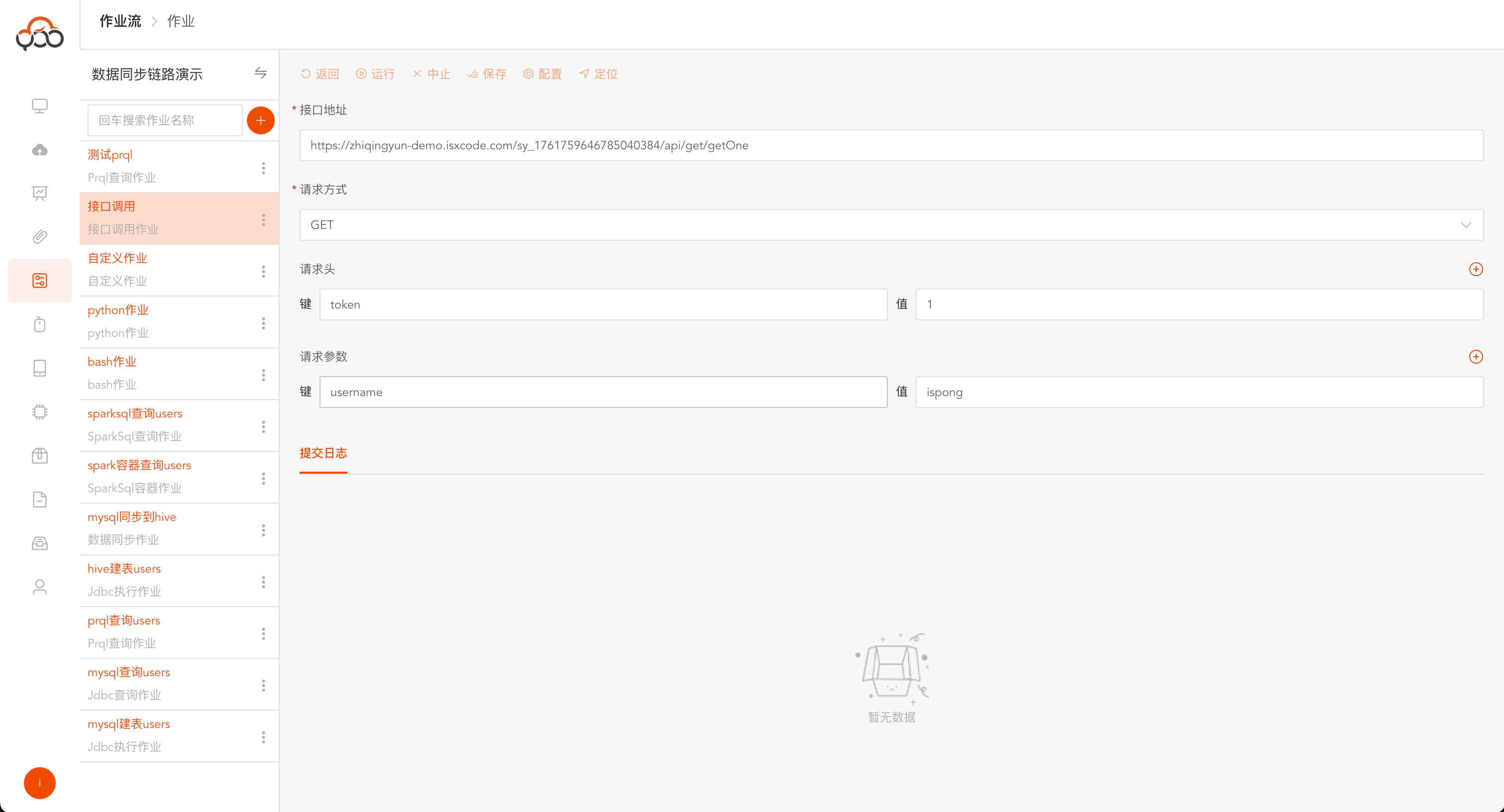
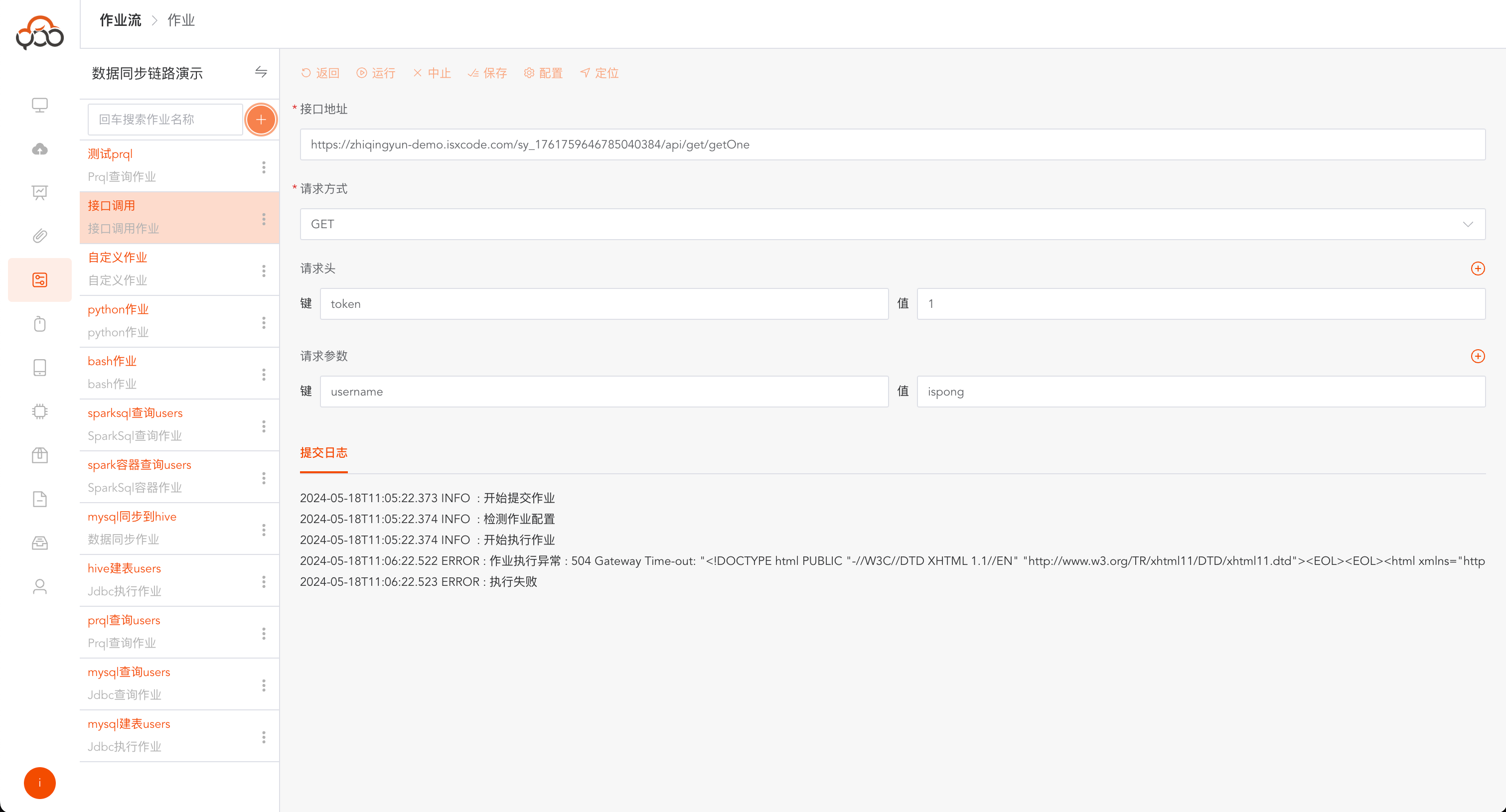
Resource Center, and execute the user-defined Jar package - Interface calling job: Visual interface, allowing users to call the
POSTandGETinterfaces - Excel import job: Select the computing cluster, submit the Excel type file in the
Resource Center, and synchronize it to the executed table
JDBC execution job
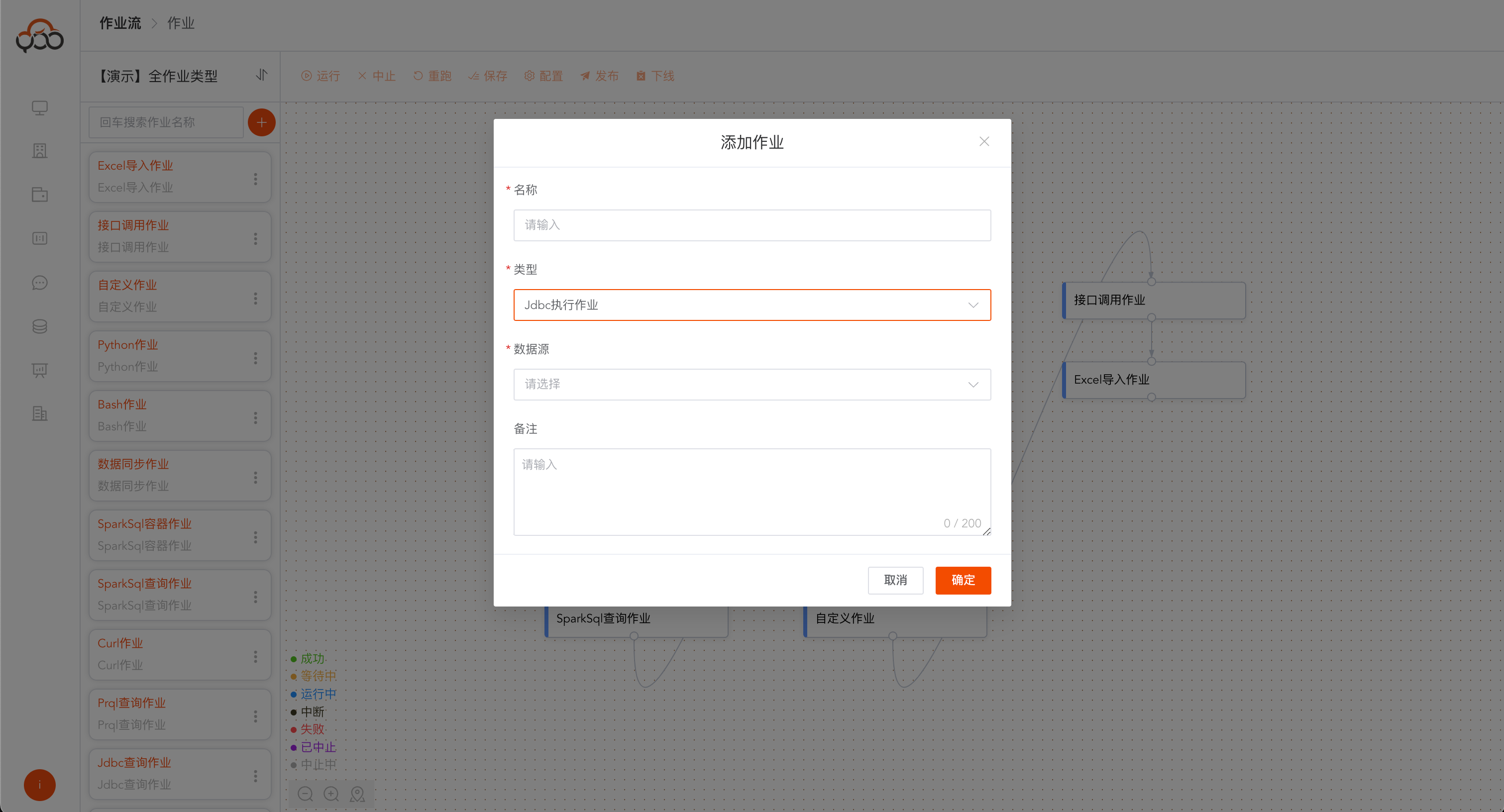
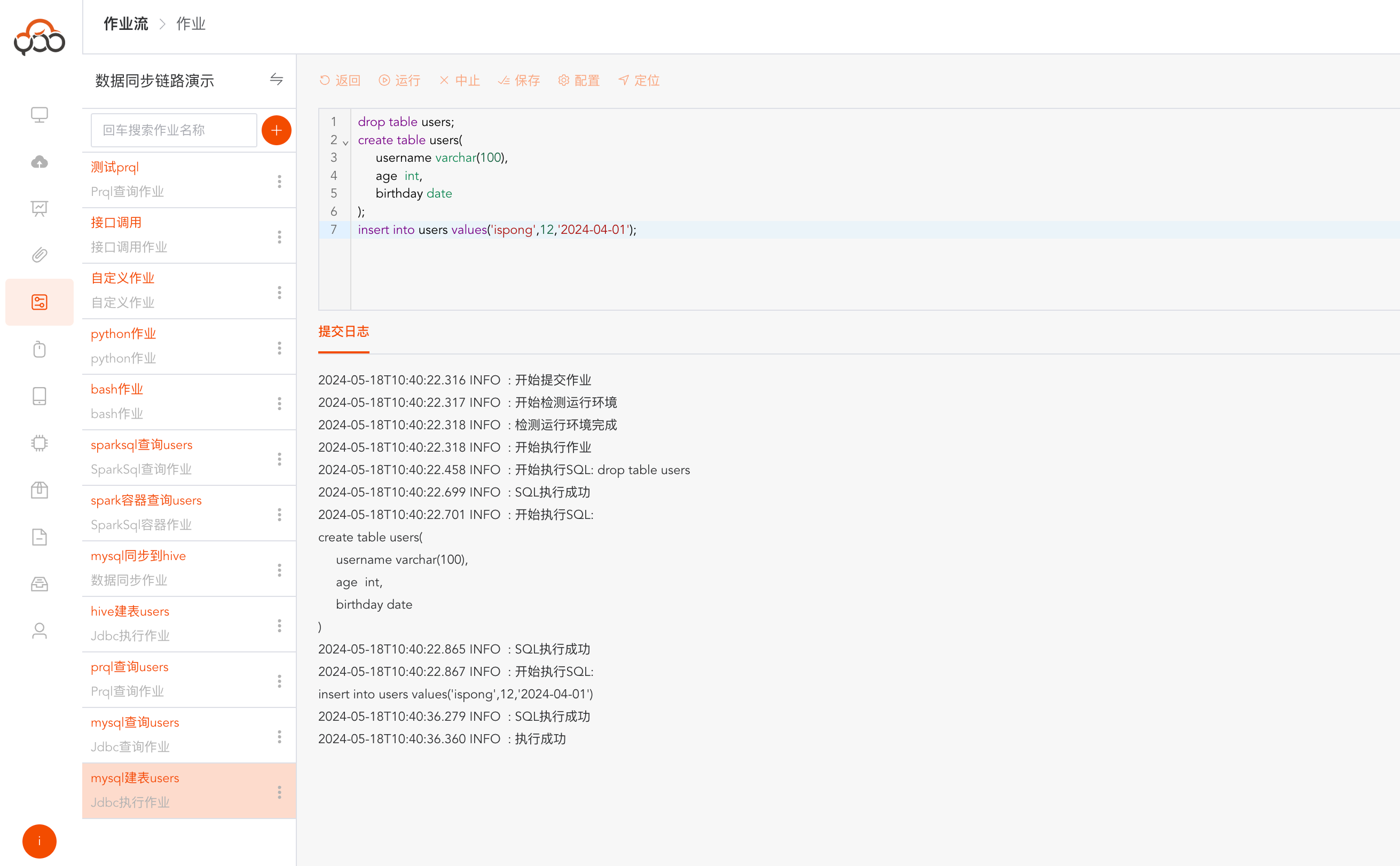
Select JDBC execution job type
- Name: required, the name is unique within the job stream
- Type: required, the type of data source
- Data Source: Required, select the data source to execute SQL
- Remarks: Optional
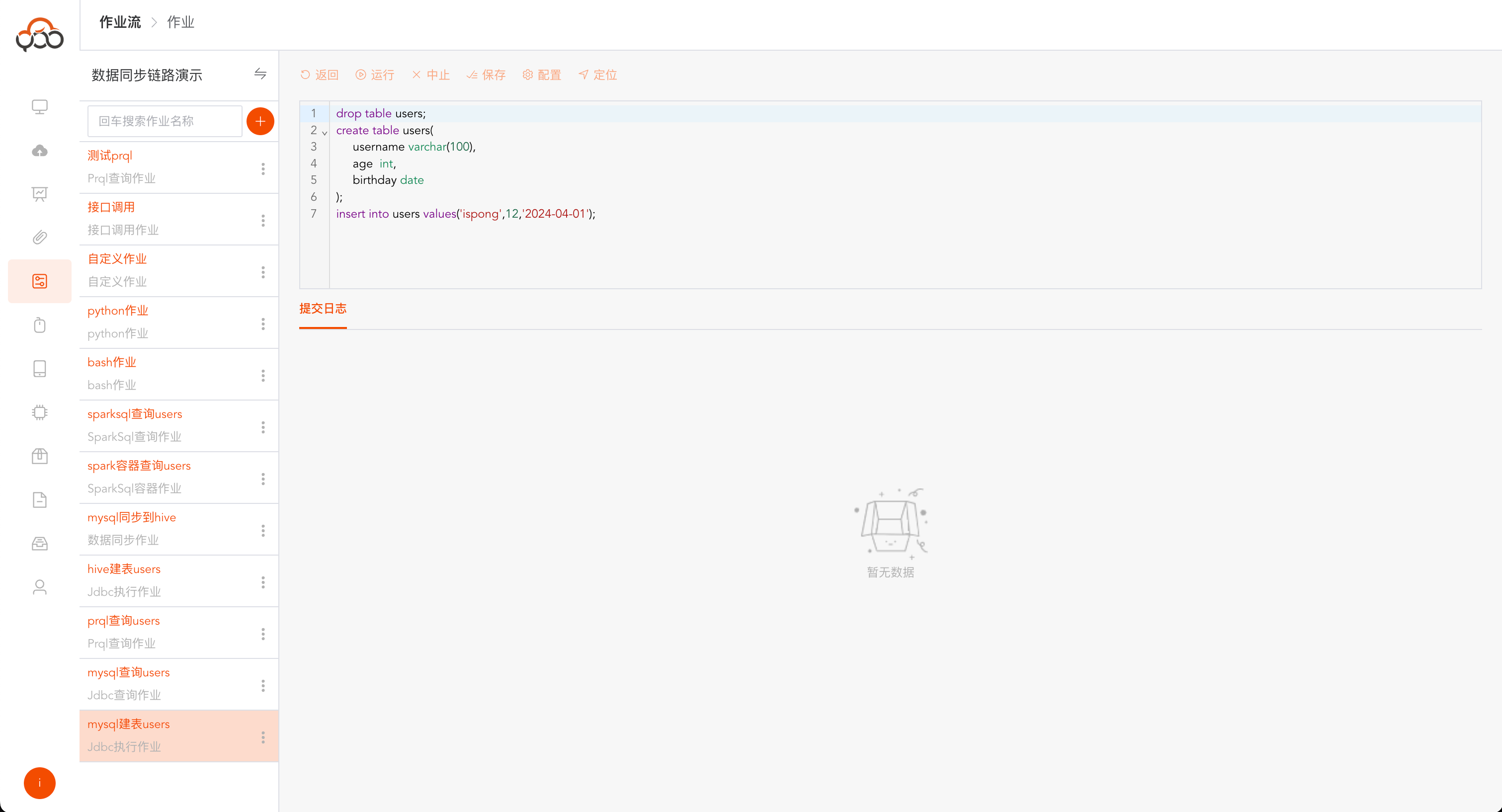
Job configuration, support data source switching
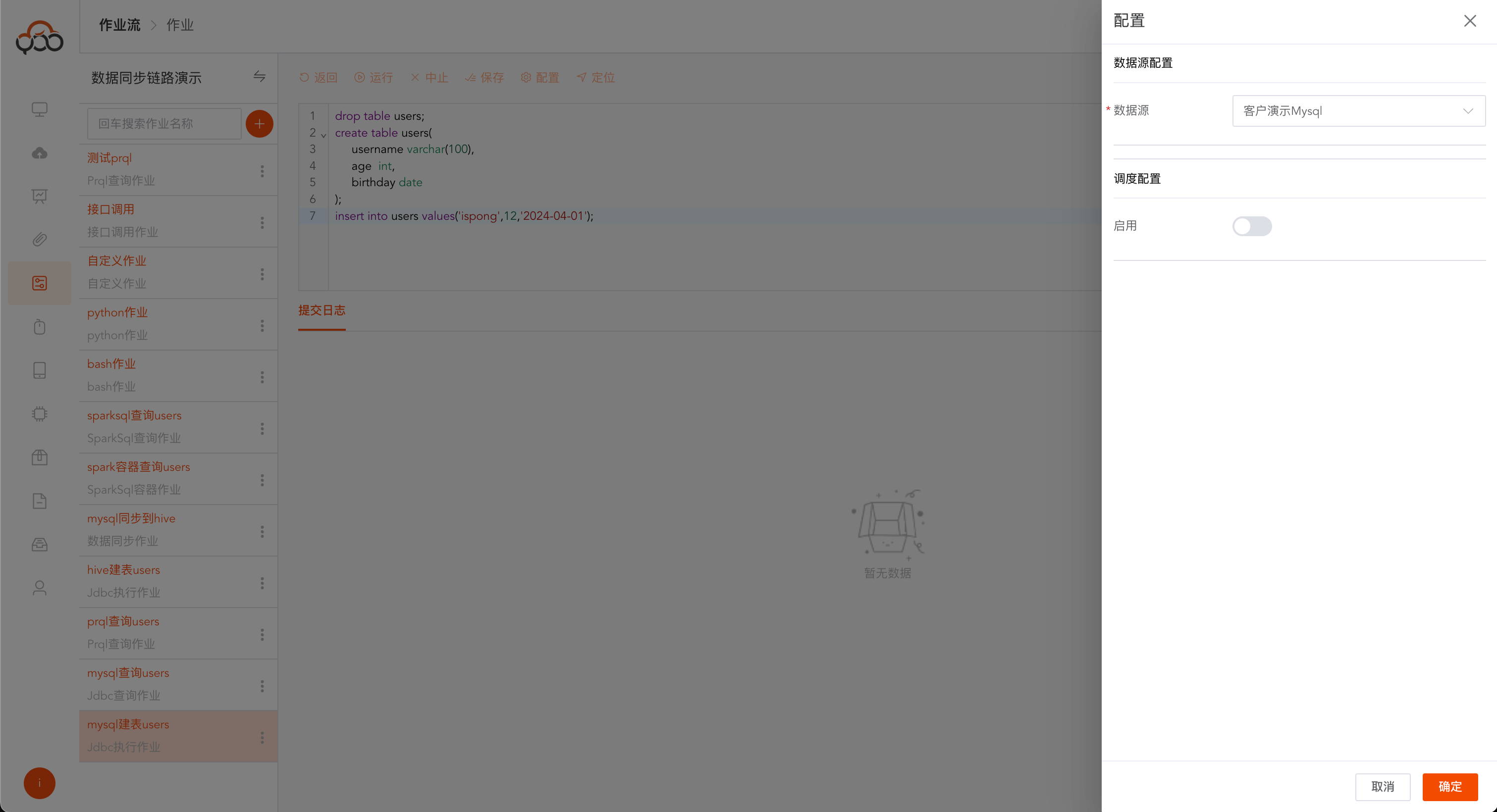
Click Run, you can get the SQL execution statement and the running status of each SQL in the log
JDBC query job
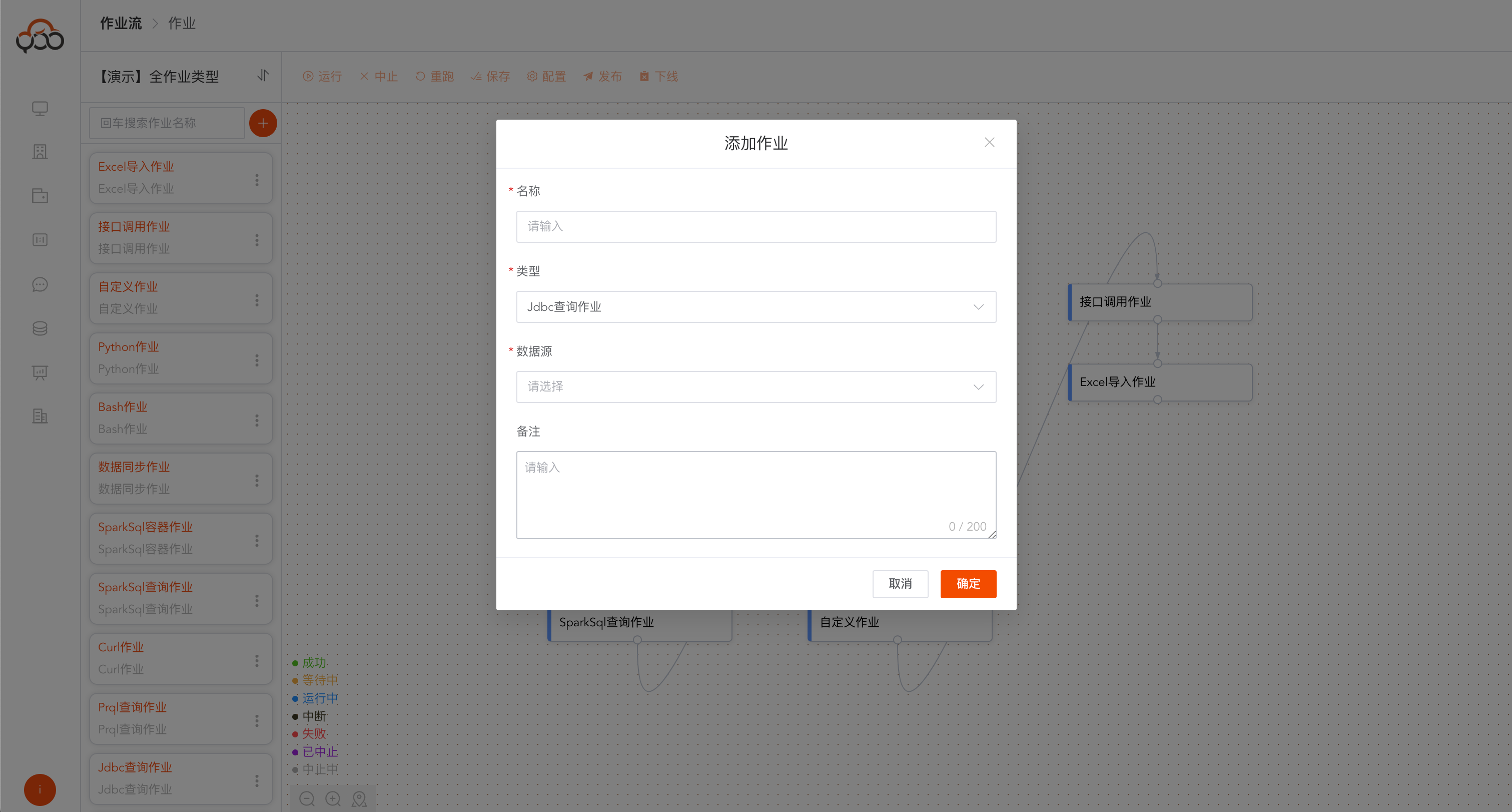
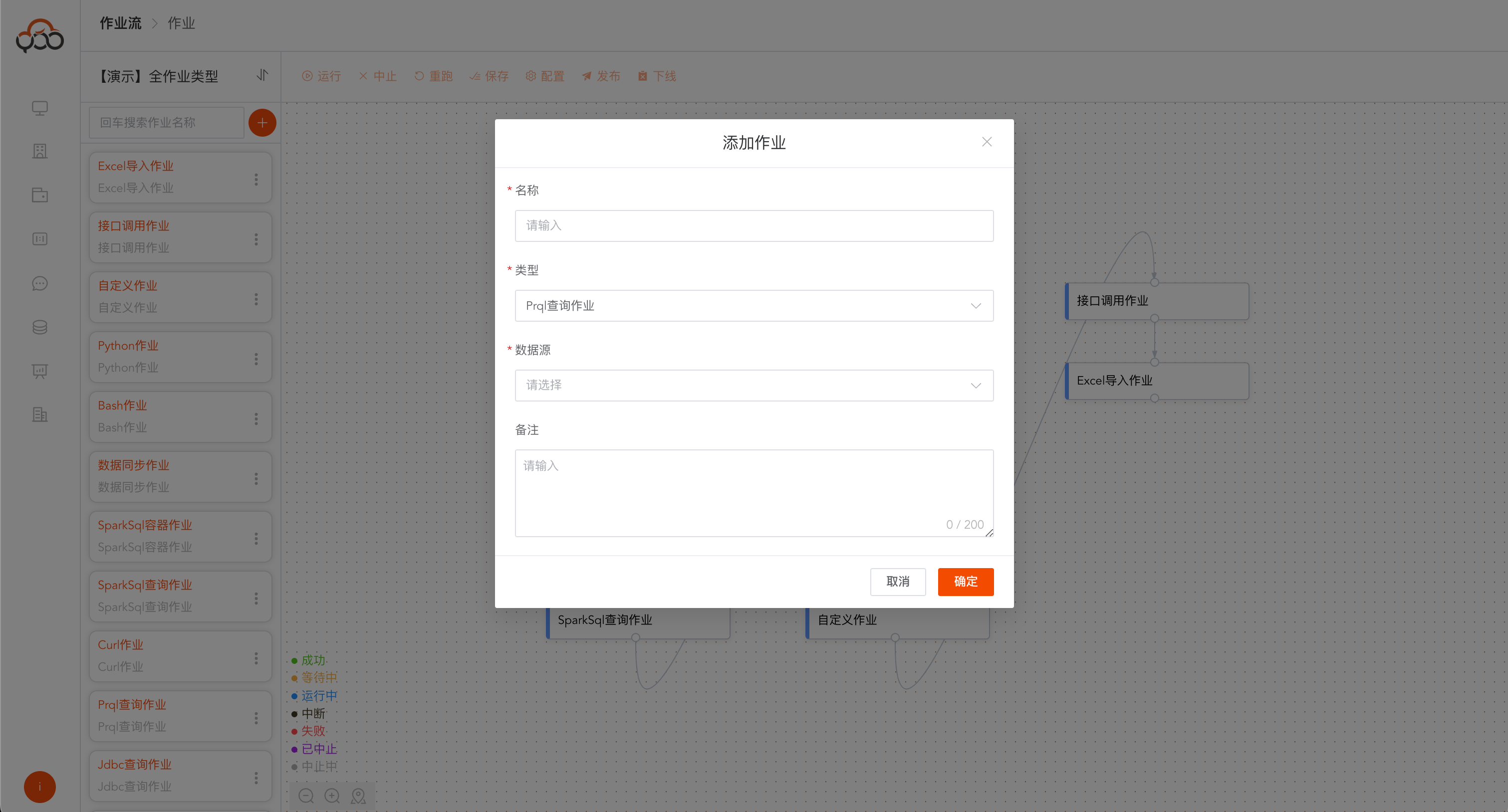
Select JDBC query job type
- Name: required, the name is unique within the job stream
- Type: required, the type of data source
- Data Source: Required, select the data source to query SQL
- Remarks: Optional
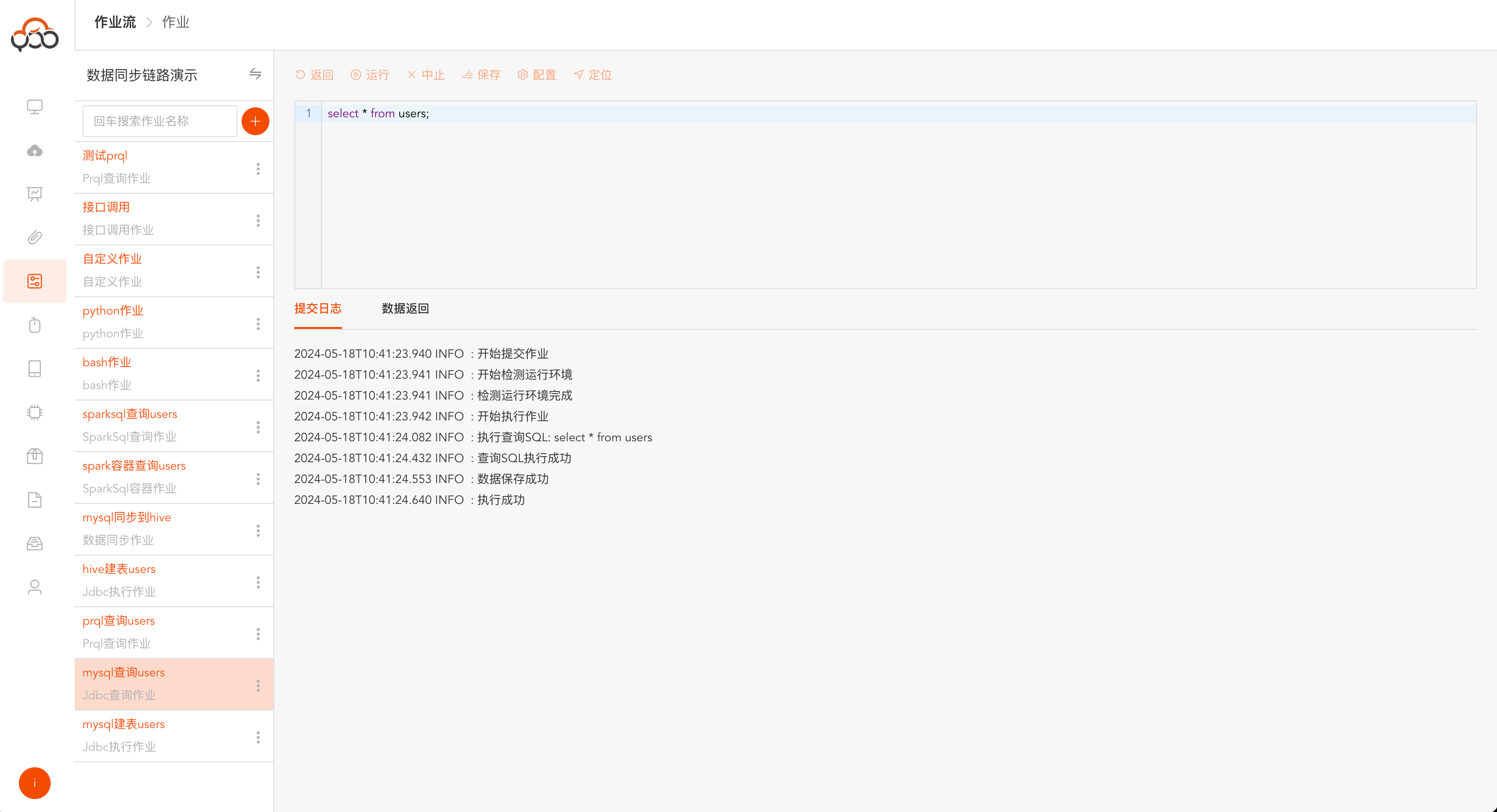
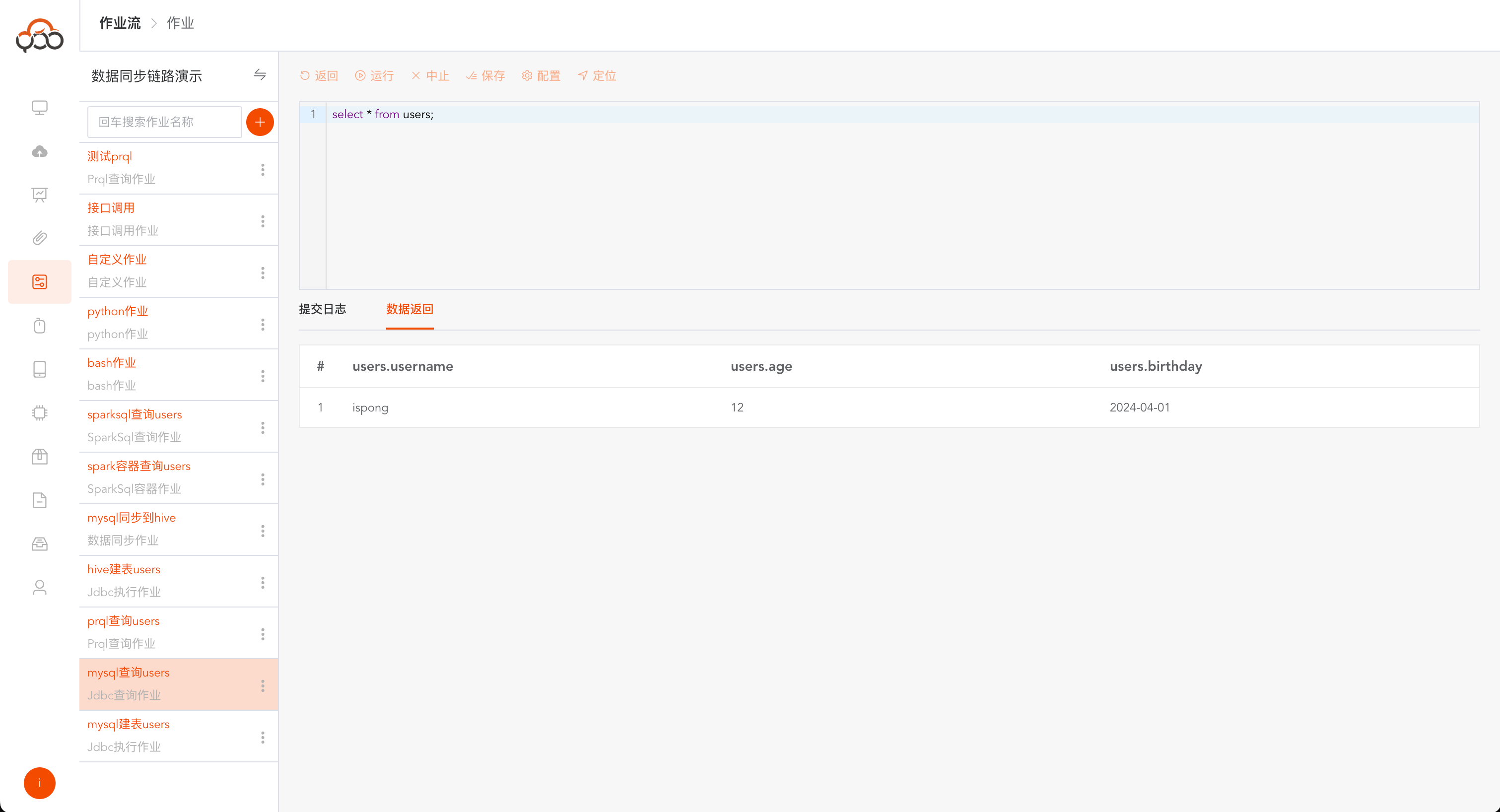
After the operation is successful, there will be an additional tab of
Data Return. You can see the specific data returned by the query.
Prql query job
Select Prql query job type
- Name: required, the name is unique within the job stream
- Type: required, the type of data source
- Data Source: Required, select the data source to query prql
- Remarks: Optional
prql official website description: https://prql-lang.org/
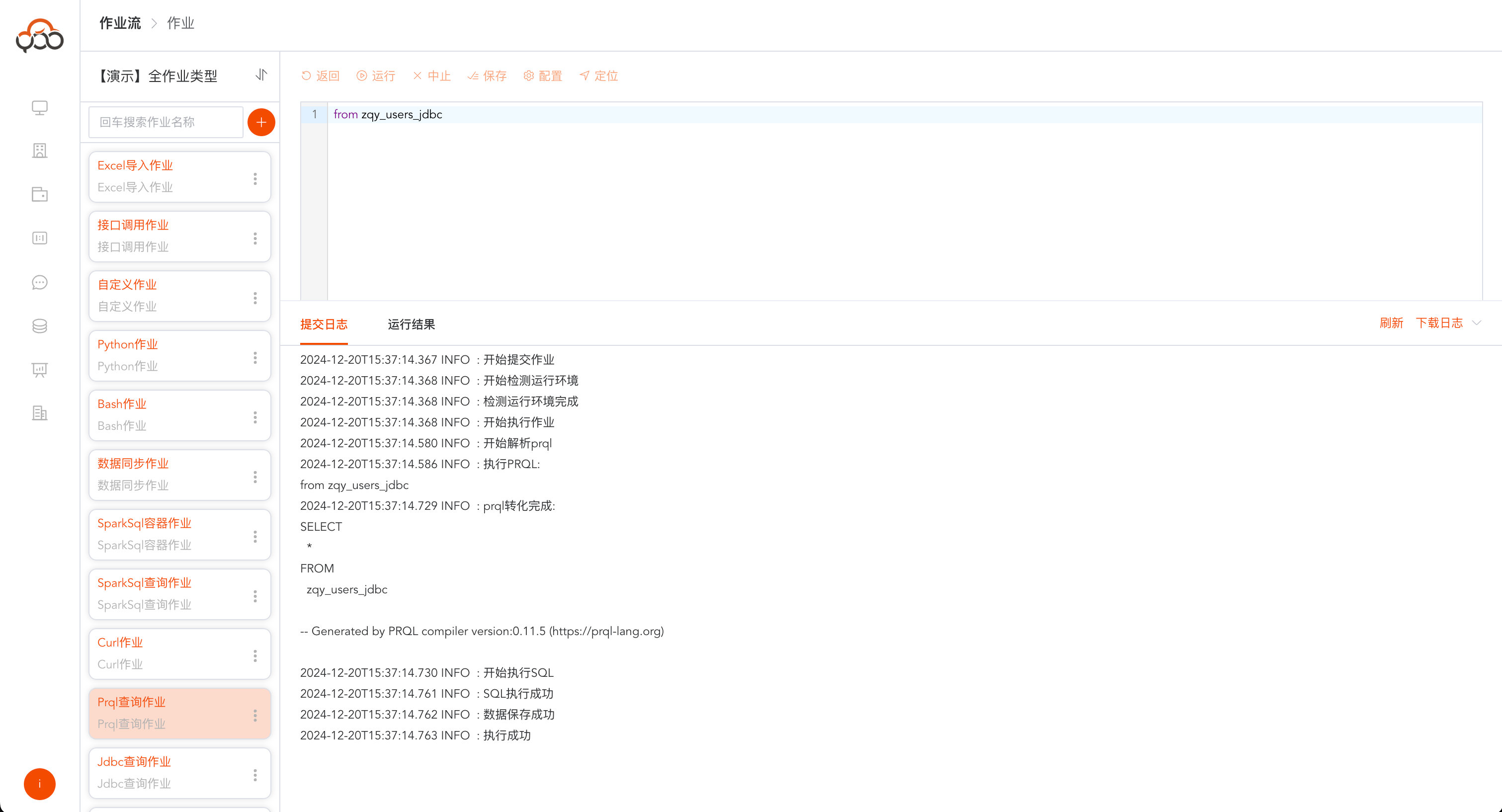
The actual executed sql statement will be printed in the submission log and the
running resultwill be returned.
Spark SQL query job
Select Spark SQL query job type
- Name: required, the name is unique within the job stream
- Computing Cluster: Required, specify the computing cluster to which the job needs to be submitted for running
- Whether to connect to hive: required, not selected by default
- Hive data source: required. If you enable hive connection, you need to select an available hive data source.
- Remarks: Optional
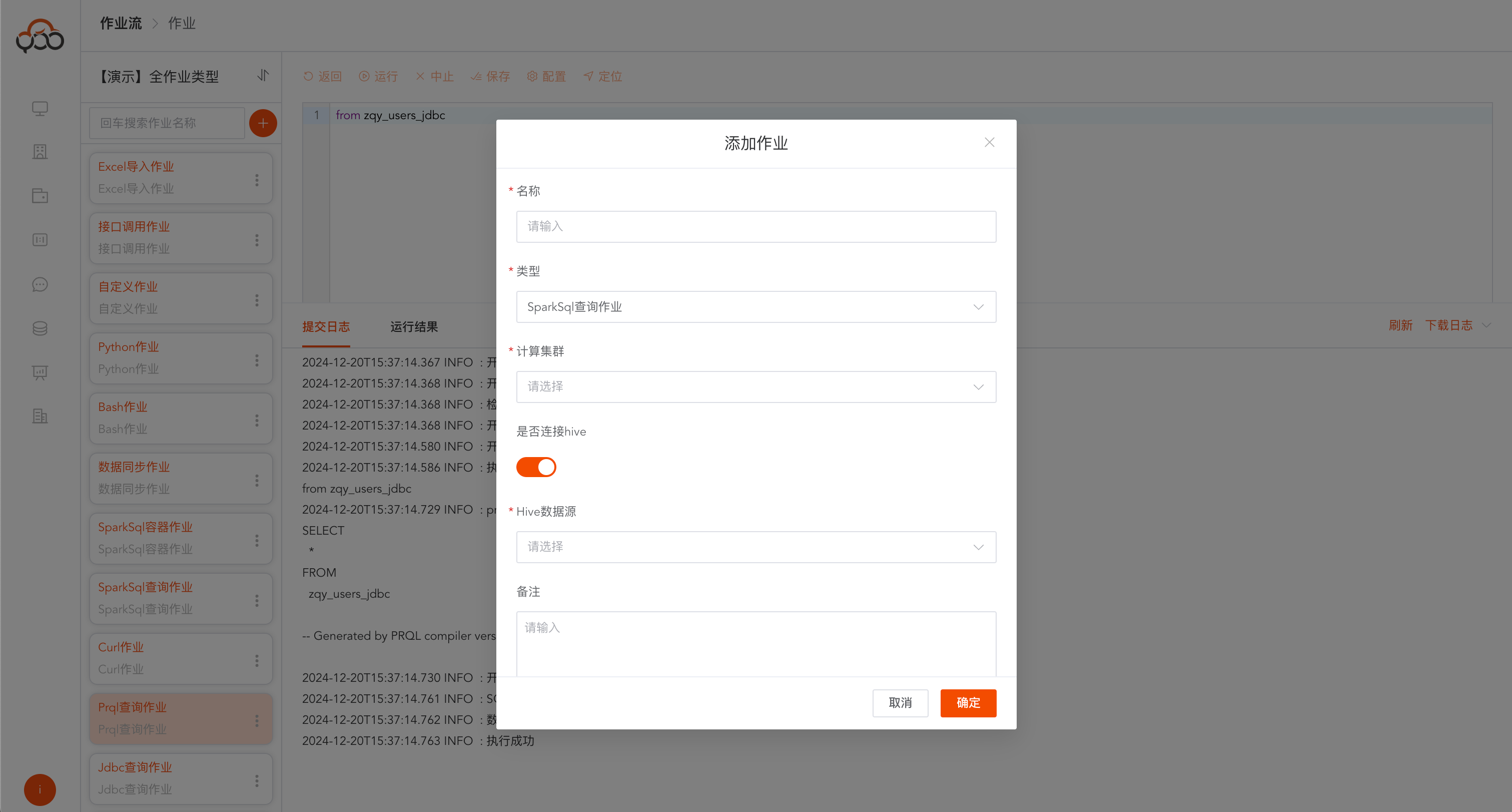
Spark SQL query jobs support computing cluster switching, hive data source switching, resource level switching, function configuration, and dependency configuration.
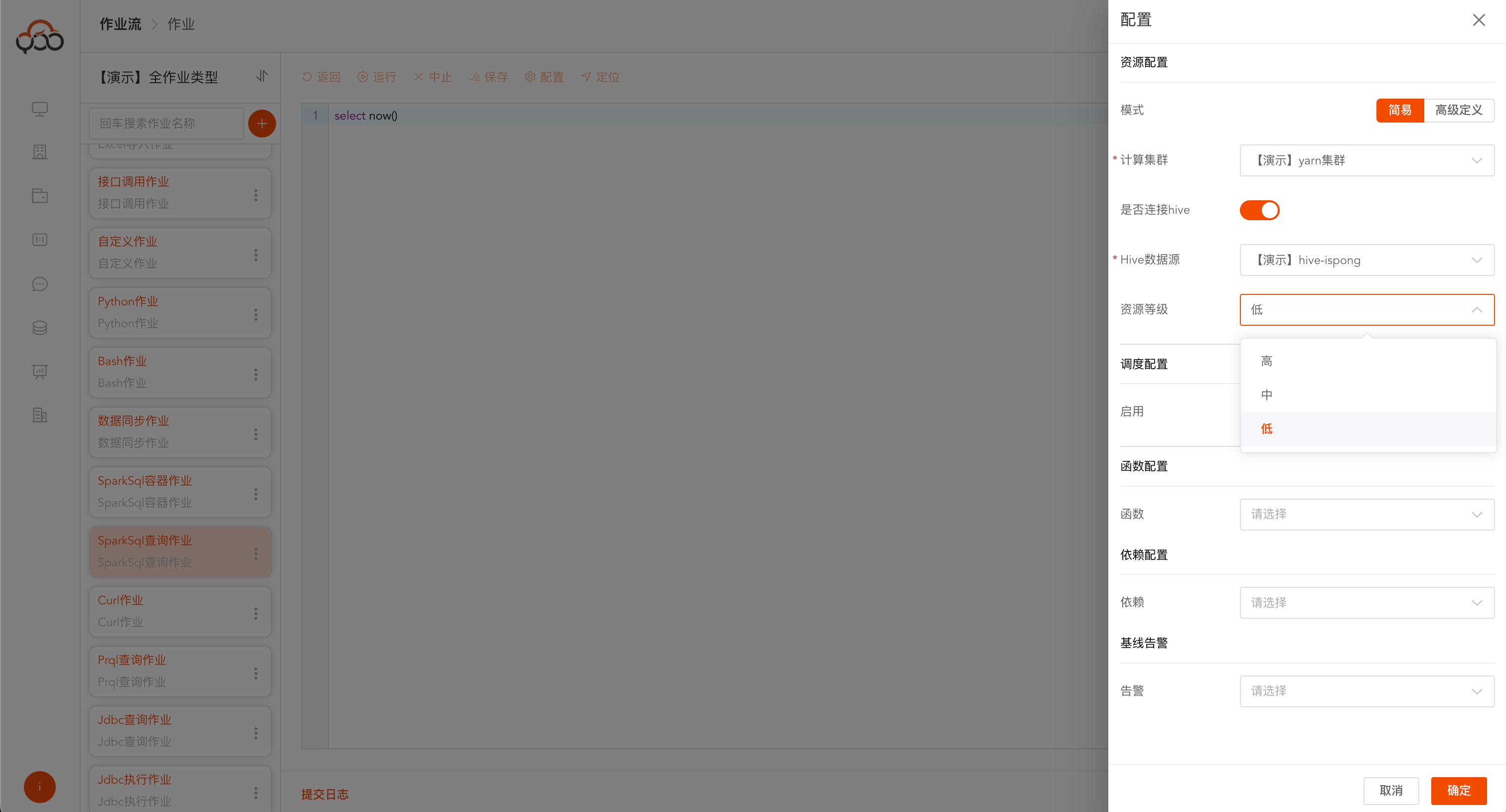
Resource Level Description
- High: 8GB
- Medium: 4GB
- Low: 2GB
Supports advanced configuration SparkConfig, configuration reference address: https://spark.apache.org/docs/3.4.1/configuration.html
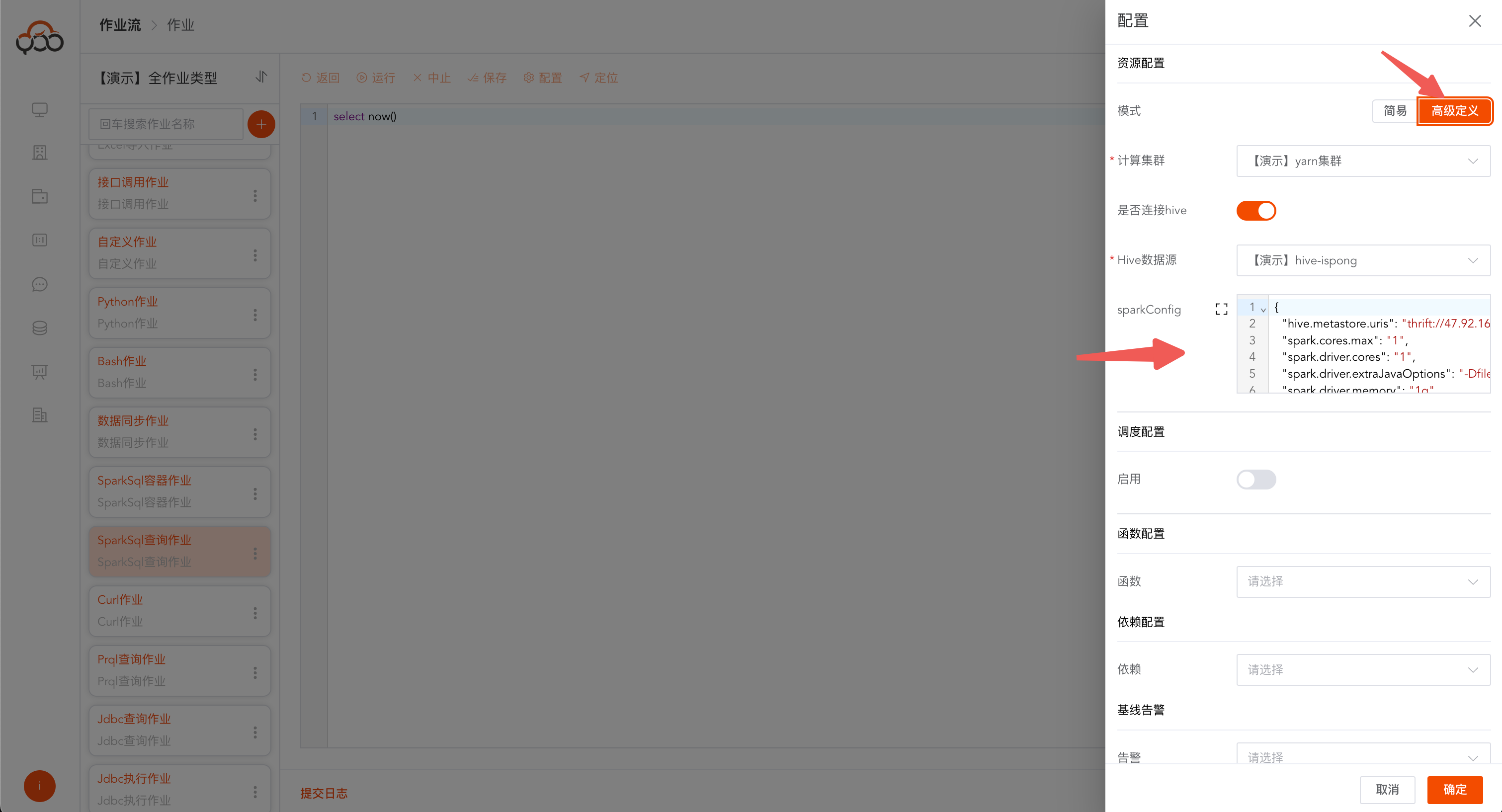
Configuration Sample
Note: To access data in hive or HDFS in on Kubernetes mode, the container needs domain name mapping and additional configuration needs to be added.
{
  "qing.hive.username": "ispong",
  "qing.host1.name": "isxcode-dev",
  "qing.host1.value": "172.123.139.227"
}
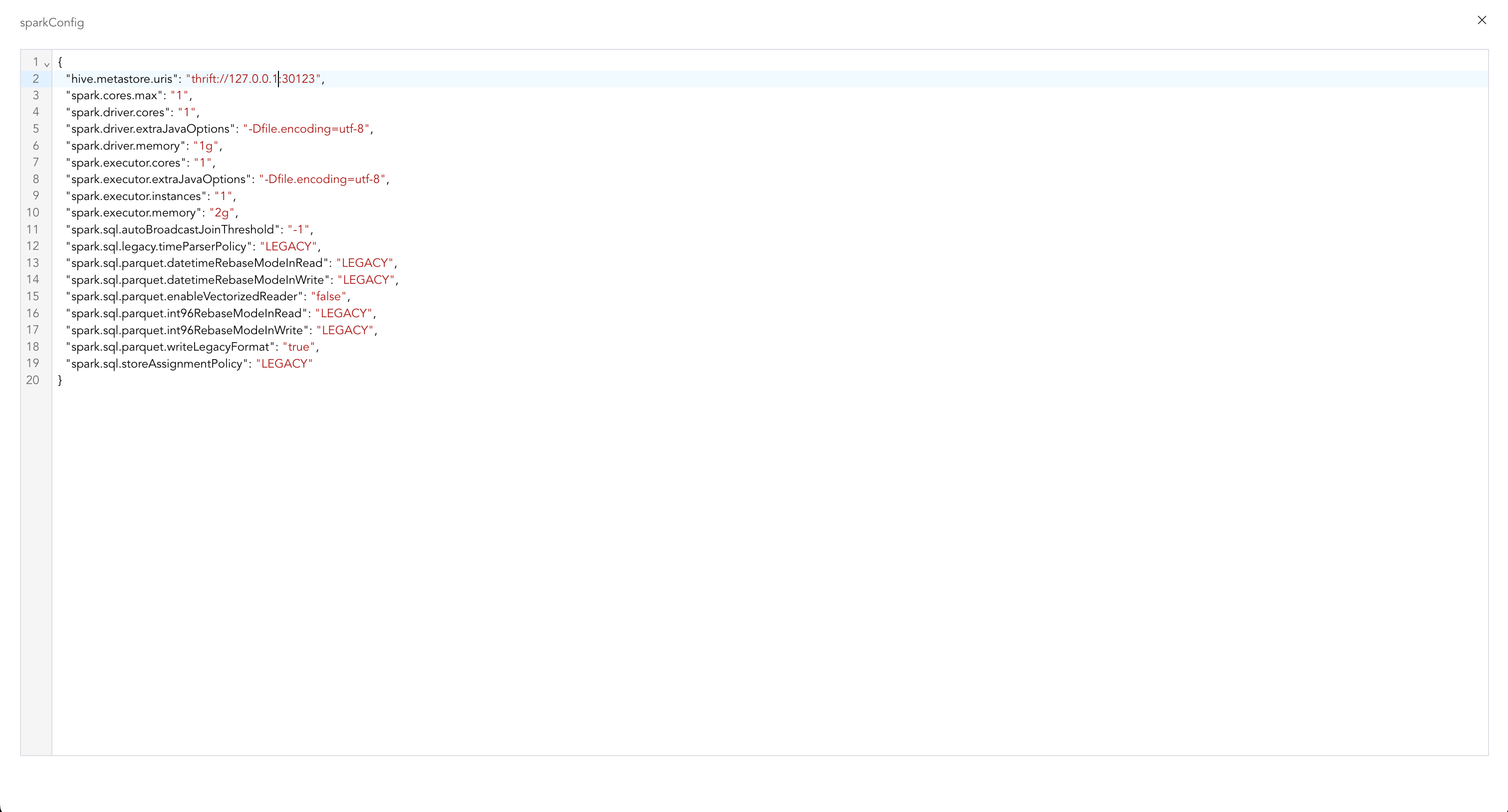
Click the button on the left to zoom in and edit
{
  "hive.metastore.uris": "thrift://127.0.0.1:9083",
  "spark.cores.max": "1",
  "spark.driver.cores": "1",
  "spark.driver.extraJavaOptions": "-Dfile.encoding=utf-8",
  "spark.driver.memory": "1g",
  "spark.executor.cores": "1",
  "spark.executor.extraJavaOptions": "-Dfile.encoding=utf-8",
  "spark.executor.instances": "1",
  "spark.executor.memory": "2g",
  "spark.sql.autoBroadcastJoinThreshold": "-1",
  "spark.sql.legacy.timeParserPolicy": "LEGACY",
  "spark.sql.parquet.datetimeRebaseModeInRead": "LEGACY",
  "spark.sql.parquet.datetimeRebaseModeInWrite": "LEGACY",
  "spark.sql.parquet.enableVectorizedReader": "false",
  "spark.sql.parquet.int96RebaseModeInRead": "LEGACY",
  "spark.sql.parquet.int96RebaseModeInWrite": "LEGACY",
  "spark.sql.parquet.writeLegacyFormat": "true",
  "spark.sql.storeAssignmentPolicy": "LEGACY"
}
Click the
Runbutton on the toolbar to pop up the submission log, where you can view the real-time status of the job running.
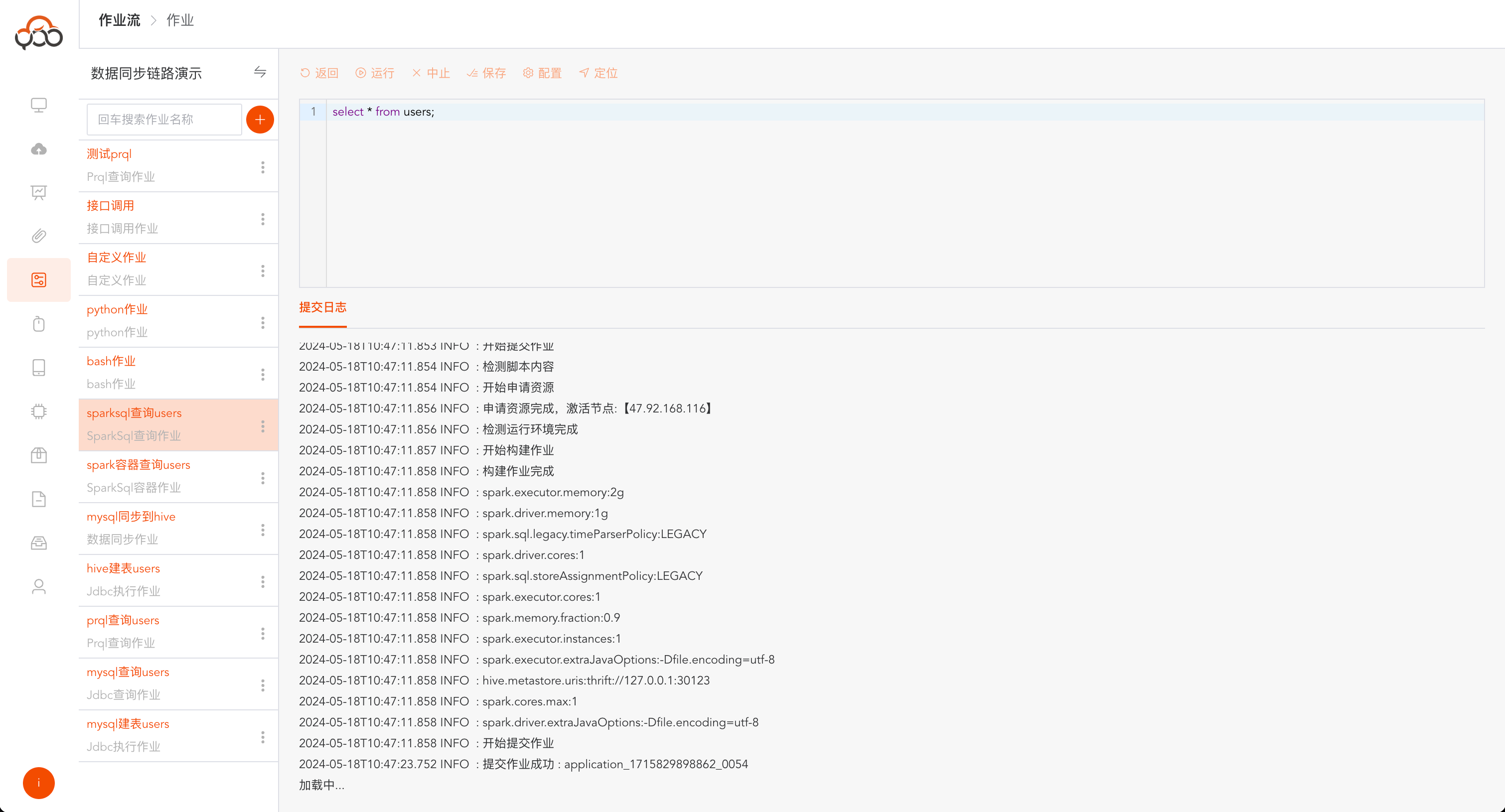
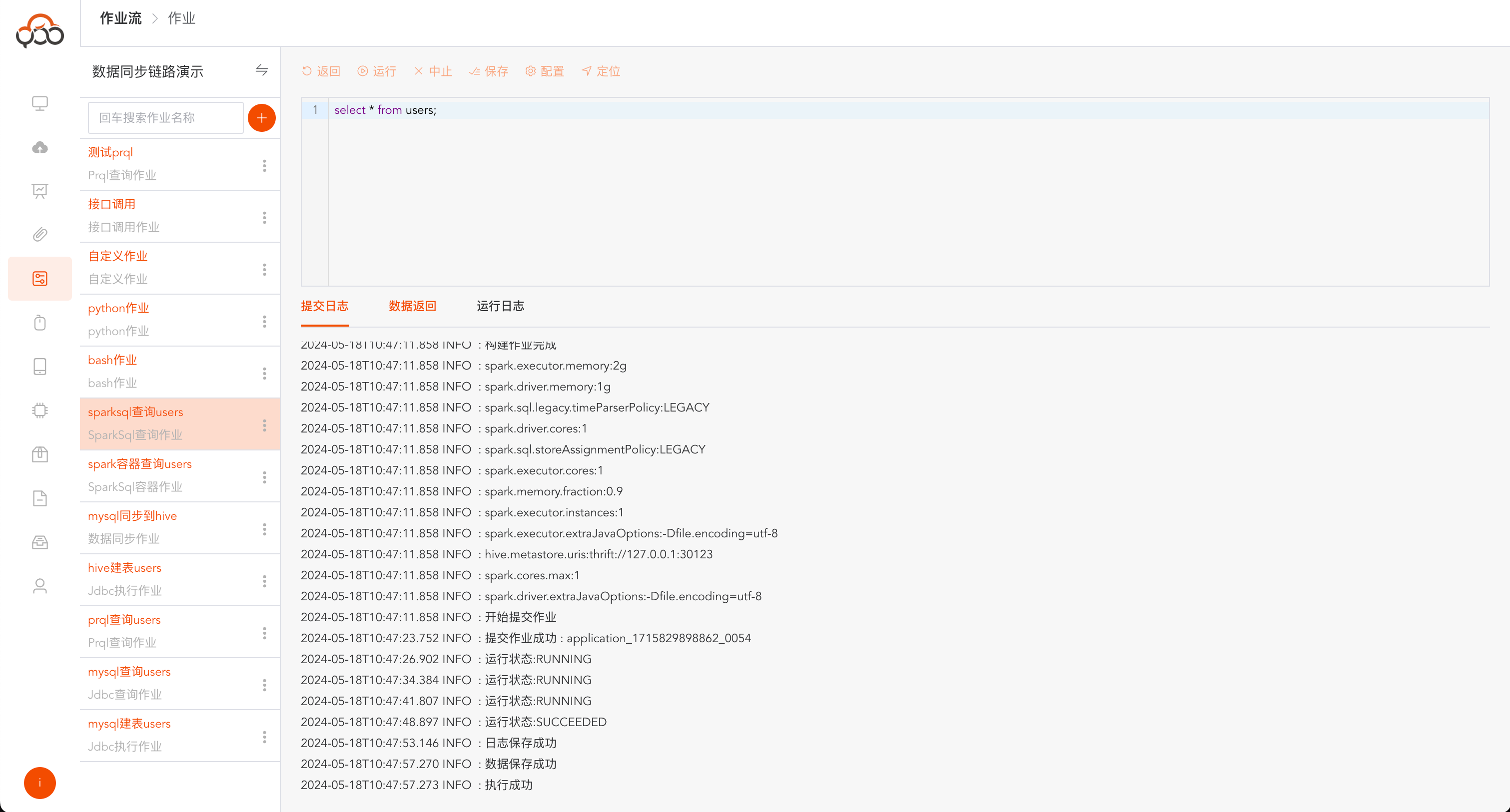
After the operation is successful, the log prompts
Execution successful
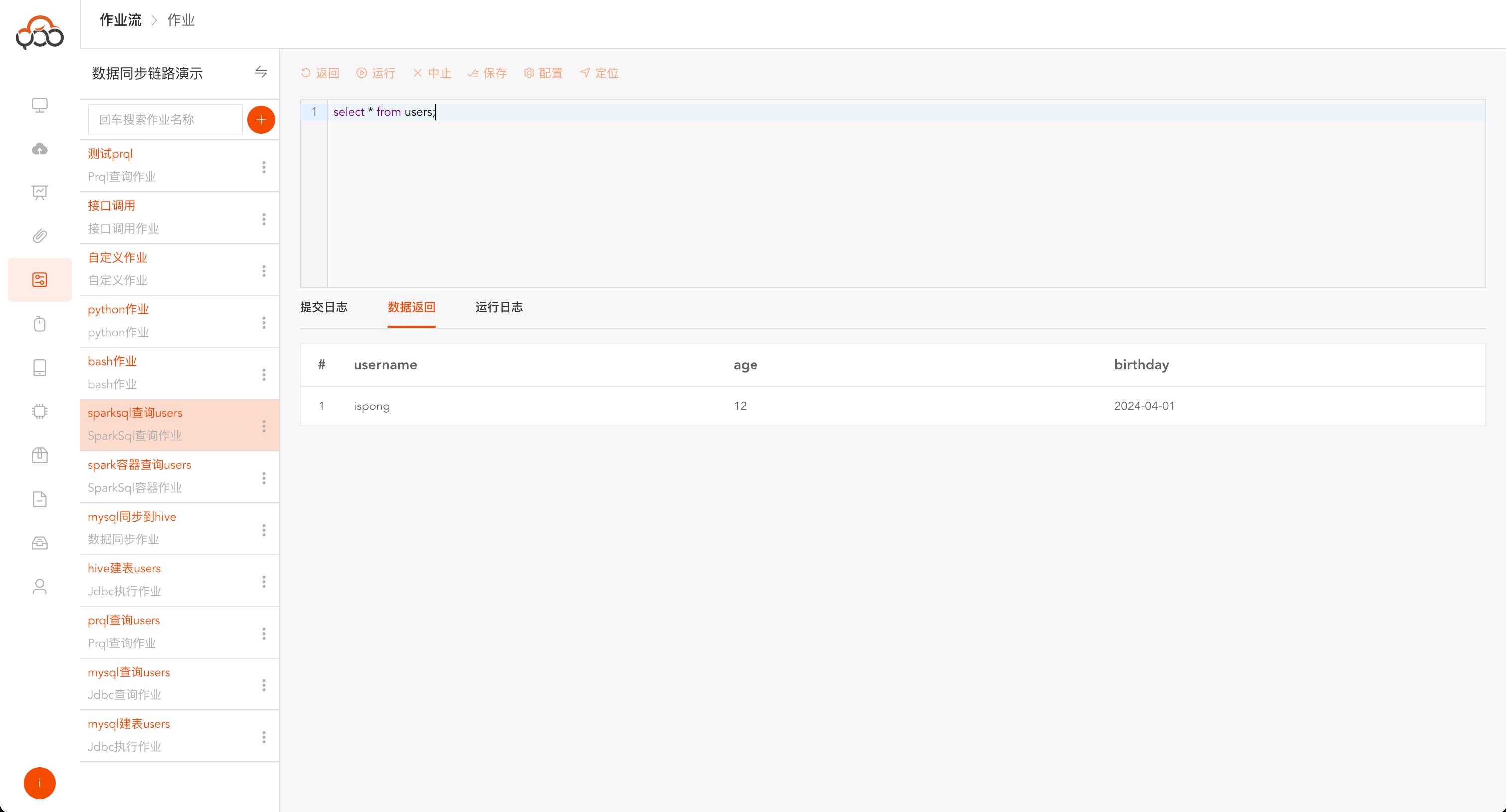
After running successfully, click
Data Returnto view the return data of Spark SQL execution.
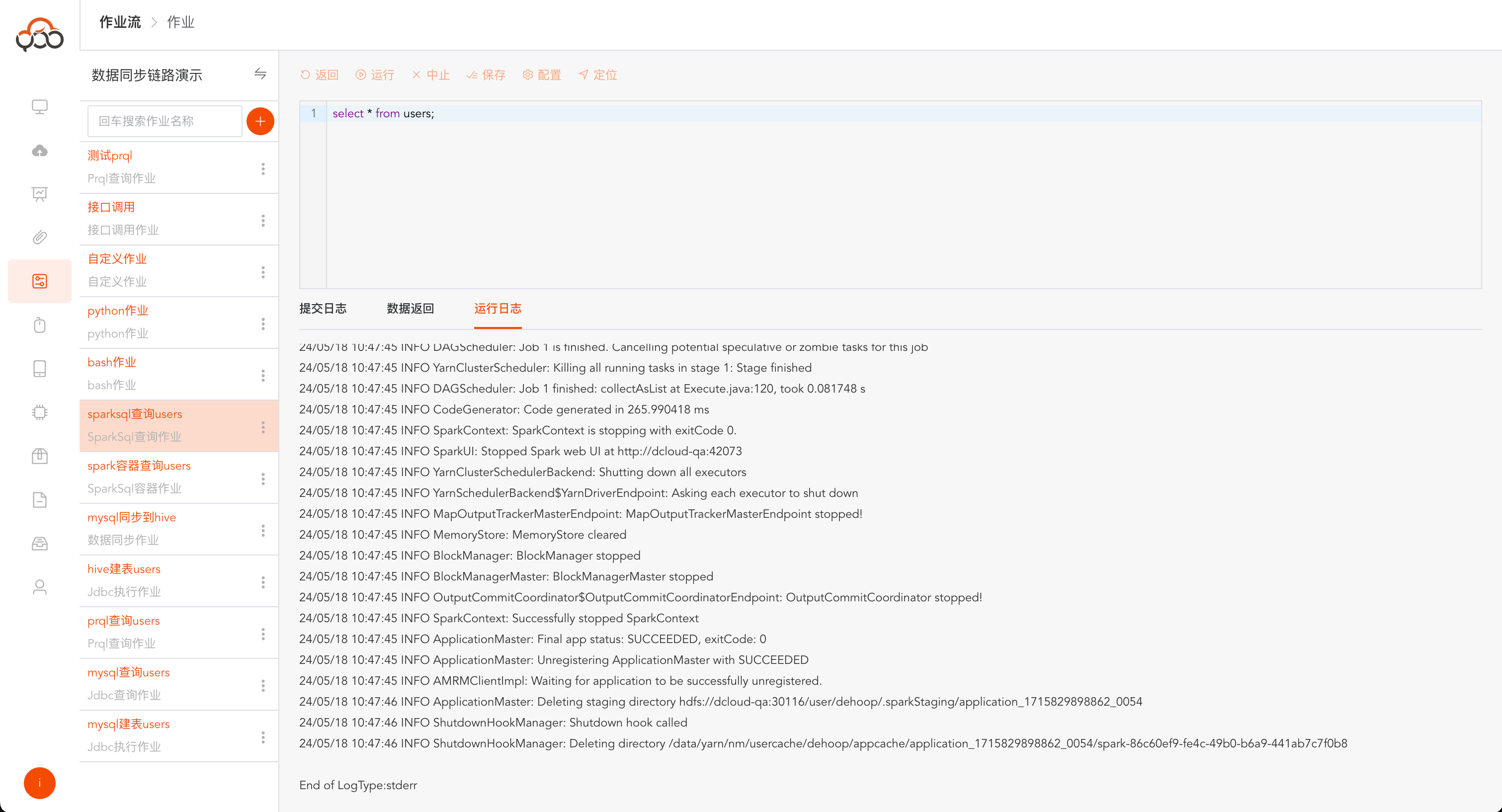
After running, click
Run Logto view the log of Spark SQL job execution and troubleshoot the problem through the log content.
Spark SQL container job
Note: Spark SQL container jobs are faster than Spark SQL query jobs and support querying data in seconds. Select Spark SQL container job type
- Name: required, the name is unique within the job stream
- Compute Container: Required, the container required for job execution needs to be created in the
Compute Containermenu and the status isRunning - Remarks: Optional
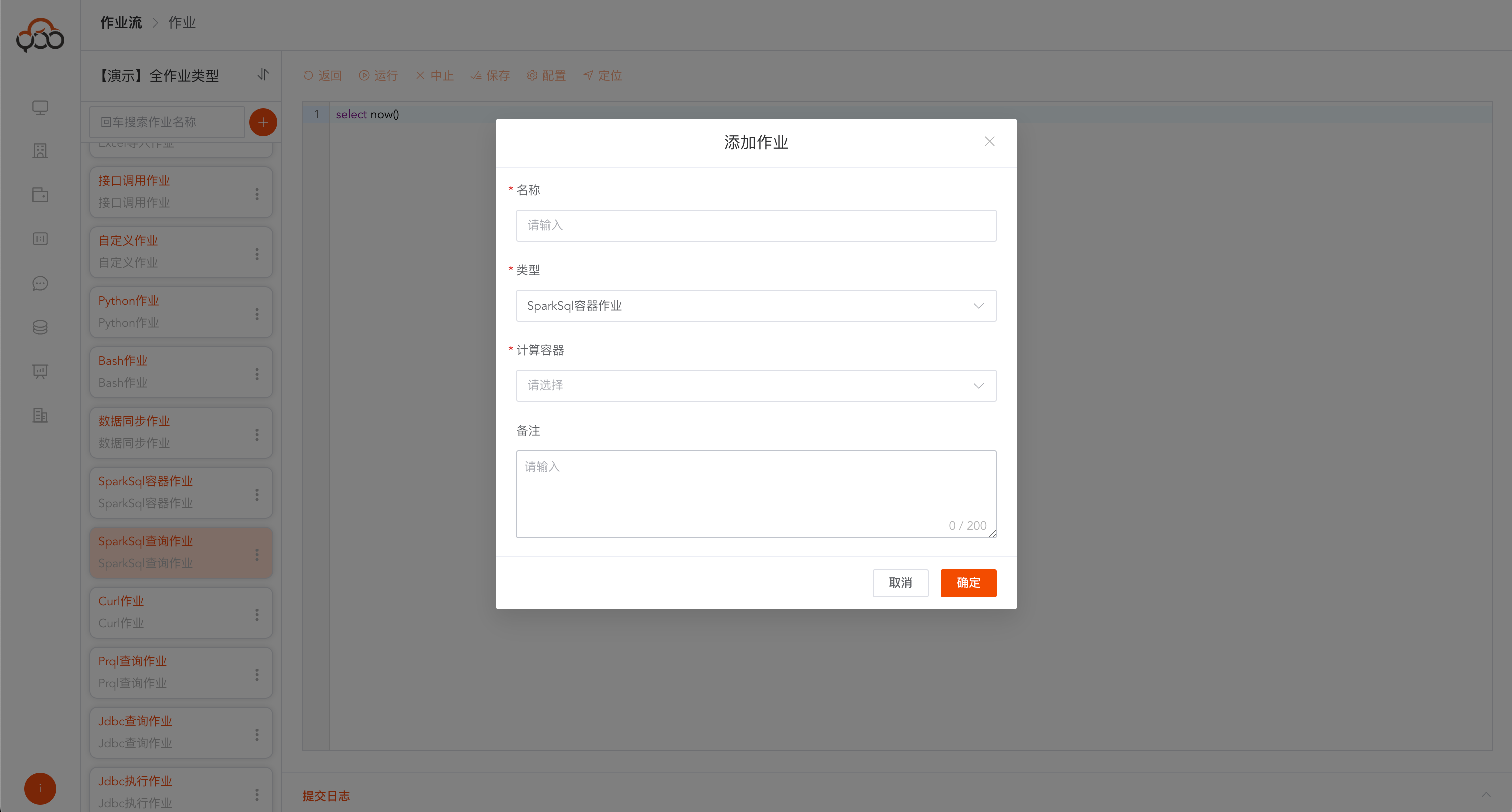
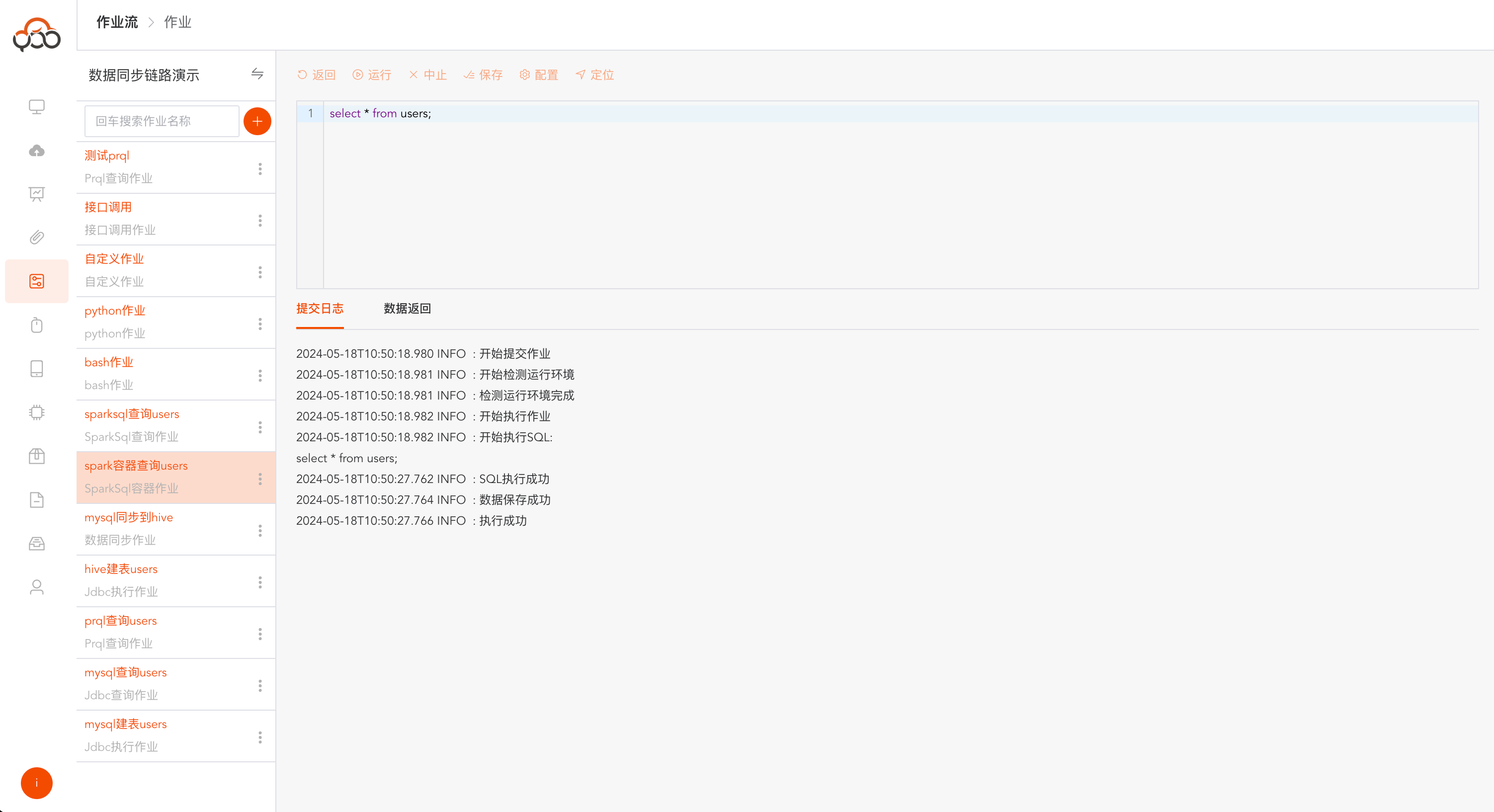
Click Run. After the operation is successful,
Execution Successfulwill be returned in the log.
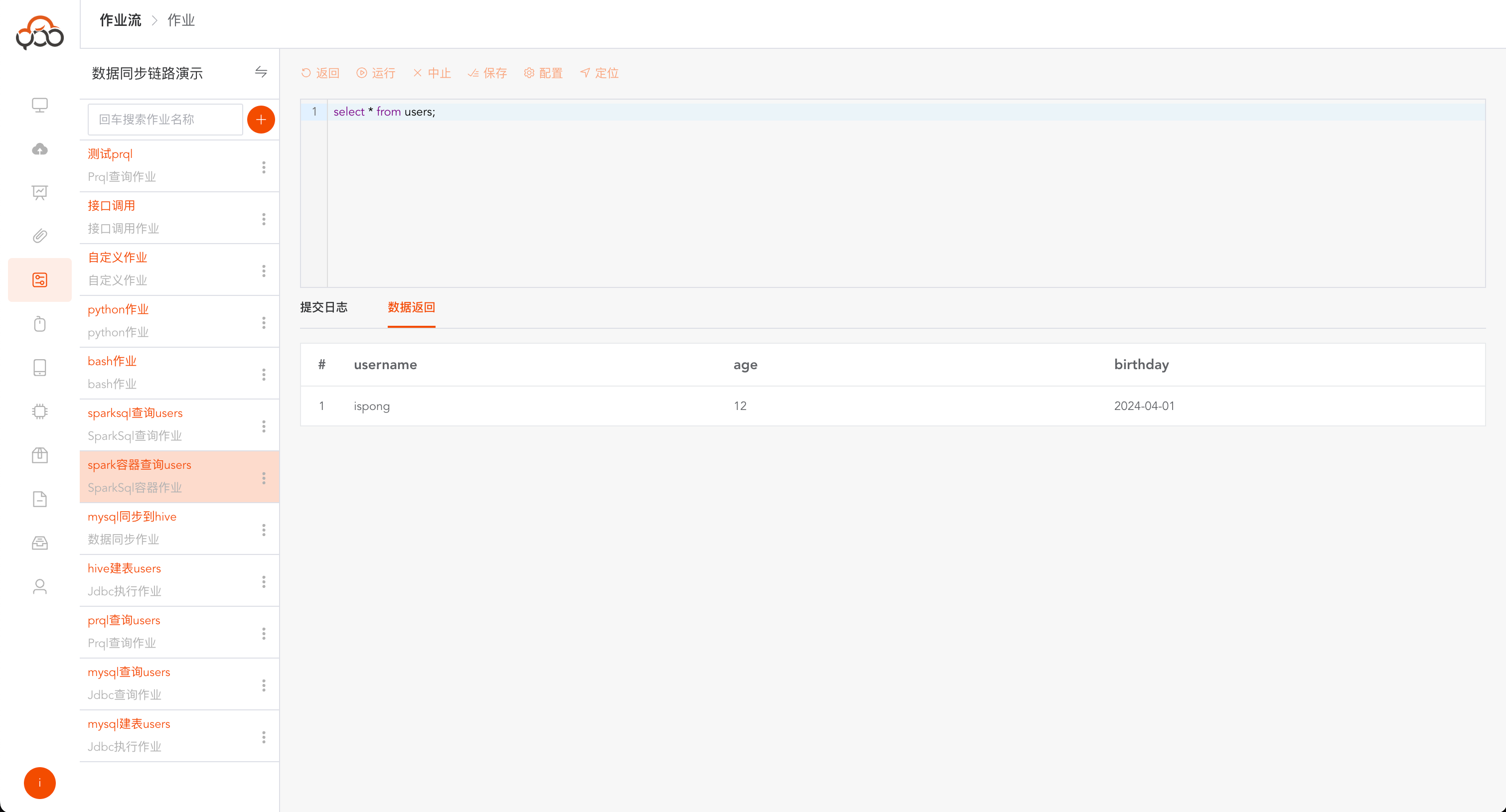
If the operation is successful, click
Data Returnto query the return data of Spark SQL.
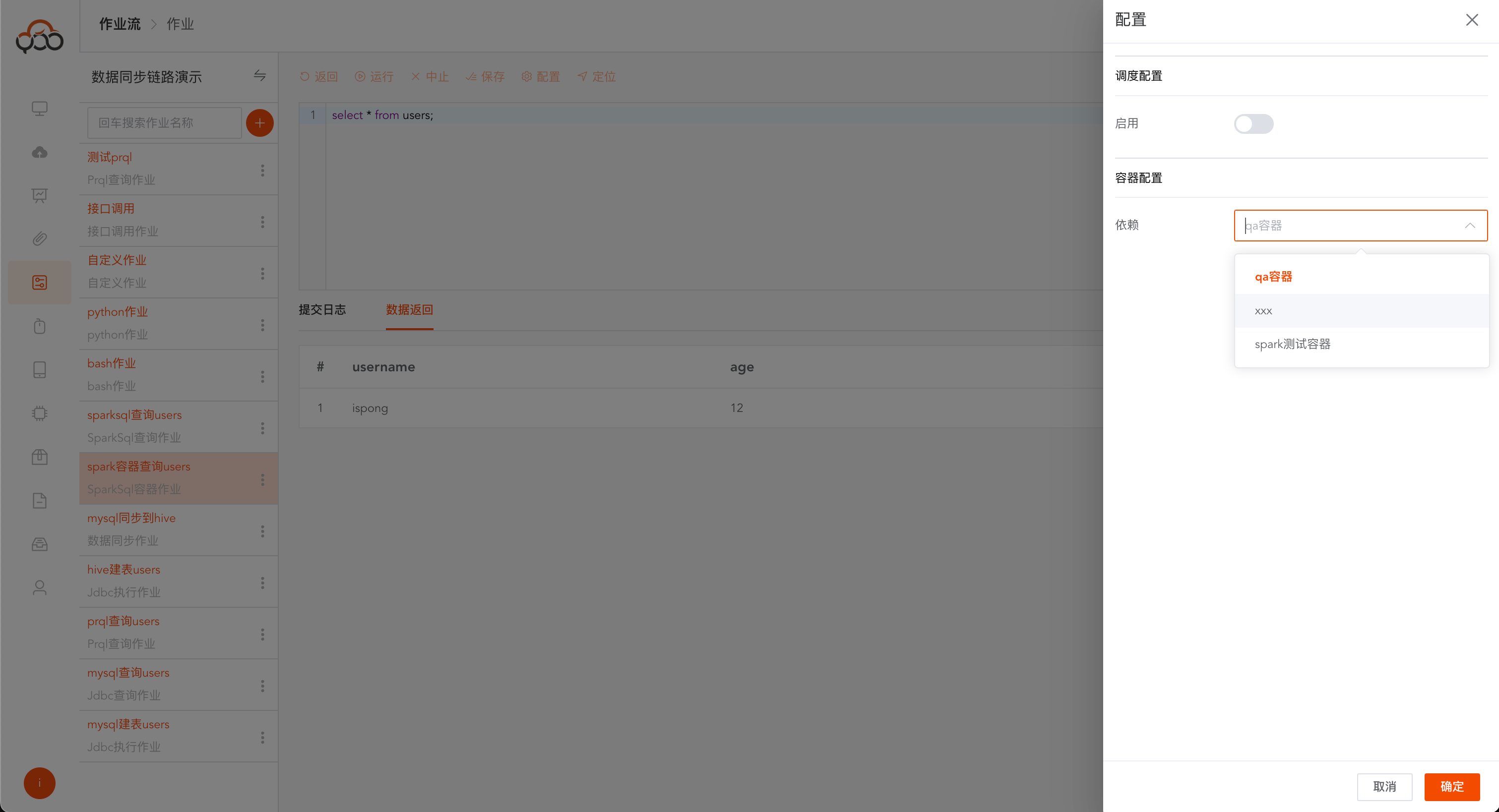
Spark SQL container jobs support computing container switching
Data synchronization job
Select data synchronization job type
- Name: required, the name is unique within the job stream
- Computing Cluster: Required, specify the computing cluster to which the job needs to be submitted for running
- Remarks: Optional
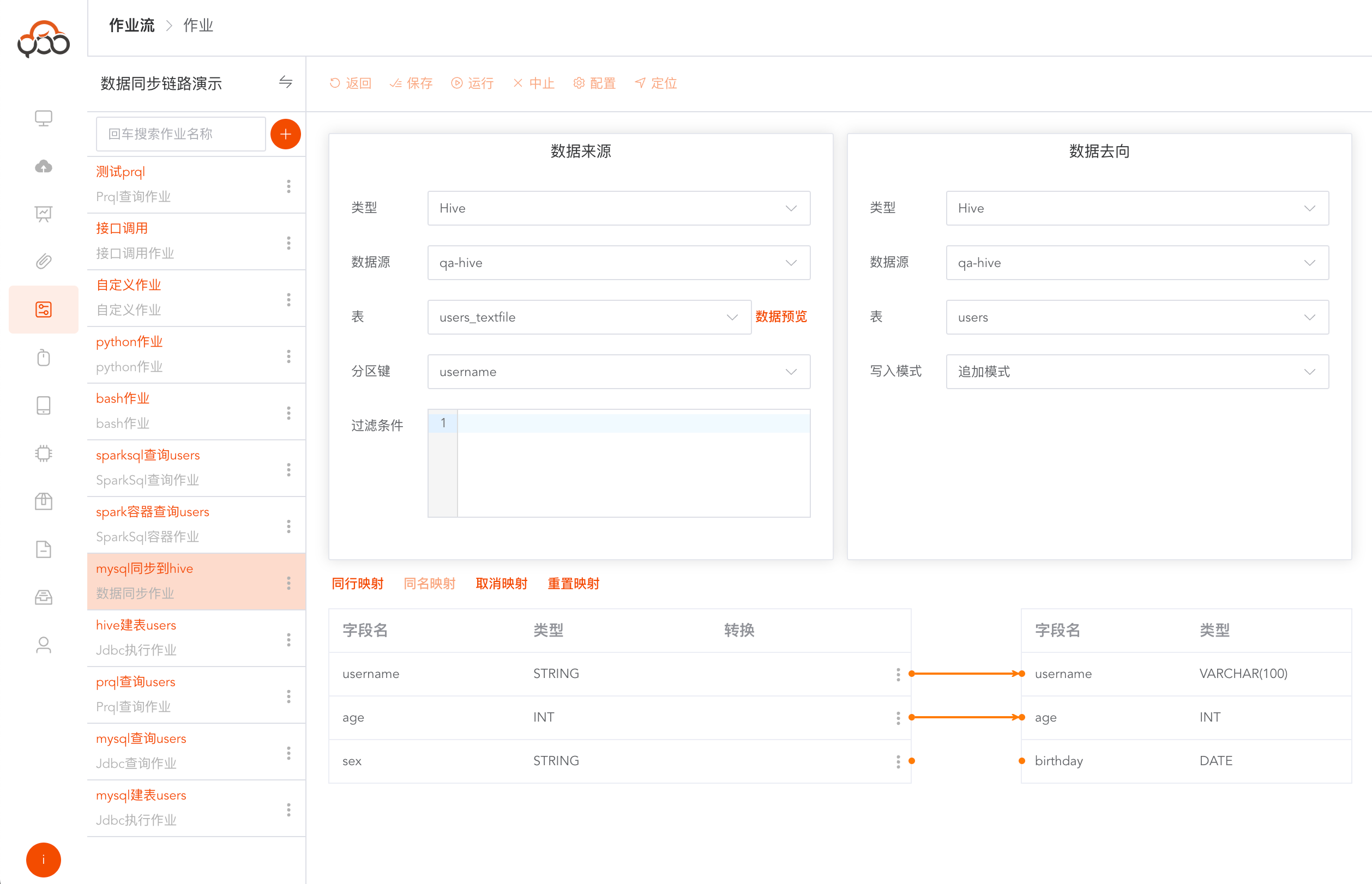
Writing Mode Description
- Append mode: The target table data remains unchanged and the source data is inserted.
- Overwrite mode: Clear the target table first, and then synchronize data
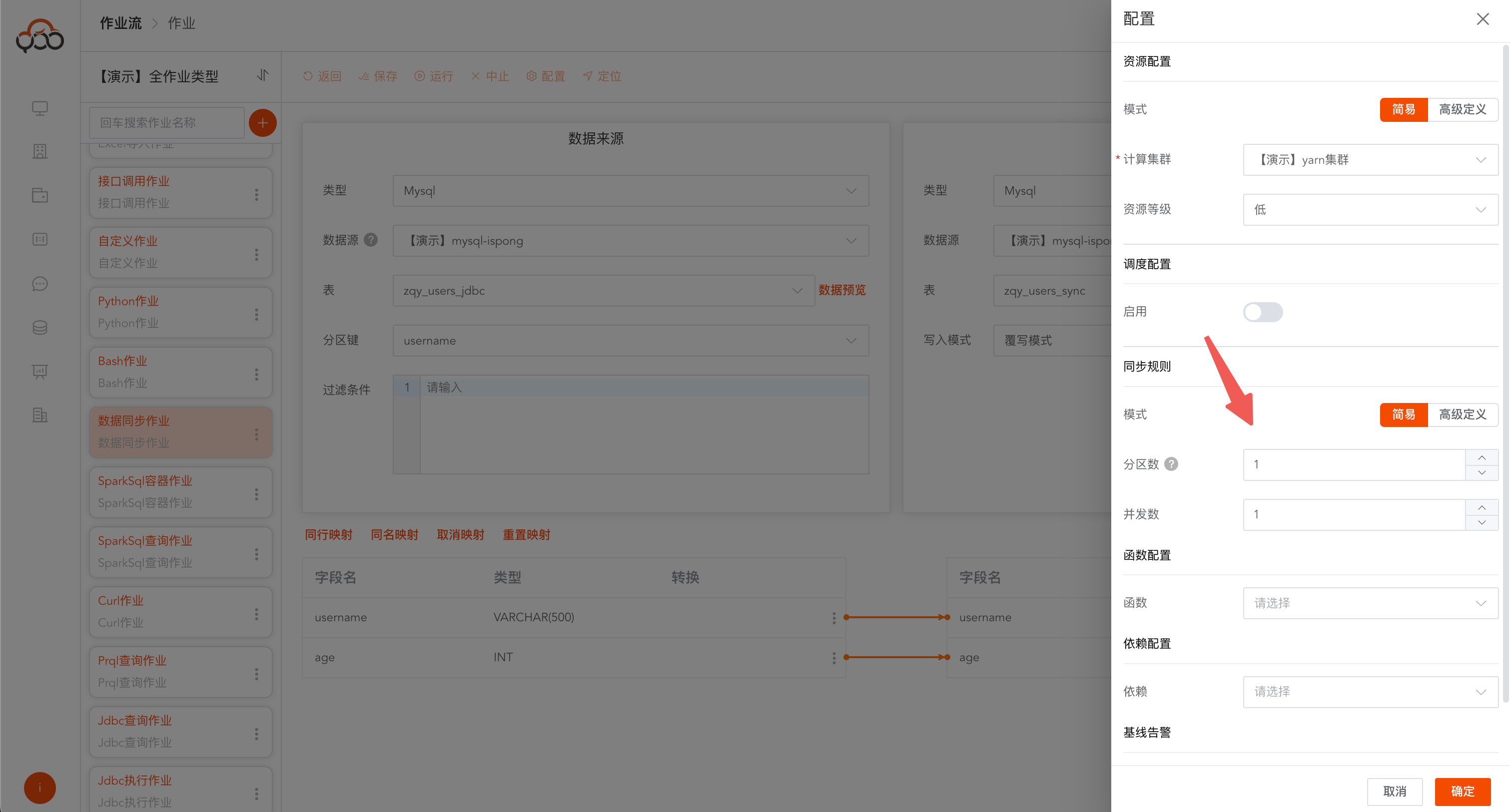
Partition Description
- Partition key: Specify a field in the source table for partitioning. This field will be split during the data synchronization process.
- Number of partitions: Default is 1, based on the
partition key, how many points the source table is divided into for synchronization - Concurrency number: Default is 1. For the divided partition data, specify the executor for concurrent processing. Recommendation: the number of partitions is greater than or equal to the number of concurrencies, and is in a multiple relationship.
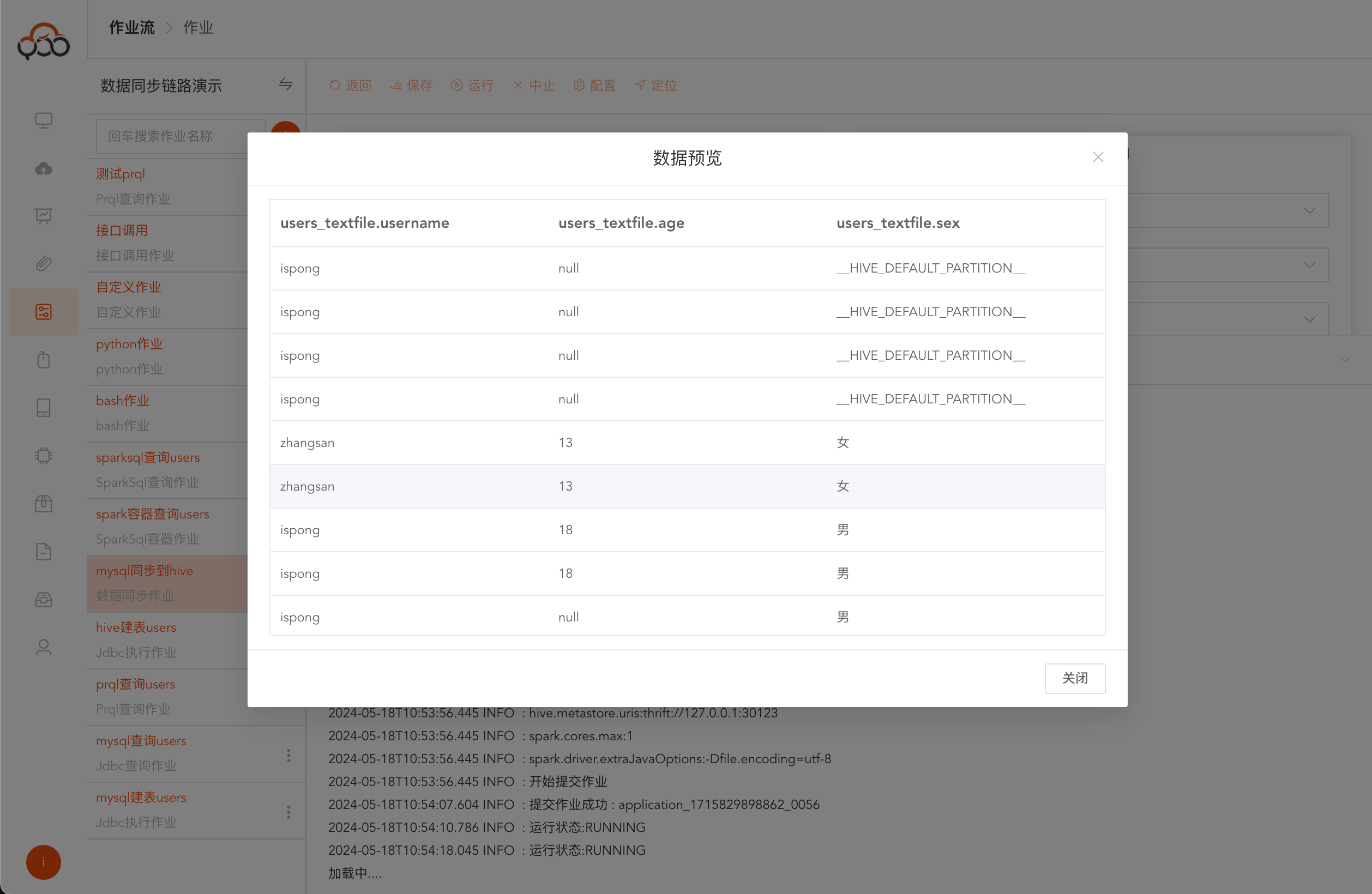
Click the
Data Previewbutton,
The field supports conversion function and official spark function. Reference address: https://spark.apache.org/docs/latest/sql-ref-functions.html
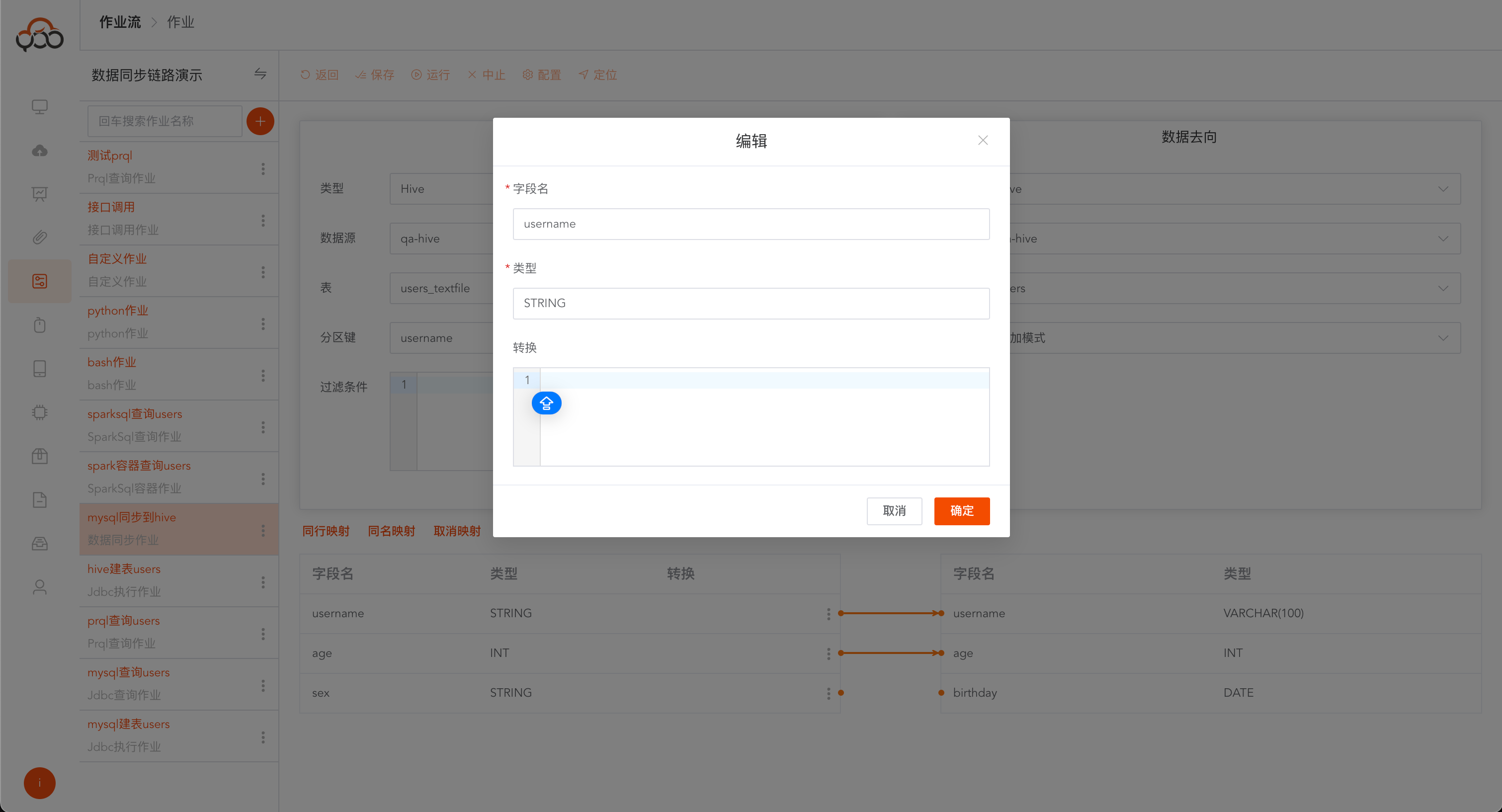
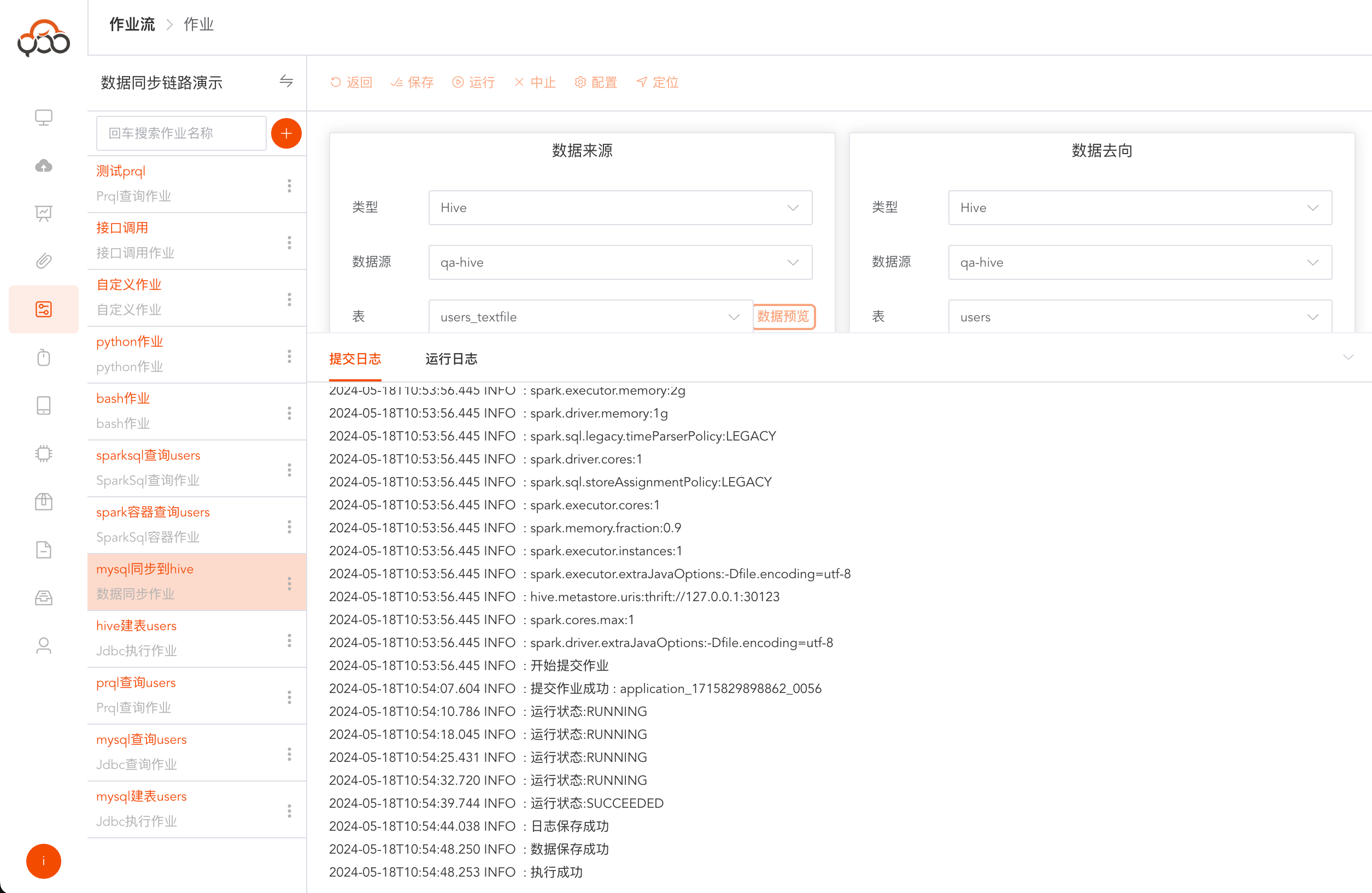
Click Run, and
Execution Successfulwill be returned in the successful operation log.
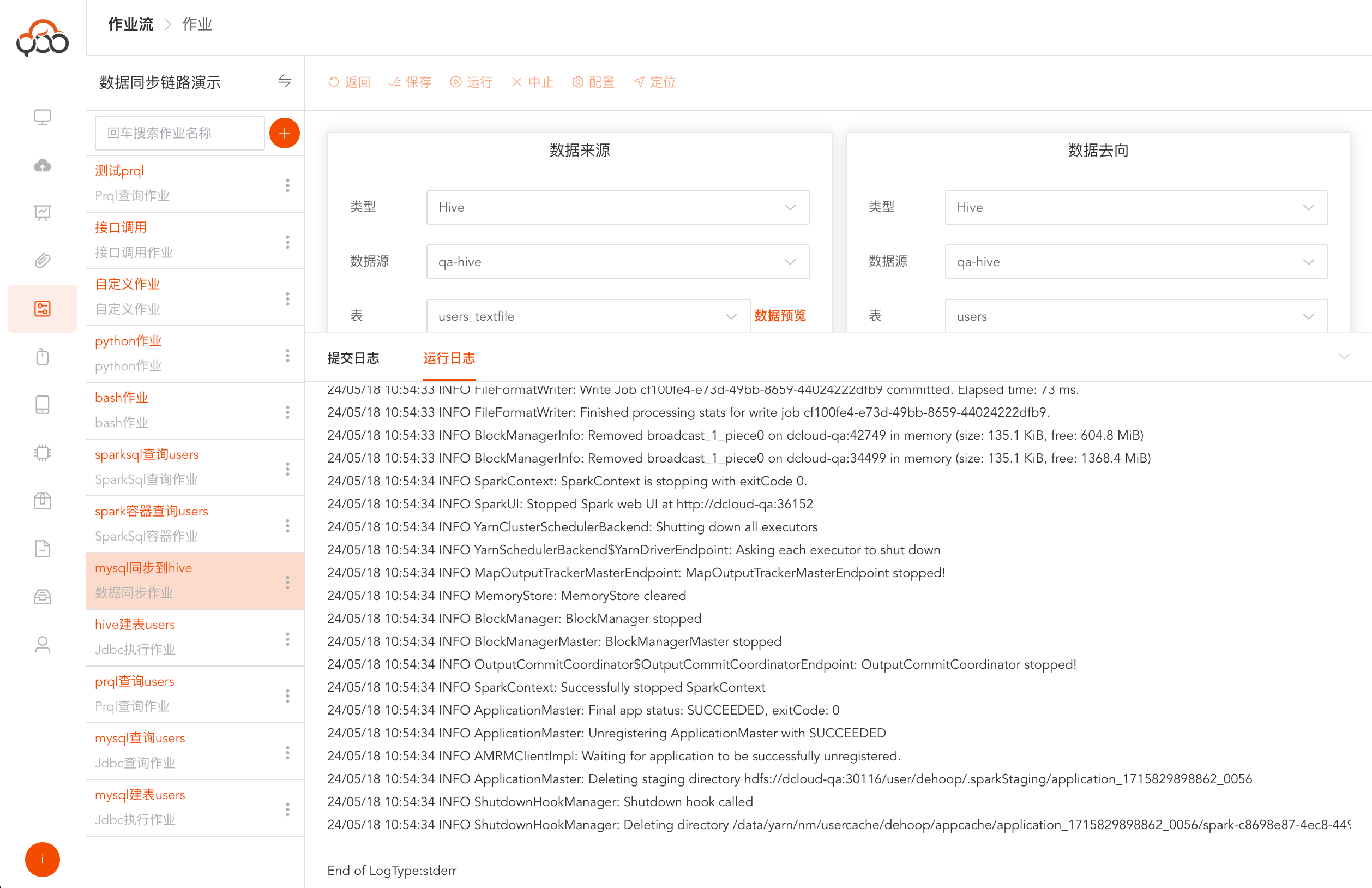
If the operation is successful, click Run Log to view the specific logs of the job run.
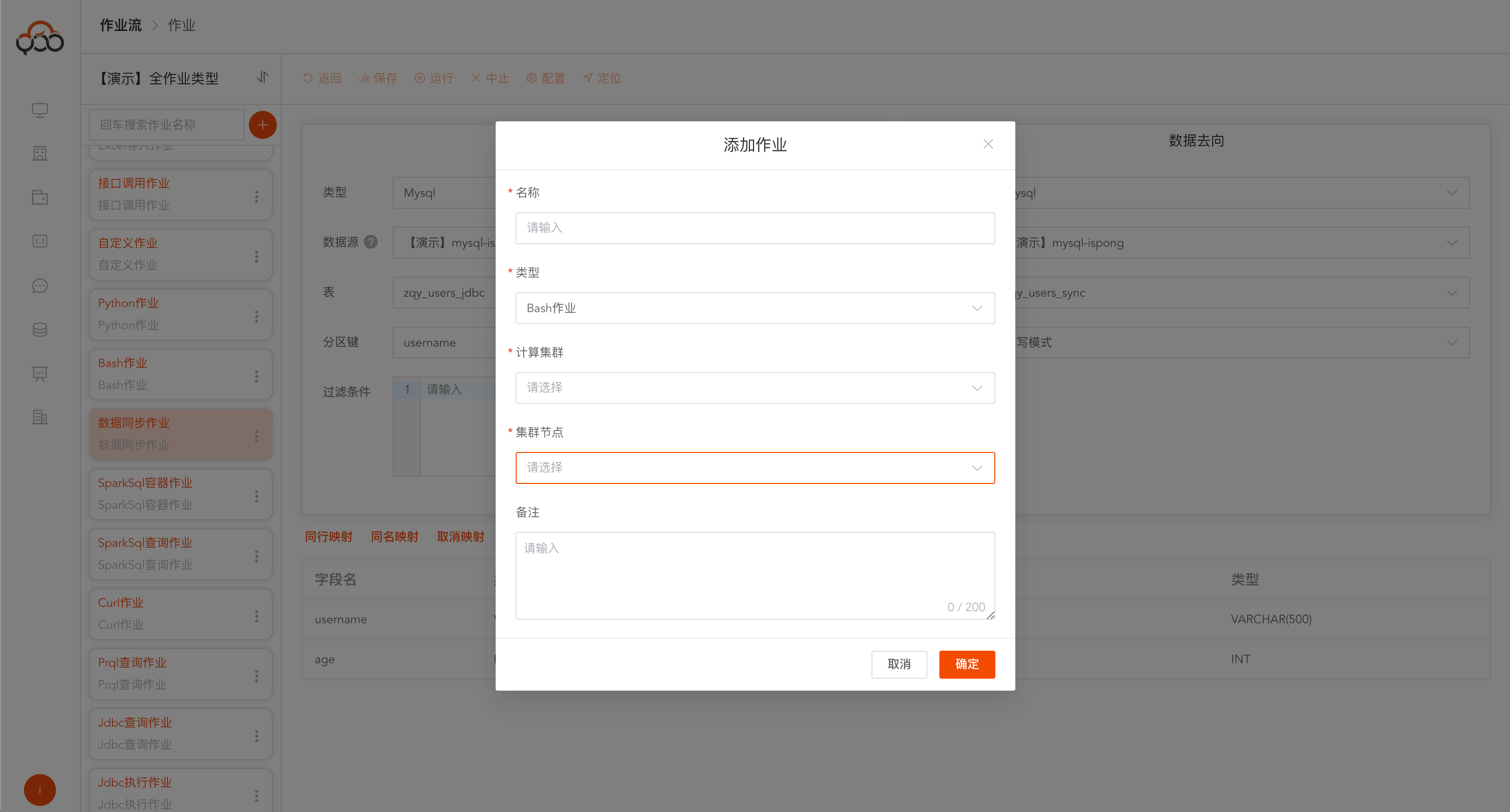
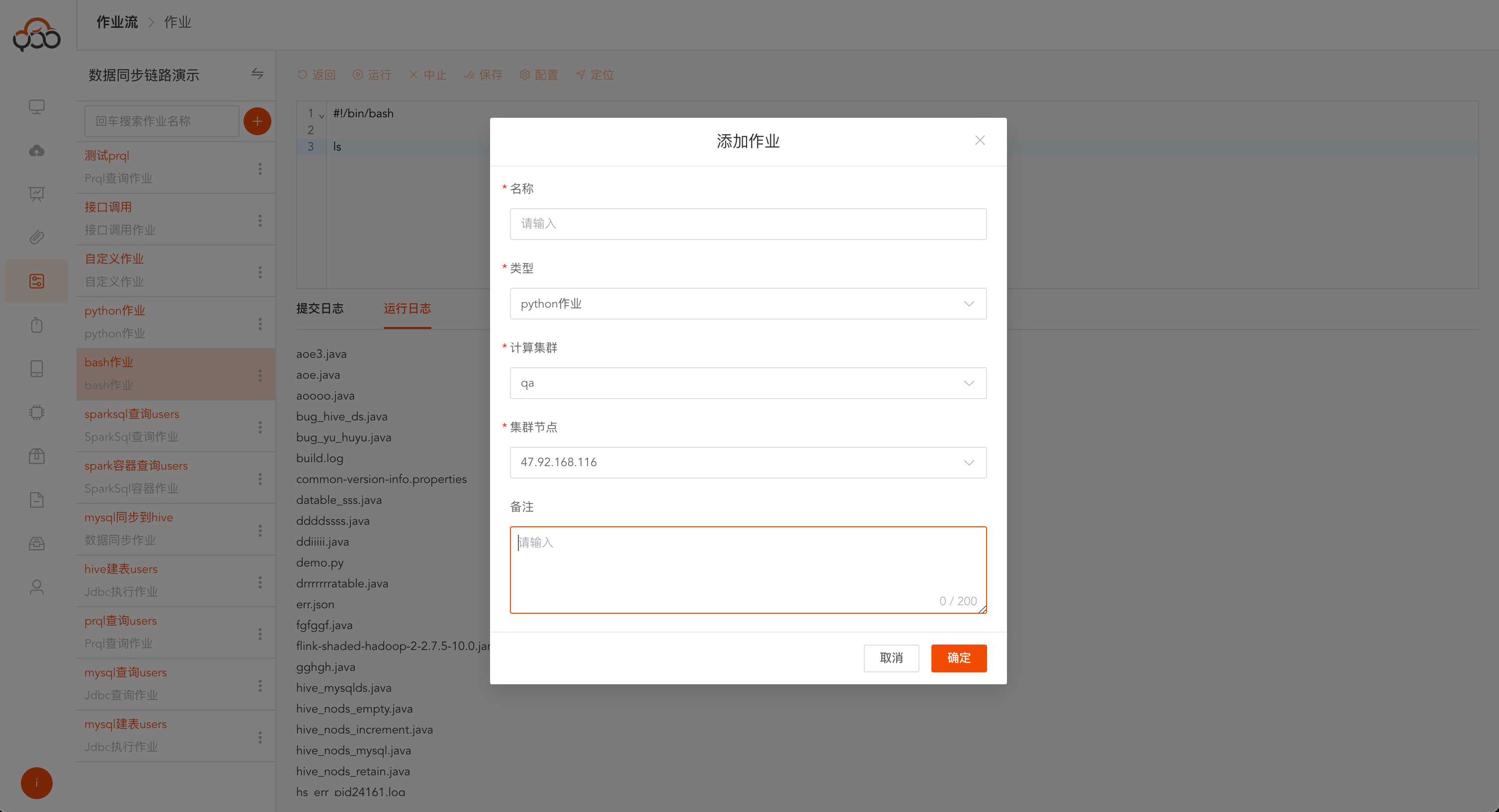
Bash jobs
Select bash job type
- Name: required, the name is unique within the job stream
- Computing Cluster: Required, select the execution cluster in the computing cluster
- Cluster node: required, select a node in the cluster
- Remarks: Optional
Click Run. After the operation is successful,
Execution Successfulwill be returned in the log.
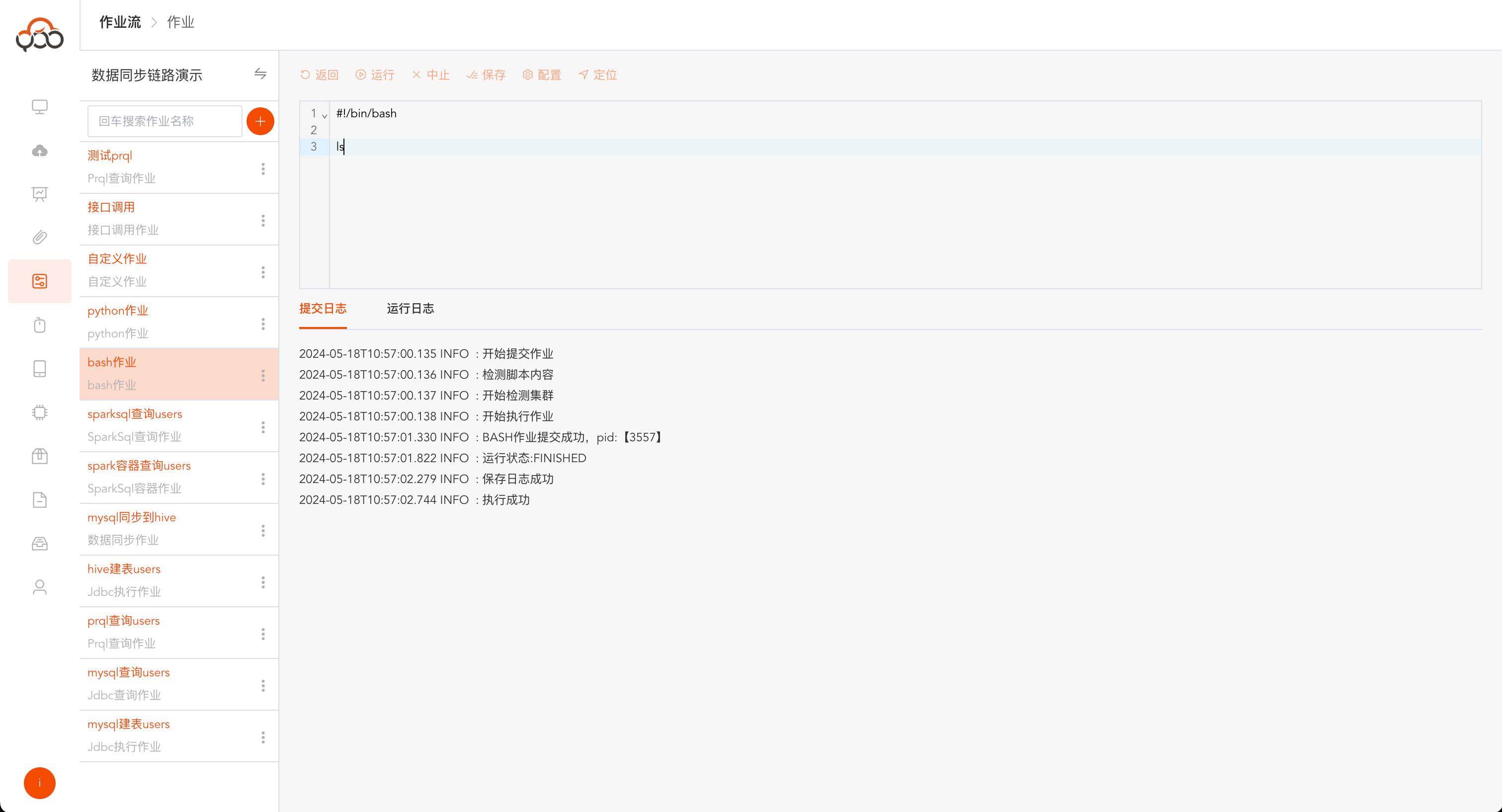
If the operation is successful, click the run log to view the content printed by the bash job and the running results.
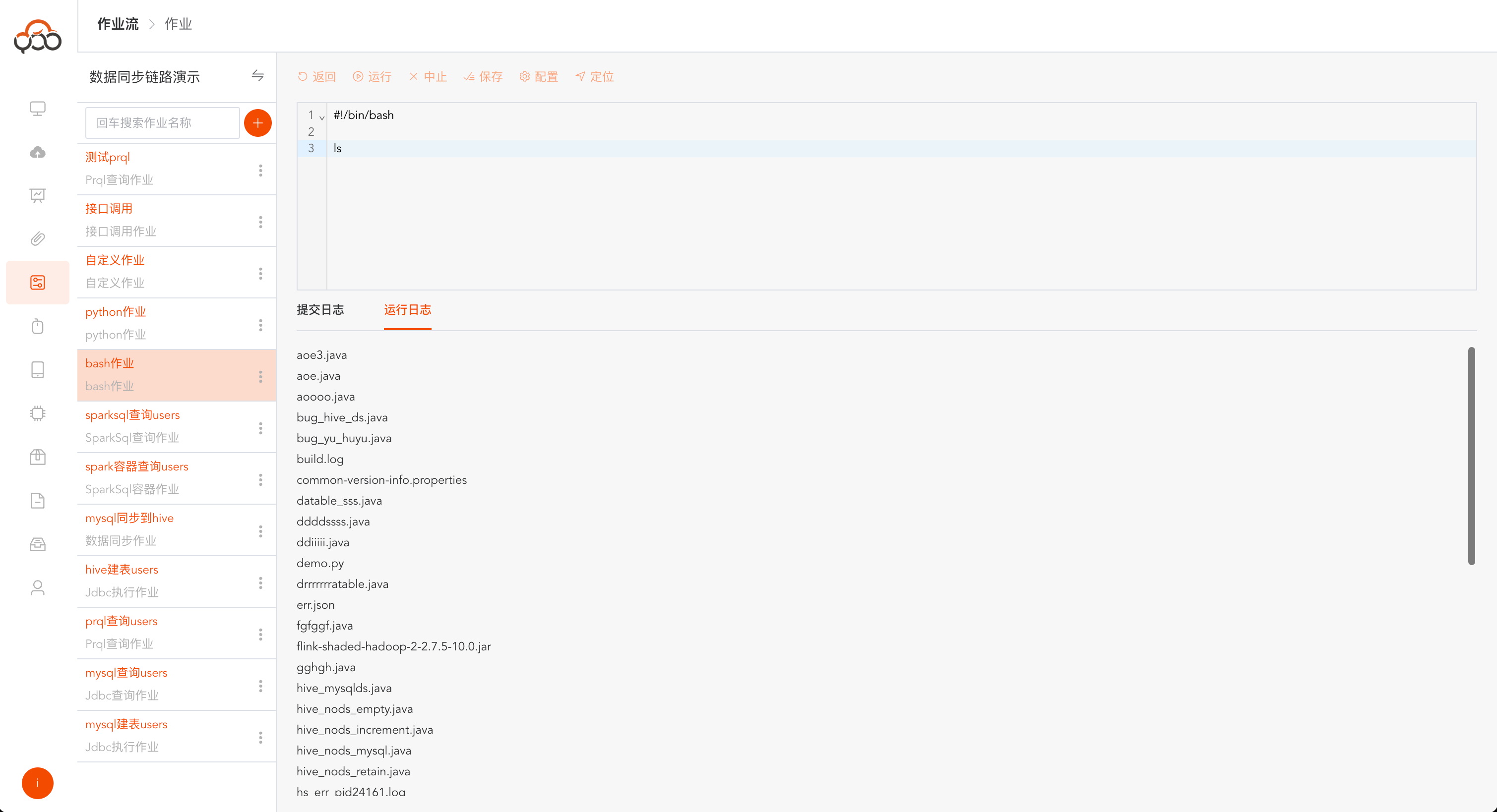
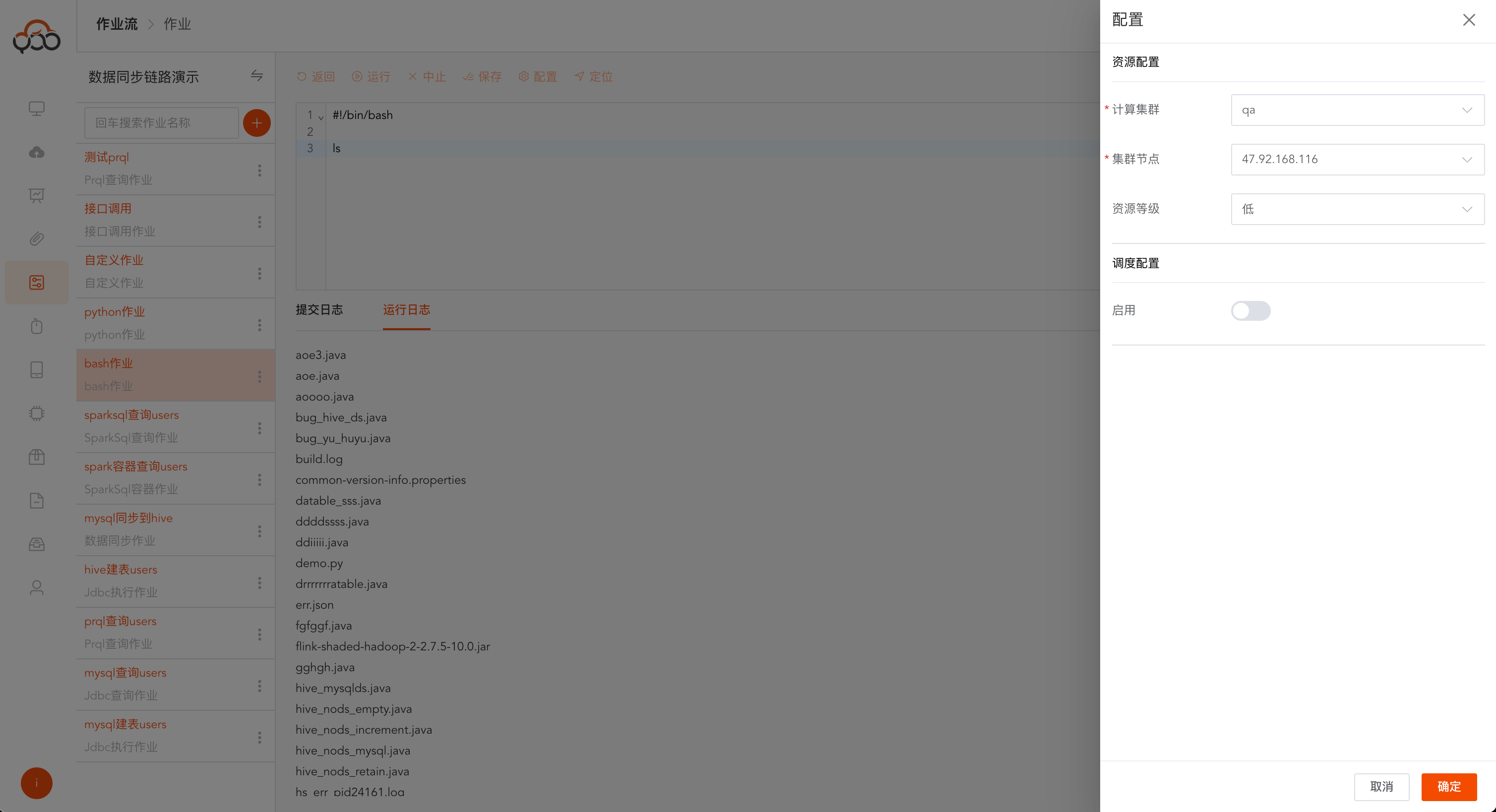
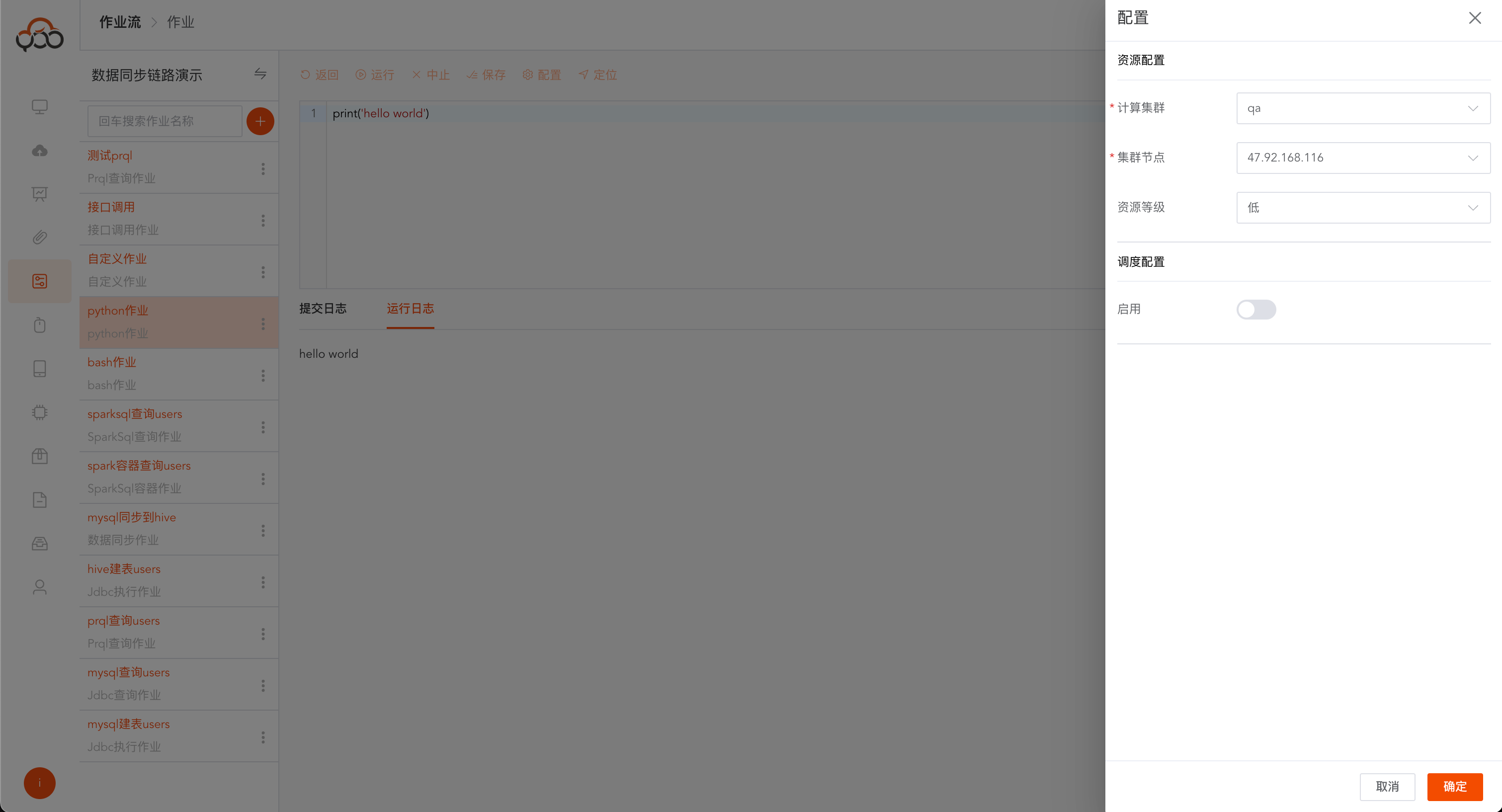
Bash jobs support switching computing clusters and cluster nodes
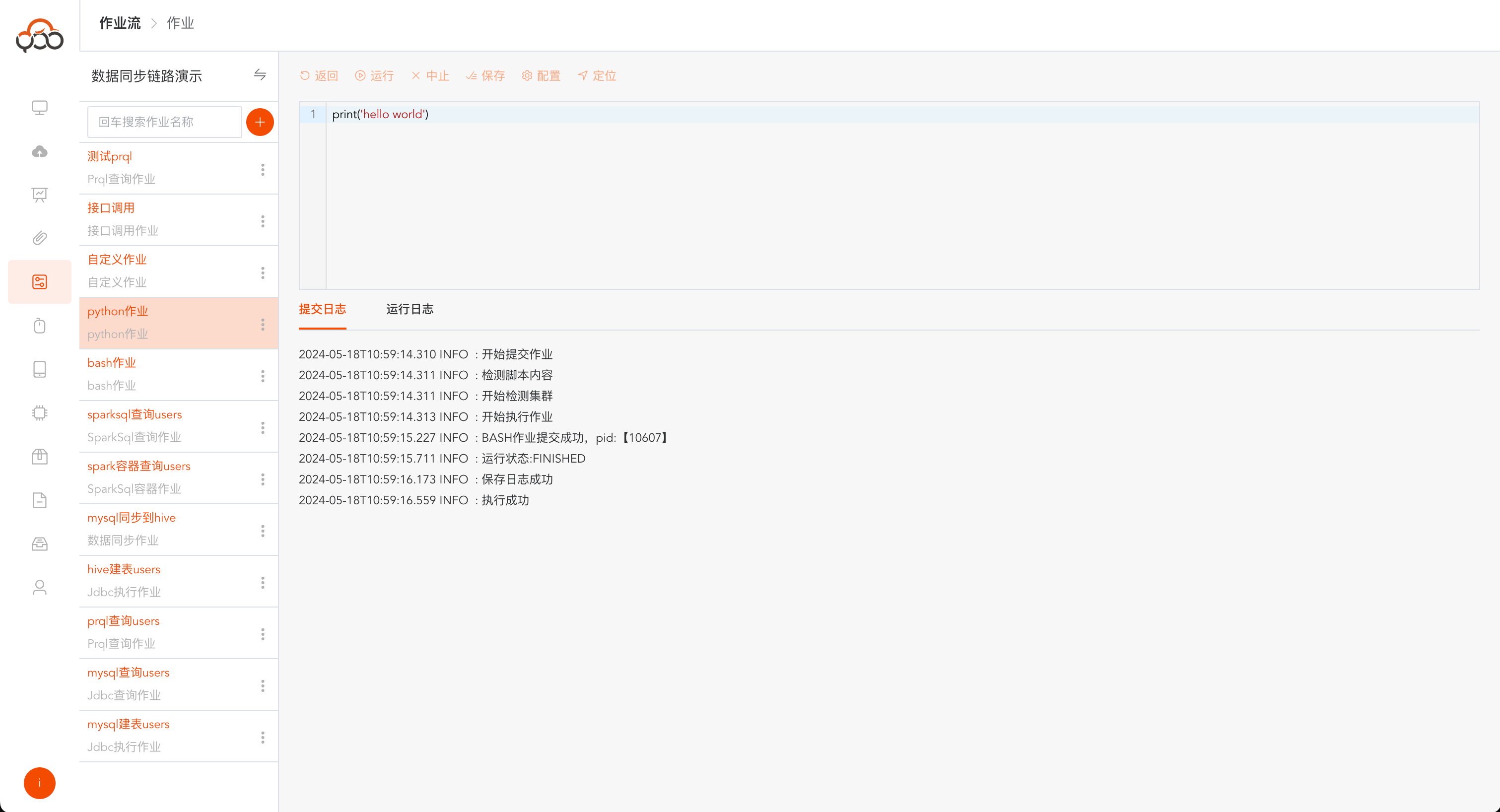
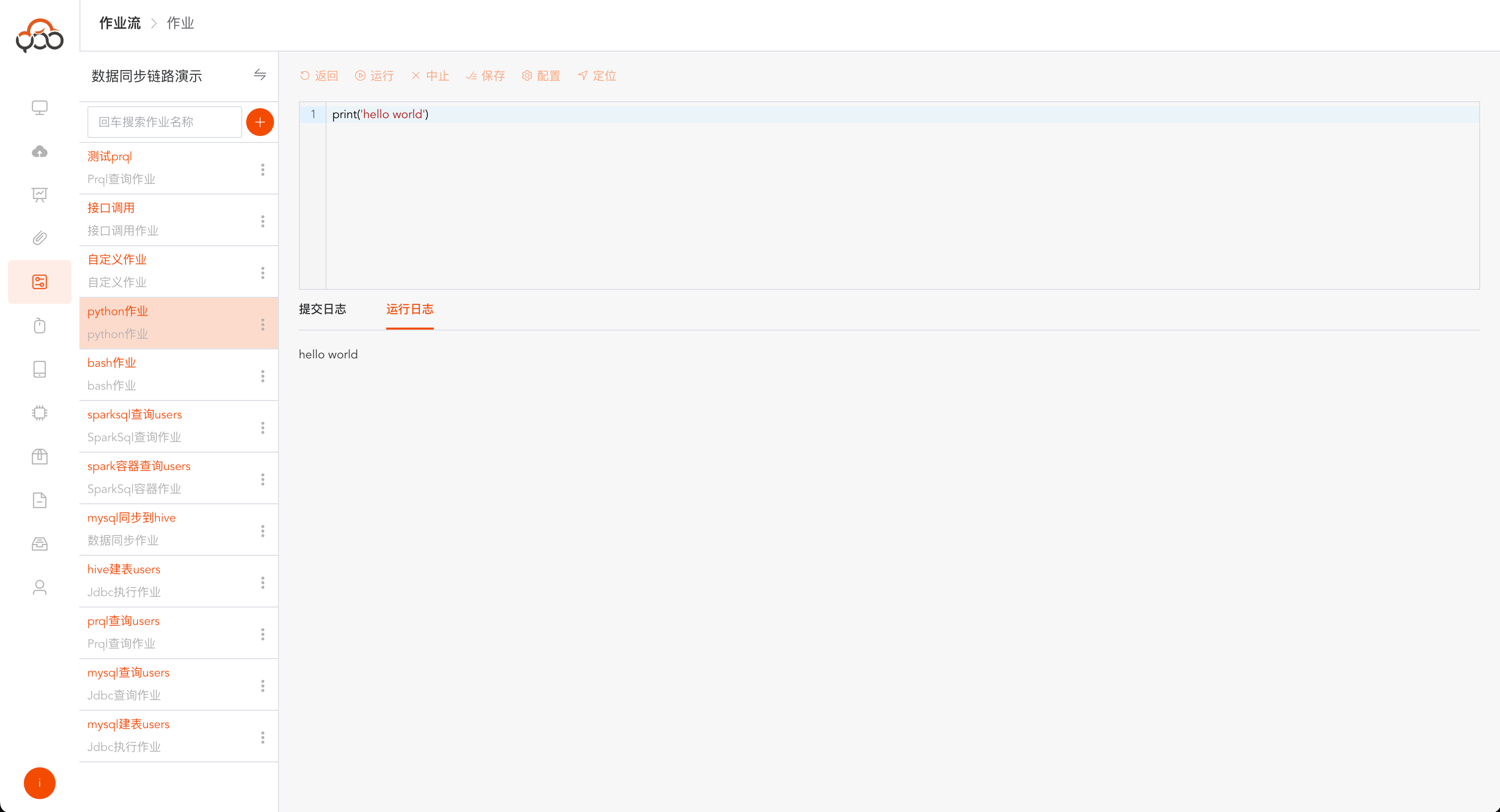
python homework
Select python job type
- Name: required, the name is unique within the job stream
- Computing Cluster: Required, select the execution cluster in the computing cluster
- Cluster node: required, select a node in the cluster
- Remarks: Optional
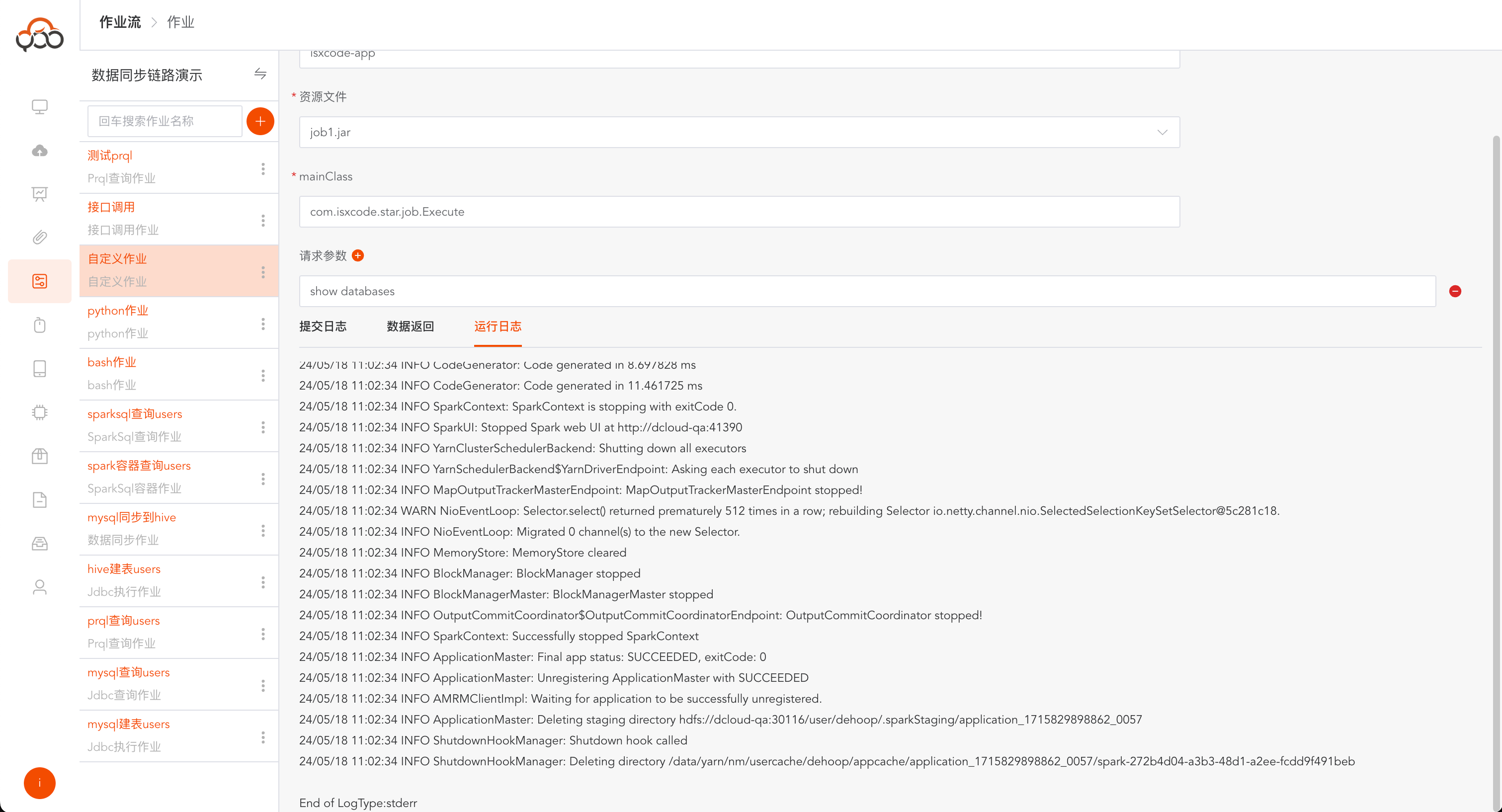
custom job
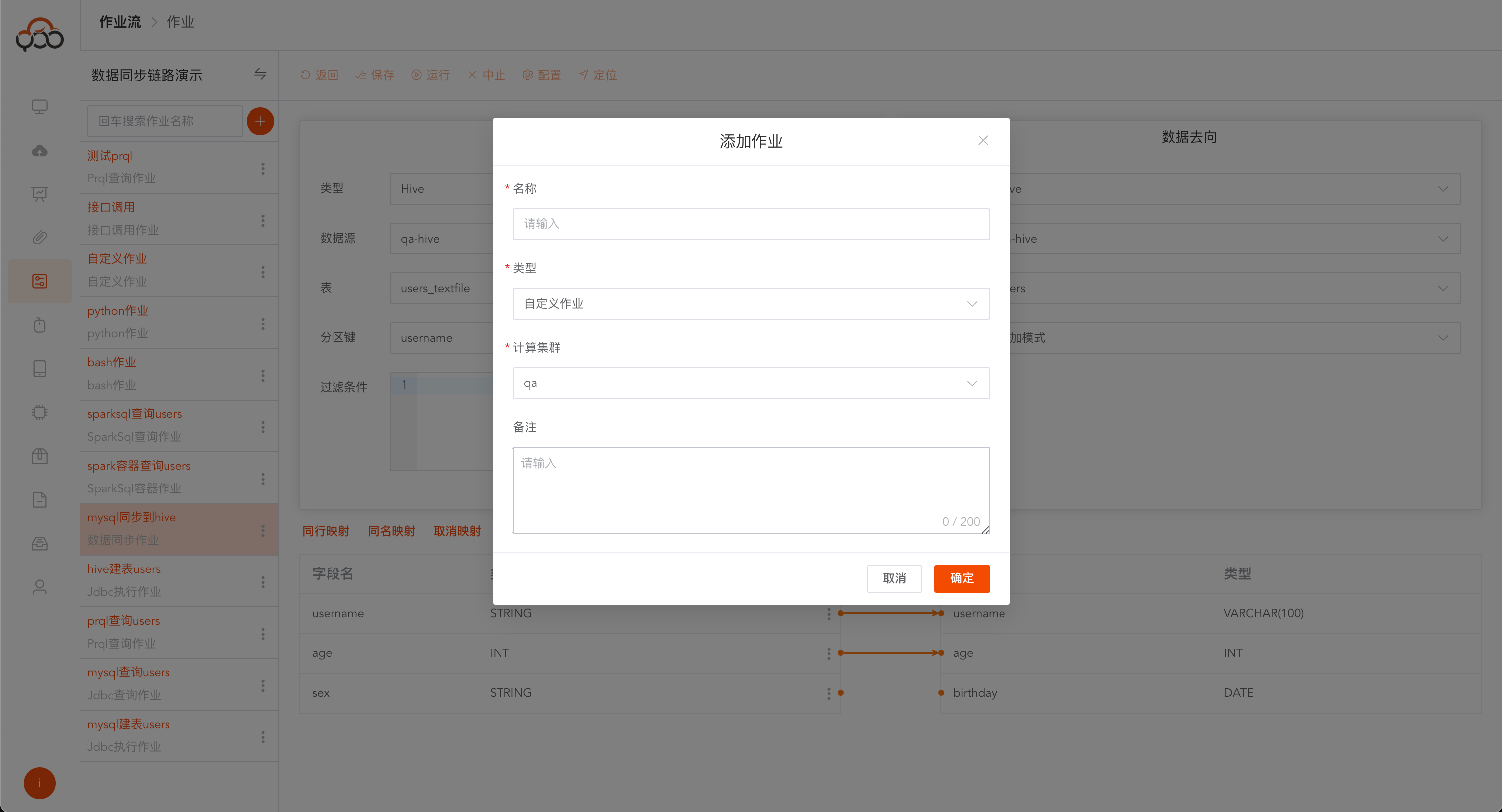
Select a custom job
- Name: required, the name is unique within the job stream
- Computing Cluster: Required, specify the computing cluster to which the job needs to be submitted for running
- Remarks: Optional
Custom job reference address: https://github.com/ispong/spark-job-template
- Application Name: Required, the name of the application
- Resource File: Required, customized Spark job jar file uploaded in the resource center
- mainClass: required, the entry program started in the Jar package
- Request Parameters: Optional, all required request parameters for the jar job to run
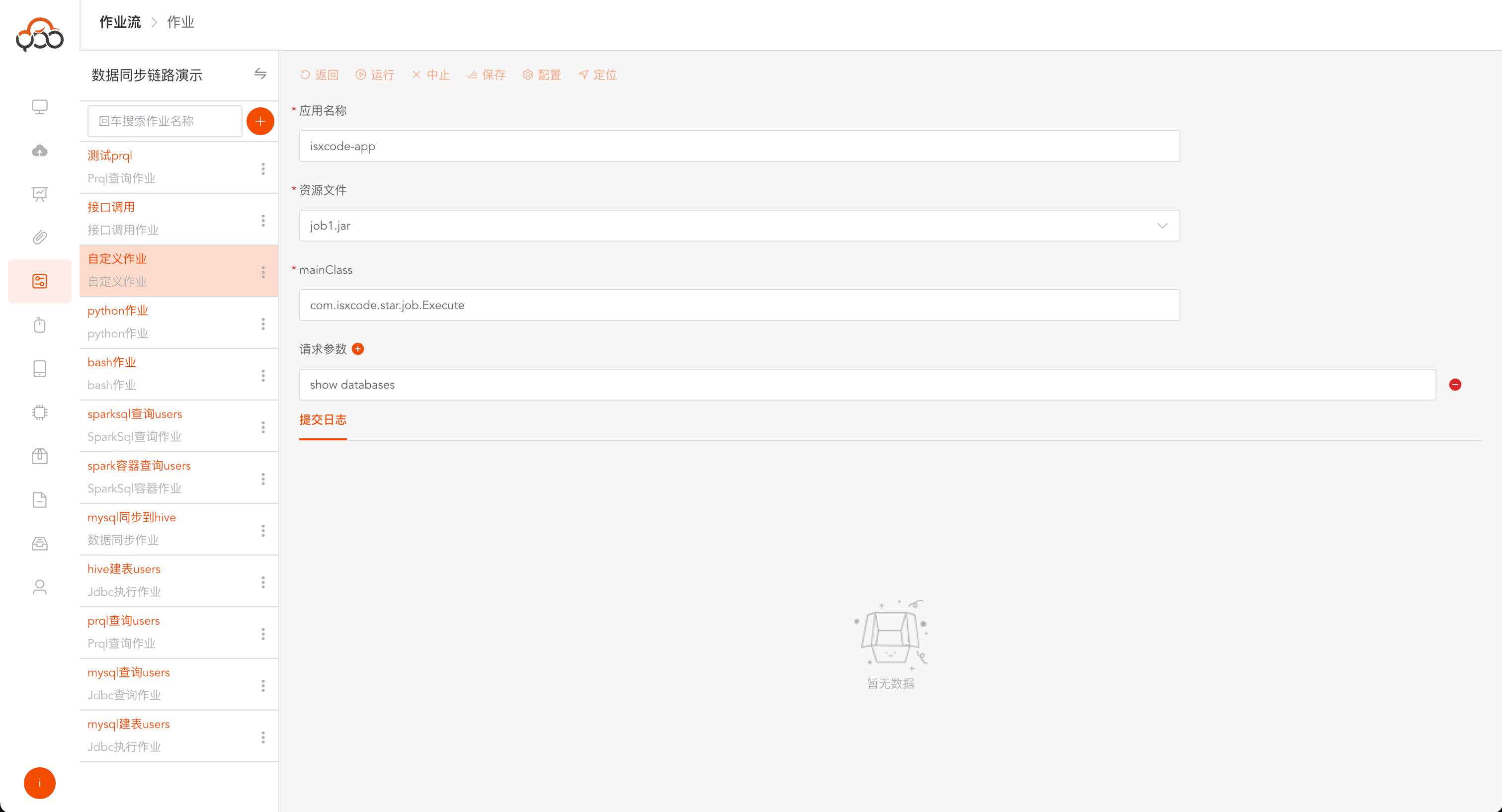
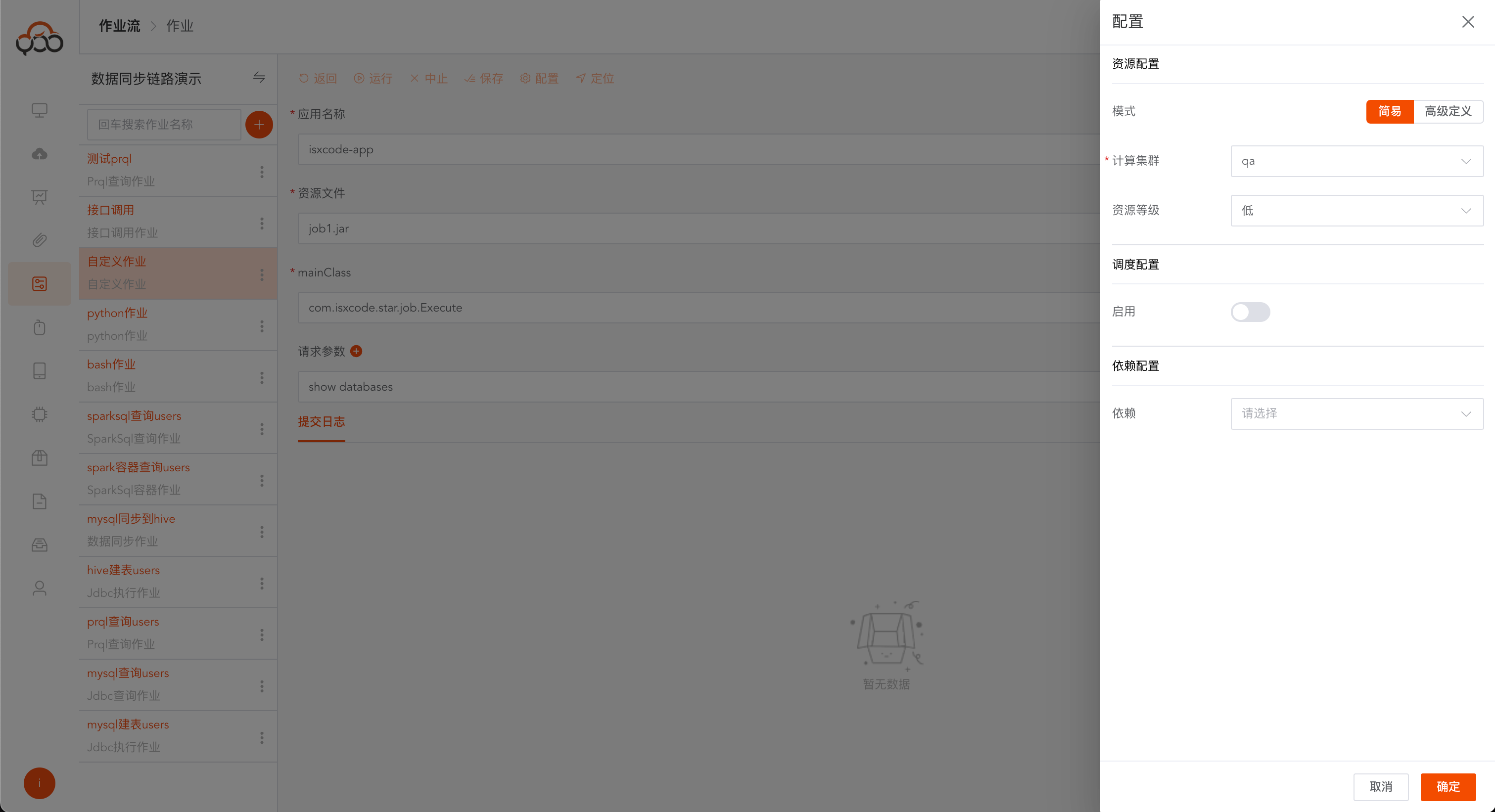
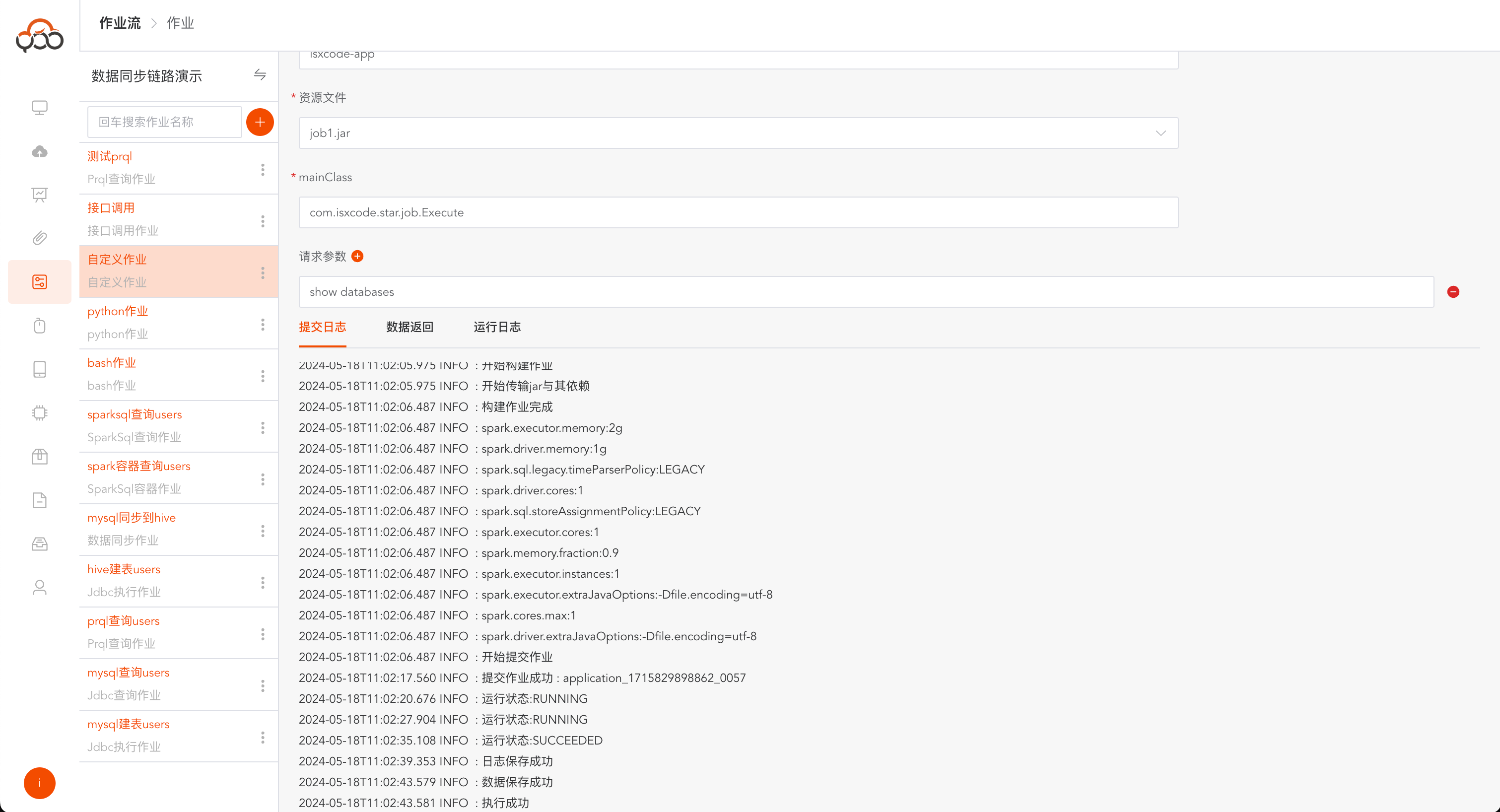
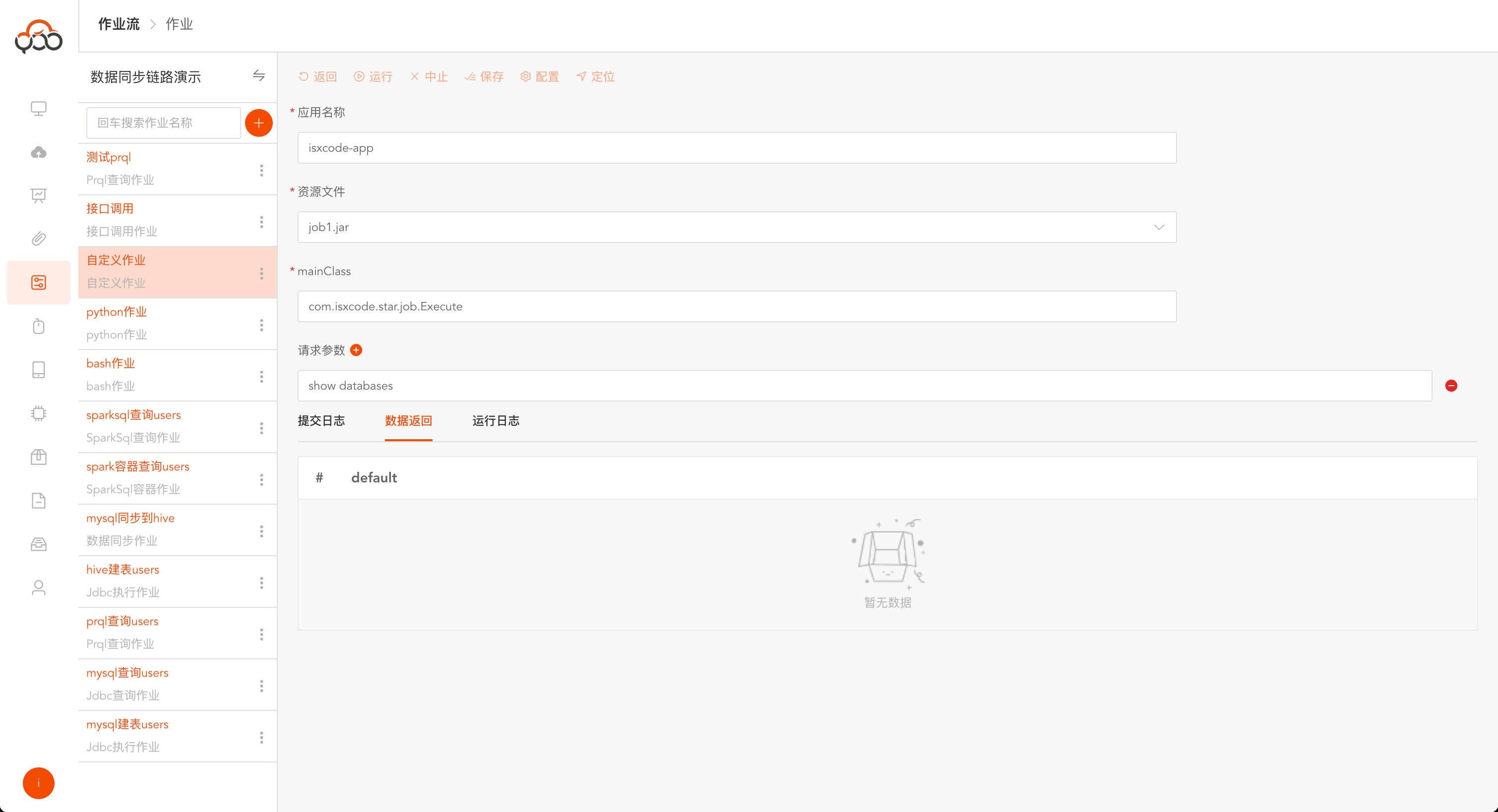
Custom jobs support dependency configuration. If the jar needs to contain other dependencies, you can upload them through the resource center.
Interface call
Visual interface calling job
Excel import job
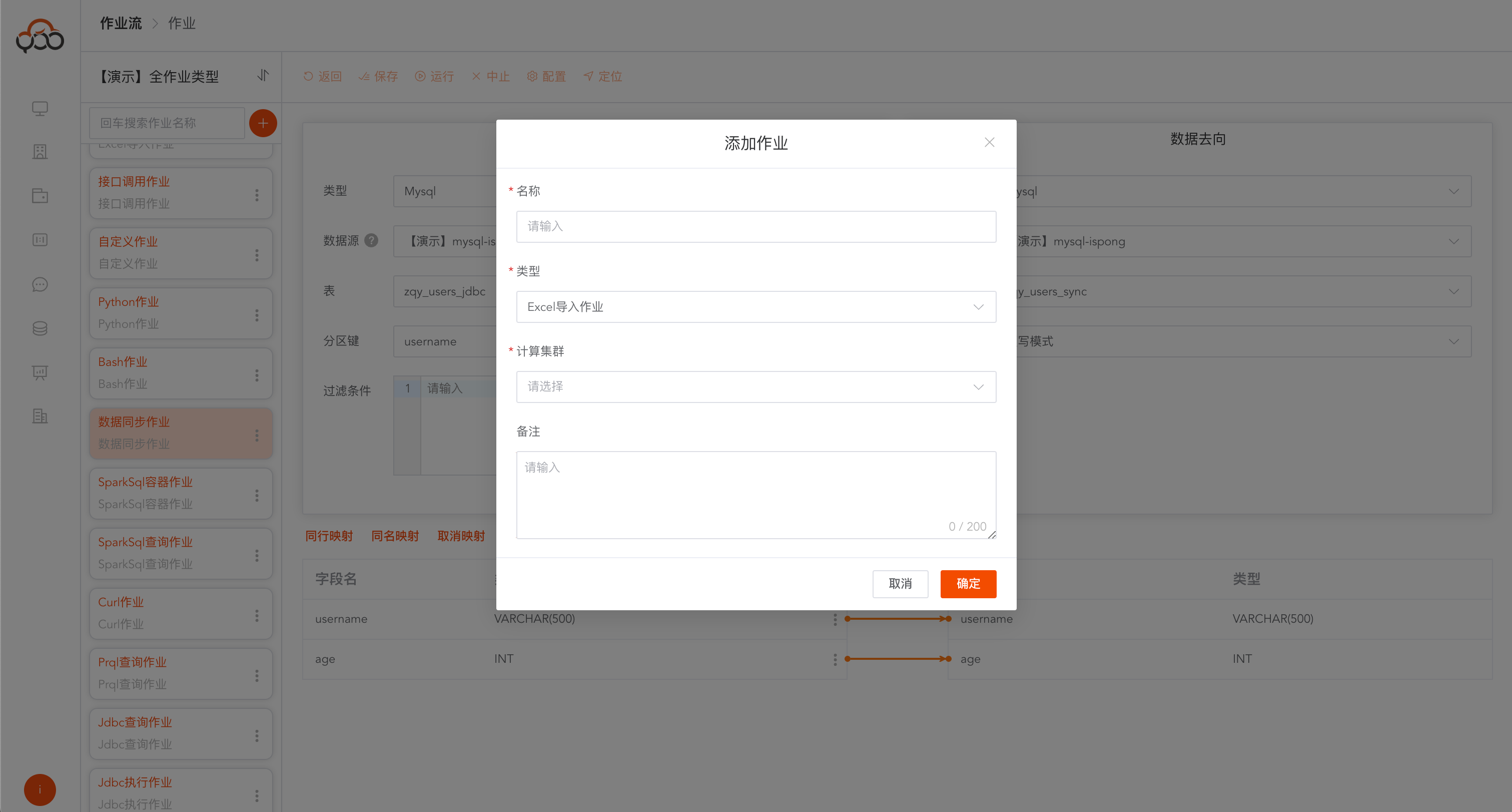
Select Excel import job
- Name: required, the name is unique within the job stream
- Computing Cluster: Required, specify the computing cluster to which the job needs to be submitted for running
- Remarks: Optional
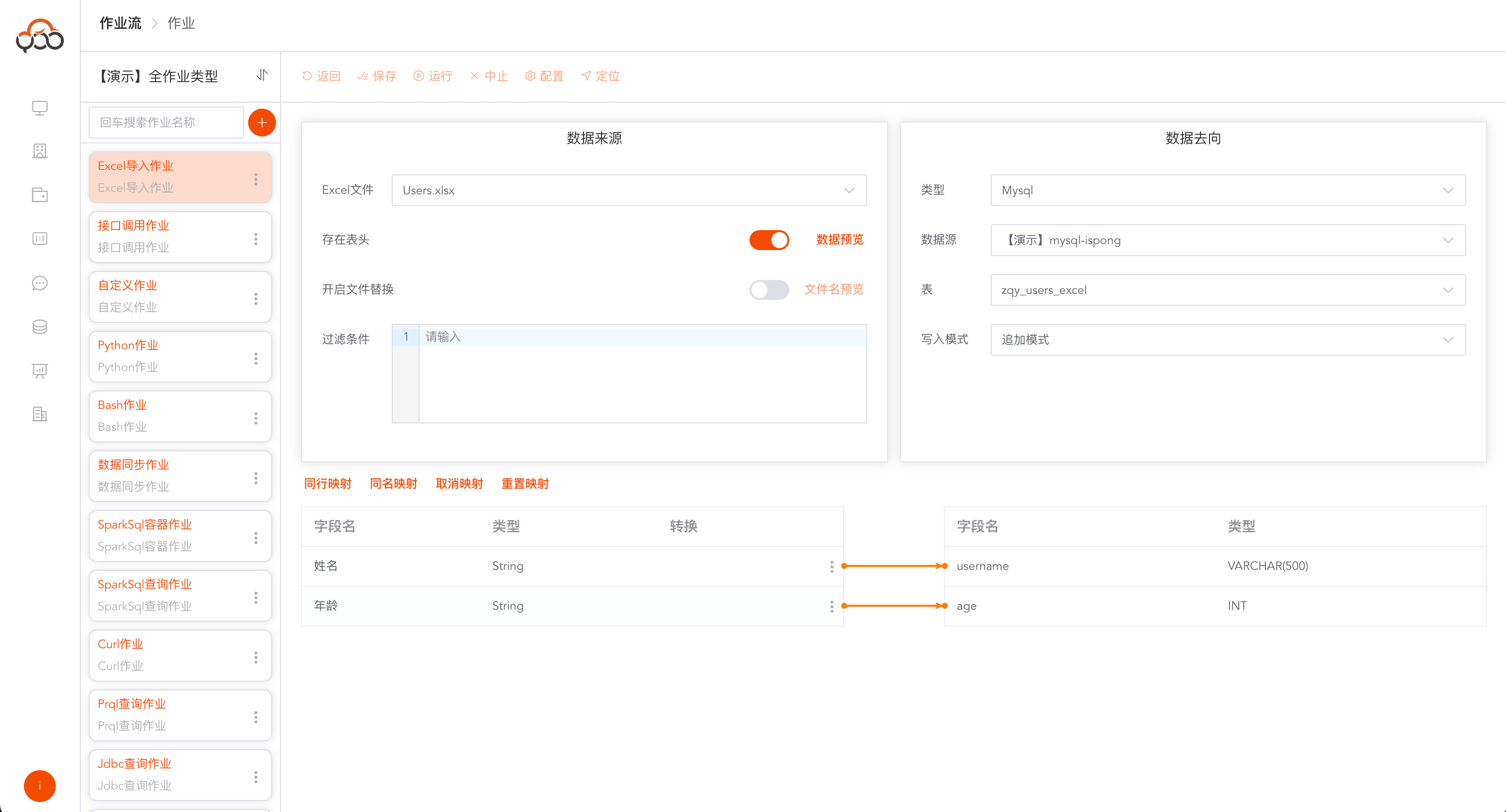
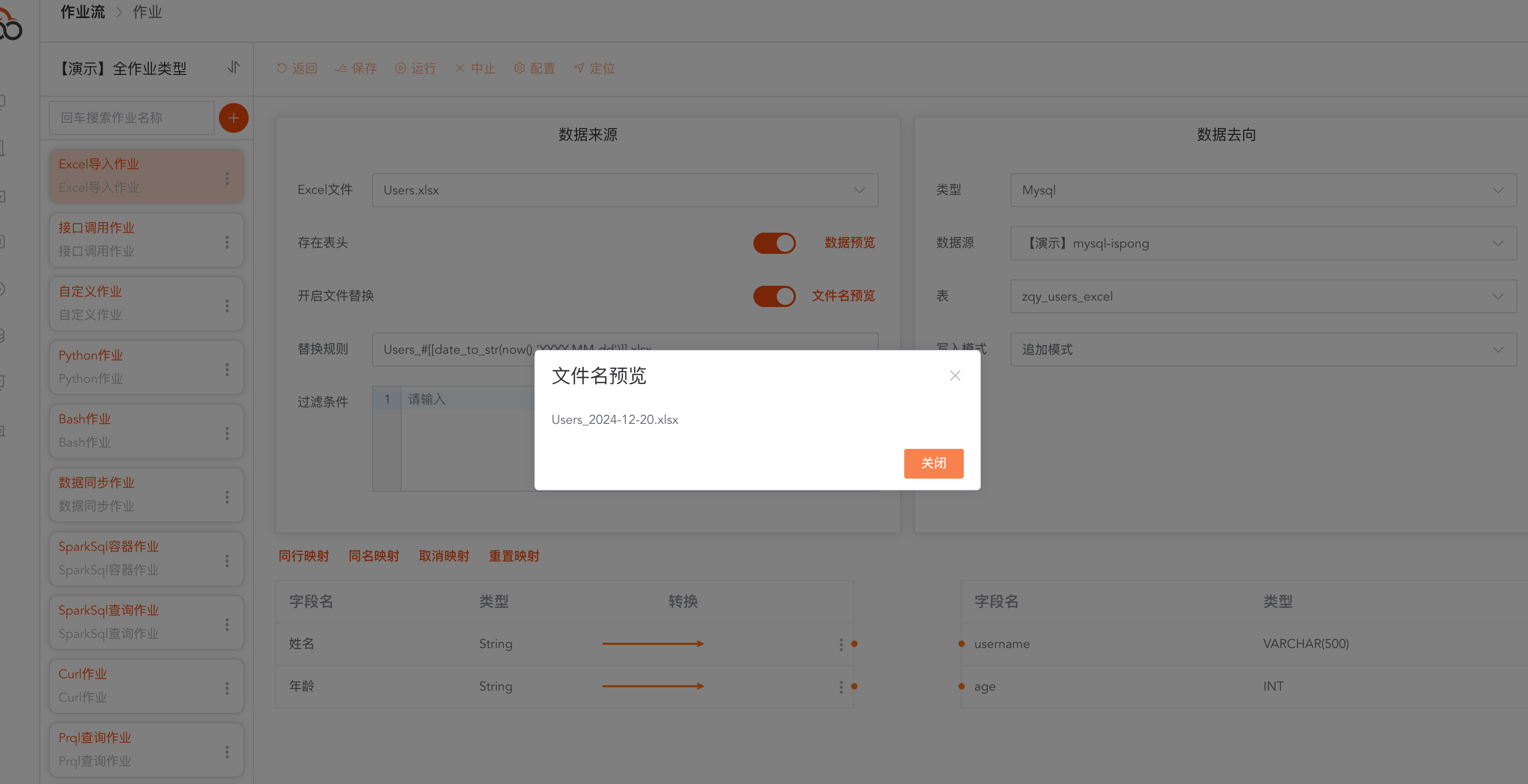
Support file name replacement function When scheduling jobs, there will be more file name rules, and the Excel file specified in the resource center will be imported.
Users_#[[date_to_str(now(),'YYYY-MM-dd')]].xlsx