User Center
This article introduces the usage scenarios, operation processes and key configurations of the user center function to help users complete daily management and business operations.
Create new user
Use the administrator
adminaccount to log in to the backend management Click theAdd Userbutton to create a normal user
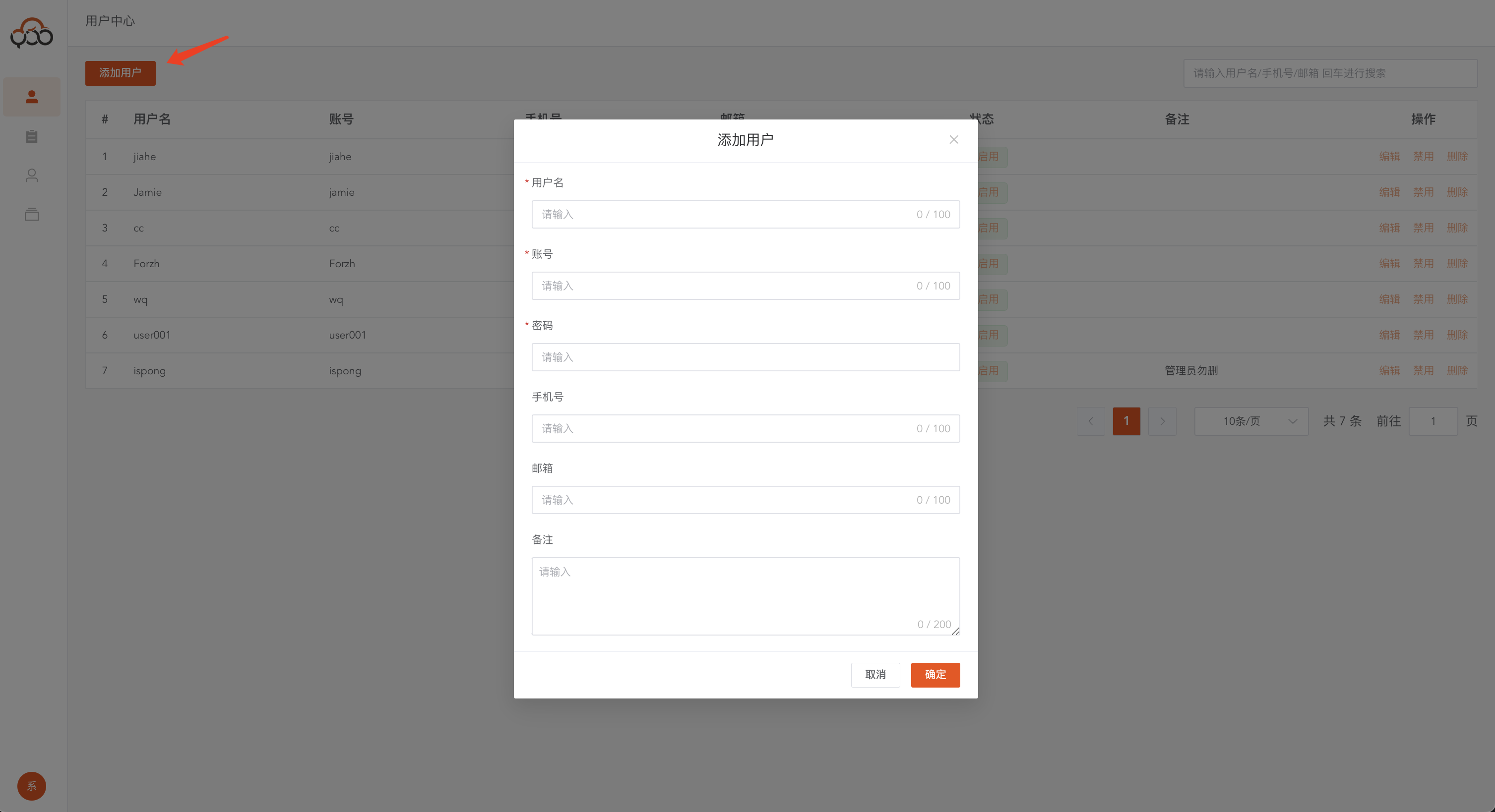
- Username: required, the name displayed in the system
- Account: required, platform login account
- Password: required, account login password
- Mobile phone number: optional, used to send alarm text messages
- Email: Optional, used to send alarm emails
- Remarks: Optional
Query user
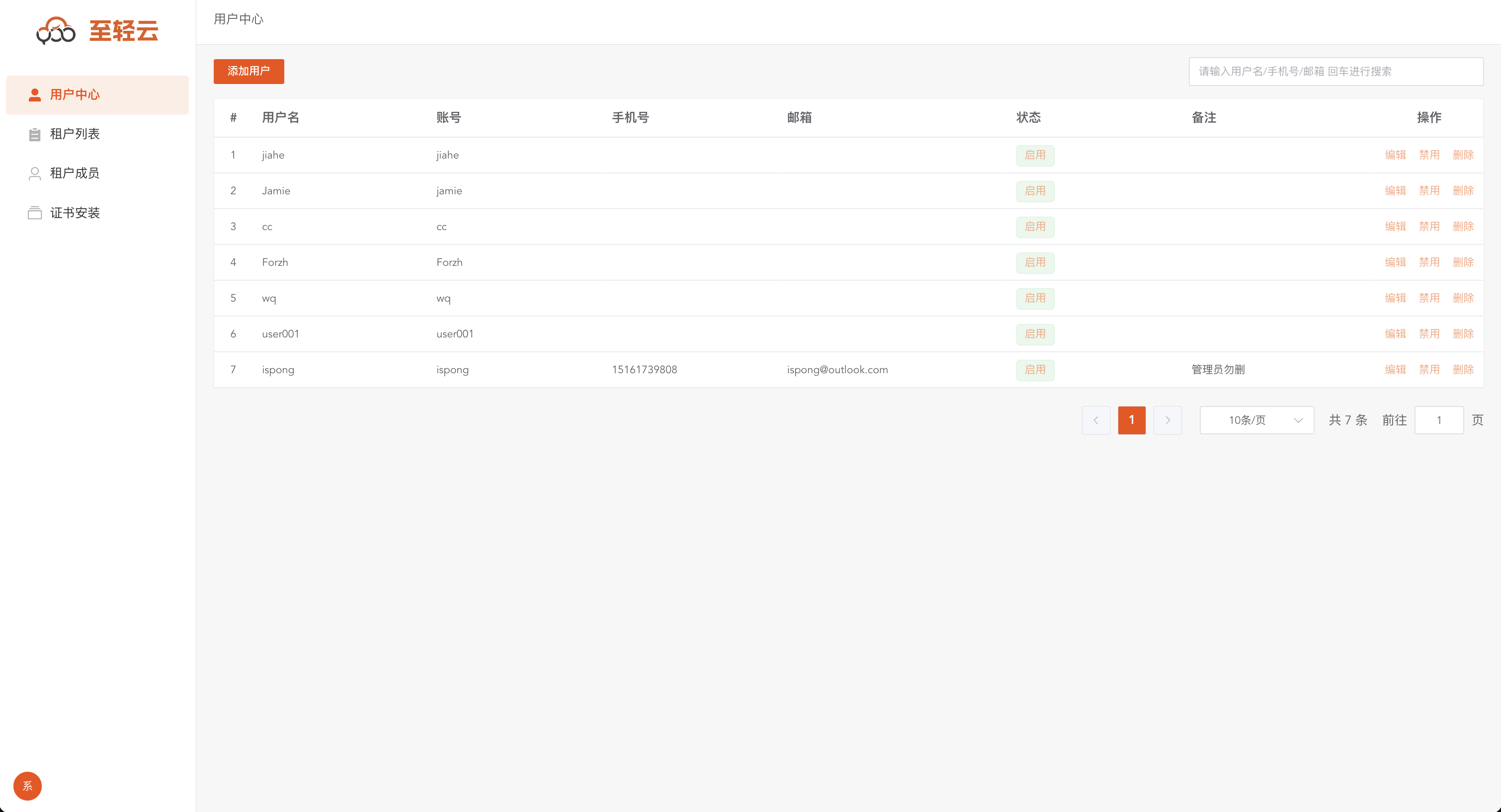
Click the
User Centermenu to query all users in the platform Supports username, mobile phone number, and email search
Disable user
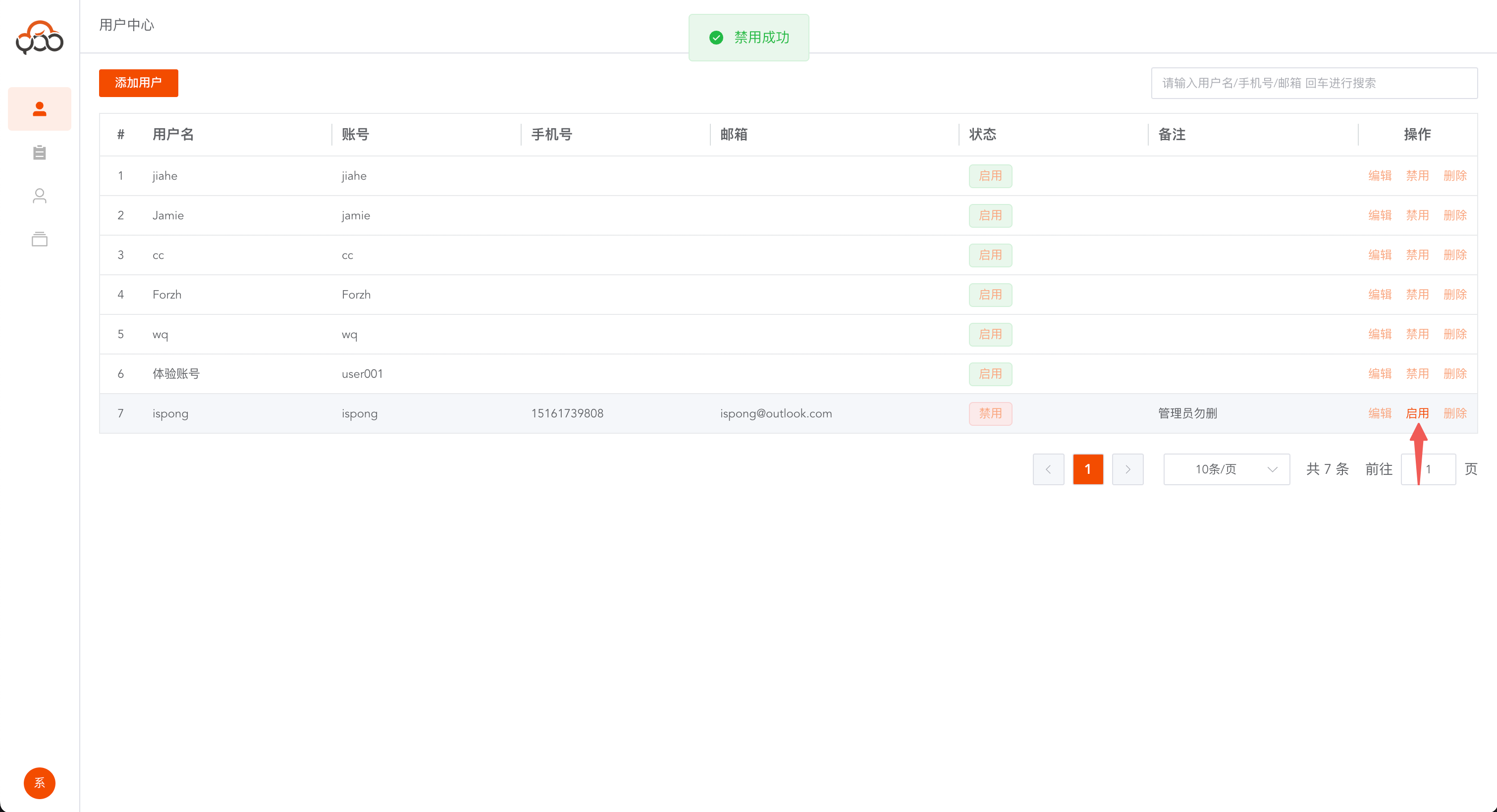
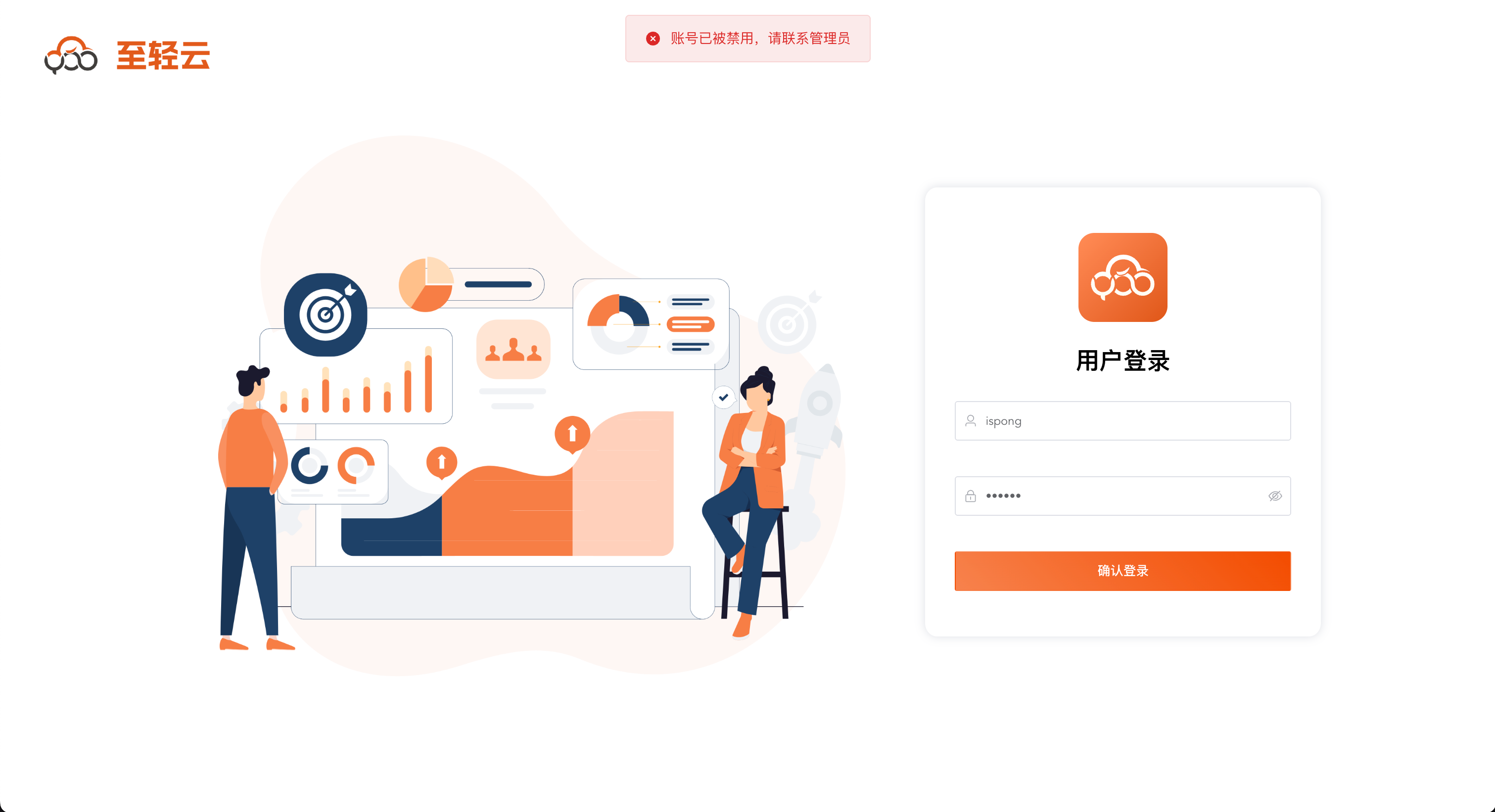
Disabled users cannot log in to the platform