
Front-end independent deployment
This article explains the applicable scenarios, operation steps, and key configurations of front-end independent deployment to help users complete environment deployment and verification.
Zhiqingyun supports separate deployment of front-end and back-end
1. Install NGINX locally
Refer to NGINX official installation manual
2. Modify the NGINX configuration file and start NGINX
vim nginx/conf.d/default.conf
Custom configuration root path:
/user/ispong/share/NGINX/html
server {
    listen       80;
    listen  [::]:80;
    server_name  localhost;

    location / {
        root   /user/ispong/share/nginx/html;
        index  index.html index.htm;
        try_files $uri $uri/ /index.html;
    }

    error_page   500 502 503 504  /50x.html;
    location = /50x.html {
        root   /user/ispong/share/nginx/html;
    }
}
3. Download source code
git clone https://github.com/isxcode/spark-yun.git
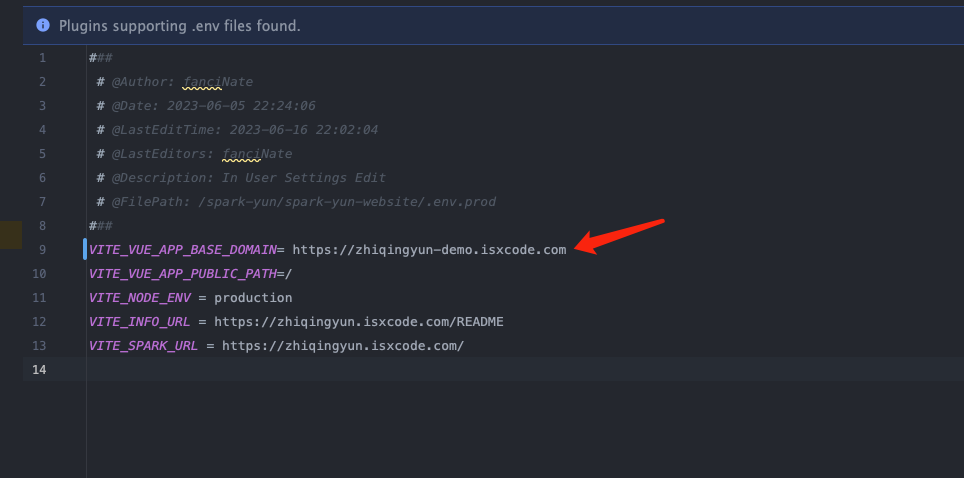
4. Modify the front-end access address
Modify
.envfile
cd spark-yun/frontend
vim spark-yun/frontend/.env
Replace ${backend_url} with the backend access address, such as https://zhiqingyun-saas.isxcode.com
VITE_VUE_APP_BASE_DOMAIN=${backend_url}
5. Local packaging of front-end source code
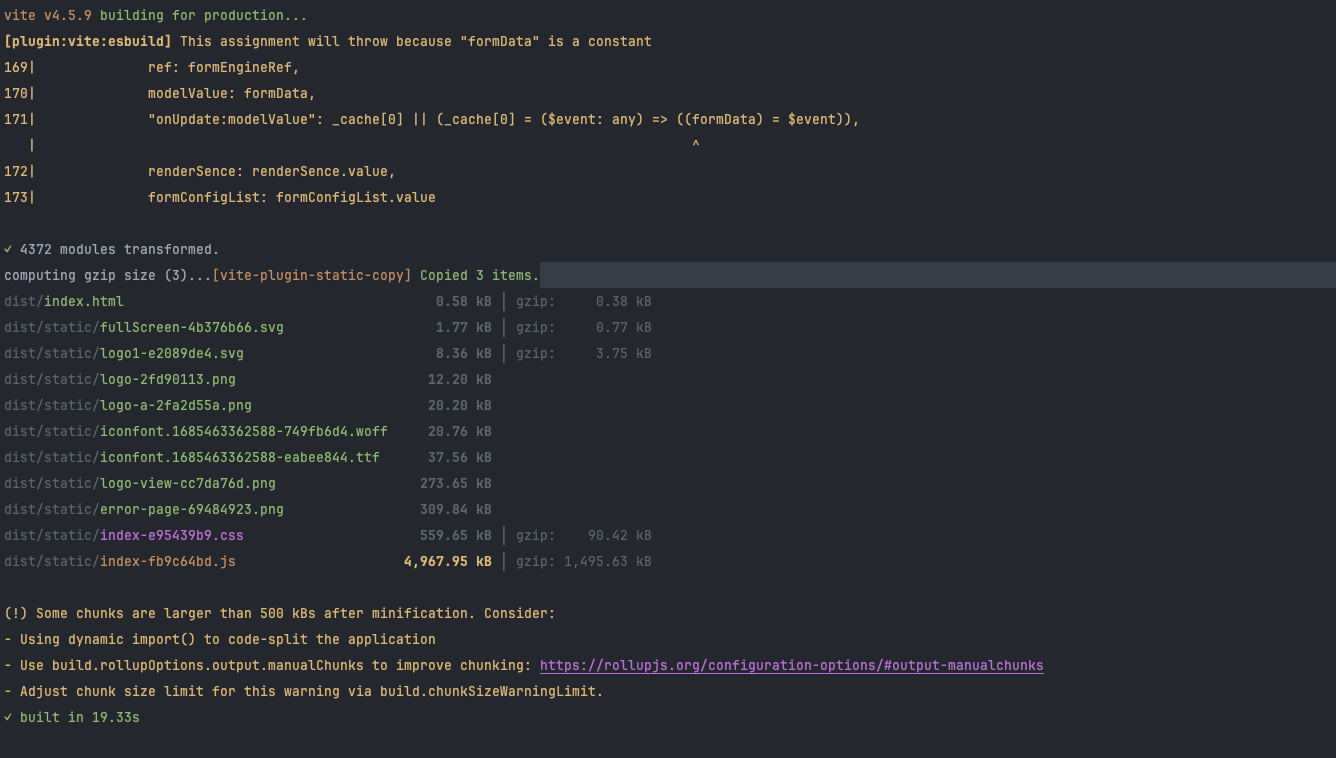
Front-end package output path: spark-yun/frontend/dist
cd spark-yun/frontend
npm install pnpm@9.0.6 -g
pnpm install --force
pnpm run build
6. Upload the dist folder
Upload the files in the dist directory to the html directory of NGINX
cp -rf dist/* /user/ispong/share/nginx/html
7. Refresh NGINX and access the system
nginx -s reload
- Access address: http://localhost:80
- Administrator account:
admin - Administrator password:
admin123