
Mac system source code compilation
This article explains the applicable scenarios, operating steps and key configurations of Mac source code compilation to help users complete environment deployment and verification.
1. Install and start Docker
brew install docker --cask
2. Open the terminal and download the code
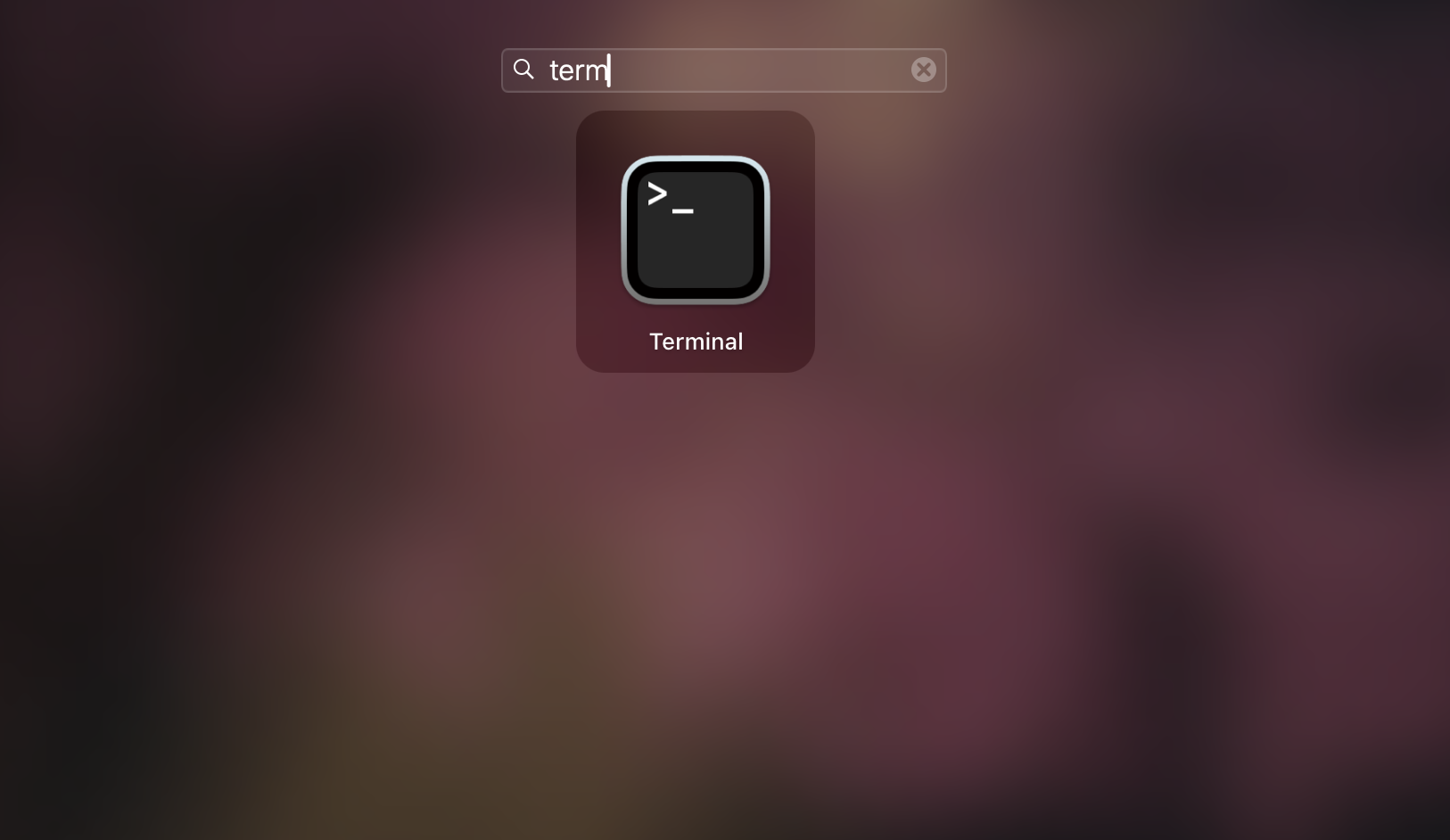
Download source code
cd ~/Downloads
git clone https://github.com/isxcode/spark-yun.git
3. Use images to package source code
Replace ${clone_path} with the project path, for example: /Users/ispong/Downloads/spark-yun M series architecture, using Arm image
zhiqingyun-build:latest-arm
docker run --rm \
  -v ${clone_path}/spark-yun:/spark-yun \
  -it isxcode/zhiqingyun-build \
  gradle package
4. Unzip the installation package and run it
Installation package path: spark-yun/dist/build/distributions/zhiqingyun.tar.gz
cd /Users/ispong/Downloads/spark-yun/dist/build/distributions
tar -vzxf zhiqingyun.tar.gz
cd zhiqingyun/lib
java -jar zhiqingyun.jar
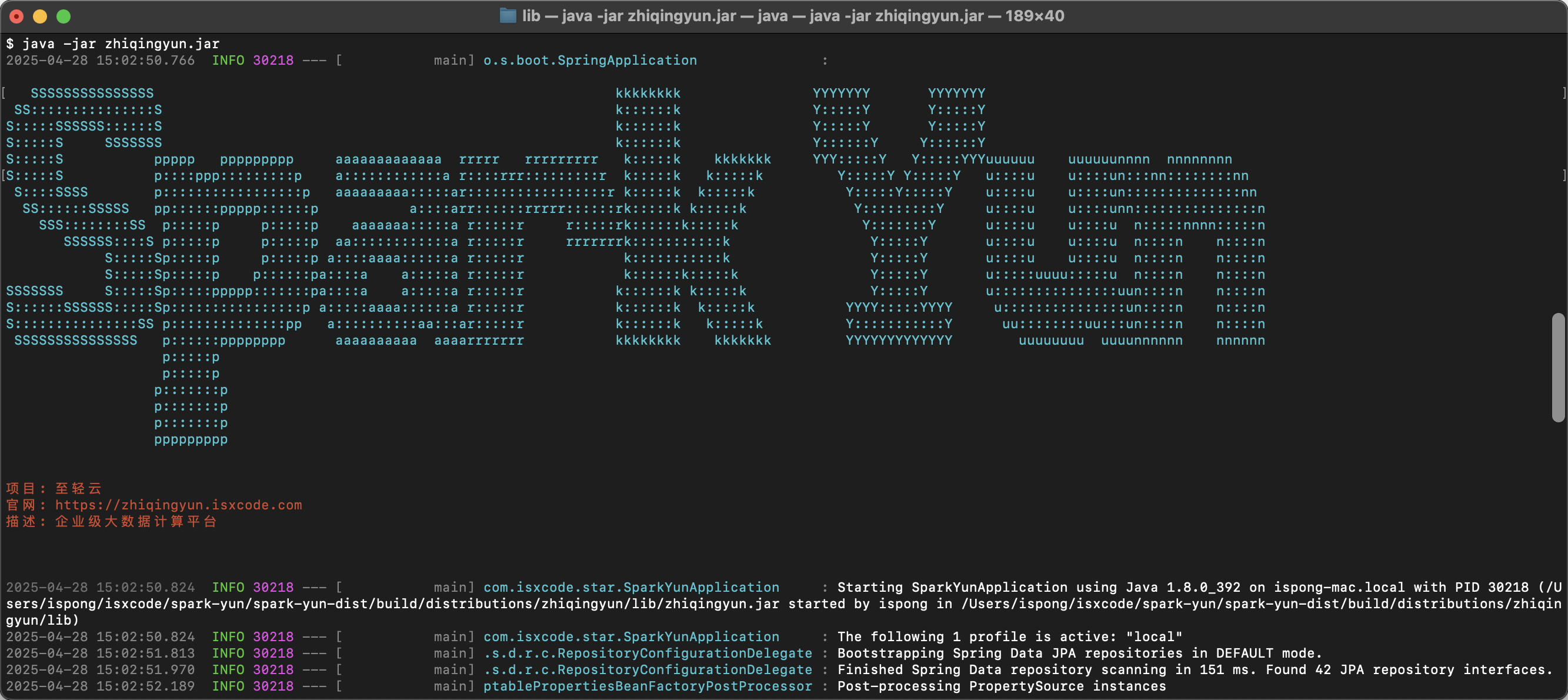
5. Access the system
- Access address: http://localhost:8080
- Administrator account:
admin - Administrator password:
admin123
6. Compilation acceleration
Zhiqingyun is built using gradle and can enable multi-concurrent debugging configuration of gradle.
vim gradle.properties
# 打包进程参数
org.gradle.jvmargs=-Xmx4096m -Xms1024m -XX:MaxMetaspaceSize=512m -XX:+HeapDumpOnOutOfMemoryError -Dfile.encoding=UTF-8

# 改成true,默认关闭并发
org.gradle.parallel=true

# 开启2并发
org.gradle.parallel.threads=2

# 最大可用8个并发
org.gradle.workers.max=8
7. Local complete code compilation
Check the compressed package in the mailbox
- main.zIP
- vip-main.zIP
- resources.zIP
- license.lic
cd ~/Downloads/
unzip main.zip
mv main spark-yun
unzip vip-main.zip
mv vip-main ./spark-yun/vip
unzip resources.zip
mv resources ./spark-yun
cd spark-yun
gradle package
# 启动项目
gradle start