
Windows system source code compilation
This article explains the applicable scenarios, operating steps, and key configurations of Windows source code compilation to help users complete environment deployment and verification.
1. Install Docker
2. Open cmd to download the code
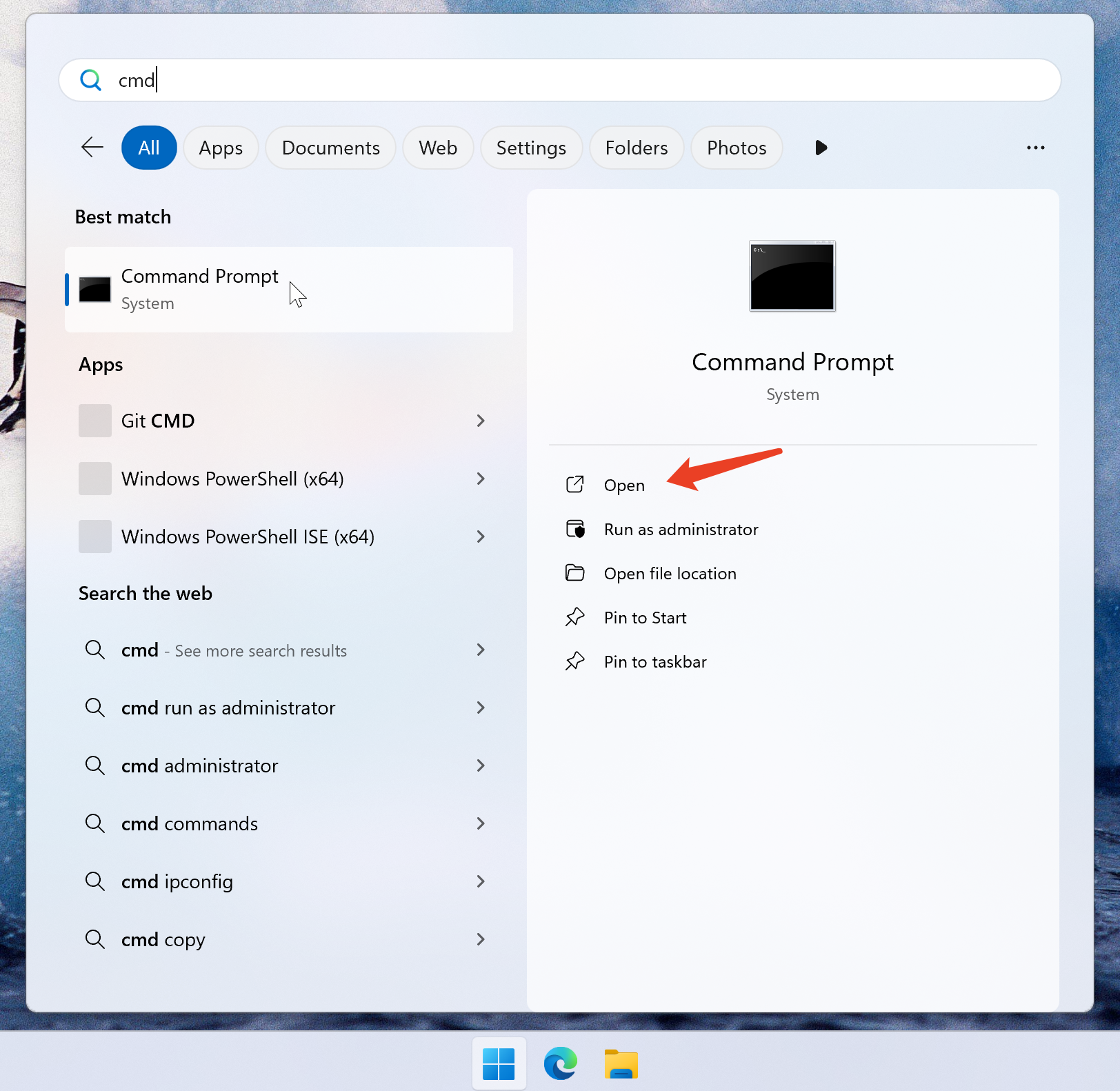
Download source code
cd C:\Users\ispong\Downloads
git clone https://github.com/isxcode/spark-yun.git
3. Use images to package source code
Replace ${clone_path} with the project path, for example: C:\Users\ispong\Downloads\spark-yun
docker run --rm ^
  -v ${clone_path}\spark-yun:/spark-yun ^
  -it isxcode/zhiqingyun-build ^
  gradle package
4. Unzip the installation package and run it
Installation package path: spark-yun\dist\build\distributions\zhiqingyun.tar.gz
cd C:\Users\ispong\Downloads\spark-yun\dist\build\distributions
tar -vzxf zhiqingyun.tar.gz
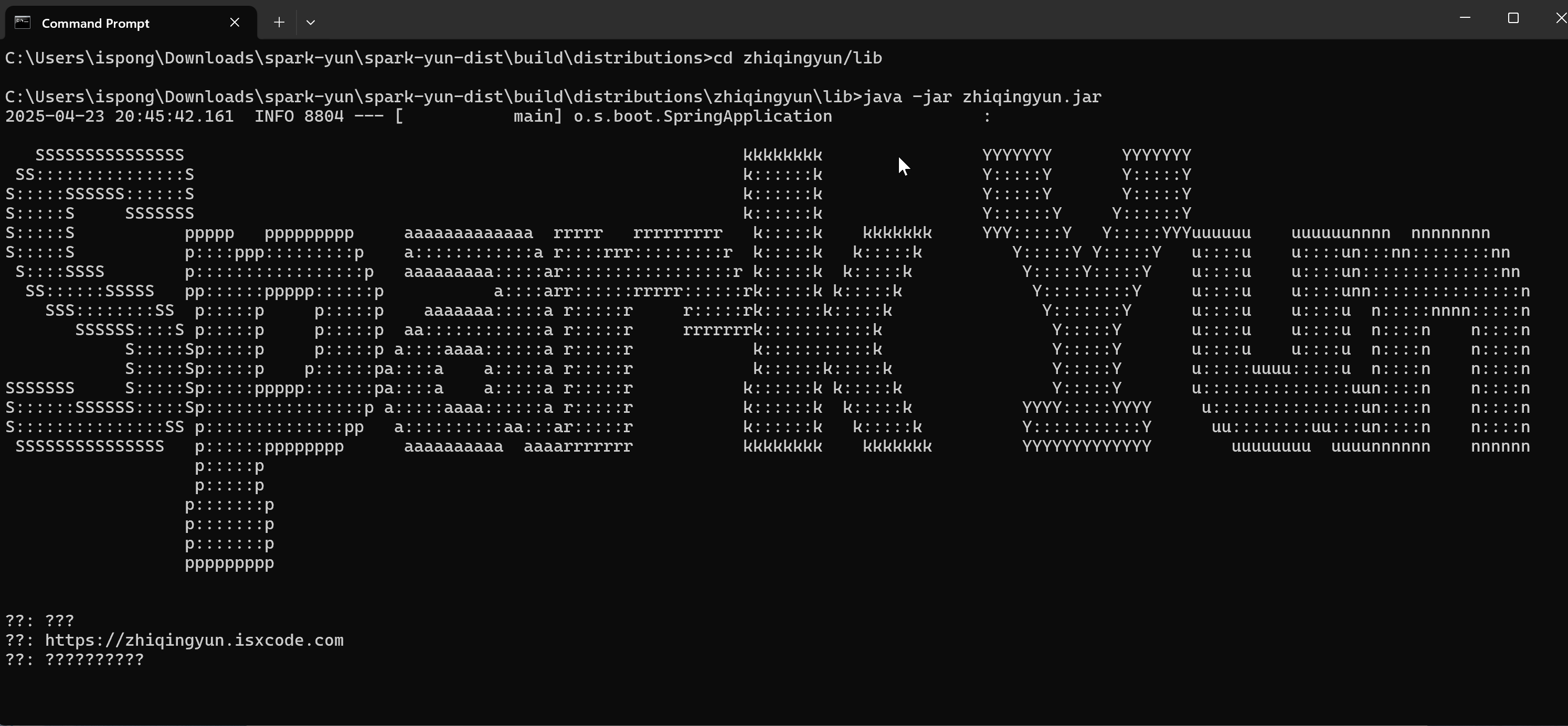
cd zhiqingyun/lib
java -jar zhiqingyun.jar
5. Access the system
- Access address: http://localhost:8080
- Administrator account:
admin - Administrator password:
admin123